
Hush
Blur your messy desktop to hide it during screen sharing
About Hush
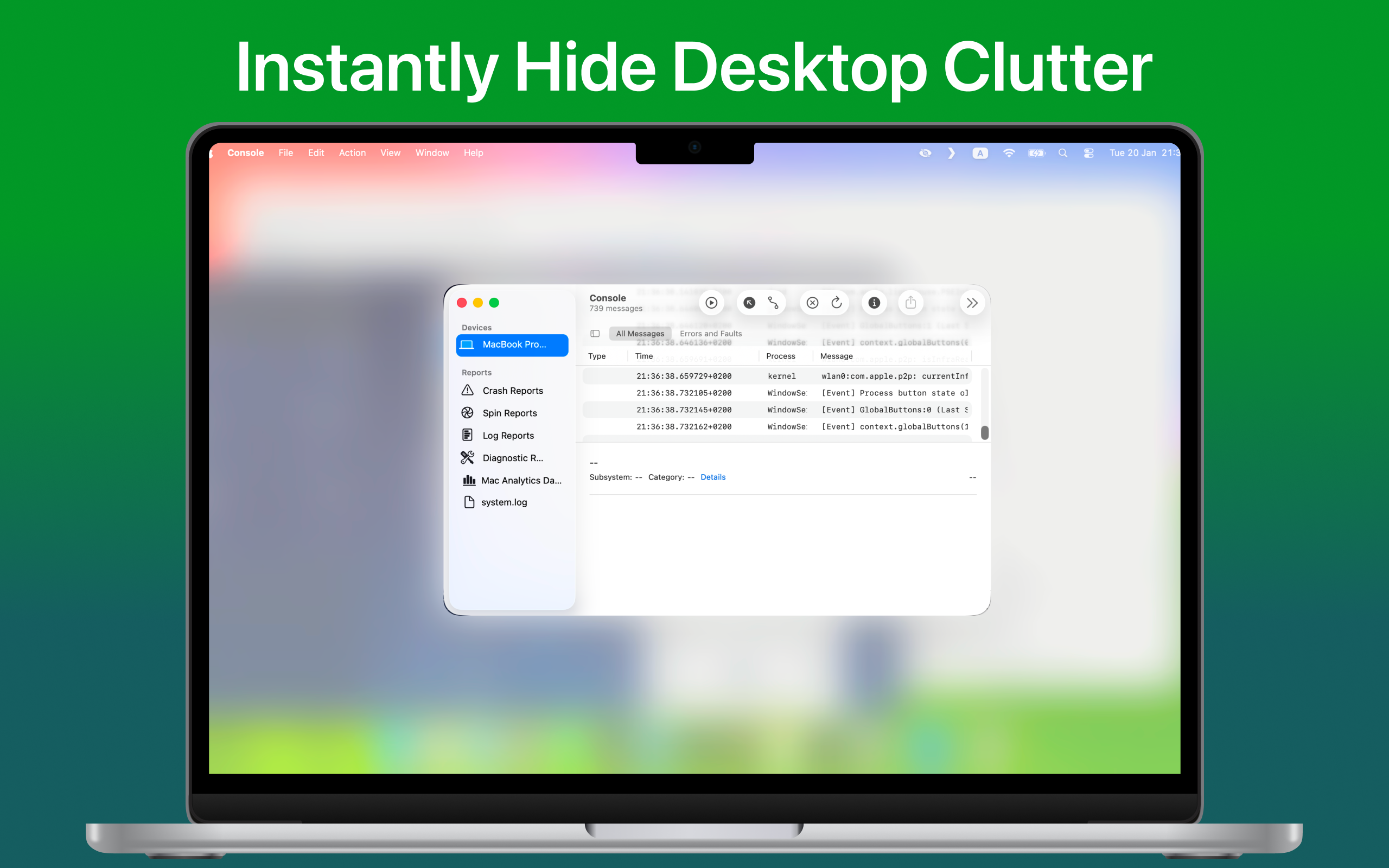
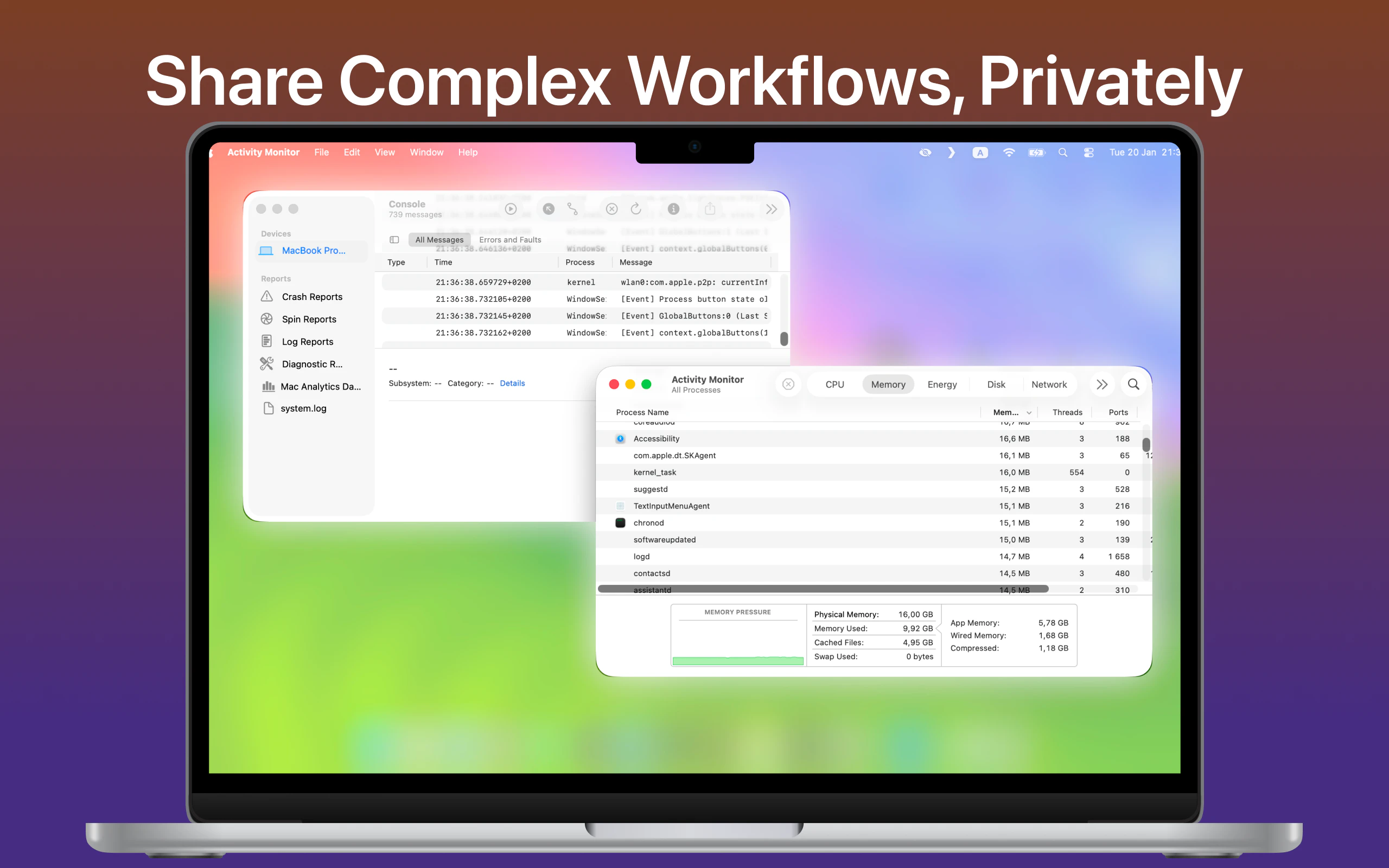
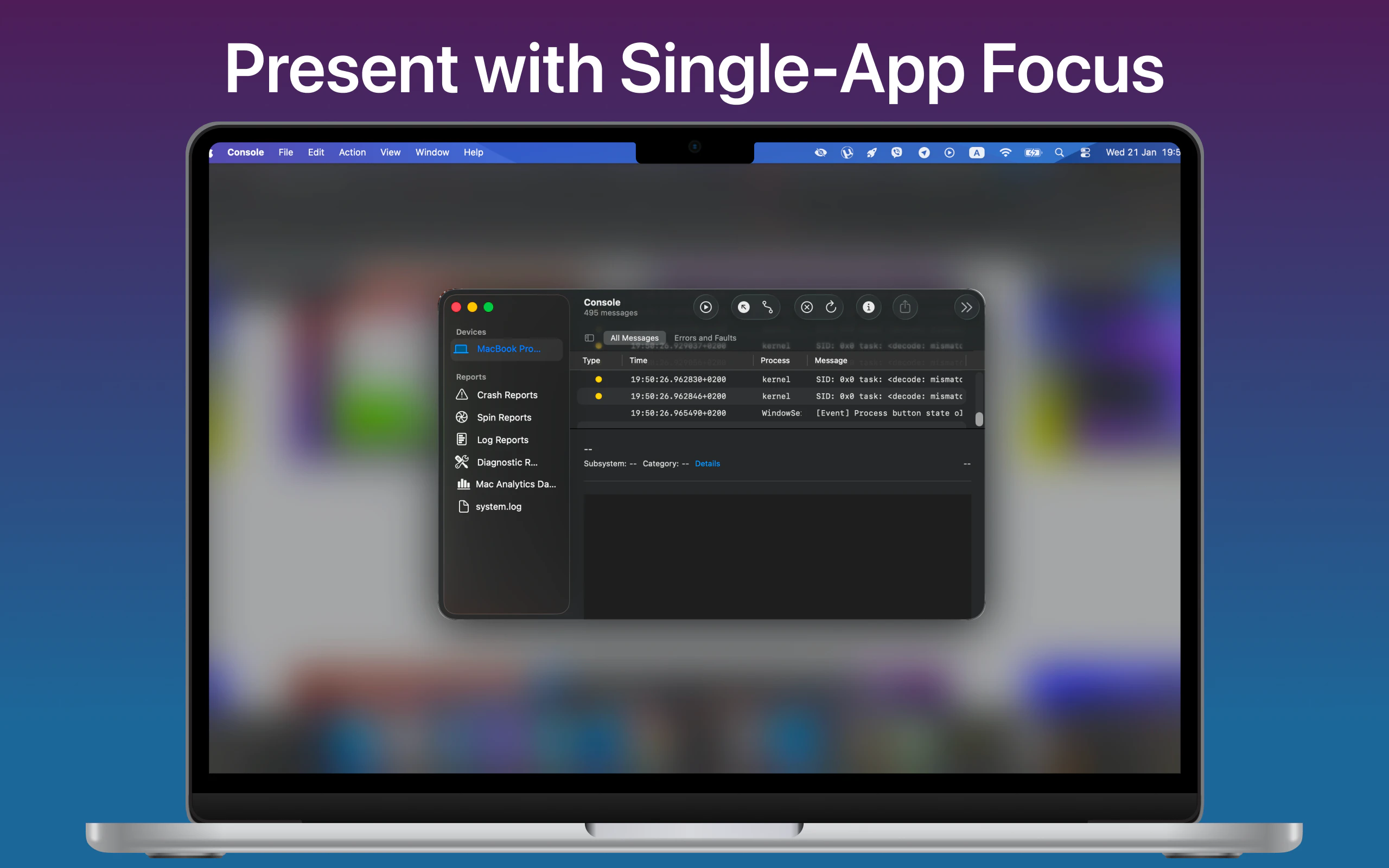
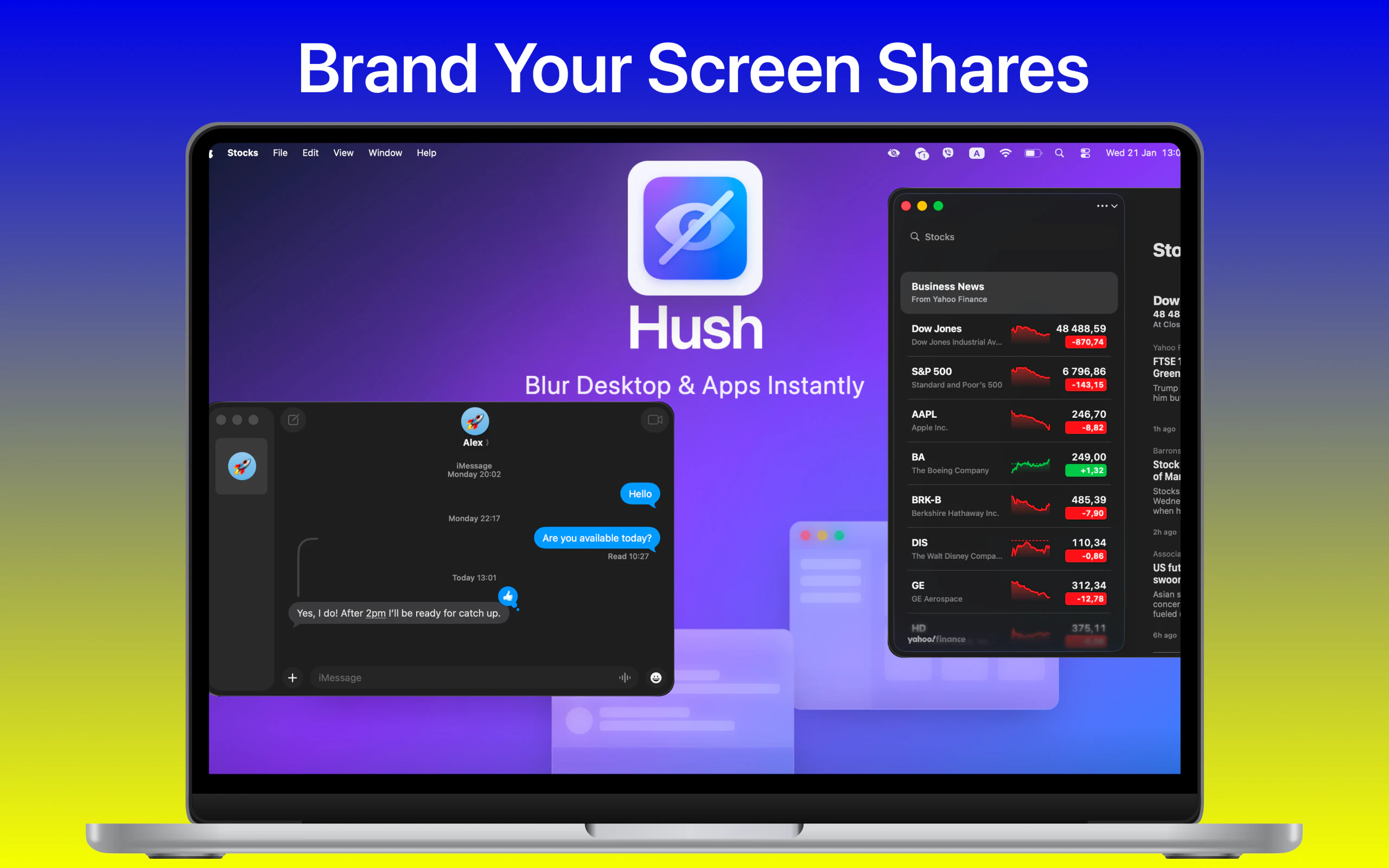
Hush is a sleek Mac menu bar application designed to enhance privacy during screen sharing and presentations. With a simple hotkey, users can instantly obscure their desktop clutter, hiding icons, dock, wallpaper, and widgets behind a customizable blur overlay. Its dual modes—Desktop Mode and Focus Mode—offer flexibility: Desktop Mode blurs the entire background for complete concealment, while Focus Mode allows users to specify which apps remain visible, keeping sensitive information hidden. This tool is ideal for remote workers, educators, and professionals who frequently share their screens and want a quick, unobtrusive way to maintain privacy and reduce visual distractions. What sets Hush apart is its ease of use, minimal footprint, and instant toggle capability, making it a practical addition to any productivity setup.
Screenshots
Pros
- ✓Simple, one-hotkey operation for quick privacy control
- ✓Two versatile modes to suit different sharing scenarios
- ✓Lightweight and non-intrusive with minimal system impact
- ✓Maintains app windows on top while hiding clutter
- ✓Ideal for remote work, presentations, and screen sharing
Cons
- ✗Limited to Mac OS, reducing cross-platform compatibility
- ✗Does not offer advanced customization options beyond blurring
- ✗Potential learning curve for new users unfamiliar with hotkeys
Use Cases
Pricing
Likely offered as a paid app with a one-time purchase or subscription model, given its specialized functionality and distribution through platforms like Product Hunt. Exact pricing details are not specified, but such tools typically range from $5 to $20 with potential free trials or demo versions.
Quick Info
Topics
Alternatives
Similar Tools in Developer Tools




Embed Badge
Add this badge to your website to show that Hush is featured on Visalytica.
<a href="https://www.visalytica.com/tool/hush" target="_blank" rel="noopener noreferrer" style="display:inline-flex;align-items:center;gap:6px;padding:6px 14px;background:#7c3aed;color:#fff;border-radius:8px;font-family:-apple-system,system-ui,sans-serif;font-size:13px;font-weight:600;text-decoration:none;transition:background .2s" onmouseover="this.style.background='#6d28d9'" onmouseout="this.style.background='#7c3aed'"><svg width="14" height="14" viewBox="0 0 24 24" fill="none" stroke="currentColor" stroke-width="2.5" stroke-linecap="round" stroke-linejoin="round"><path d="M12 20V10"/><path d="M18 20V4"/><path d="M6 20v-4"/></svg>Featured on Visalytica</a>