
Hotspot Meter
A private data-usage meter for your Mac menu bar
About Hotspot Meter
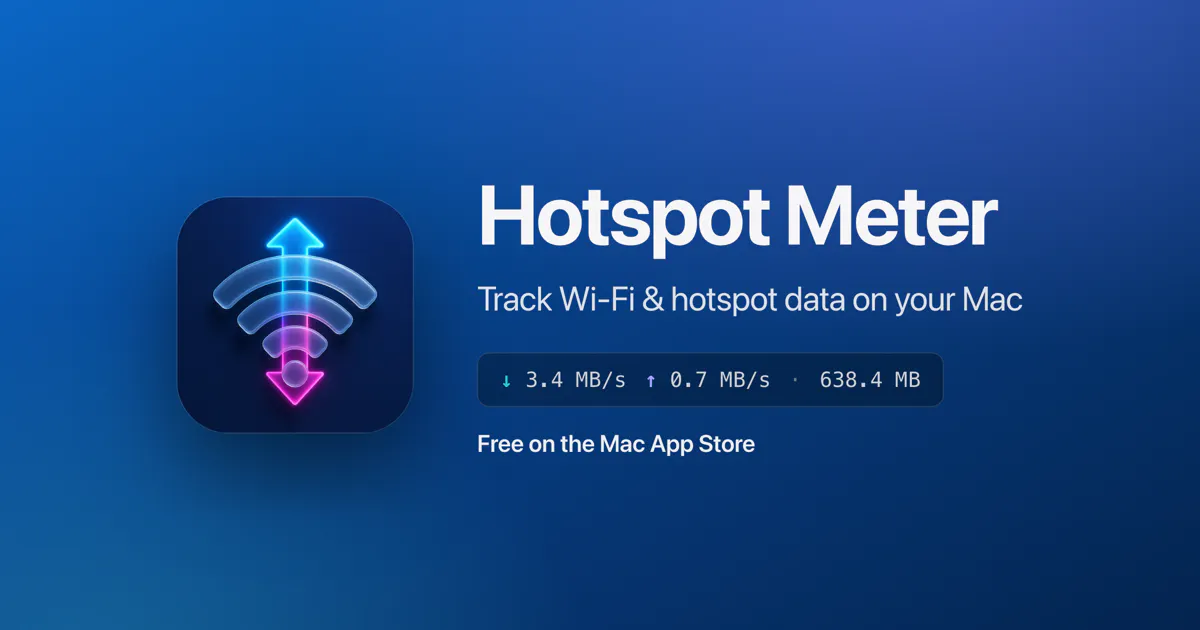
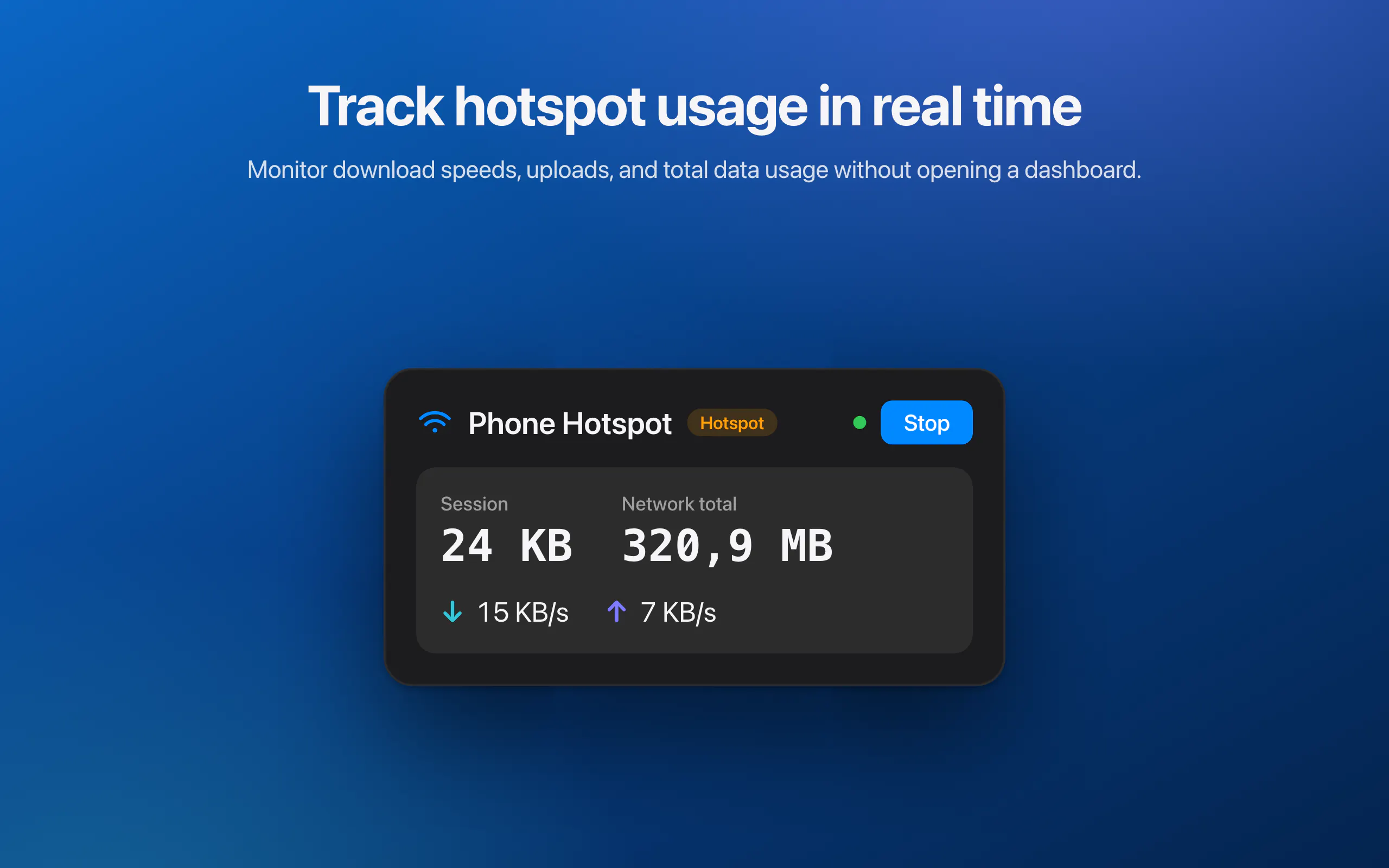
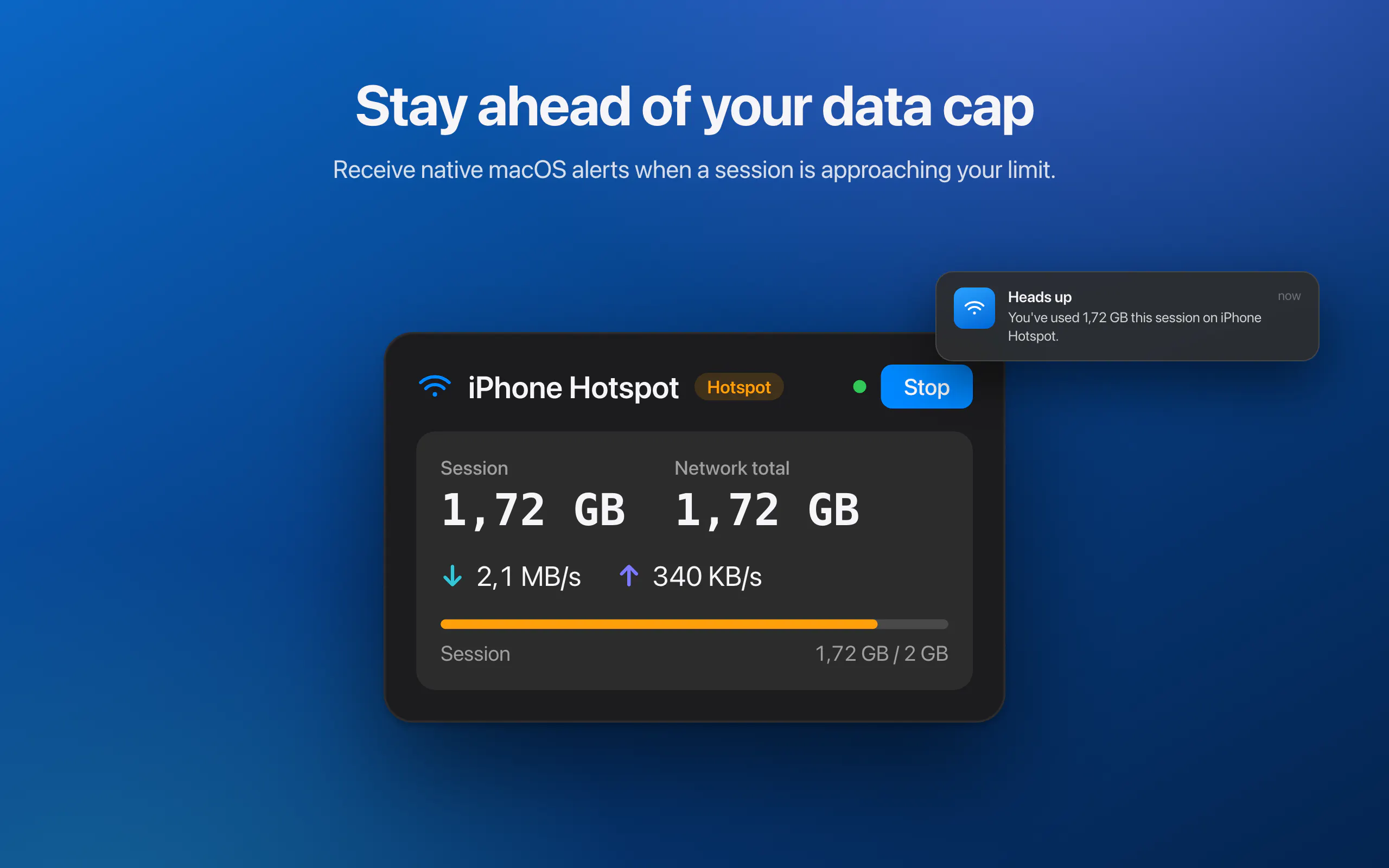
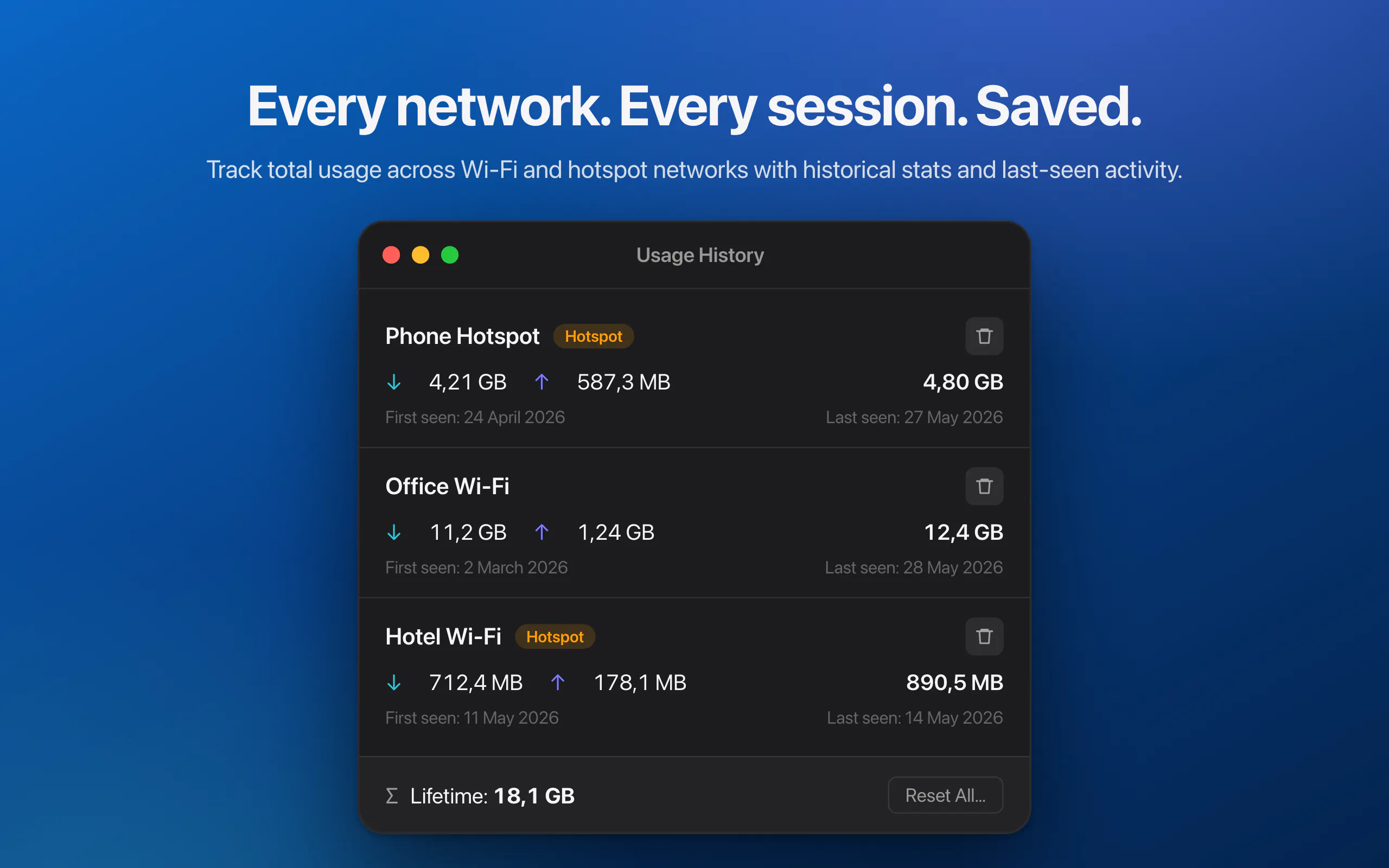
Hotspot Meter is a sleek and lightweight macOS menu bar application designed for users who want precise control and visibility over their data usage. It provides real-time insights into how much data each Wi-Fi network and phone hotspot consumes, making it an invaluable tool for those on limited data plans or who want to monitor their connectivity habits. The app features live download and upload speeds, session and network-specific totals, and detailed usage history, all accessible directly from the menu bar for quick reference. What sets Hotspot Meter apart is its commitment to privacy: everything runs locally on the user's Mac with no data collection, analytics, or account requirements, ensuring user privacy and security. Perfect for professionals, students, or travelers, this tool helps users avoid overage charges and manage their data more effectively, all in a simple and unobtrusive way.
Screenshots
Pros
- ✓Real-time data and speed monitoring directly from the menu bar
- ✓No personal data collection or cloud dependencies, ensuring privacy
- ✓Detailed history and session tracking for comprehensive insights
- ✓User-friendly interface with easy access and alerts
Cons
- ✗Limited to macOS, not available on other platforms
- ✗Basic feature set without advanced analytics or customization
- ✗Lacks integration with other network management tools
Use Cases
Pricing
Likely free, as it is described as a free app with no mention of premium plans or subscriptions.
Quick Info
Topics
Makers

Michal Ferák
Alternatives
Similar Tools in Data & Analytics




Embed Badge
Add this badge to your website to show that Hotspot Meter is featured on Visalytica.
<a href="https://www.visalytica.com/tool/hotspot-meter" target="_blank" rel="noopener noreferrer" style="display:inline-flex;align-items:center;gap:6px;padding:6px 14px;background:#7c3aed;color:#fff;border-radius:8px;font-family:-apple-system,system-ui,sans-serif;font-size:13px;font-weight:600;text-decoration:none;transition:background .2s" onmouseover="this.style.background='#6d28d9'" onmouseout="this.style.background='#7c3aed'"><svg width="14" height="14" viewBox="0 0 24 24" fill="none" stroke="currentColor" stroke-width="2.5" stroke-linecap="round" stroke-linejoin="round"><path d="M12 20V10"/><path d="M18 20V4"/><path d="M6 20v-4"/></svg>Featured on Visalytica</a>