
Hintly for Google Meet™
Real-time hints for every term you miss on Google Meet
About Hintly for Google Meet™
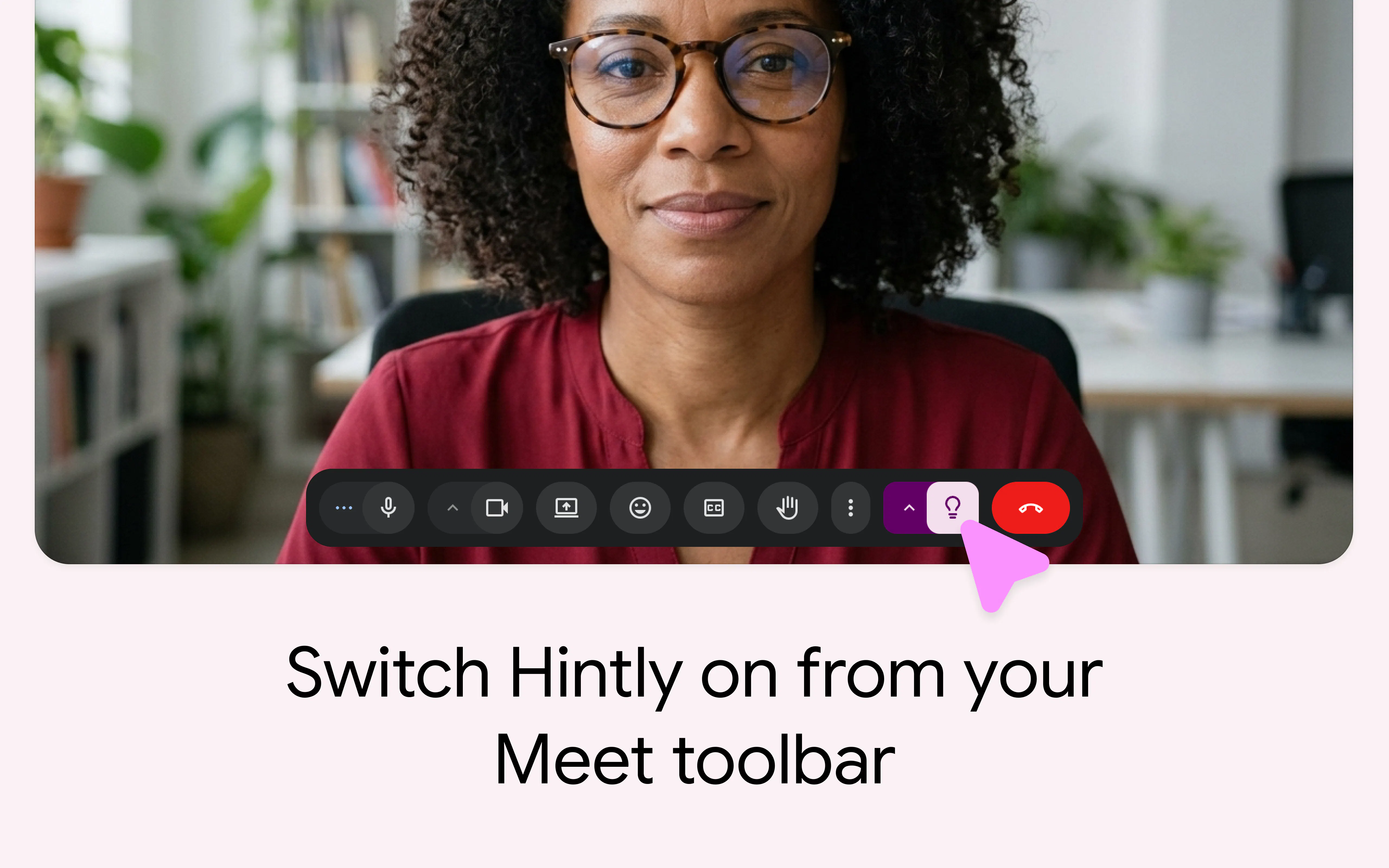
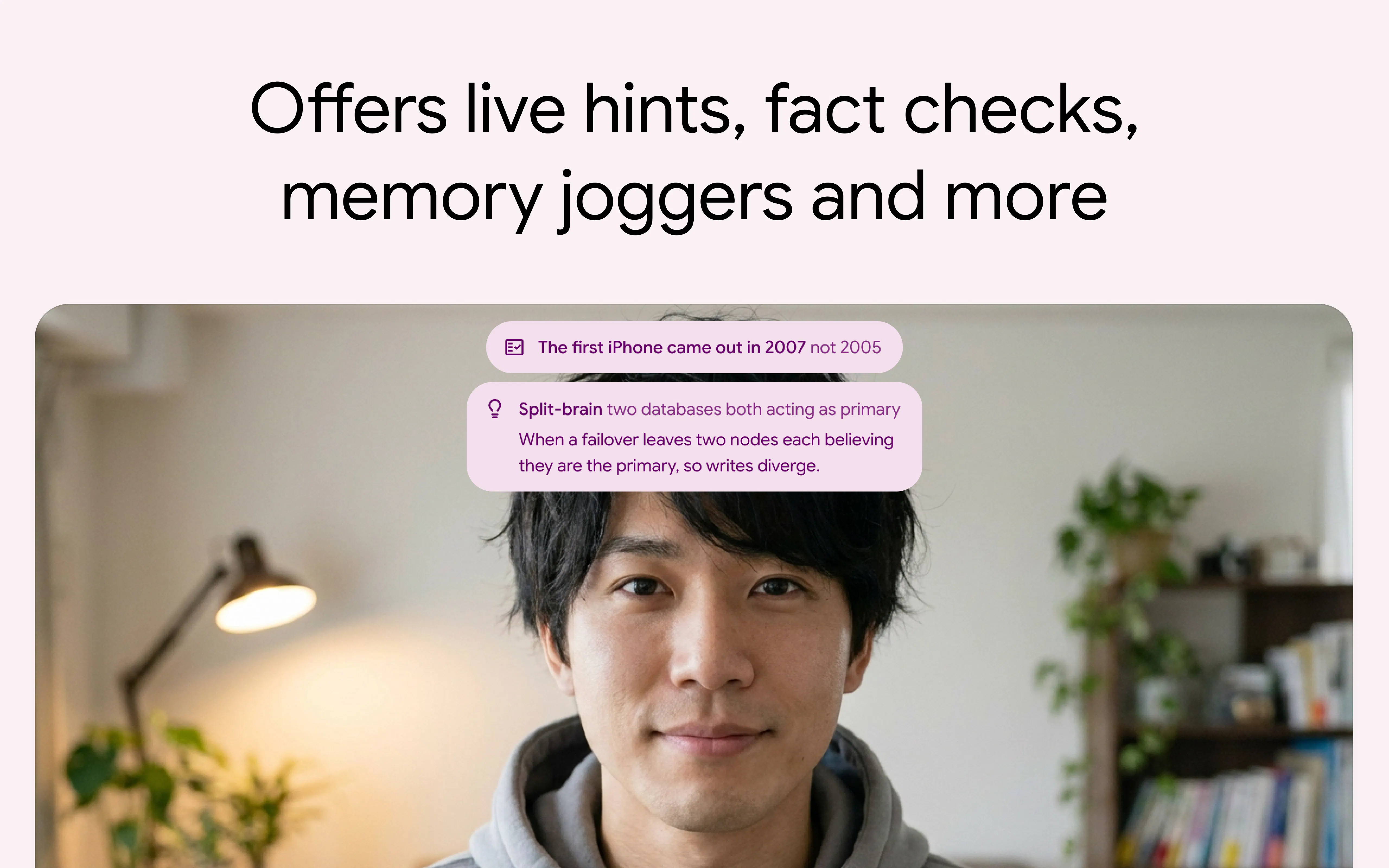
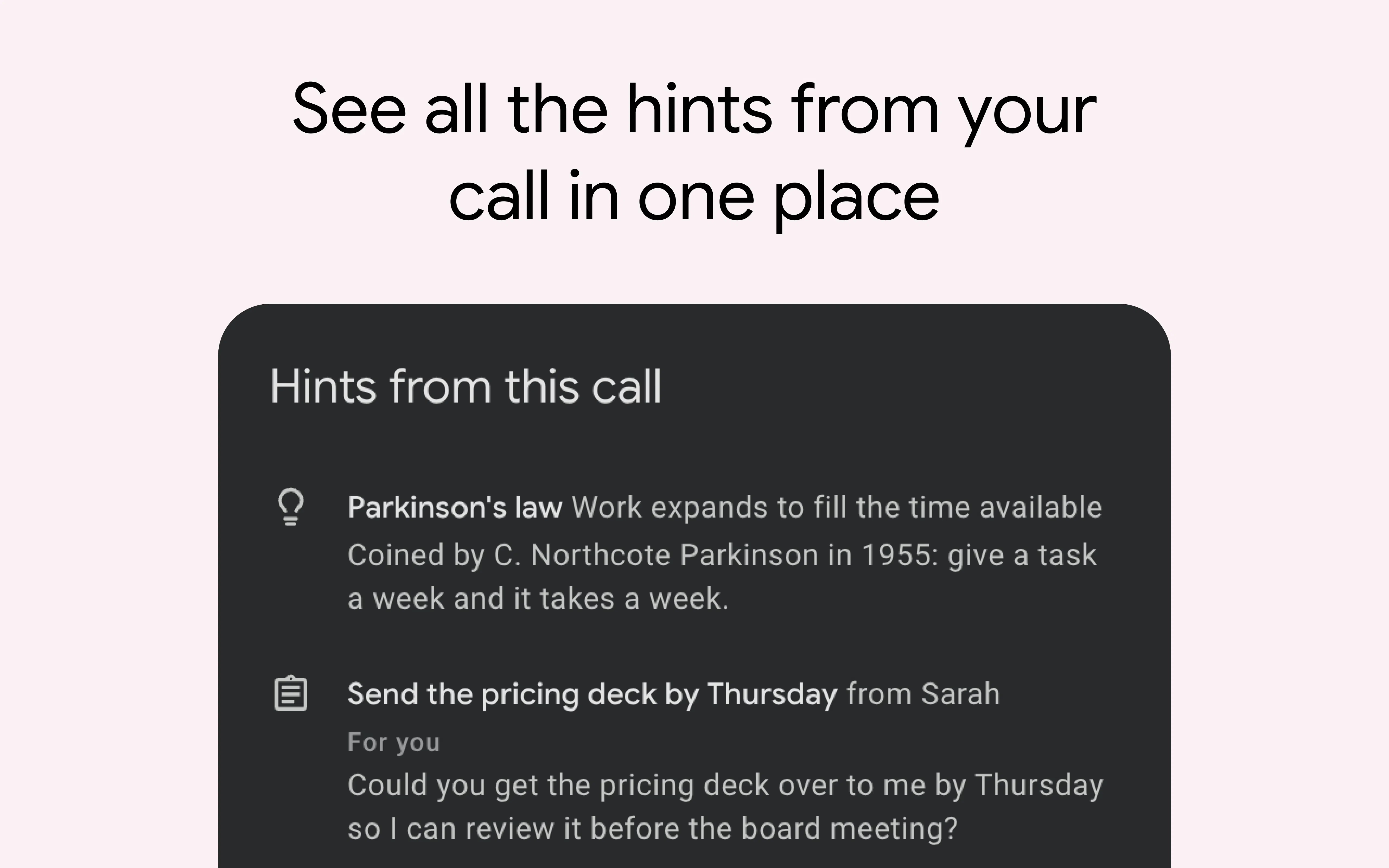
Hintly for Google Meet™ is an innovative Chrome extension designed to enhance the clarity and understanding of virtual meetings. It provides real-time, contextual hints by explaining terms, names, and concepts mentioned during Google Meet calls. This tool is particularly valuable for professionals, students, and teams who frequently encounter unfamiliar jargon or references, ensuring everyone stays on the same page without interrupting the flow of conversation. What sets Hintly apart is its ability to deliver timely explanations shortly after a term is mentioned, reducing confusion and boosting engagement during meetings. By seamlessly integrating into Google Meet, it helps users grasp complex topics more effectively, making meetings more productive and inclusive.
Screenshots

Pros
- ✓Provides real-time, contextual explanations to enhance understanding
- ✓Seamlessly integrates with Google Meet via a Chrome extension
- ✓Helps reduce misunderstandings and improves meeting productivity
- ✓User-friendly with minimal disruption to the meeting flow
- ✓Ideal for diverse teams, students, and professionals dealing with specialized terminology
Cons
- ✗Limited information on pricing and subscription plans
- ✗Depends on Google Meet, so not usable outside this platform
- ✗Potentially less effective if the extension does not recognize certain terms
Use Cases
Pricing
Pricing not verified
Quick Info
Topics
Makers

Myster Violets
Alternatives
Similar Tools in Productivity




Embed Badge
Add this badge to your website to show that Hintly for Google Meet™ is featured on Visalytica.
<a href="https://www.visalytica.com/tool/hintly-for-google-meet" target="_blank" rel="noopener noreferrer" style="display:inline-flex;align-items:center;gap:6px;padding:6px 14px;background:#7c3aed;color:#fff;border-radius:8px;font-family:-apple-system,system-ui,sans-serif;font-size:13px;font-weight:600;text-decoration:none;transition:background .2s" onmouseover="this.style.background='#6d28d9'" onmouseout="this.style.background='#7c3aed'"><svg width="14" height="14" viewBox="0 0 24 24" fill="none" stroke="currentColor" stroke-width="2.5" stroke-linecap="round" stroke-linejoin="round"><path d="M12 20V10"/><path d="M18 20V4"/><path d="M6 20v-4"/></svg>Featured on Visalytica</a>