Highlight Studio
Record, edit, and brand screen recordings Metal powered
About Highlight Studio
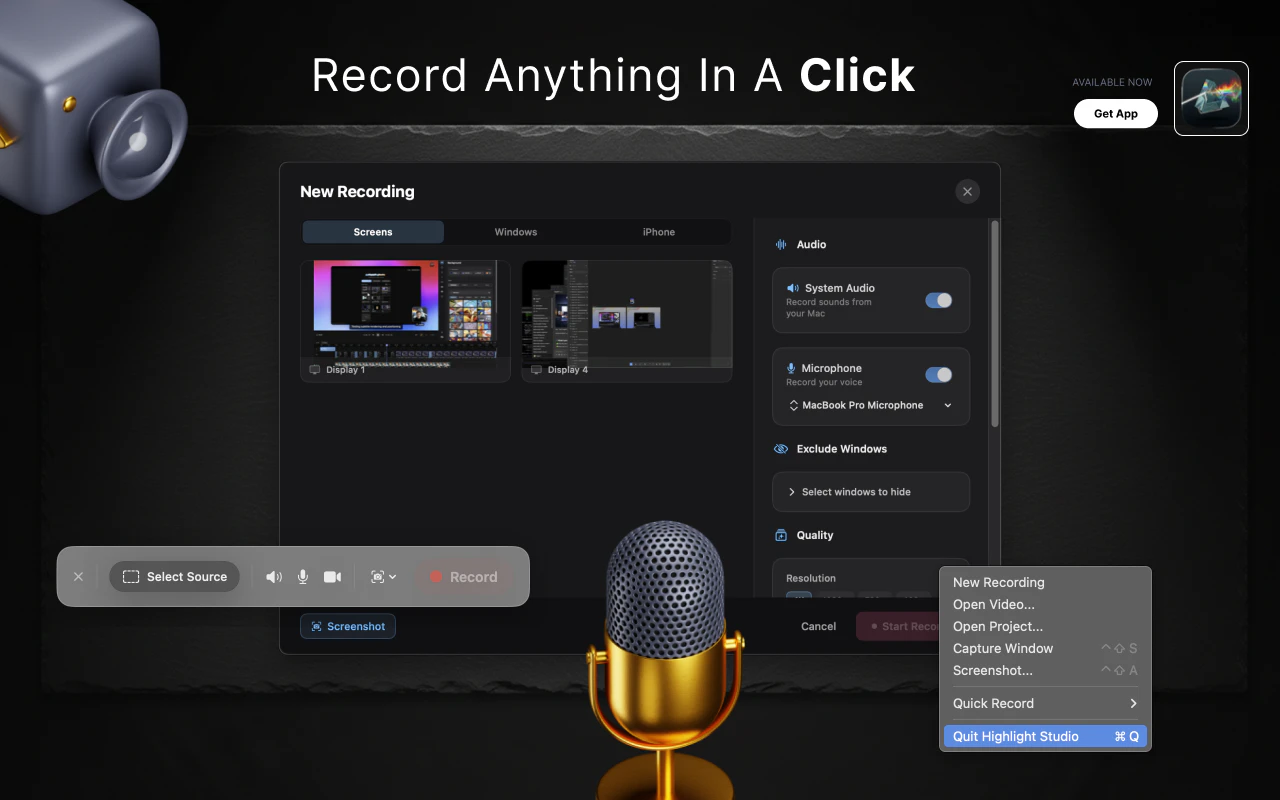
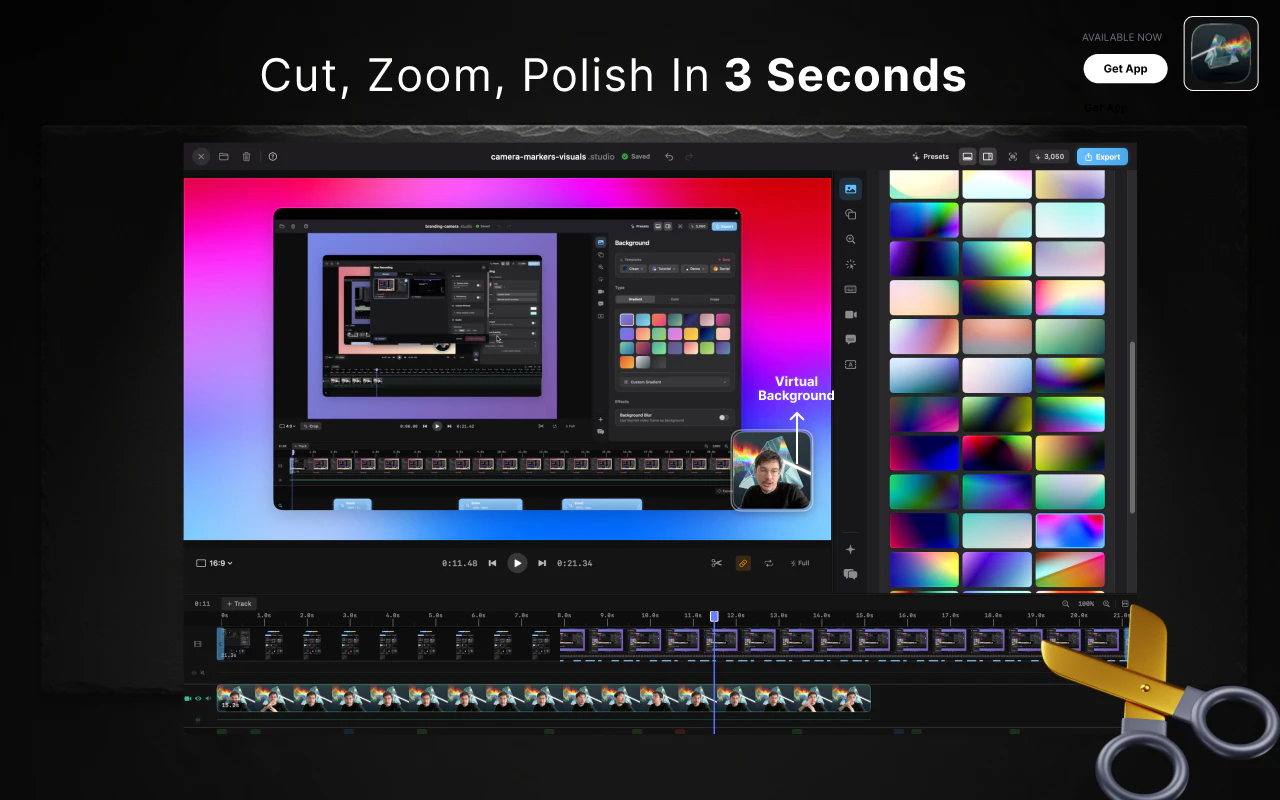
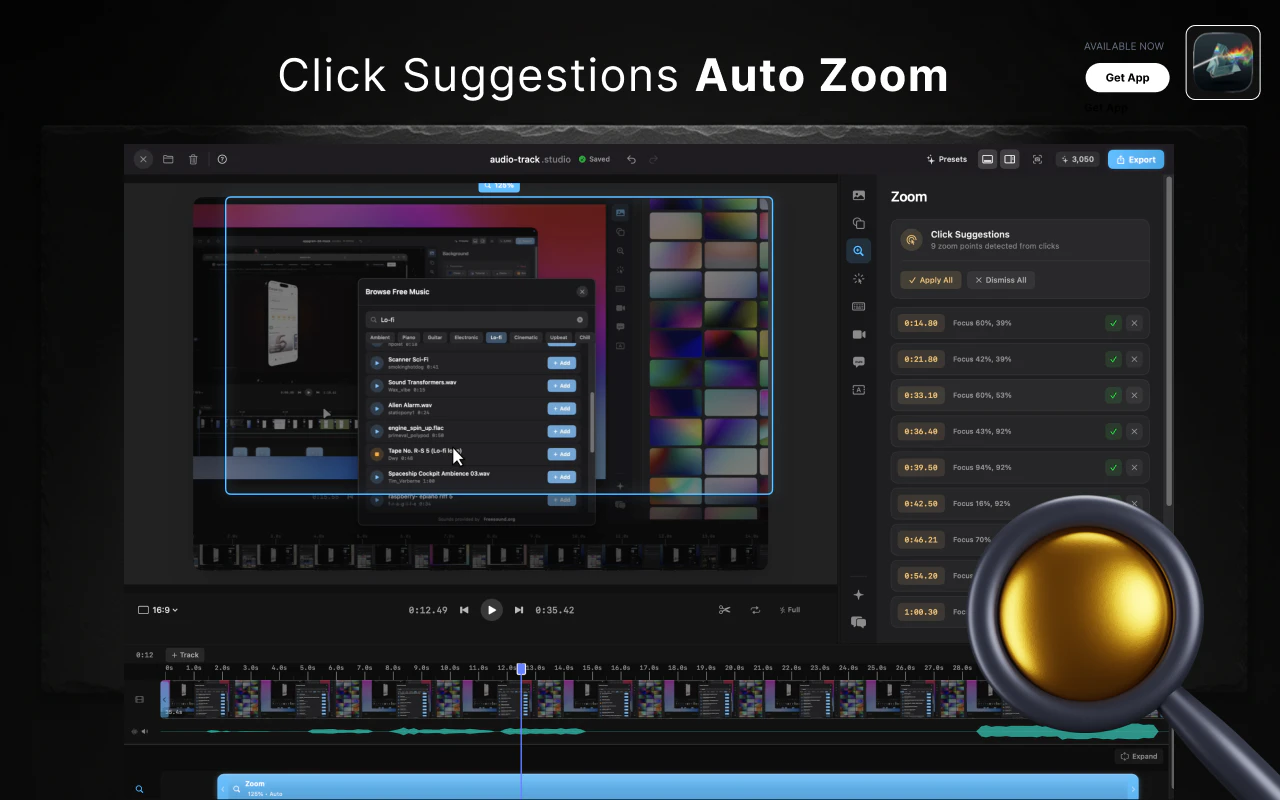
Highlight Studio is a powerful native macOS screen recording and editing tool designed for content creators, marketers, and developers. Unlike Electron-based apps, it leverages Metal GPU rendering for smooth performance and efficiency. The app features a full multi-track editor, allowing users to record, trim, and enhance videos within a single interface. Its Smart Zoom functionality intelligently detects click points and automatically generates zoom keyframes, making tutorial and demo creation effortless. Additional features such as cursor effects, branding kits, device frames, AI-generated subtitles, annotations, and speed ramps provide comprehensive editing capabilities in one streamlined environment. Plus, with over 40 CLI commands, AI agents can programmatically record and edit videos, opening possibilities for automation and integrations. Weighing under 100 MB, Highlight Studio offers a lightweight yet feature-rich solution for professional-grade screen recordings. Its launch price of $55 for lifetime access makes it an attractive choice for those seeking a powerful, one-time investment tool.
Screenshots
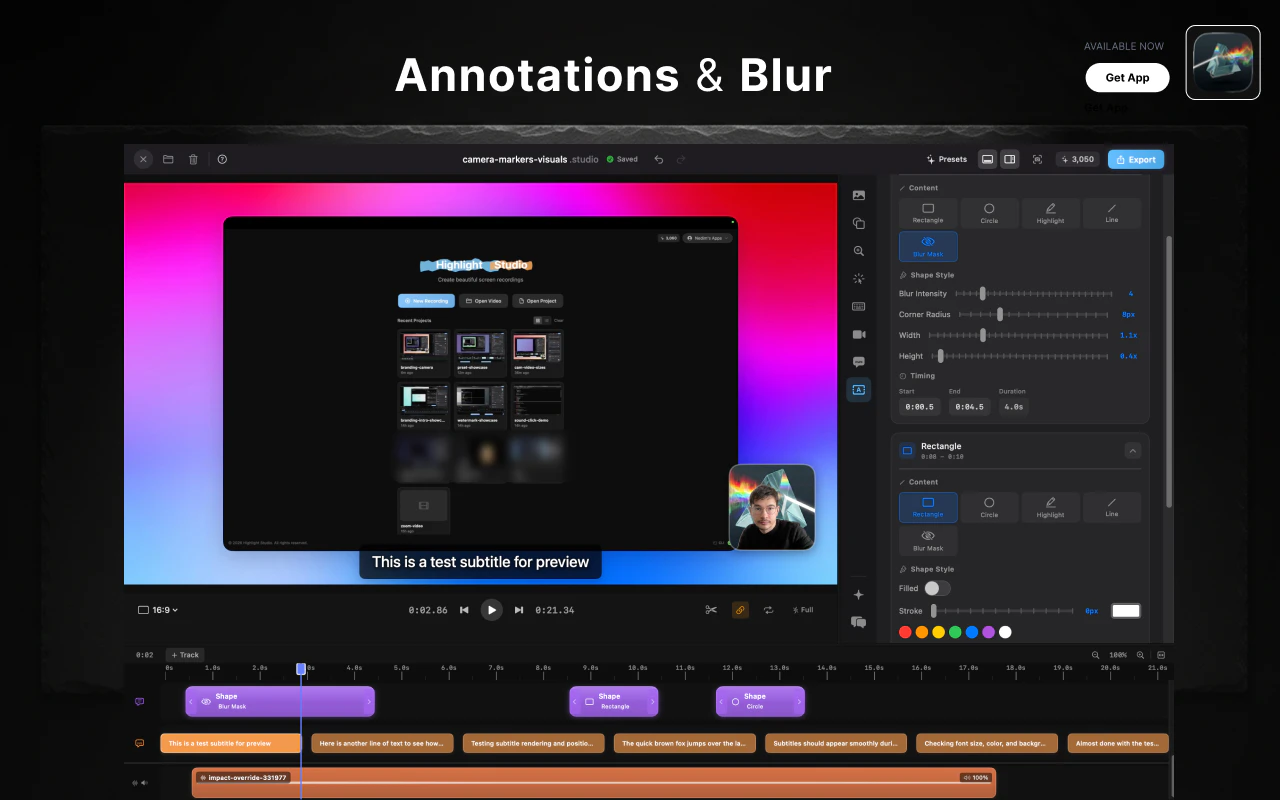
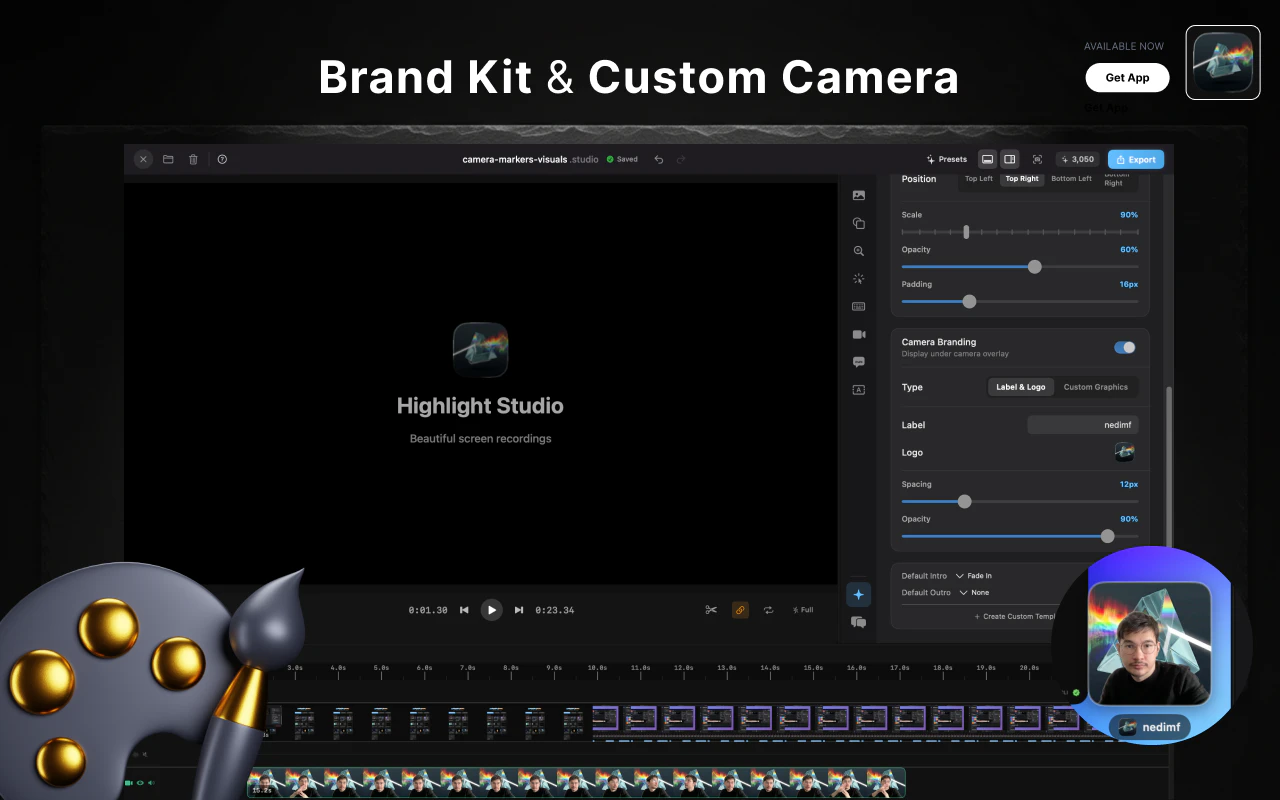
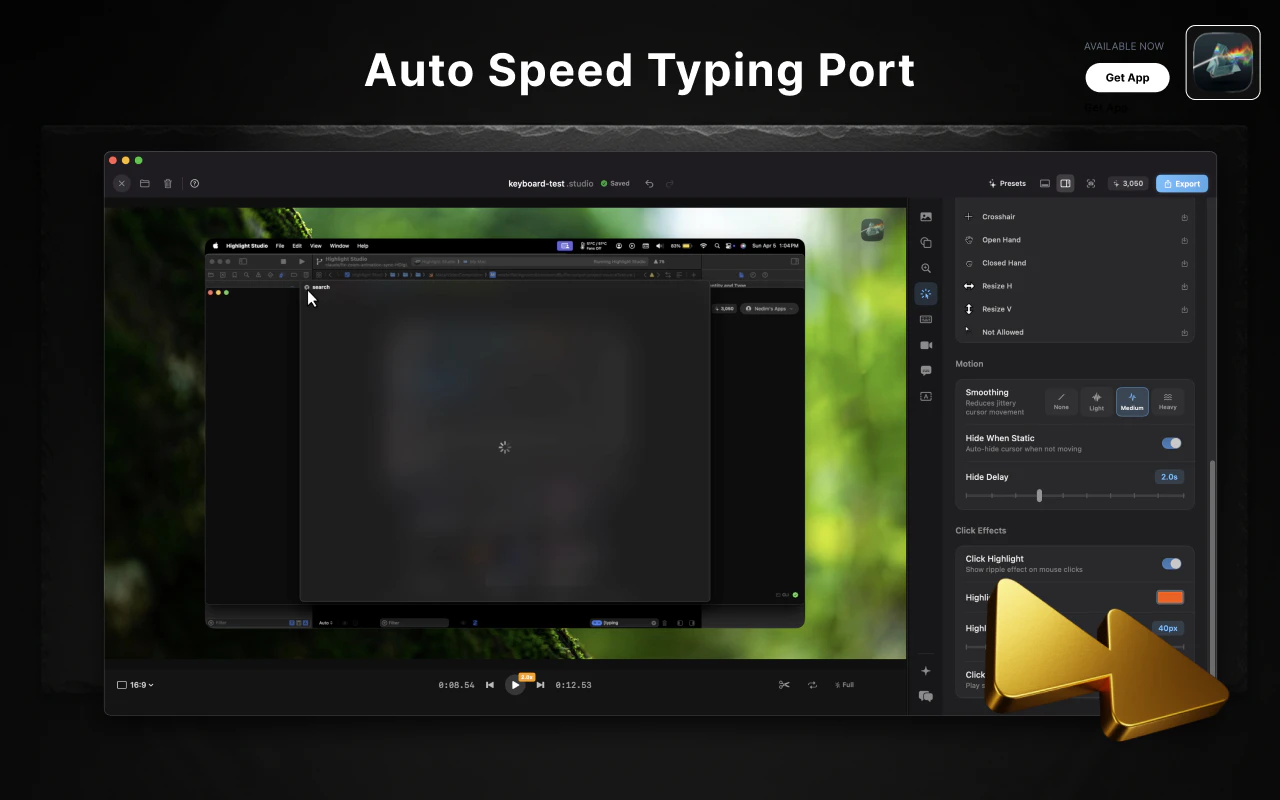
+5 more screenshots
Pros
- ✓Native macOS application with Metal GPU rendering for optimal performance
- ✓Integrated multi-track editing and advanced video effects
- ✓Smart Zoom feature automates click and zoom animations
- ✓AI-generated subtitles and annotations streamline editing
- ✓CLI commands enable programmatic recording and editing
Cons
- ✗Limited platform support (macOS only)
- ✗One-time purchase may be costly for some users
- ✗Learning curve for advanced features may require time
Use Cases
Pricing
Likely sold as a one-time purchase for a lifetime license at $55, with no mention of subscription tiers or free plans.
Quick Info
Topics
Similar Tools in AI Image & Design




Embed Badge
Add this badge to your website to show that Highlight Studio is featured on Visalytica.
<a href="https://www.visalytica.com/tool/highlight-studio" target="_blank" rel="noopener noreferrer" style="display:inline-flex;align-items:center;gap:6px;padding:6px 14px;background:#7c3aed;color:#fff;border-radius:8px;font-family:-apple-system,system-ui,sans-serif;font-size:13px;font-weight:600;text-decoration:none;transition:background .2s" onmouseover="this.style.background='#6d28d9'" onmouseout="this.style.background='#7c3aed'"><svg width="14" height="14" viewBox="0 0 24 24" fill="none" stroke="currentColor" stroke-width="2.5" stroke-linecap="round" stroke-linejoin="round"><path d="M12 20V10"/><path d="M18 20V4"/><path d="M6 20v-4"/></svg>Featured on Visalytica</a>