
Hider
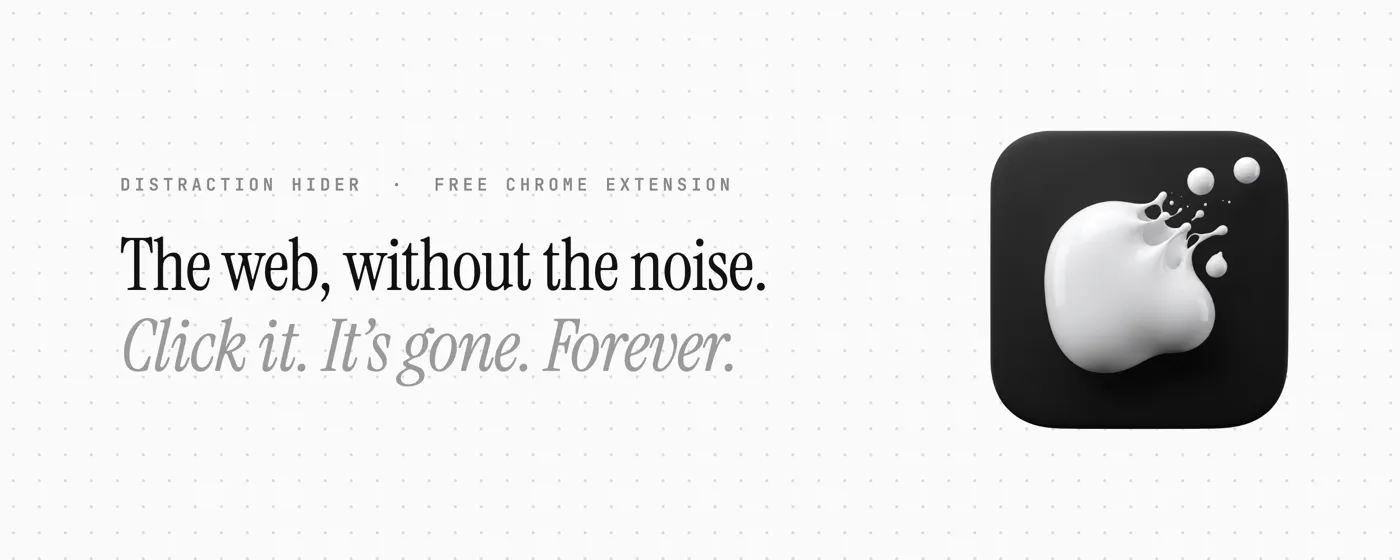
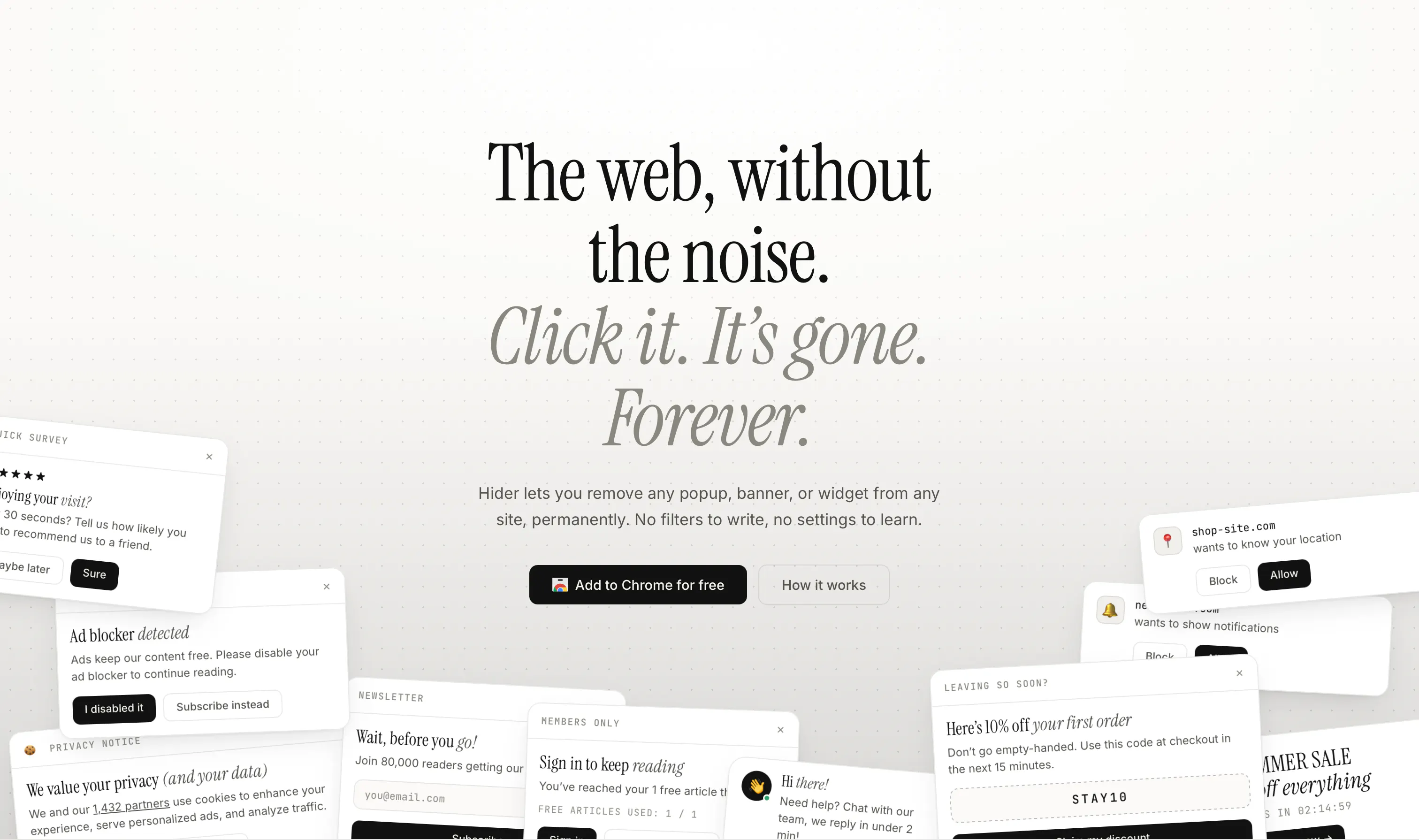
The web, without the noise
About Hider
Hider is a streamlined Chrome extension designed to enhance online browsing by eliminating unwanted popups, banners, and widgets permanently. Ideal for users seeking a cleaner, distraction-free web experience, Hider allows instant removal of intrusive elements with a simple click—once hidden, these elements stay gone, improving page load times and reducing clutter. Its minimalist approach caters to productivity enthusiasts, developers, and anyone frustrated by persistent on-site notifications that hinder navigation or focus. By offering a quick, effective way to customize web pages, Hider helps users regain control over their browsing environment, making it more efficient and enjoyable. The extension's ease of use and immediate impact make it a compelling tool for those who value a smoother, more streamlined online experience.
Screenshots
Pros
- ✓Simple, one-click hiding of unwanted web elements
- ✓Persistent removal ensures elements stay hidden across visits
- ✓Enhances web browsing speed and reduces clutter
- ✓User-friendly interface suitable for non-technical users
- ✓Improves overall user experience on cluttered websites
Cons
- ✗Limited to Chrome browser only
- ✗Lacks advanced customization options
- ✗Potential for accidental hiding of useful elements if not careful
Use Cases
Pricing
Likely free as a browser extension, with no apparent paid tiers or advanced features, typical for Chrome extensions targeting general users.
Quick Info
Topics
Makers

Yash Bharadwaj
@furiyashAlternatives
Similar Tools in Developer Tools




Embed Badge
Add this badge to your website to show that Hider is featured on Visalytica.
<a href="https://www.visalytica.com/tool/hider" target="_blank" rel="noopener noreferrer" style="display:inline-flex;align-items:center;gap:6px;padding:6px 14px;background:#7c3aed;color:#fff;border-radius:8px;font-family:-apple-system,system-ui,sans-serif;font-size:13px;font-weight:600;text-decoration:none;transition:background .2s" onmouseover="this.style.background='#6d28d9'" onmouseout="this.style.background='#7c3aed'"><svg width="14" height="14" viewBox="0 0 24 24" fill="none" stroke="currentColor" stroke-width="2.5" stroke-linecap="round" stroke-linejoin="round"><path d="M12 20V10"/><path d="M18 20V4"/><path d="M6 20v-4"/></svg>Featured on Visalytica</a>