
HeyGen CLI
Make videos, translate content + create avatars in terminal
About HeyGen CLI
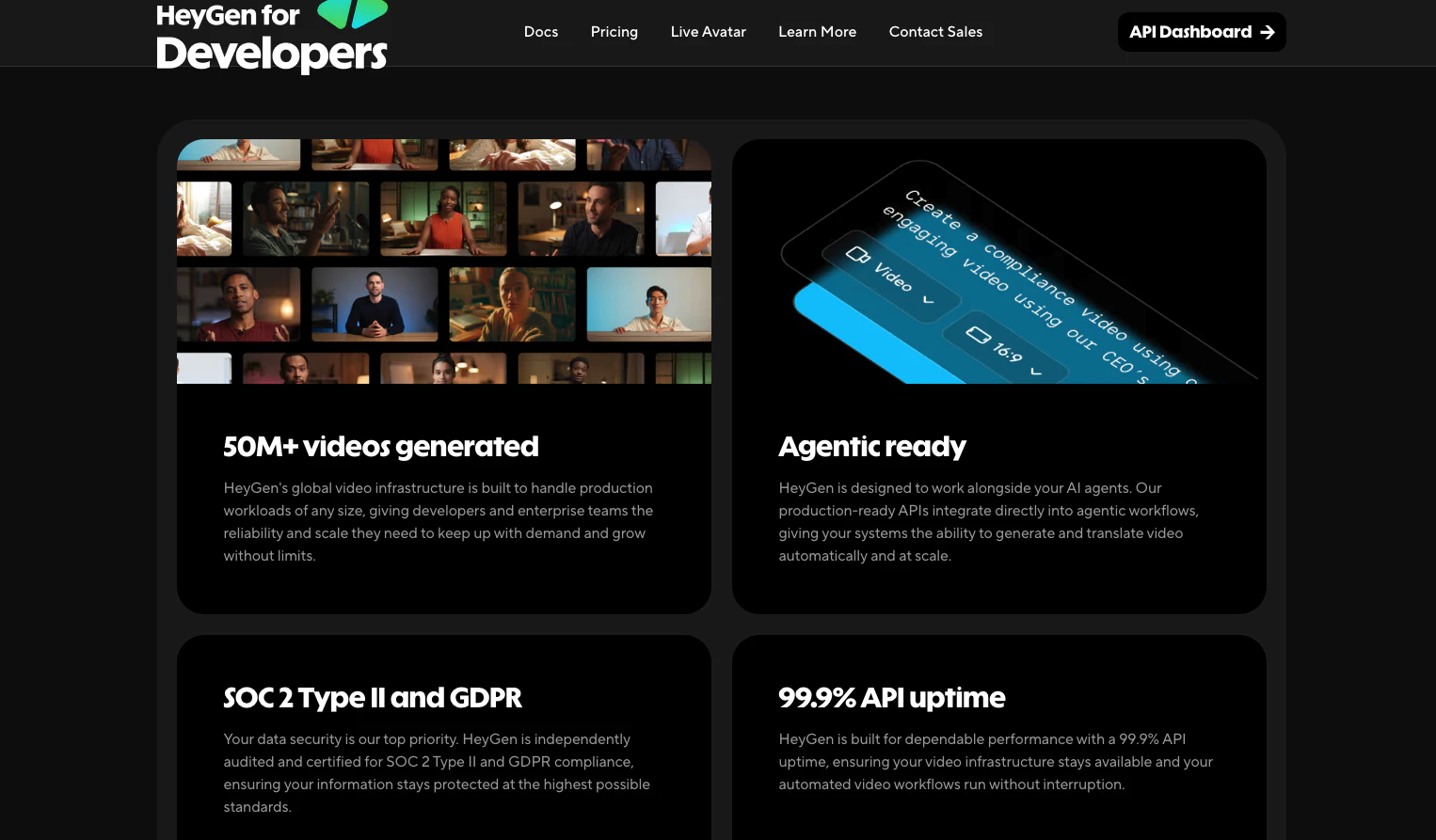
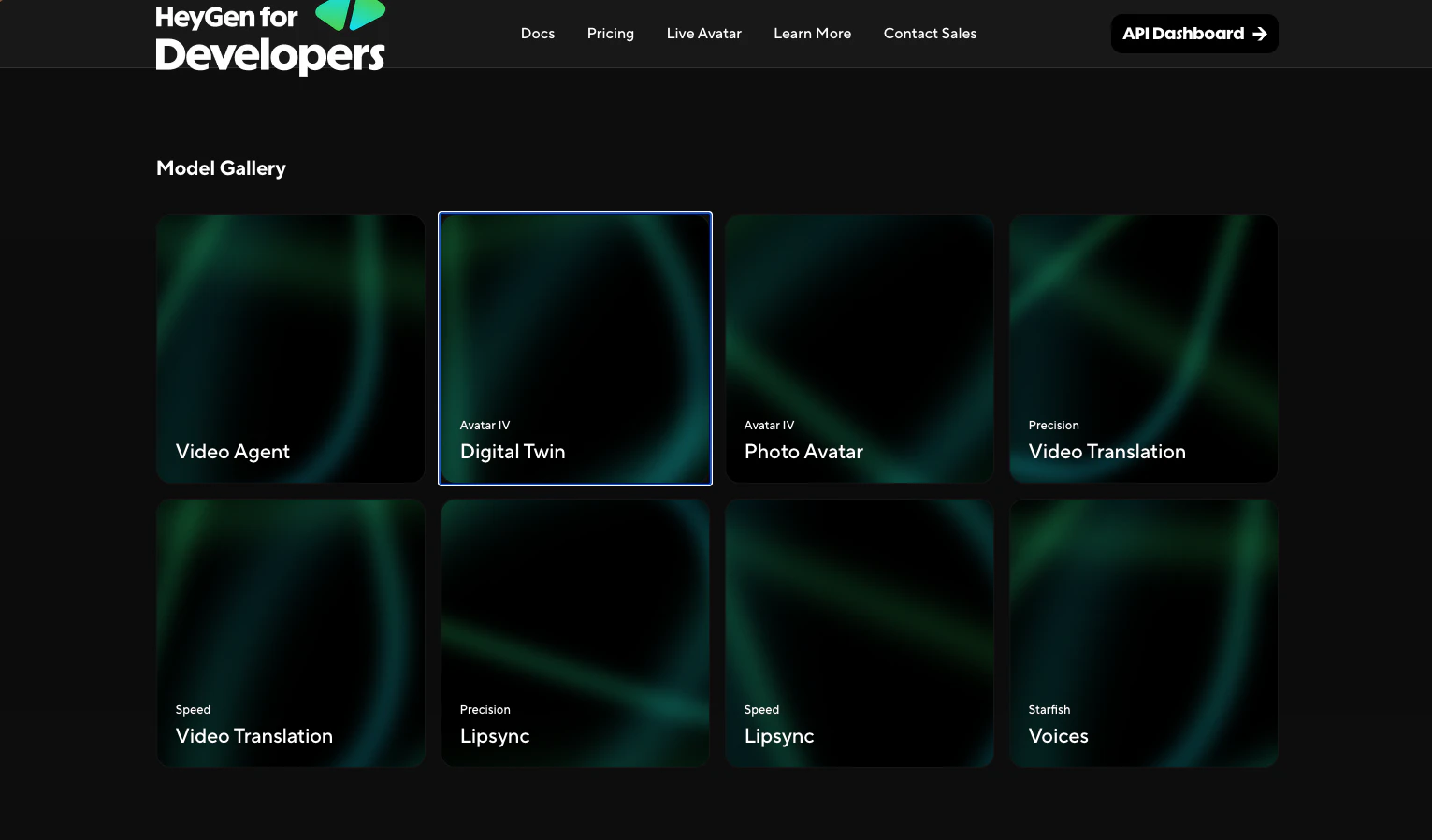
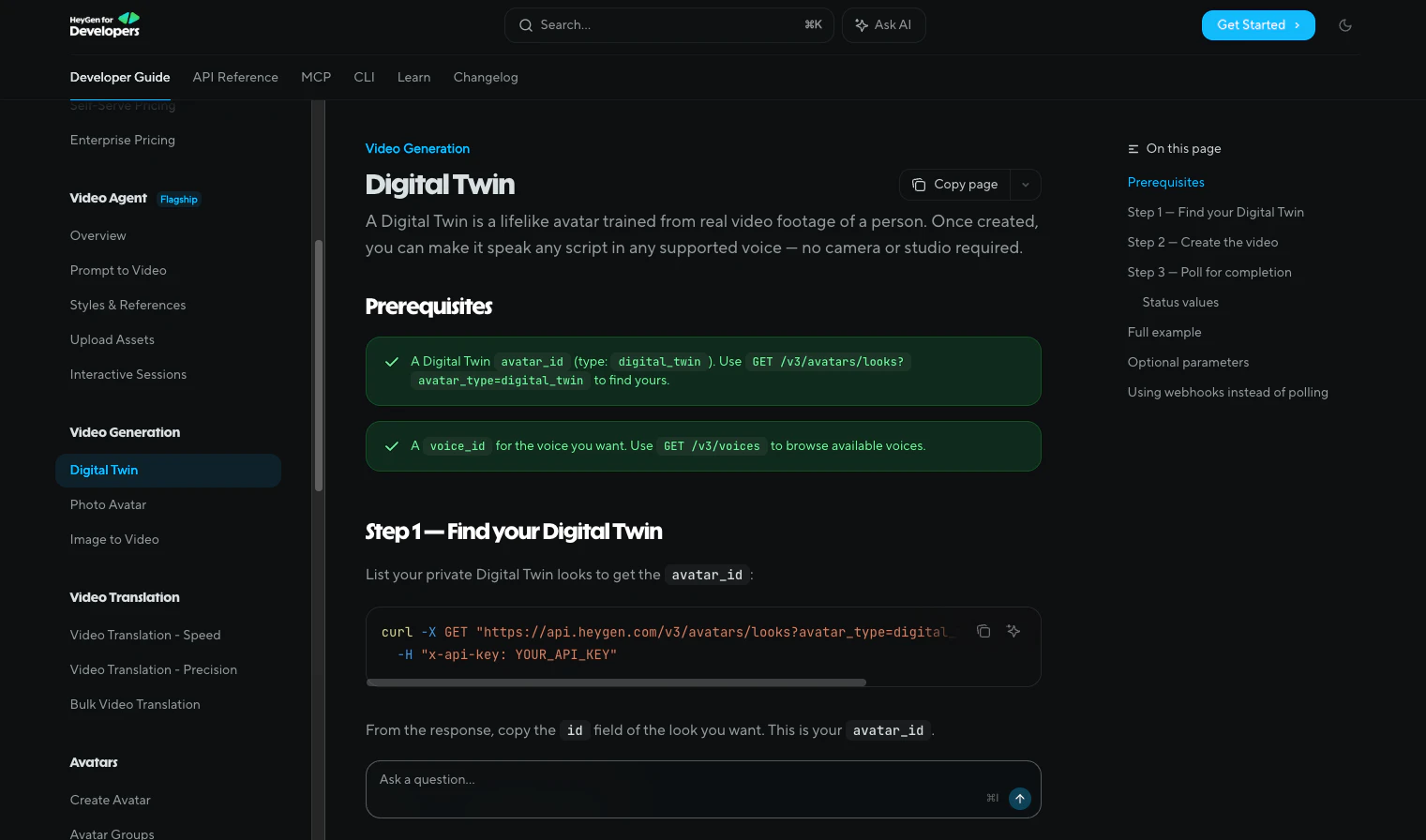
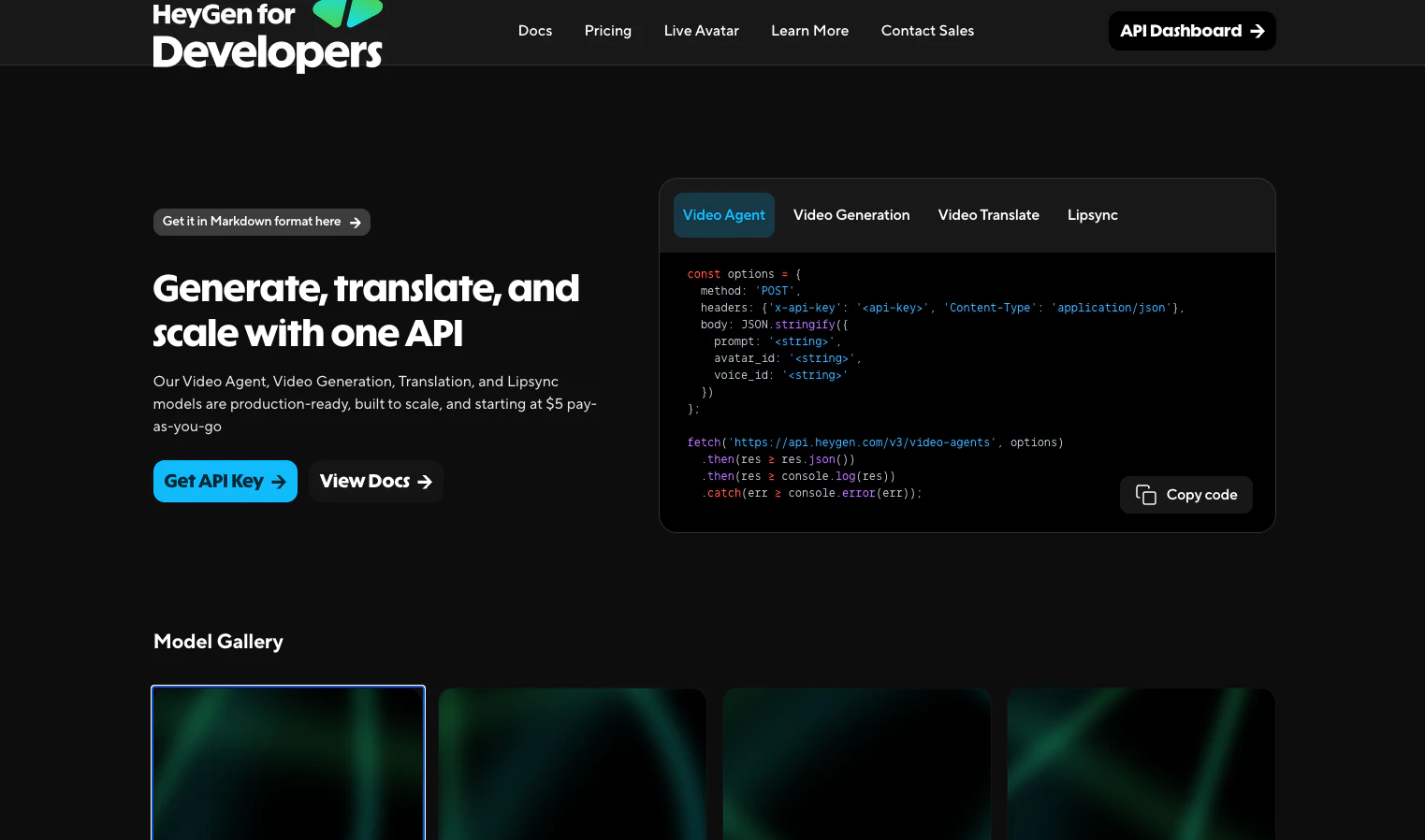
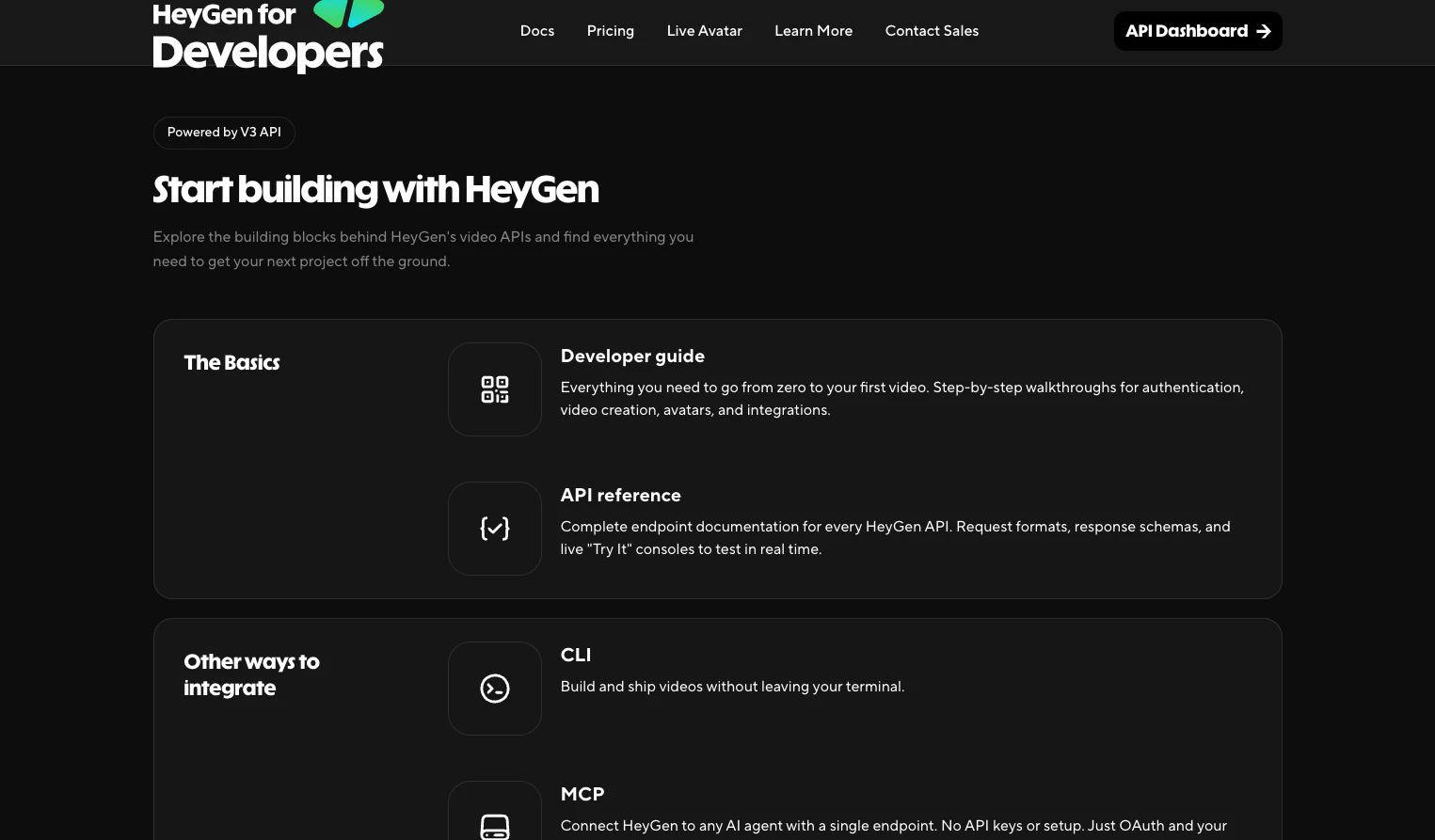
HeyGen CLI revolutionizes video creation and content translation by bringing powerful multimedia capabilities directly into the terminal. Designed for marketers, developers, and content creators, it enables users to generate videos, translate content, and create avatars seamlessly within command-line environments. Its unique feature set allows automation and scripting, making it ideal for integrating into CI pipelines, agent workflows, and batch processing tasks. The tool's structured JSON outputs ensure easy integration with other systems, streamlining complex workflows and reducing manual effort. By combining AI-driven video generation with translation and avatar creation, HeyGen CLI offers a comprehensive solution for rapid content production and localization, all accessible without a graphical interface.
Screenshots
Pros
- ✓Command-line interface allows for automation and scripting
- ✓Structured JSON output simplifies integration with other tools
- ✓Supports multiple functions: video generation, translation, avatar creation
- ✓Works out of the box in CI pipelines and agent workflows
- ✓Ideal for batch processing and remote automation
Cons
- ✗Requires familiarity with terminal/CLI environments
- ✗Limited information on pricing and subscription plans
- ✗Potential learning curve for new users unfamiliar with command-line tools
Use Cases
Pricing
Likely utilizes a freemium model with basic features available for free and premium plans offering advanced capabilities, with pricing starting around a modest monthly fee. Exact details are uncertain, but it seems geared toward professional use with scalable options.
Quick Info
Topics
Similar Tools in Developer Tools




Embed Badge
Add this badge to your website to show that HeyGen CLI is featured on Visalytica.
<a href="https://www.visalytica.com/tool/heygen-cli" target="_blank" rel="noopener noreferrer" style="display:inline-flex;align-items:center;gap:6px;padding:6px 14px;background:#7c3aed;color:#fff;border-radius:8px;font-family:-apple-system,system-ui,sans-serif;font-size:13px;font-weight:600;text-decoration:none;transition:background .2s" onmouseover="this.style.background='#6d28d9'" onmouseout="this.style.background='#7c3aed'"><svg width="14" height="14" viewBox="0 0 24 24" fill="none" stroke="currentColor" stroke-width="2.5" stroke-linecap="round" stroke-linejoin="round"><path d="M12 20V10"/><path d="M18 20V4"/><path d="M6 20v-4"/></svg>Featured on Visalytica</a>