
Harness Manager
Your AI coding stack manager, all in one place
About Harness Manager
Harness Manager is an innovative SaaS solution designed to serve developers and AI enthusiasts who manage multiple AI coding tools on Mac. Acting as a centralized app store and control hub, it simplifies discovering, installing, updating, and diagnosing a wide range of AI tools like Claude Code, Codex, OpenCode, and Pi. Its ability to automatically detect existing installations, manage MCP servers, and oversee AI skills makes it an invaluable asset for those who rely on complex AI coding stacks. By consolidating all these functionalities into one intuitive interface, Harness Manager streamlines workflows and reduces configuration errors, saving time and enhancing productivity. Its user-centric approach ensures that managing and maintaining AI tools becomes less cumbersome, empowering developers to focus on innovation rather than troubleshooting.
Screenshots
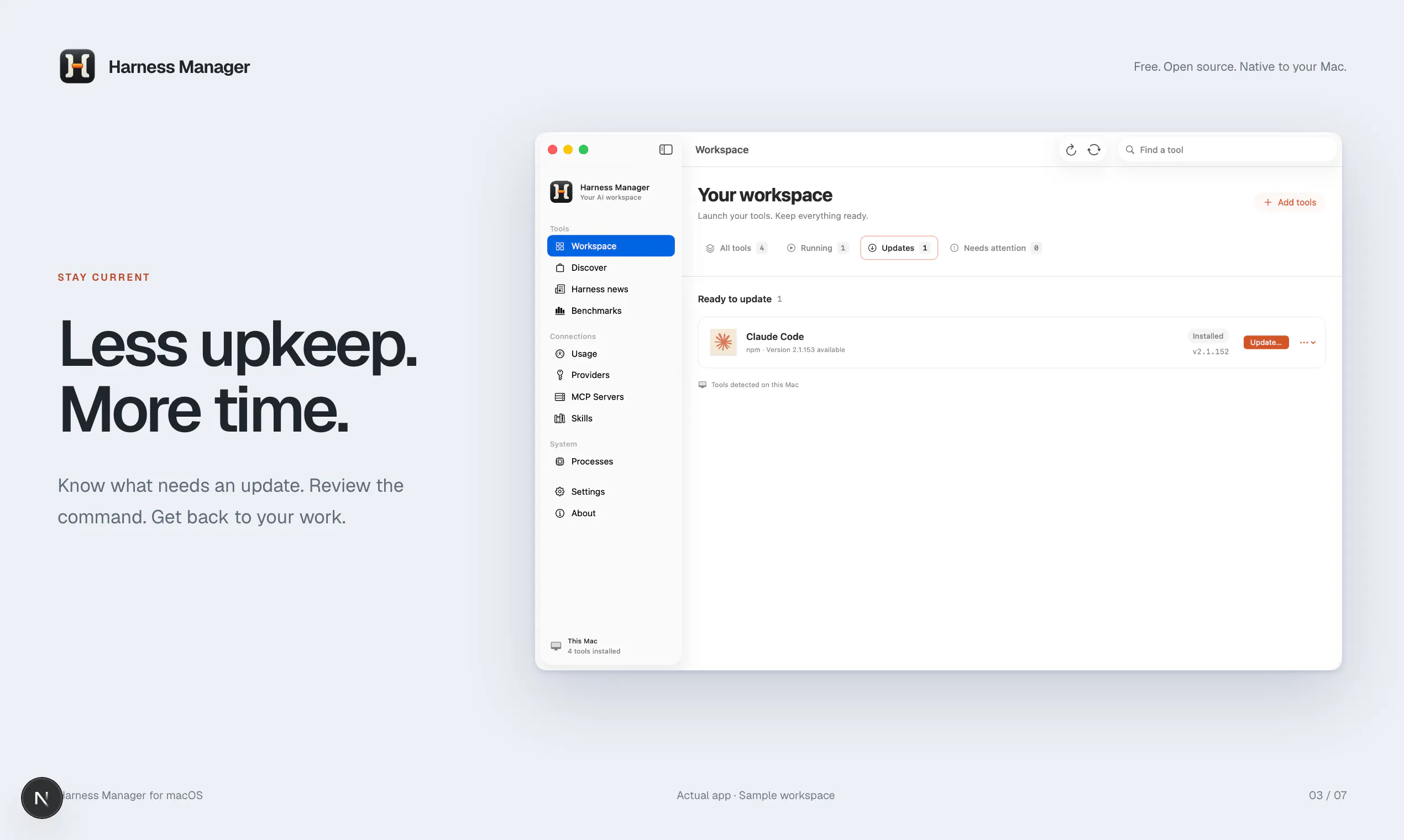
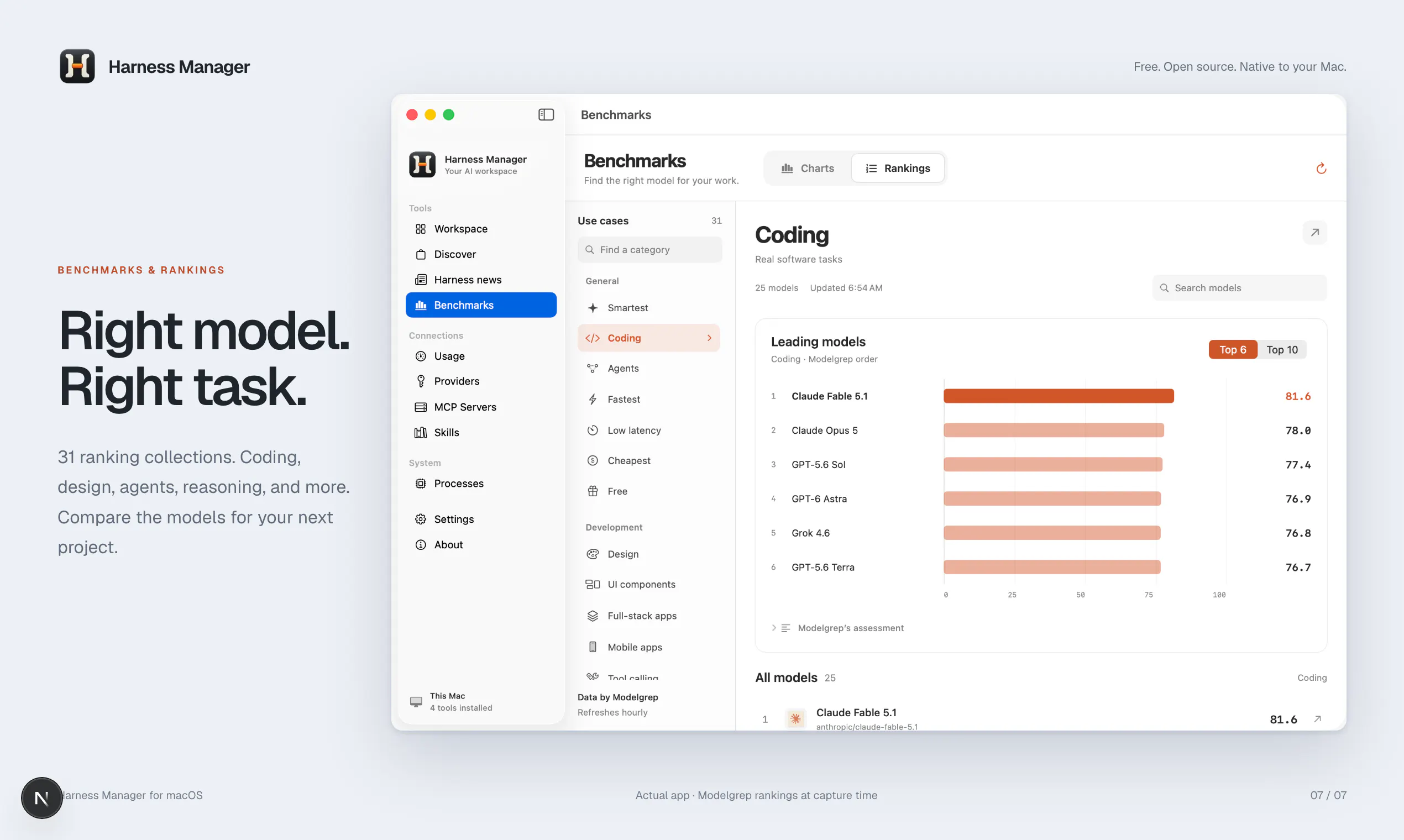
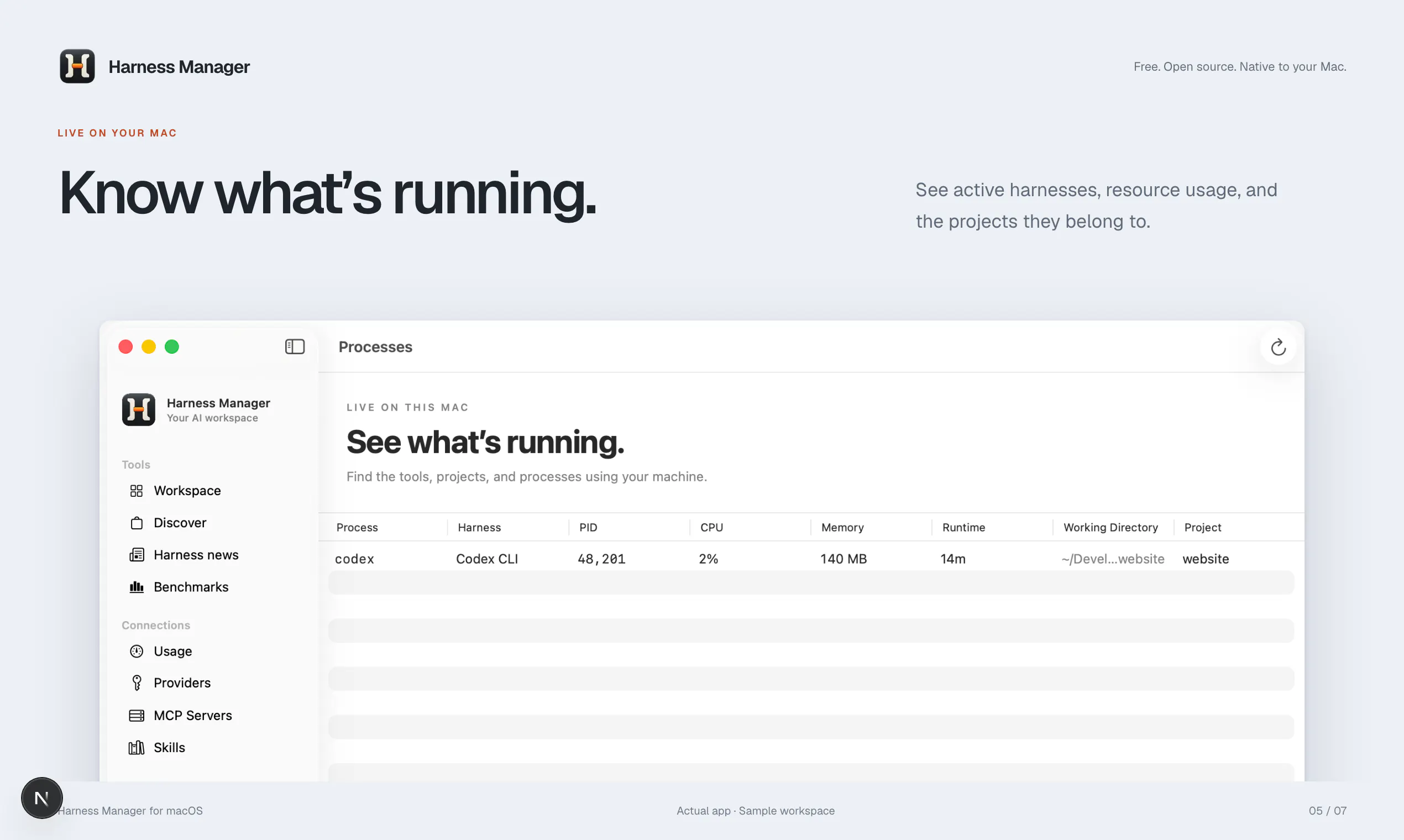

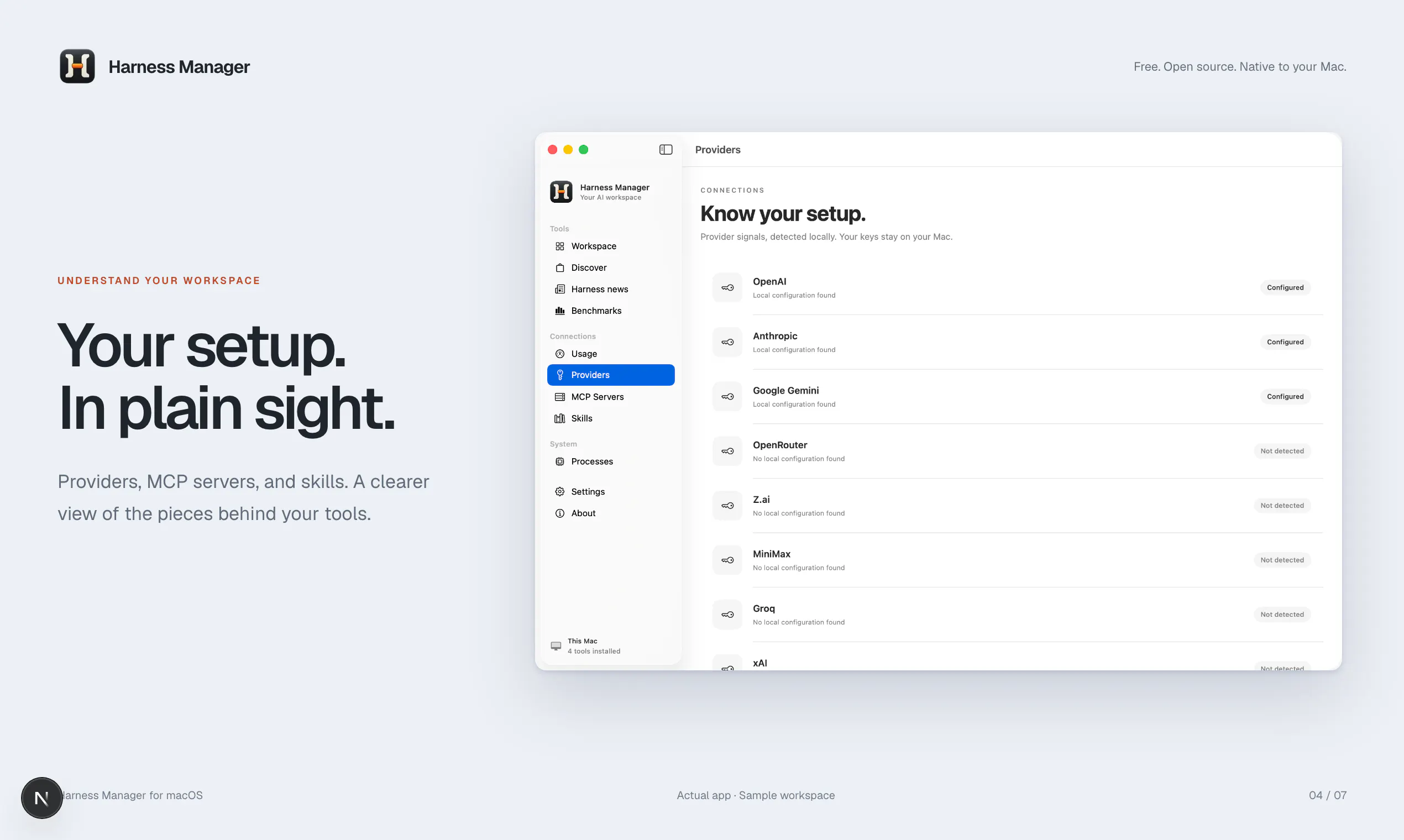
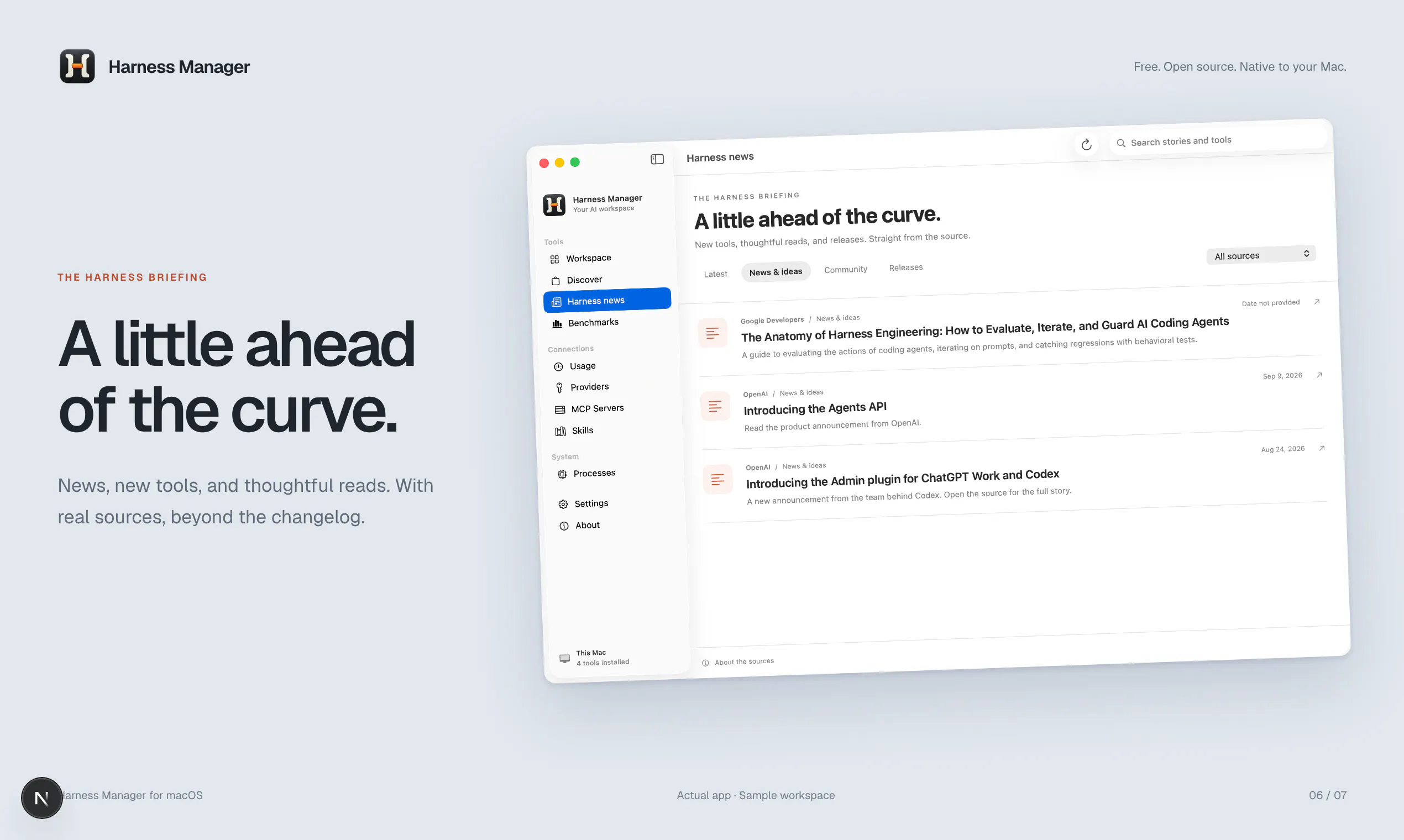
+1 more screenshots
Pros
- ✓Centralized management of multiple AI coding tools on Mac
- ✓Automatic detection of installed tools and configurations
- ✓Simplifies updates, version control, and troubleshooting
- ✓Supports a variety of popular AI tools and skills
- ✓Enhances productivity by consolidating control in one platform
Cons
- ✗Limited information on supported platforms beyond Mac
- ✗No user reviews or ratings available yet
- ✗Potential learning curve for new users unfamiliar with AI tool management
Use Cases
Pricing
Pricing not verified
Quick Info
Topics
Makers

Sebastian Solano
@ImmutableMadAlternatives
Similar Tools in AI Assistants




Embed Badge
Add this badge to your website to show that Harness Manager is featured on Visalytica.
<a href="https://www.visalytica.com/tool/harness-manager" target="_blank" rel="noopener noreferrer" style="display:inline-flex;align-items:center;gap:6px;padding:6px 14px;background:#7c3aed;color:#fff;border-radius:8px;font-family:-apple-system,system-ui,sans-serif;font-size:13px;font-weight:600;text-decoration:none;transition:background .2s" onmouseover="this.style.background='#6d28d9'" onmouseout="this.style.background='#7c3aed'"><svg width="14" height="14" viewBox="0 0 24 24" fill="none" stroke="currentColor" stroke-width="2.5" stroke-linecap="round" stroke-linejoin="round"><path d="M12 20V10"/><path d="M18 20V4"/><path d="M6 20v-4"/></svg>Featured on Visalytica</a>