
Harbor
CLI + companion to spin up complete local LLM stacks
About Harbor
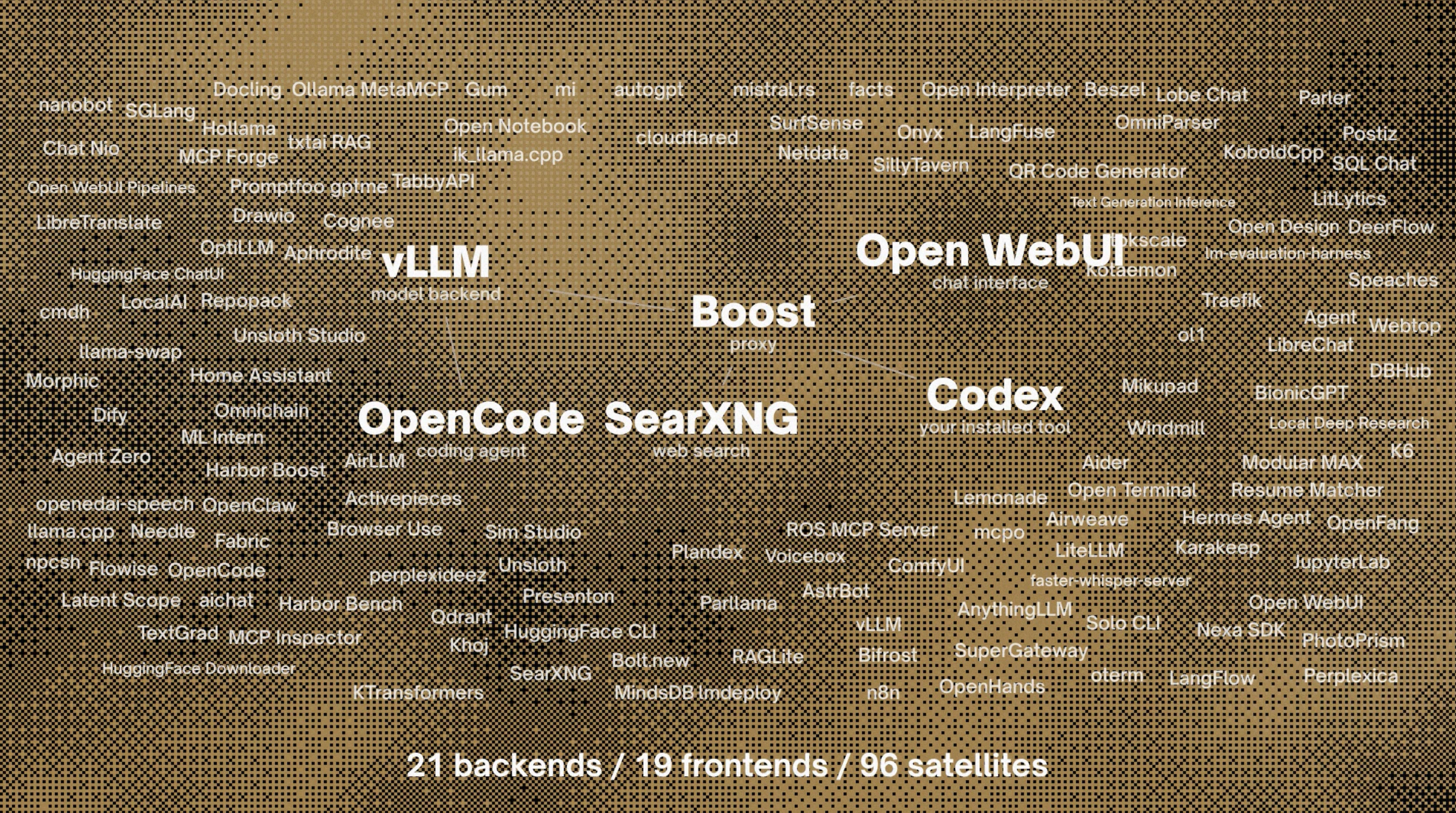
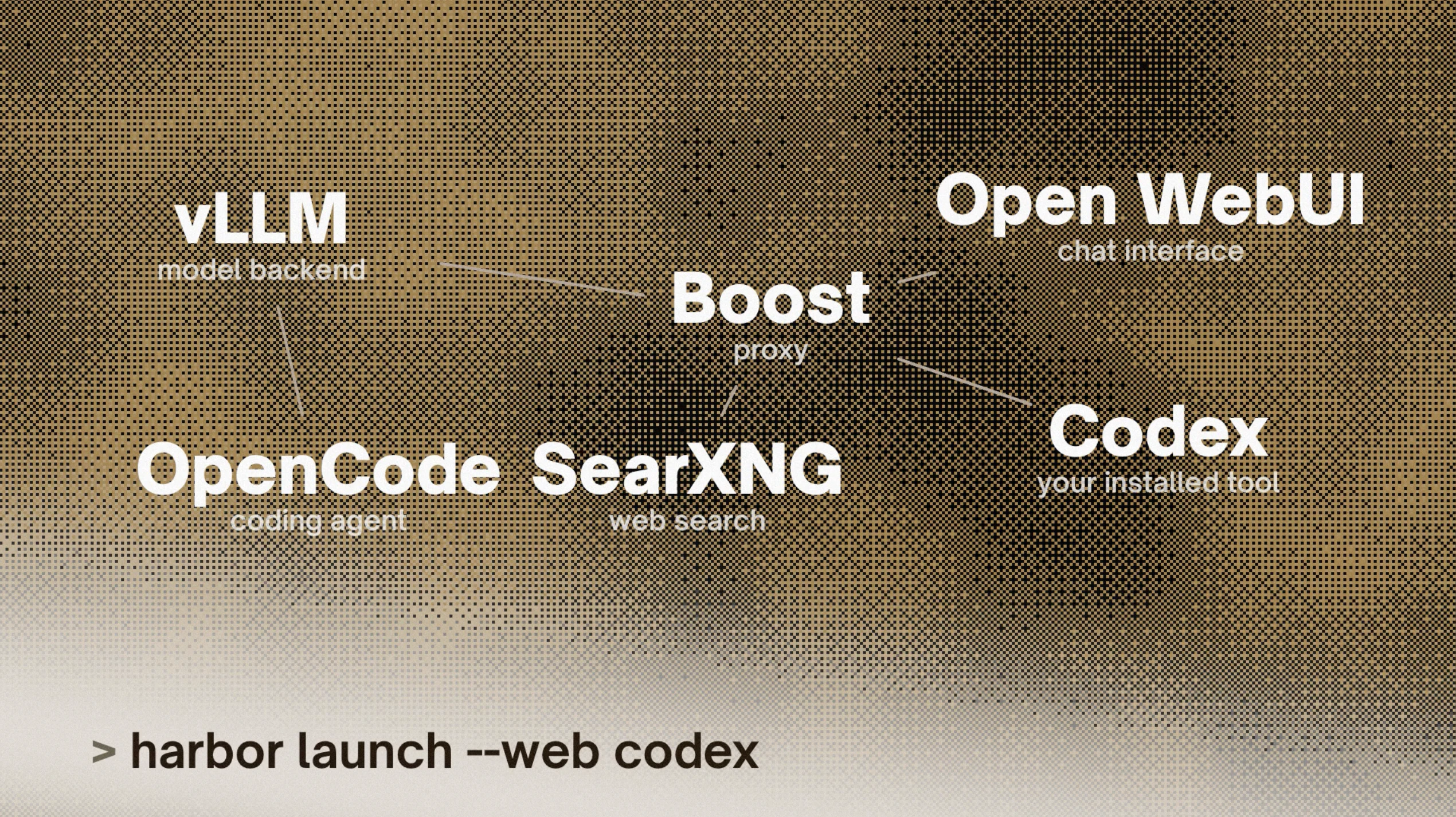
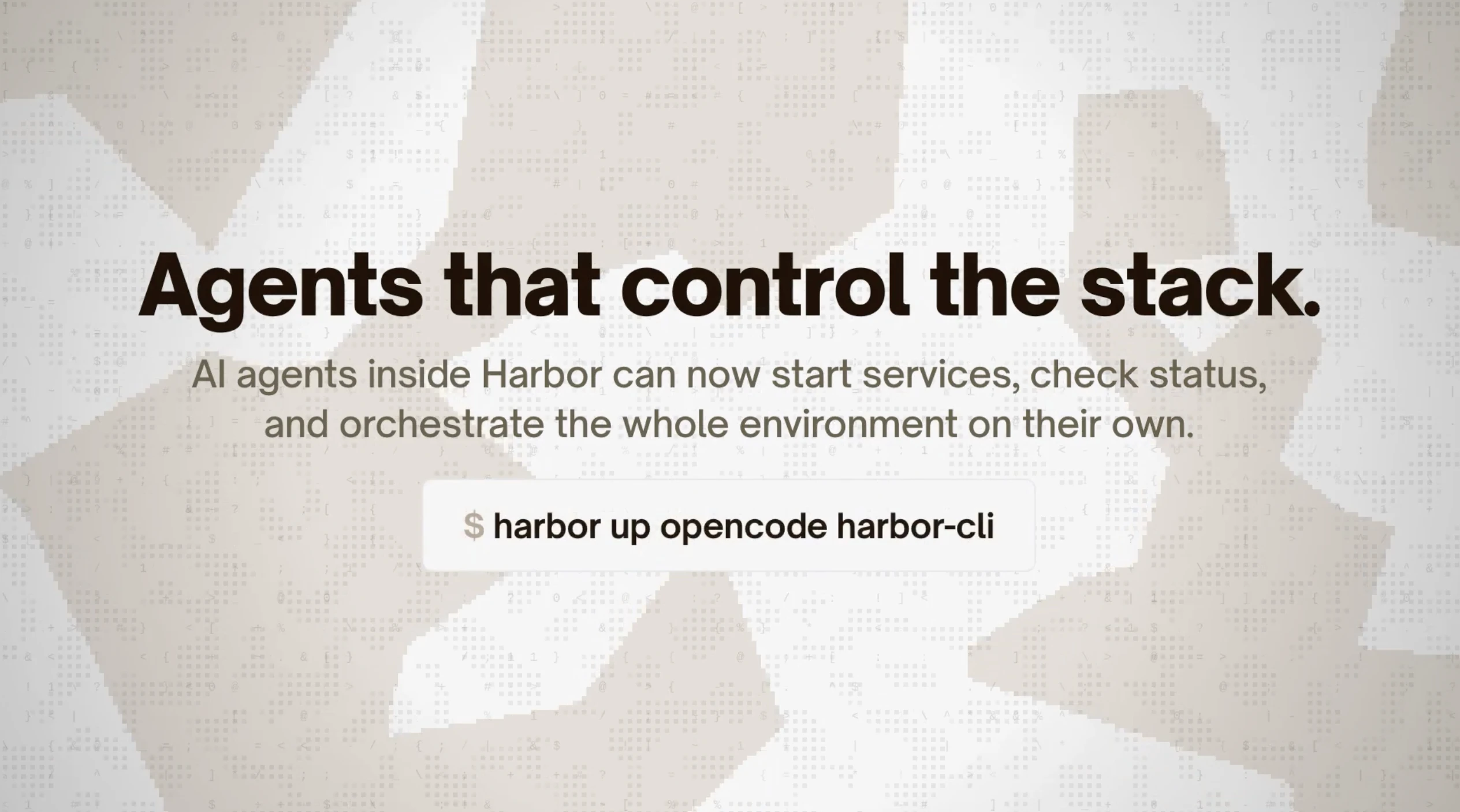
Harbor is a powerful CLI and companion tool designed to streamline the setup of comprehensive local AI stacks. It allows users to effortlessly spin up various AI components such as LLM backends, chat interfaces, web search integrations, voice, image generation, fine-tuning, and agent tools—all configured to work seamlessly together. By automating the complex and time-consuming process of configuring these elements individually, Harbor is ideal for developers, researchers, and AI enthusiasts seeking a quick, reliable way to deploy and manage sophisticated local AI environments. Its user-friendly commands and integrated model management features make it a standout solution for those who want to focus on experimentation and development rather than configuration hassles. Harbor's open-source nature and GitHub presence also foster community support and customization, making it an attractive choice for advanced users seeking flexibility.
Screenshots
Pros
- ✓Automates complex local AI stack setup with a single command
- ✓Supports a wide range of AI components including LLMs, chat, search, voice, and images
- ✓Facilitates easy management of models and configuration profiles
- ✓Open-source with community-driven development
- ✓Integrates agentic coding tools for enhanced AI workflows
Cons
- ✗May require familiarity with command-line interfaces for optimal use
- ✗Potentially limited GUI or visual management options
- ✗Dependence on local hardware capabilities for performance
Use Cases
Pricing
Likely free and open source, given its GitHub presence and open nature, with potential optional paid support or hosting services
Quick Info
Topics
Similar Tools in AI Assistants




Embed Badge
Add this badge to your website to show that Harbor is featured on Visalytica.
<a href="https://www.visalytica.com/tool/harbor" target="_blank" rel="noopener noreferrer" style="display:inline-flex;align-items:center;gap:6px;padding:6px 14px;background:#7c3aed;color:#fff;border-radius:8px;font-family:-apple-system,system-ui,sans-serif;font-size:13px;font-weight:600;text-decoration:none;transition:background .2s" onmouseover="this.style.background='#6d28d9'" onmouseout="this.style.background='#7c3aed'"><svg width="14" height="14" viewBox="0 0 24 24" fill="none" stroke="currentColor" stroke-width="2.5" stroke-linecap="round" stroke-linejoin="round"><path d="M12 20V10"/><path d="M18 20V4"/><path d="M6 20v-4"/></svg>Featured on Visalytica</a>