
Halo
Notifications, dictation and AI agents in your Mac's notch
About Halo
Halo transforms your Mac's notch into a dynamic hub of notifications and AI-powered interactions. With this innovative menu bar app, users can receive messages from various apps directly in the notch area, making important alerts less intrusive yet highly visible. It also offers hands-free dictation by holding the Fn key, enabling seamless typing without opening separate windows. Additionally, Halo features a charming animated face that follows the cursor and monitors your AI agents, adding a playful yet functional element to your desktop experience. The app also integrates controls for music, calls, and screen brightness, consolidating essential functions into a sleek, accessible interface. Designed for developers, power users, and anyone looking to maximize their Mac's productivity and aesthetic appeal, Halo stands out by blending practical features with a unique visual approach, making the most of the Mac's notch area in an engaging way.
Screenshots
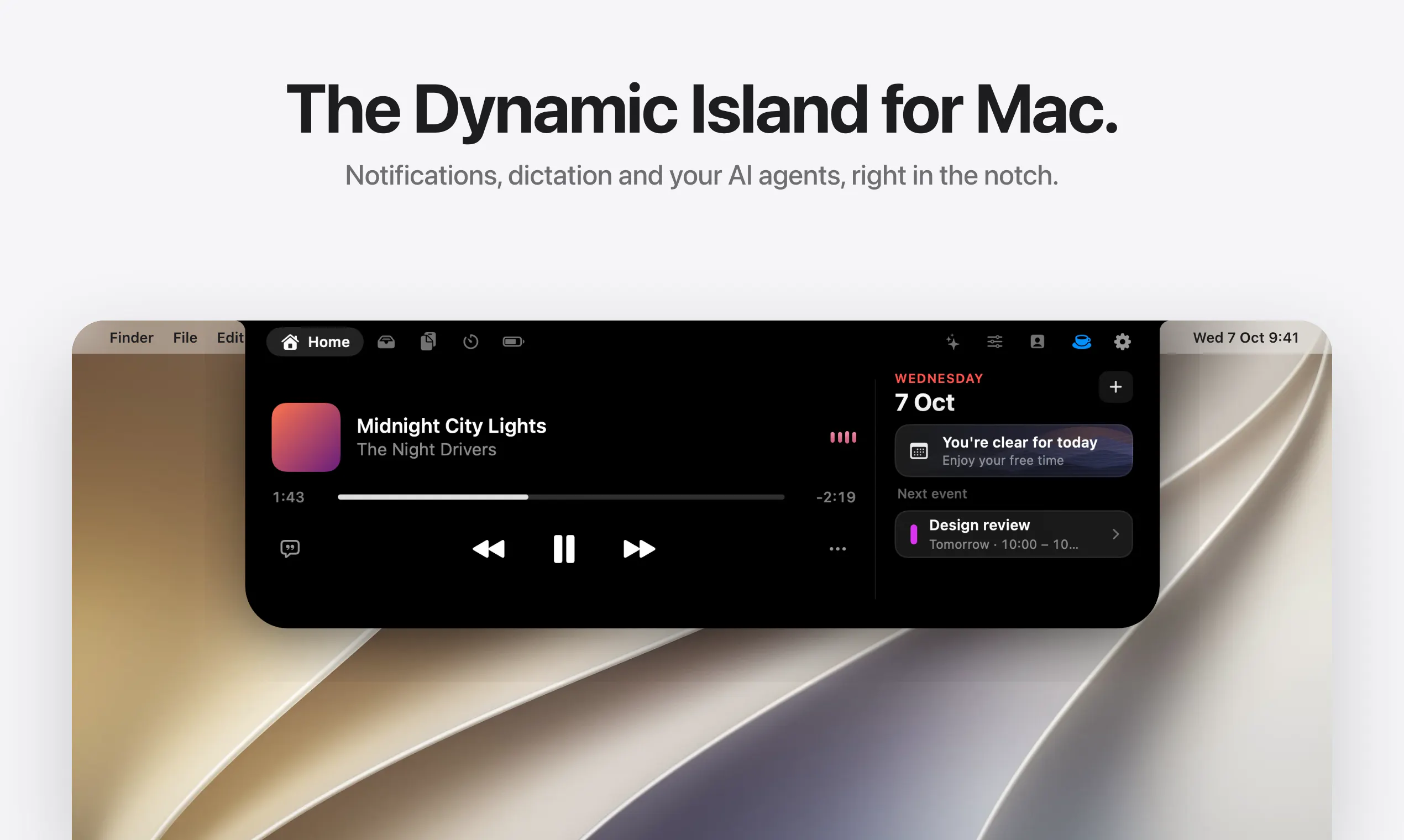
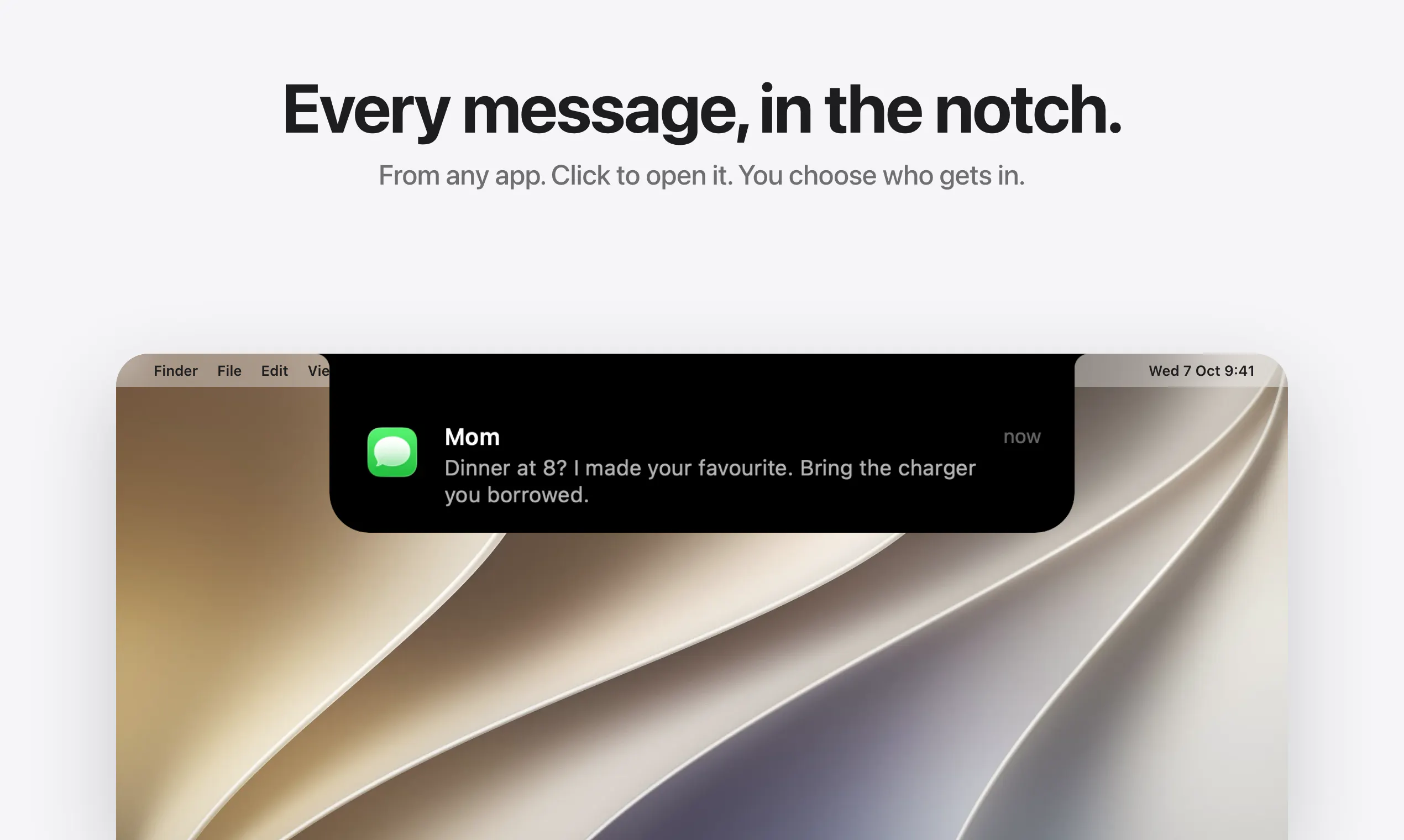
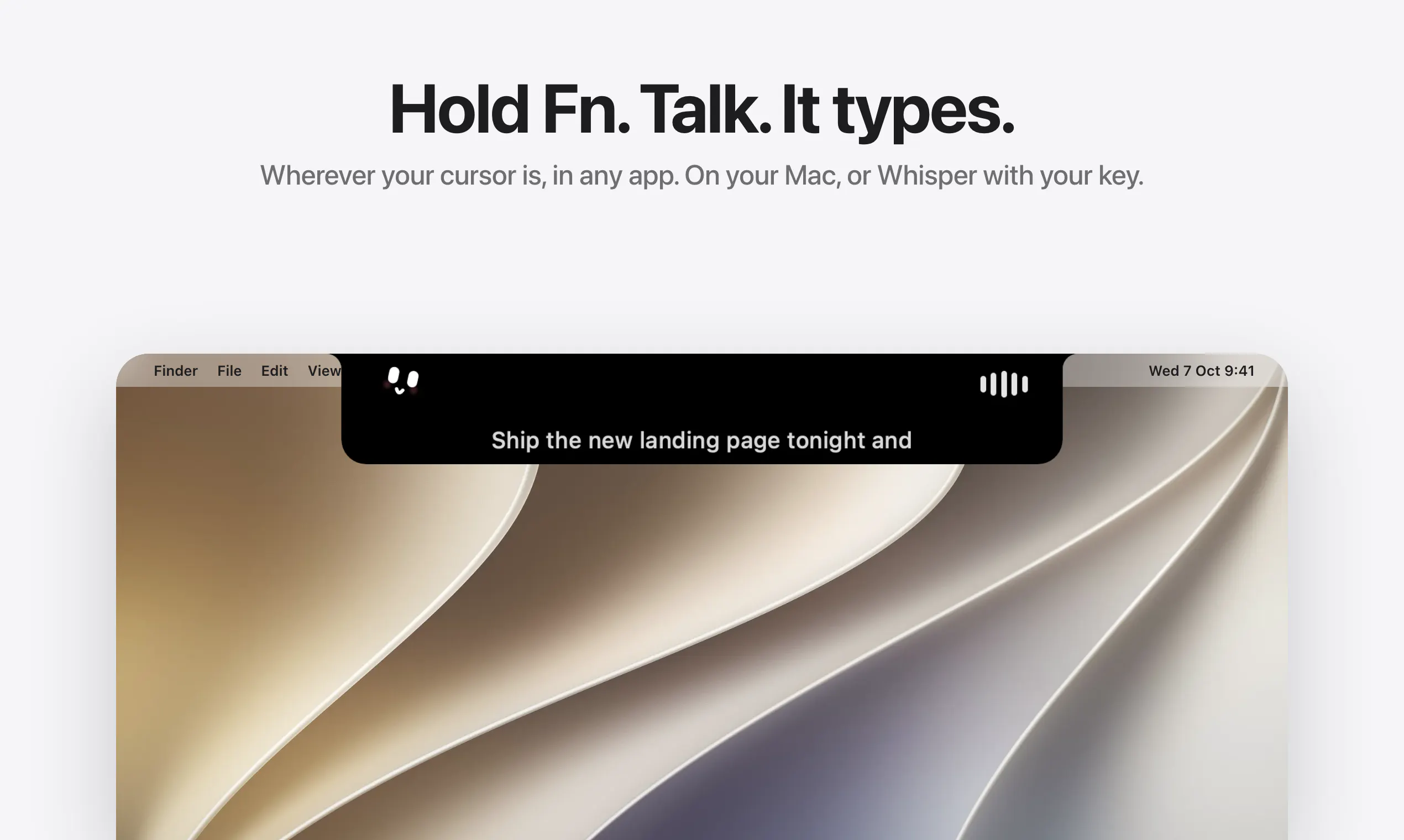
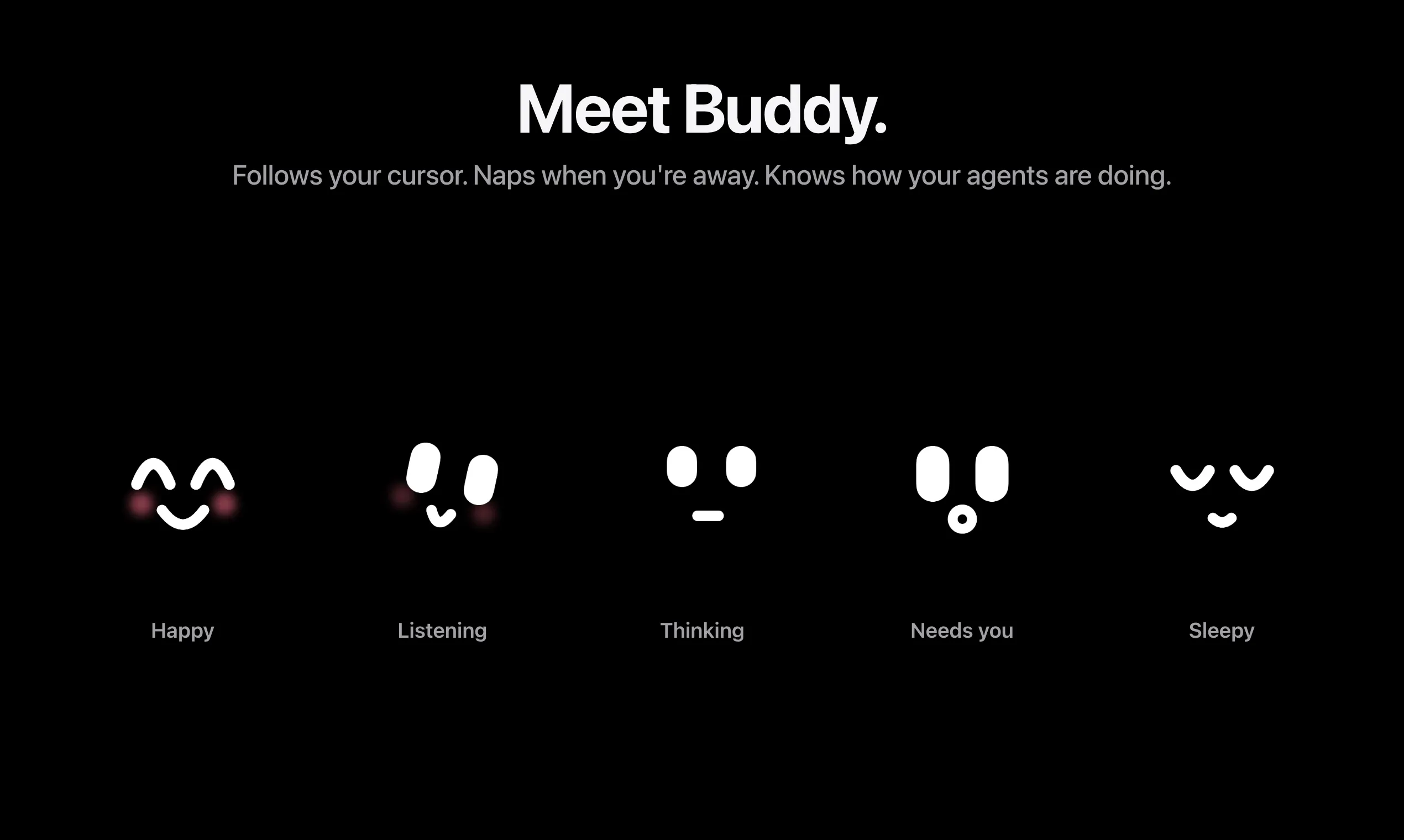
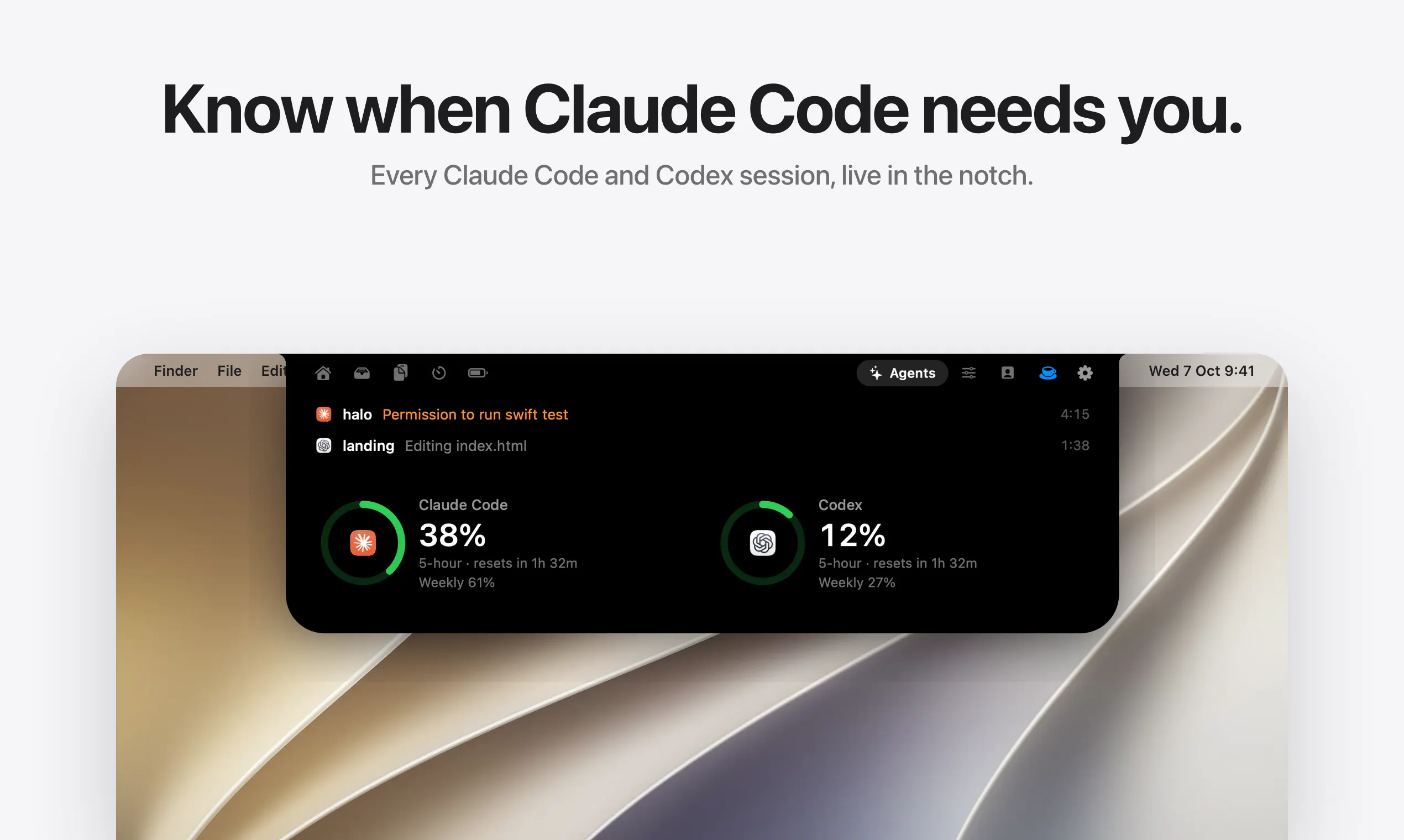
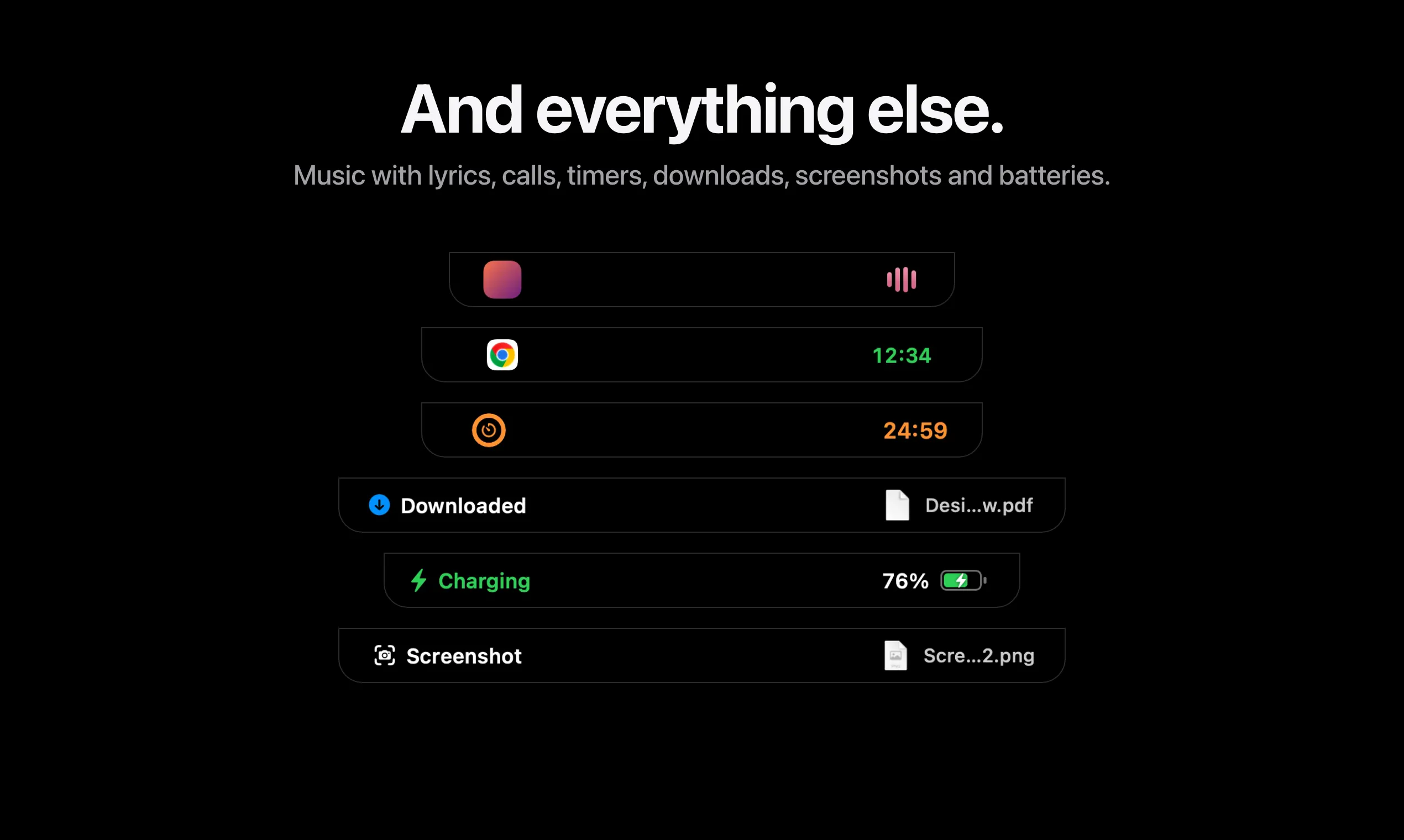
+2 more screenshots
Pros
- ✓Transforms the Mac's notch into a functional and customizable notification hub
- ✓Includes hands-free dictation activated by holding Fn for quick typing
- ✓Features a playful animated face that interacts with the cursor and monitors AI agents
- ✓Consolidates notifications, media controls, and system adjustments in one place
- ✓Affordable one-time purchase
Cons
- ✗Limited to Mac users with a notch-compatible device
- ✗Currently lacks extensive customization options for notifications and AI interactions
- ✗No detailed information on advanced AI capabilities or integrations
Use Cases
Pricing
Pricing not verified
Quick Info
Topics
Makers

Otabek Abdiraimov
@Abdiraimov_Alternatives
Similar Tools in AI Assistants




Embed Badge
Add this badge to your website to show that Halo is featured on Visalytica.
<a href="https://www.visalytica.com/tool/halo-1273549" target="_blank" rel="noopener noreferrer" style="display:inline-flex;align-items:center;gap:6px;padding:6px 14px;background:#7c3aed;color:#fff;border-radius:8px;font-family:-apple-system,system-ui,sans-serif;font-size:13px;font-weight:600;text-decoration:none;transition:background .2s" onmouseover="this.style.background='#6d28d9'" onmouseout="this.style.background='#7c3aed'"><svg width="14" height="14" viewBox="0 0 24 24" fill="none" stroke="currentColor" stroke-width="2.5" stroke-linecap="round" stroke-linejoin="round"><path d="M12 20V10"/><path d="M18 20V4"/><path d="M6 20v-4"/></svg>Featured on Visalytica</a>