
Halo
Dynamic Island for Mac, plus external monitor control
About Halo
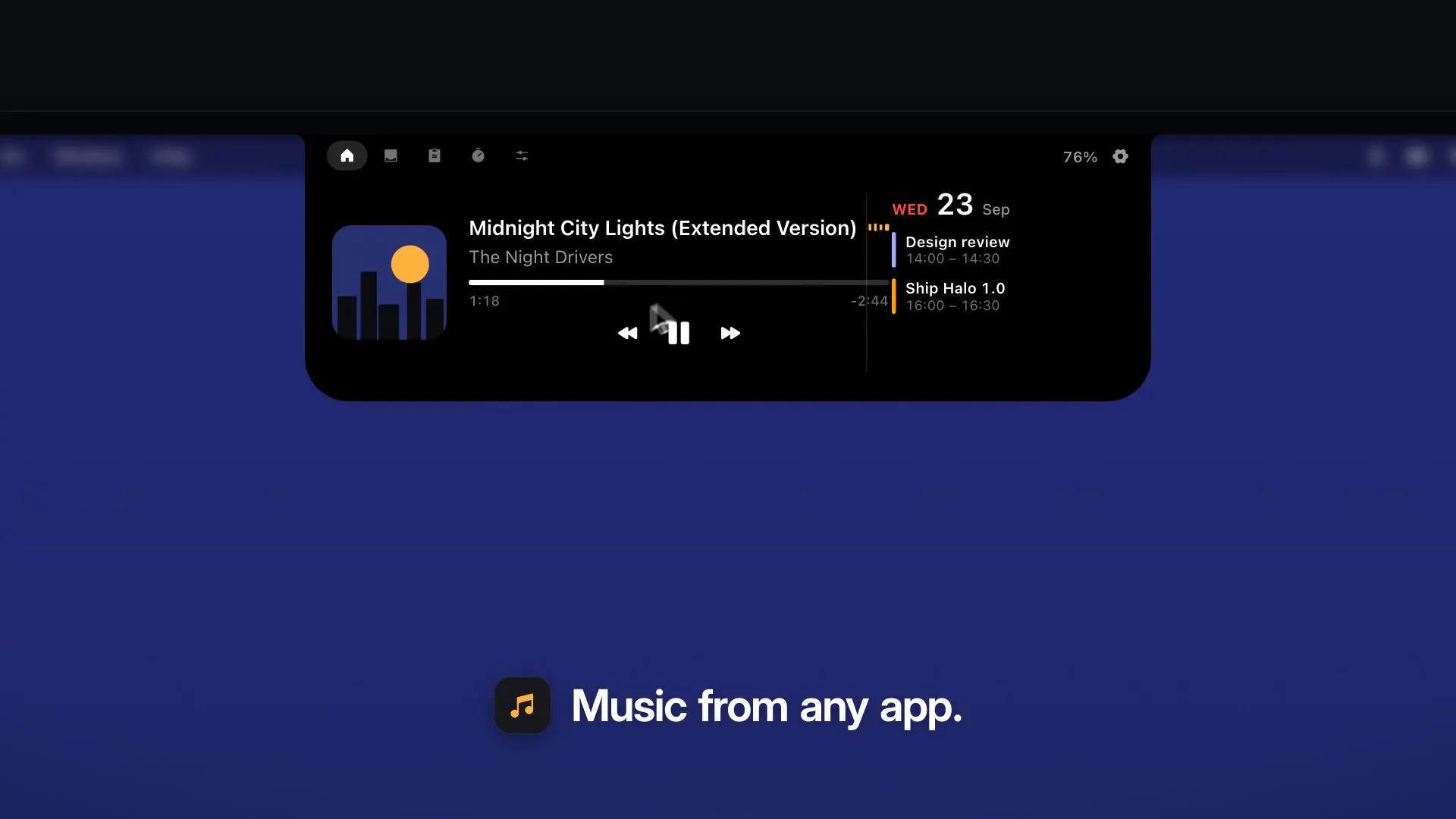
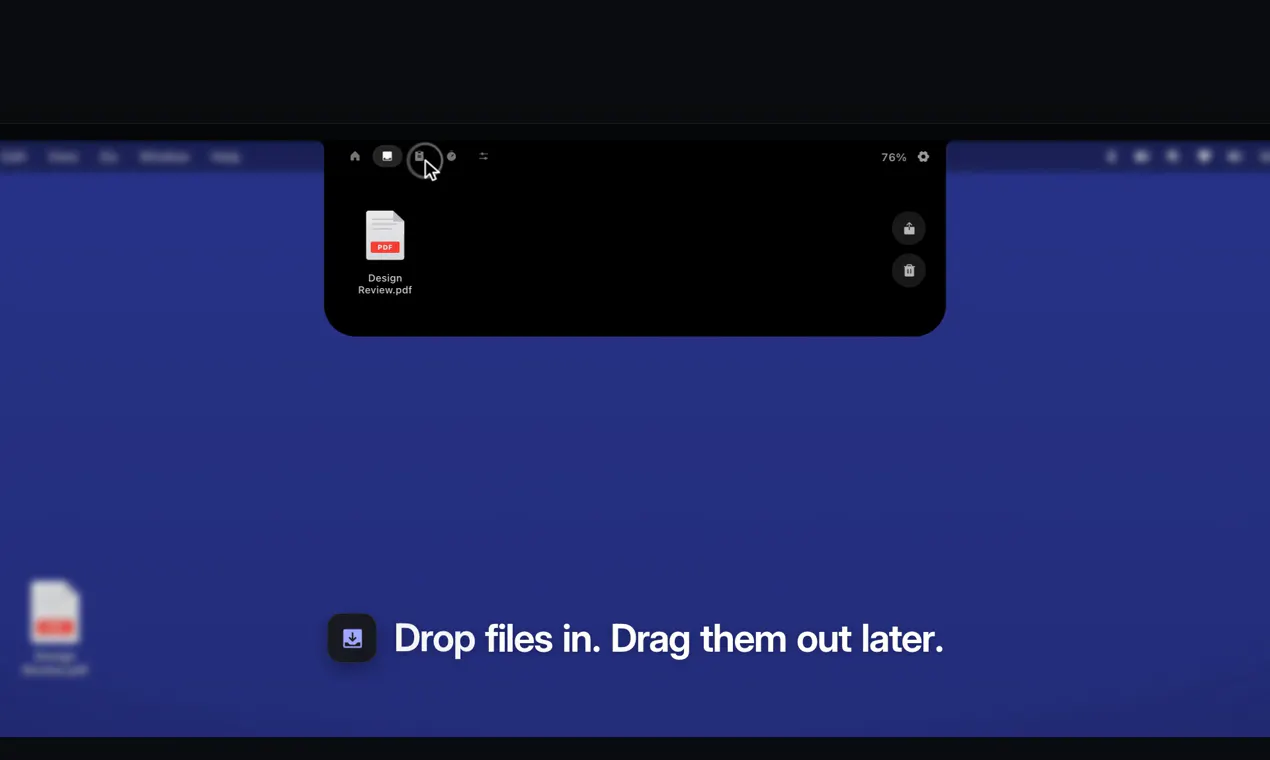
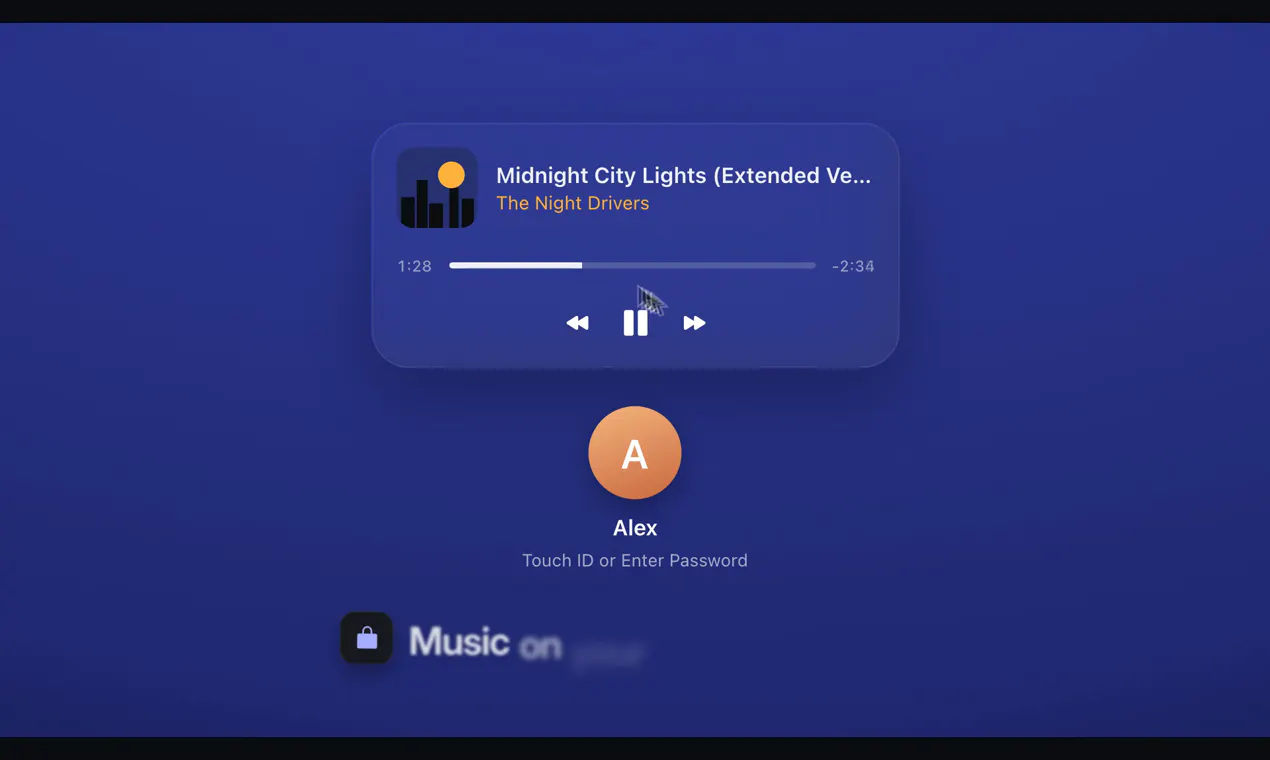
Halo transforms the Mac experience by bringing a customizable Dynamic Island-like interface to Macs, regardless of whether they have a notch. Positioned on the top, left, or right edge of the screen, it offers a sleek way to access notifications, controls, and real-time information. For Apple Silicon users, Halo extends its functionality to external monitors by enabling control over brightness, contrast, and input signals via DDC/CI, effectively turning the external display into an intelligent extension of your workspace. Its features include media playback controls, timers, a shelf for app shortcuts, and clipboard management—all accessible without requiring an account. This makes Halo a versatile tool for productivity enthusiasts and power users seeking a seamless, aesthetic, and functional overlay on their Mac desktops.
Screenshots
Pros
- ✓Adds a customizable Dynamic Island-like interface for Mac, enhancing multitasking and notifications
- ✓Supports external monitor control over brightness, contrast, and input for Apple Silicon Macs
- ✓No account required, ensuring quick and private setup
- ✓Includes useful features like media controls, timers, shelf, and clipboard management
- ✓Flexible placement options on top, left, or right edges of the screen
Cons
- ✗Currently has no user votes on Product Hunt, indicating limited adoption or awareness
- ✗Features and stability may vary depending on system configuration and updates
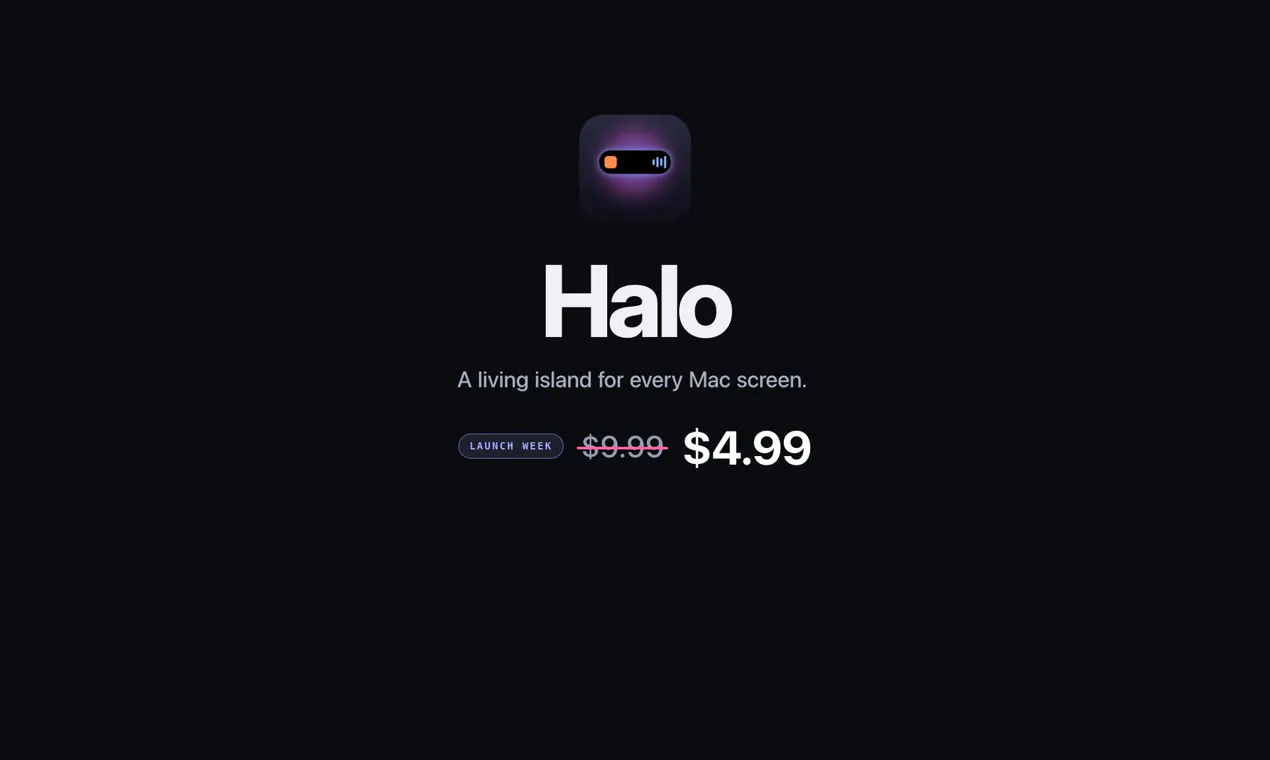
- ✗Limited information on pricing or subscription model
Use Cases
Pricing
Pricing not verified

Similar Tools in Productivity




Embed Badge
Add this badge to your website to show that Halo is featured on Visalytica.
<a href="https://www.visalytica.com/tool/halo" target="_blank" rel="noopener noreferrer" style="display:inline-flex;align-items:center;gap:6px;padding:6px 14px;background:#7c3aed;color:#fff;border-radius:8px;font-family:-apple-system,system-ui,sans-serif;font-size:13px;font-weight:600;text-decoration:none;transition:background .2s" onmouseover="this.style.background='#6d28d9'" onmouseout="this.style.background='#7c3aed'"><svg width="14" height="14" viewBox="0 0 24 24" fill="none" stroke="currentColor" stroke-width="2.5" stroke-linecap="round" stroke-linejoin="round"><path d="M12 20V10"/><path d="M18 20V4"/><path d="M6 20v-4"/></svg>Featured on Visalytica</a>