
Gutta
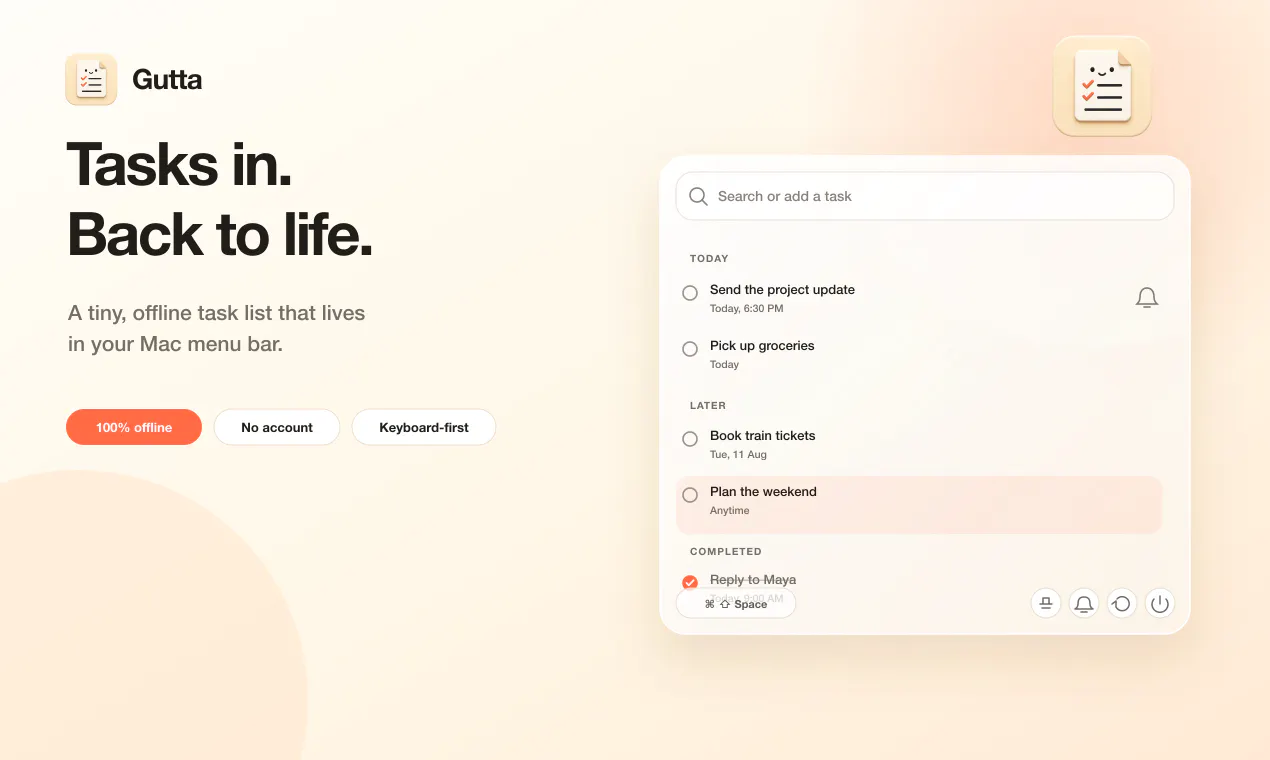
A tiny, offline task list for your Mac menu bar
About Gutta
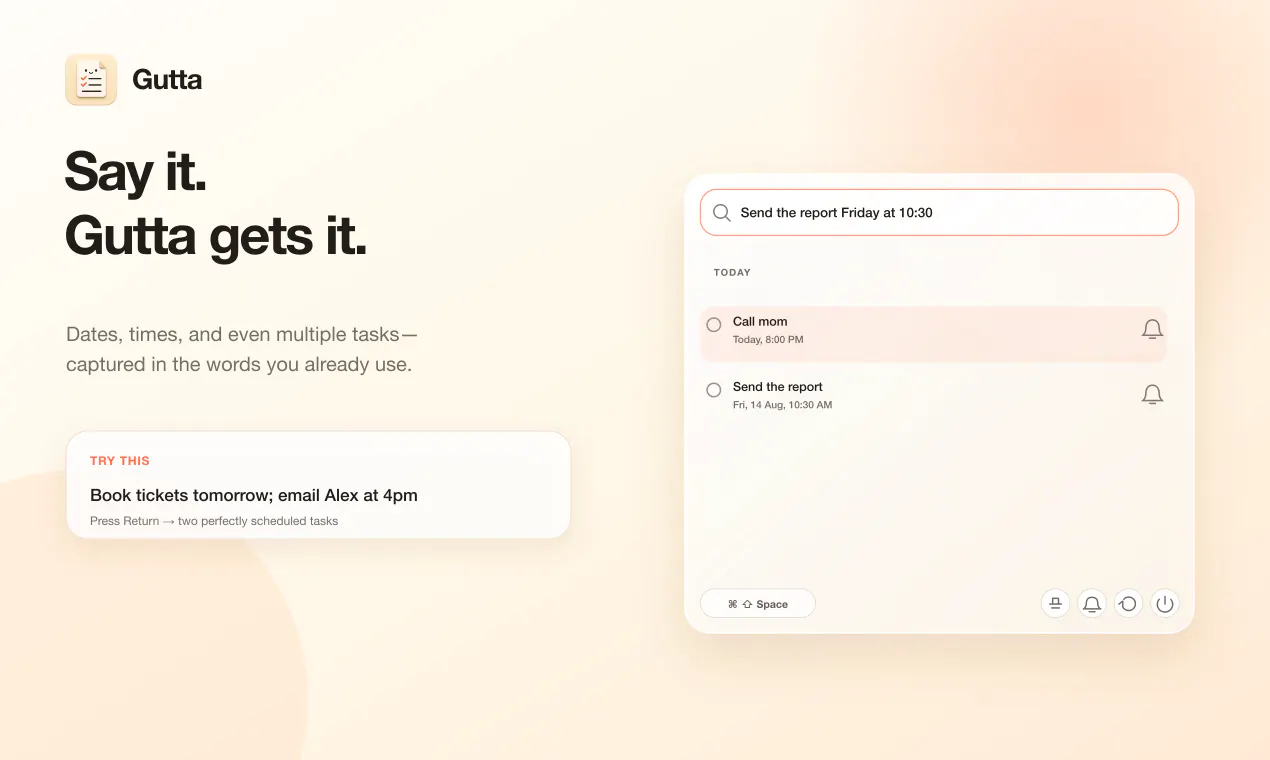
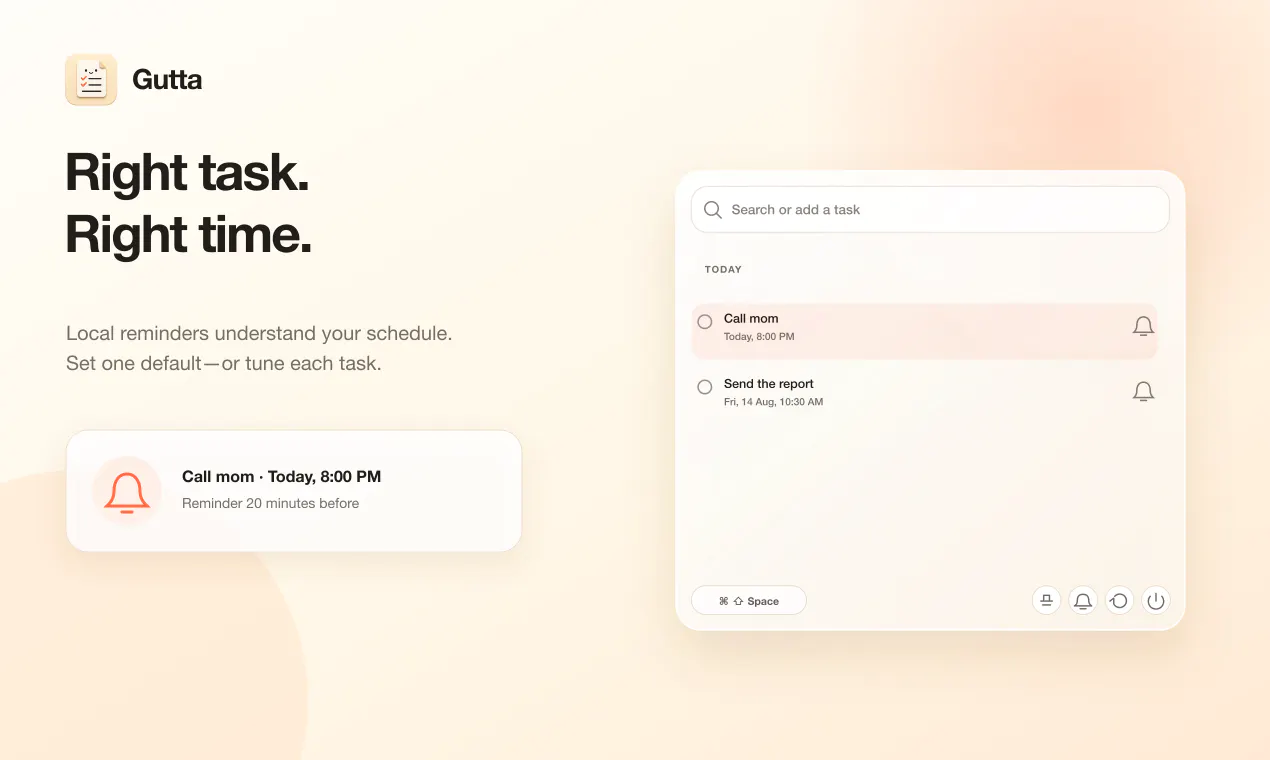
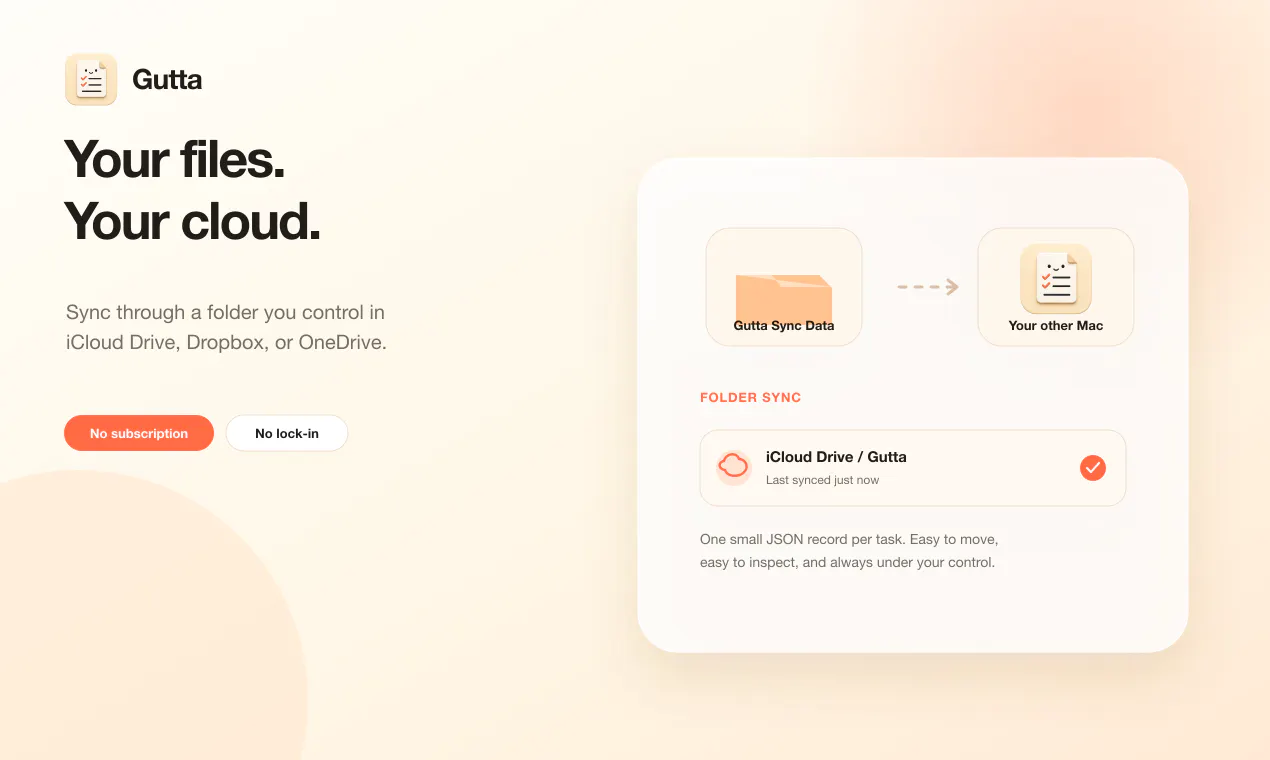
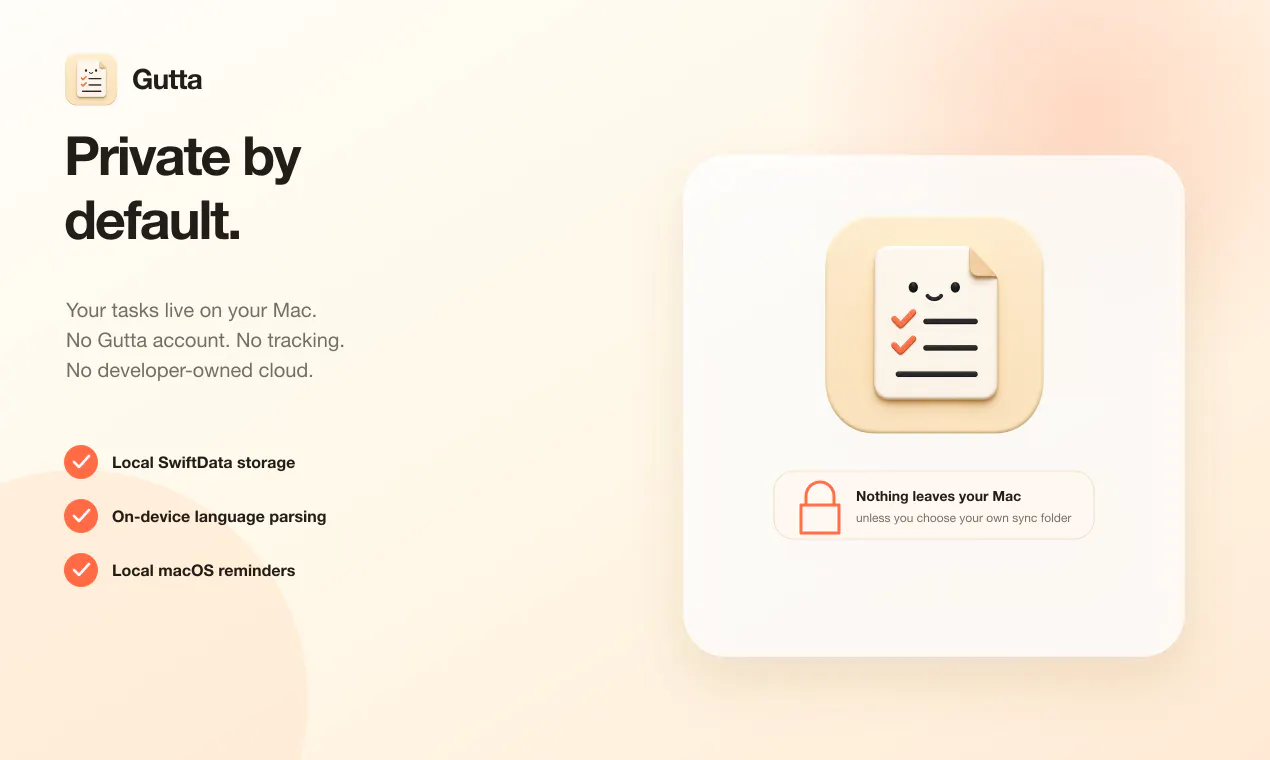
Gutta is a minimalist, keyboard-centric task management tool designed specifically for Mac users who prefer quick, distraction-free workflows. By residing in the menu bar, it offers instant access to a simple yet powerful task list that can be quickly updated via keyboard commands. Its natural language processing allows users to input tasks with dates and times spoken in natural language, making task entry seamless and intuitive. Additionally, Gutta supports semicolon-separated inputs for multiple tasks and can set local reminders, all while storing data locally or syncing through a user-controlled folder in cloud services like iCloud Drive, Dropbox, or OneDrive. This approach ensures privacy and user control, with no need for accounts, subscriptions, or cloud tracking. Gutta is ideal for Mac users seeking an efficient, lightweight task manager that integrates smoothly into their workflow without the complexity of larger apps or cloud dependencies.
Screenshots
Pros
- ✓Privacy-focused with local storage and optional user-controlled sync
- ✓Keyboard-first design enables fast task entry and management
- ✓Supports natural language for dates and times, simplifying input
- ✓Lightweight and unobtrusive, residing in the menu bar
- ✓No account, subscription, or tracking required
Cons
- ✗Limited features compared to full-fledged task management apps
- ✗No cloud-based collaboration or sharing options
- ✗Potential learning curve for users unfamiliar with command-based input
Use Cases
Pricing
Likely a one-time purchase or free with optional paid features; details are not explicitly stated, but the app's privacy-centric approach suggests a straightforward, possibly free or low-cost model.
Quick Info
Topics
Makers

Vaibhav Pathak
Alternatives
Similar Tools in Productivity




Embed Badge
Add this badge to your website to show that Gutta is featured on Visalytica.
<a href="https://www.visalytica.com/tool/gutta" target="_blank" rel="noopener noreferrer" style="display:inline-flex;align-items:center;gap:6px;padding:6px 14px;background:#7c3aed;color:#fff;border-radius:8px;font-family:-apple-system,system-ui,sans-serif;font-size:13px;font-weight:600;text-decoration:none;transition:background .2s" onmouseover="this.style.background='#6d28d9'" onmouseout="this.style.background='#7c3aed'"><svg width="14" height="14" viewBox="0 0 24 24" fill="none" stroke="currentColor" stroke-width="2.5" stroke-linecap="round" stroke-linejoin="round"><path d="M12 20V10"/><path d="M18 20V4"/><path d="M6 20v-4"/></svg>Featured on Visalytica</a>