
Guitar Setup Lab
50 practical tools for guitar setup, repair & builds
About Guitar Setup Lab
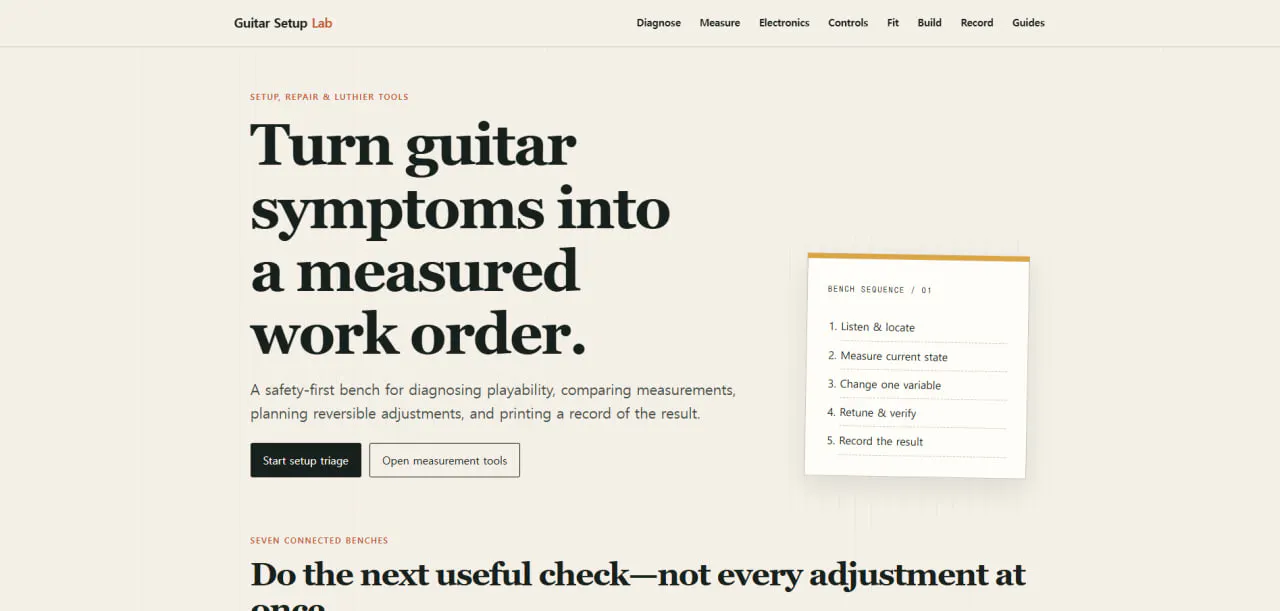
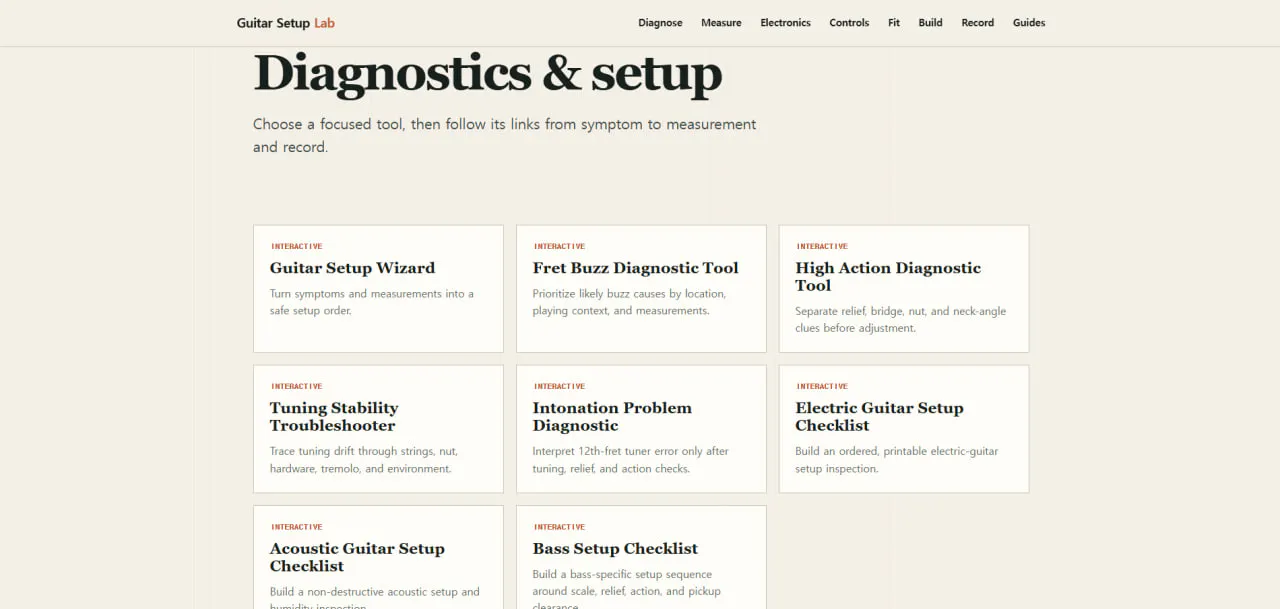
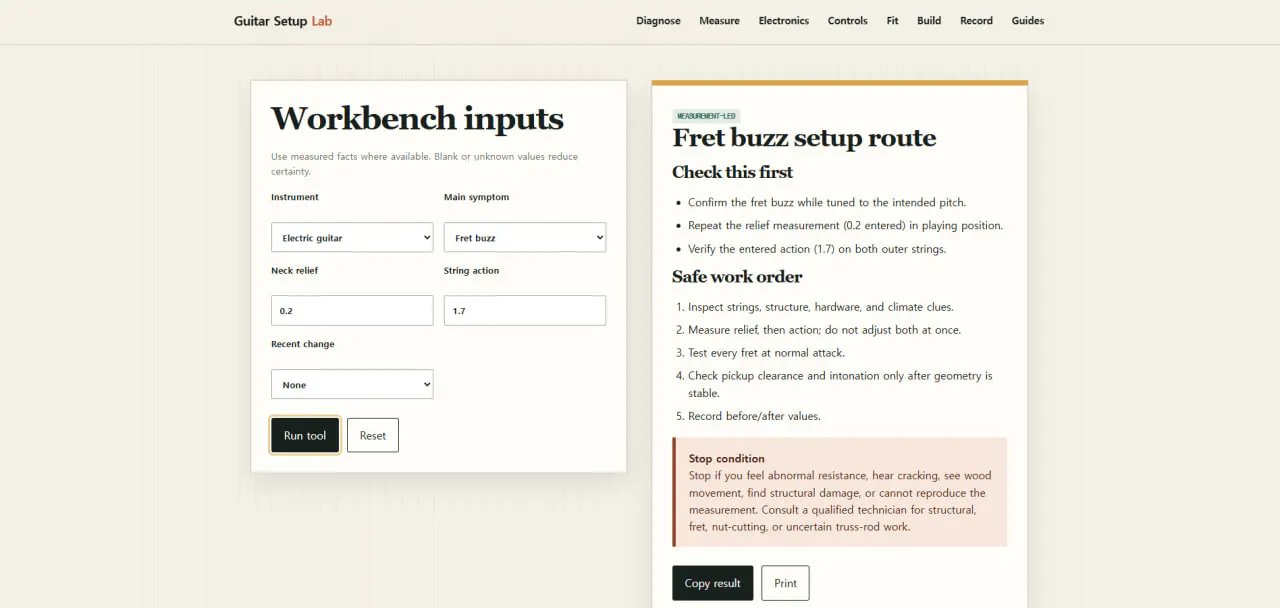
Guitar Setup Lab is a comprehensive, free online collection of 50 interactive tools designed specifically for guitar and bass technicians, luthiers, and enthusiasts. It offers a wide range of practical utilities for measuring, diagnosing, and planning various aspects of instrument setup, repair, and customization. From checking fret and hardware geometry to verifying pickup fit and creating detailed repair records, the platform streamlines many complex tasks, allowing users to perform precise calculations directly in their browser without any sign-up requirements. Its user-friendly, browser-based interface makes it accessible to both beginners and experienced professionals seeking quick, reliable tools for guitar maintenance and modification. By consolidating essential setup and repair functions into one free resource, Guitar Setup Lab stands out as a valuable asset for musicians, repair shops, and DIY luthiers alike.
Screenshots
Pros
- ✓Free to use with no sign-up required
- ✓50 diverse, interactive tools for comprehensive guitar setup and repair
- ✓Runs directly in the browser, no installation needed
- ✓Ideal for both beginners and professionals
- ✓Helps ensure precise measurements and planning
Cons
- ✗Limited to guitar and bass instruments, not general stringed instruments
- ✗Lacks advanced features found in dedicated hardware or professional software
- ✗No mobile app support, relies on browser compatibility
Use Cases
Pricing
Free and open to all users, providing a comprehensive suite of tools without any costs or subscription models.
Quick Info
Topics
Makers

canghun
Alternatives
Similar Tools in AI Assistants




Embed Badge
Add this badge to your website to show that Guitar Setup Lab is featured on Visalytica.
<a href="https://www.visalytica.com/tool/guitar-setup-lab" target="_blank" rel="noopener noreferrer" style="display:inline-flex;align-items:center;gap:6px;padding:6px 14px;background:#7c3aed;color:#fff;border-radius:8px;font-family:-apple-system,system-ui,sans-serif;font-size:13px;font-weight:600;text-decoration:none;transition:background .2s" onmouseover="this.style.background='#6d28d9'" onmouseout="this.style.background='#7c3aed'"><svg width="14" height="14" viewBox="0 0 24 24" fill="none" stroke="currentColor" stroke-width="2.5" stroke-linecap="round" stroke-linejoin="round"><path d="M12 20V10"/><path d="M18 20V4"/><path d="M6 20v-4"/></svg>Featured on Visalytica</a>