
Guidesnap
Turn screen recordings into polished PDF guides in minutes
About Guidesnap
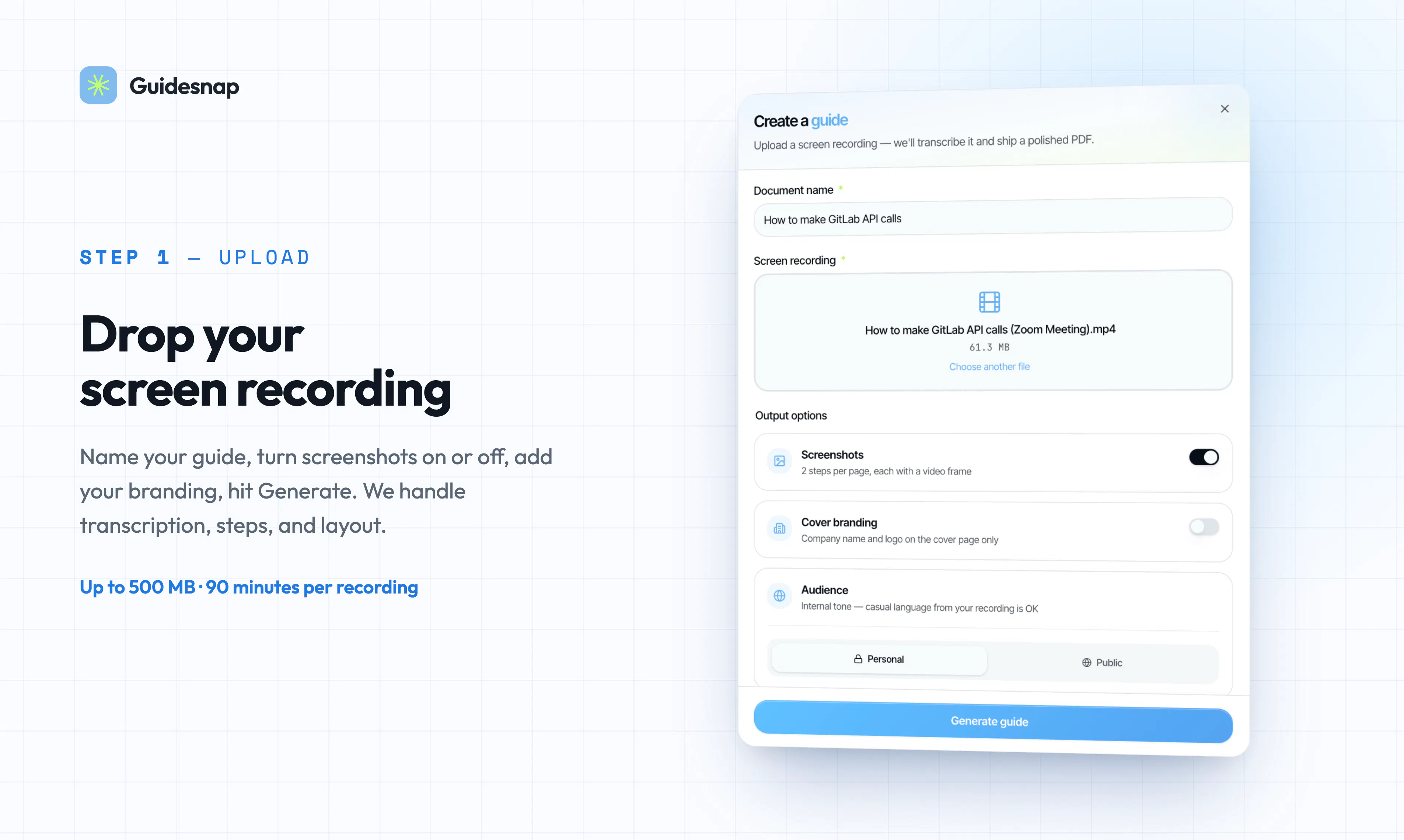
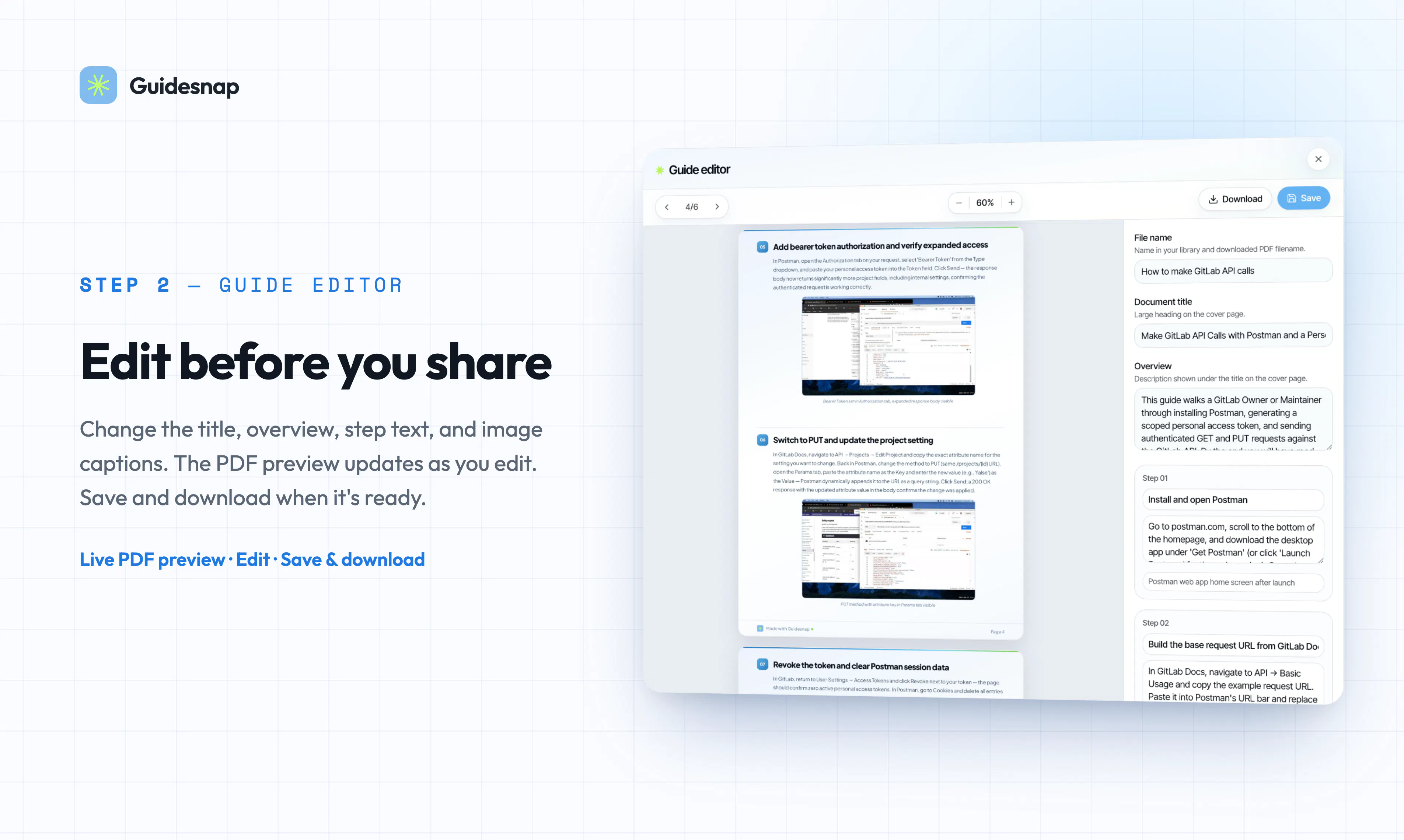
Guidesnap is an innovative SaaS tool designed to transform screen recordings into professional, polished PDF guides in minutes. It leverages artificial intelligence to transcribe narration, identify steps within the recording, and capture screenshots at precise moments, resulting in a comprehensive and visually appealing document. Users can easily upload their walkthroughs, edit steps directly in the browser, and rebuild guides without the need to re-upload content, making the process seamless and efficient. This makes Guidesnap particularly valuable for creating onboarding materials, standard operating procedures (SOPs), tutorials, and detailed product documentation. Its user-friendly interface combined with AI-powered automation significantly reduces manual effort, enabling teams to produce high-quality guides quickly and effortlessly.
Screenshots

Pros
- ✓Automates transcription, step detection, and screenshot capturing
- ✓Easy in-browser editing and rebuilding without re-uploading
- ✓Speeds up guide creation for onboarding and documentation
- ✓Supports various types of instructional content
Cons
- ✗Dependent on quality of source recordings for best results
- ✗Limited information on pricing and subscription tiers
- ✗May have a learning curve for non-technical users
Use Cases
Pricing
Likely operates on a freemium model with basic features available for free, and paid plans offering advanced editing and higher usage limits, with prices expected to start around $10-$30 per month.
Quick Info
Topics
Makers

Alexey Murmulev
Similar Tools in Developer Tools




Embed Badge
Add this badge to your website to show that Guidesnap is featured on Visalytica.
<a href="https://www.visalytica.com/tool/guidesnap" target="_blank" rel="noopener noreferrer" style="display:inline-flex;align-items:center;gap:6px;padding:6px 14px;background:#7c3aed;color:#fff;border-radius:8px;font-family:-apple-system,system-ui,sans-serif;font-size:13px;font-weight:600;text-decoration:none;transition:background .2s" onmouseover="this.style.background='#6d28d9'" onmouseout="this.style.background='#7c3aed'"><svg width="14" height="14" viewBox="0 0 24 24" fill="none" stroke="currentColor" stroke-width="2.5" stroke-linecap="round" stroke-linejoin="round"><path d="M12 20V10"/><path d="M18 20V4"/><path d="M6 20v-4"/></svg>Featured on Visalytica</a>