
GroupShelf
Tabs for every window on your Mac
About GroupShelf
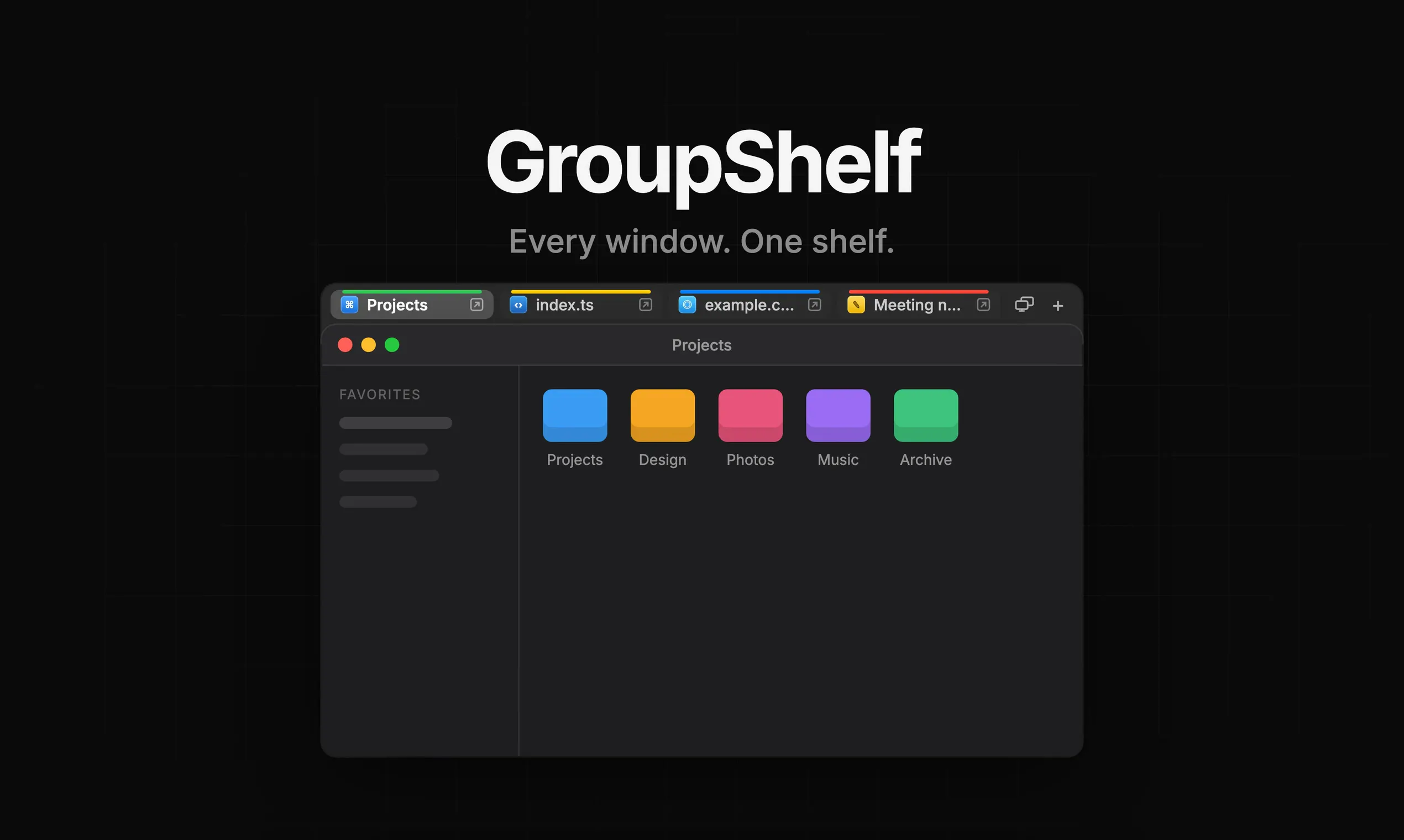
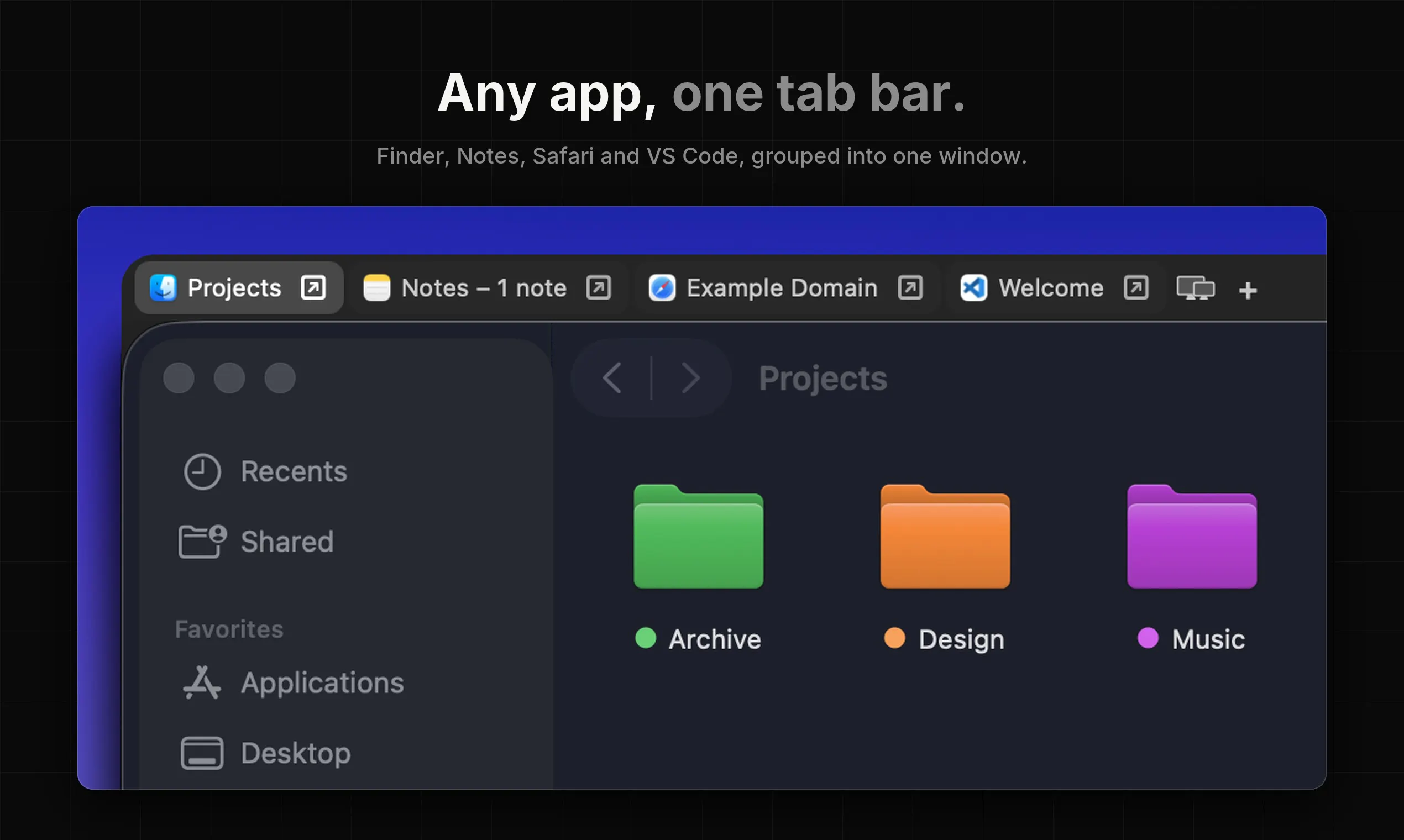
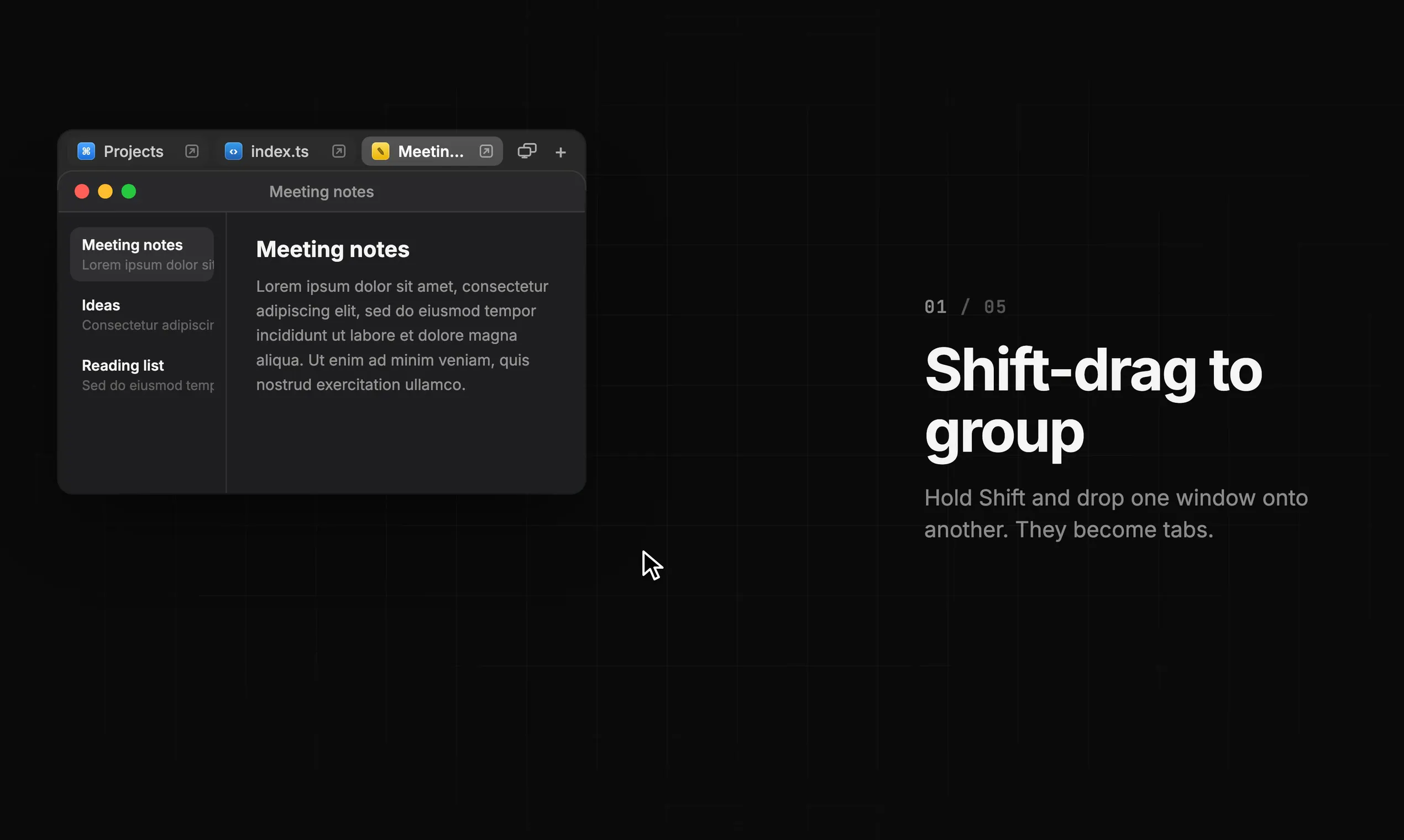
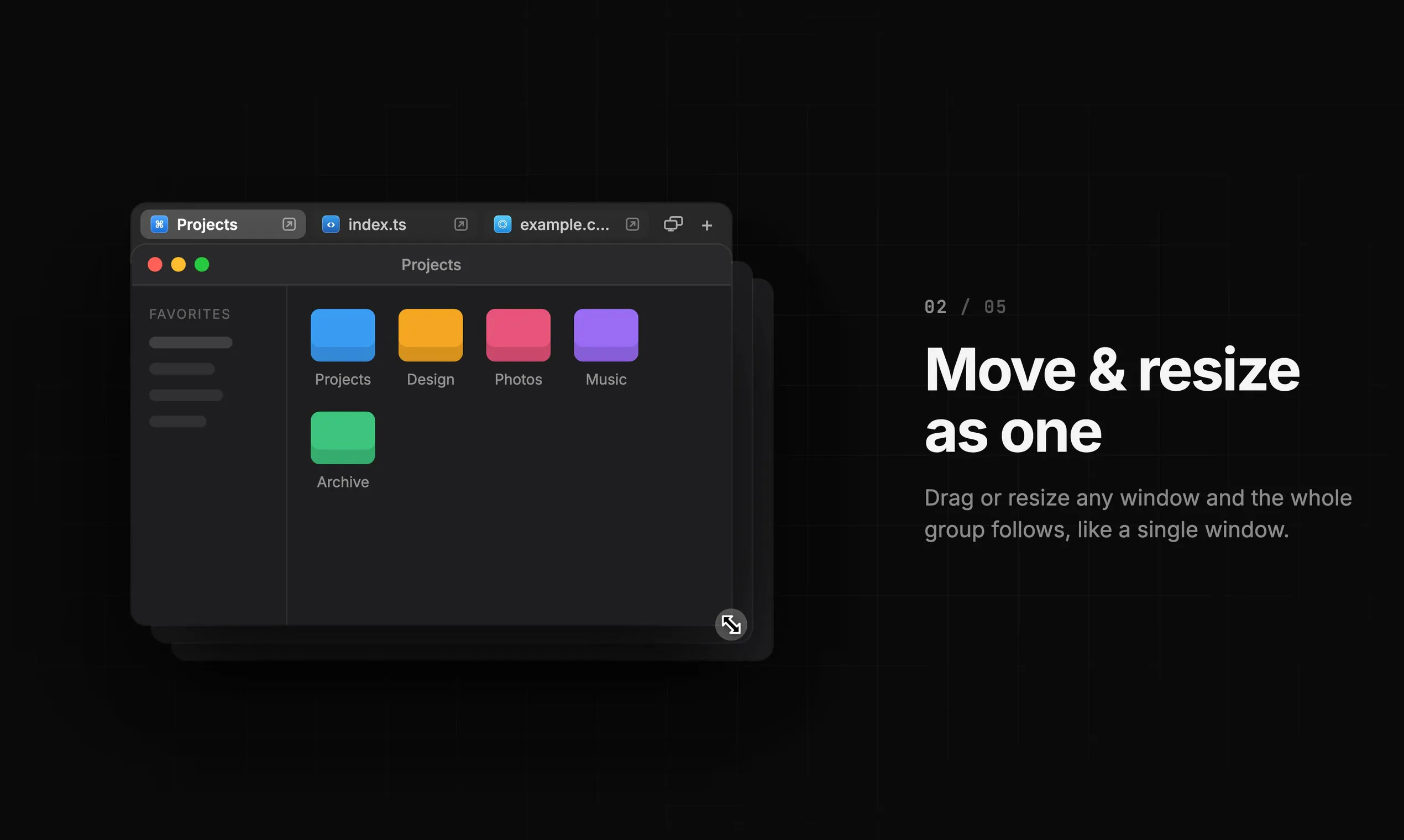
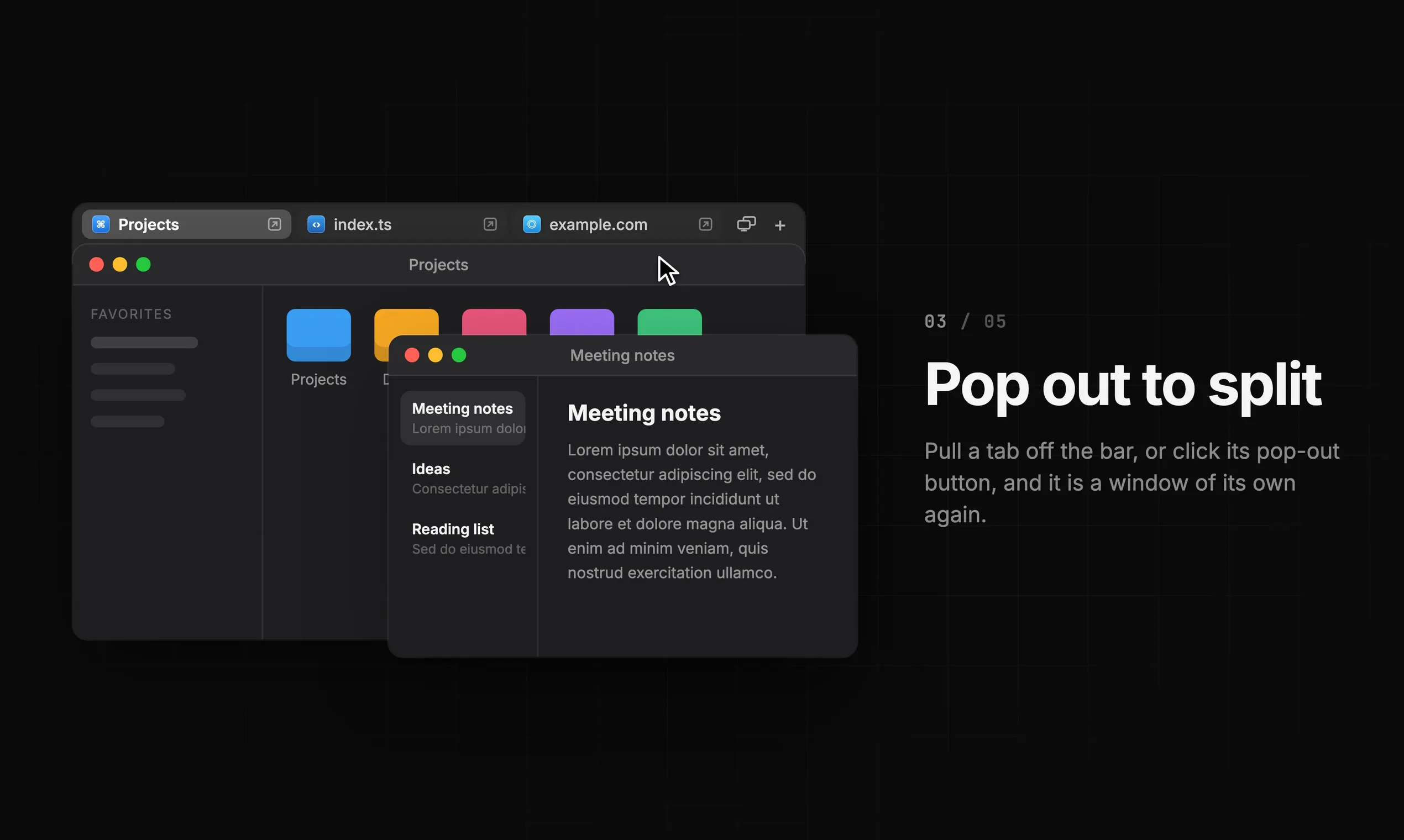
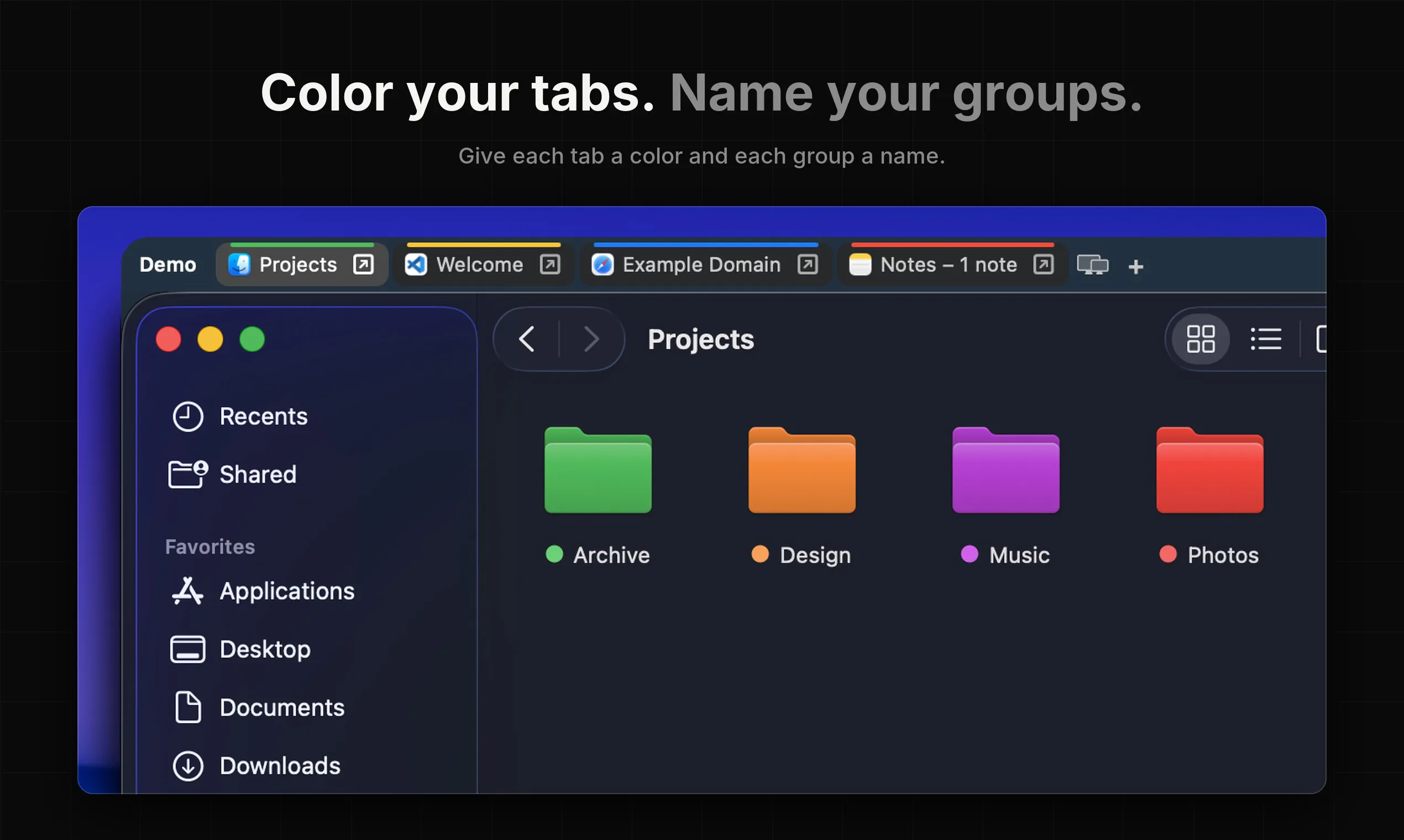
GroupShelf is a innovative macOS utility designed to enhance window management by grouping application windows into tabs, similar to browser tabs. It seamlessly consolidates multiple windows from various apps into organized groups, making multitasking more intuitive and less cluttered. With features like dragging windows onto each other to create groups, moving or resizing a single window to affect the entire group, and splitting groups by pulling tabs off, it offers a dynamic and flexible workspace solution. Its lightweight, native design ensures smooth performance on macOS 15+ devices, whether Apple Silicon or Intel. Ideal for power users, developers, designers, or anyone seeking a streamlined desktop experience, GroupShelf transforms how users interact with multiple windows, boosting productivity and organization.
Screenshots
+4 more screenshots
Pros
- ✓Intuitive window grouping with drag-and-drop functionality
- ✓Lightweight, native macOS app optimized for performance
- ✓Flexible grouping options, including coloring and naming
- ✓Enhances multitasking by keeping related windows organized
- ✓Supports macOS 15+ on both Apple Silicon and Intel
Cons
- ✗Limited to macOS, no Windows or Linux support
- ✗Some users may need time to adapt to new window management workflow
- ✗Features may be basic compared to more comprehensive window managers
Use Cases
Pricing
Pricing not verified
Quick Info
Topics
Makers

techneconn
Alternatives
Similar Tools in Productivity




Embed Badge
Add this badge to your website to show that GroupShelf is featured on Visalytica.
<a href="https://www.visalytica.com/tool/groupshelf" target="_blank" rel="noopener noreferrer" style="display:inline-flex;align-items:center;gap:6px;padding:6px 14px;background:#7c3aed;color:#fff;border-radius:8px;font-family:-apple-system,system-ui,sans-serif;font-size:13px;font-weight:600;text-decoration:none;transition:background .2s" onmouseover="this.style.background='#6d28d9'" onmouseout="this.style.background='#7c3aed'"><svg width="14" height="14" viewBox="0 0 24 24" fill="none" stroke="currentColor" stroke-width="2.5" stroke-linecap="round" stroke-linejoin="round"><path d="M12 20V10"/><path d="M18 20V4"/><path d="M6 20v-4"/></svg>Featured on Visalytica</a>