
Grok Build
Agentic coding that executes on your local filesystem
About Grok Build
Grok Build is an innovative local desktop coding agent designed for developers who want AI to go beyond suggestions and actively execute code on their local filesystem. Unlike cloud-based AI tools, Grok Build operates directly on the user's machine, reading, writing, and executing files and commands within the terminal environment. This approach offers a seamless integration into developers' workflows, making it ideal for automating complex tasks, debugging, and managing codebases with minimal friction. Its agentic nature allows it to perform tasks autonomously based on user prompts, enhancing productivity and reducing manual effort. Geared towards software engineers, DevOps teams, and power users, Grok Build bridges the gap between AI assistance and practical code execution, empowering users to leverage AI-driven automation locally and securely.
Screenshots
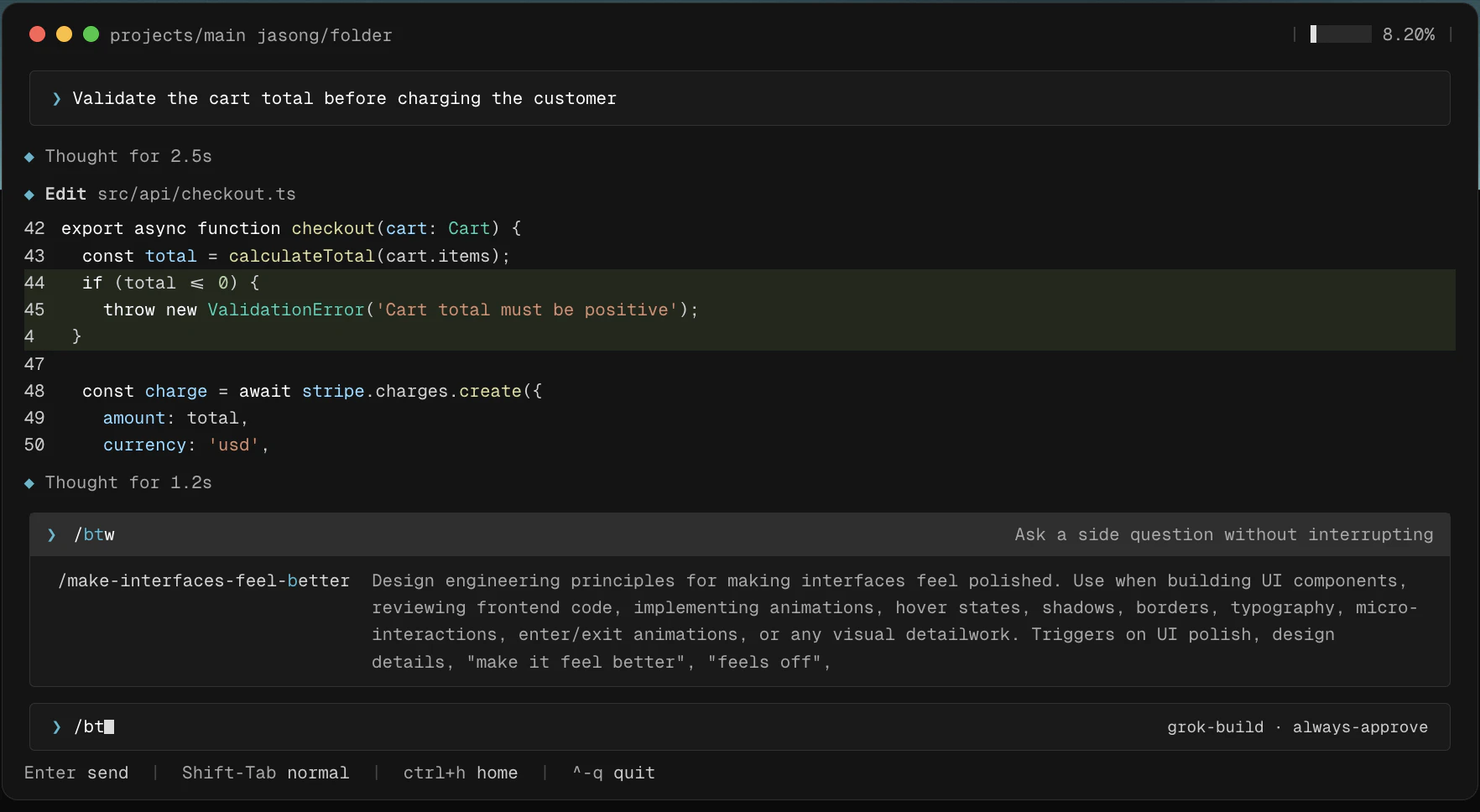
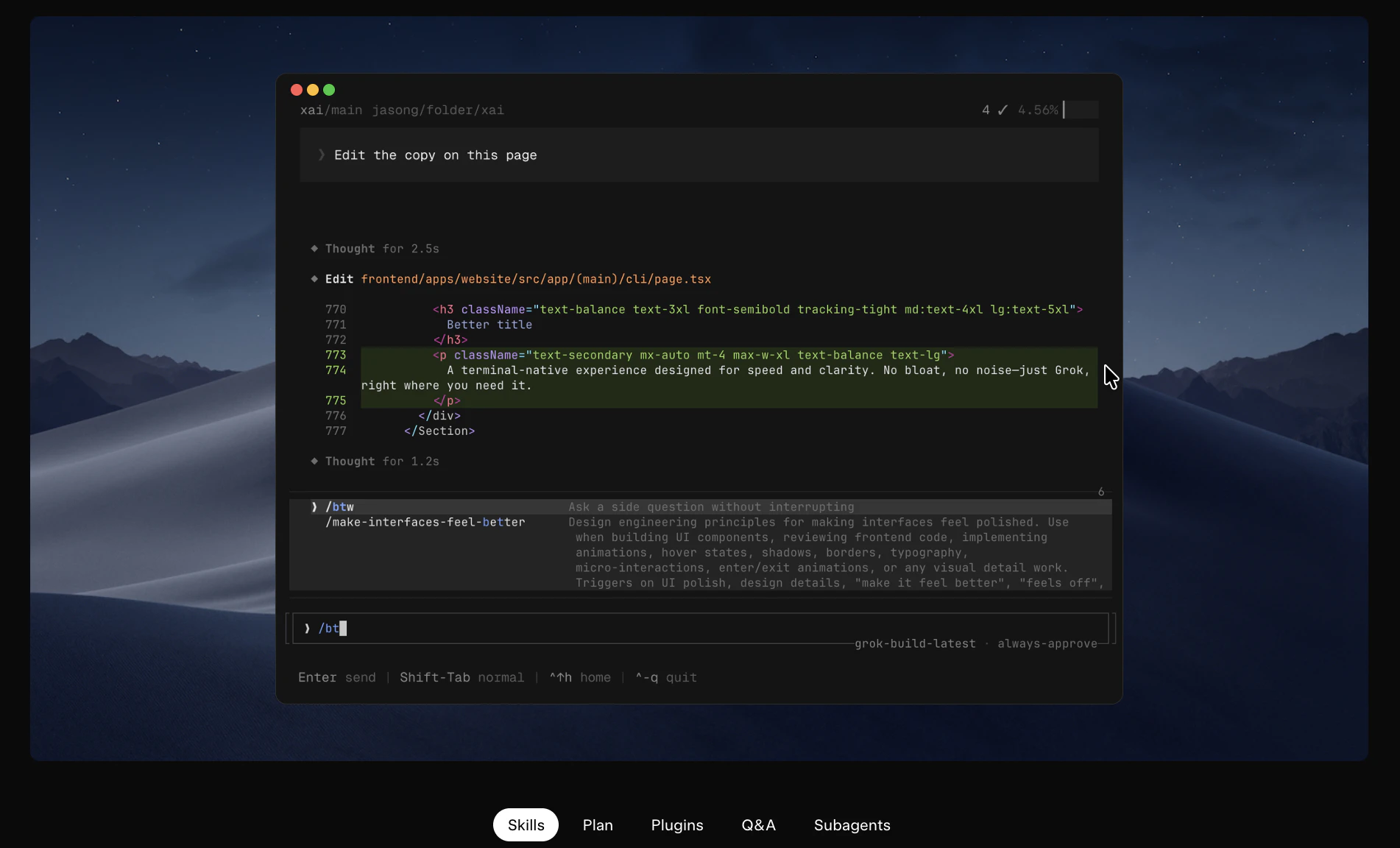
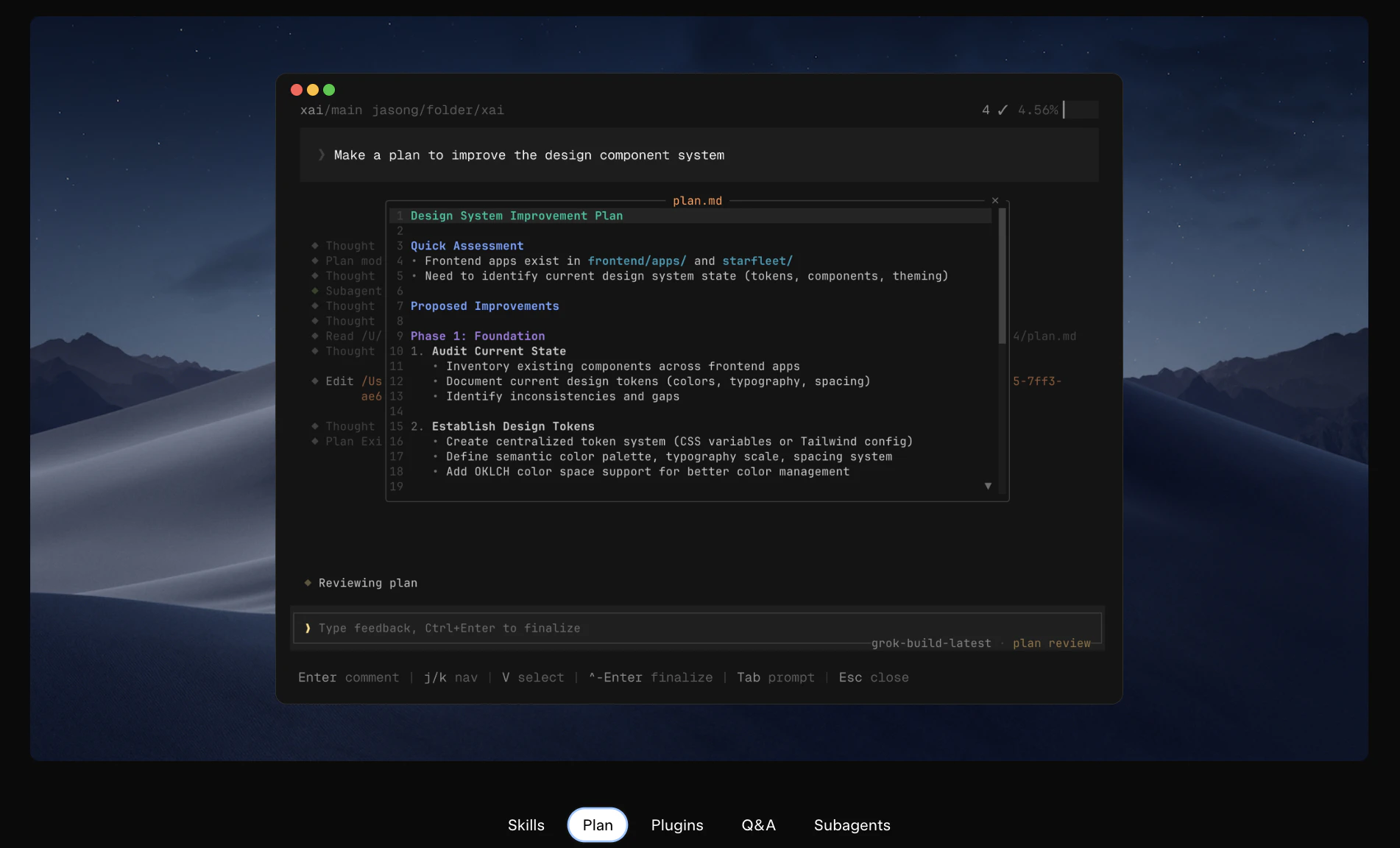
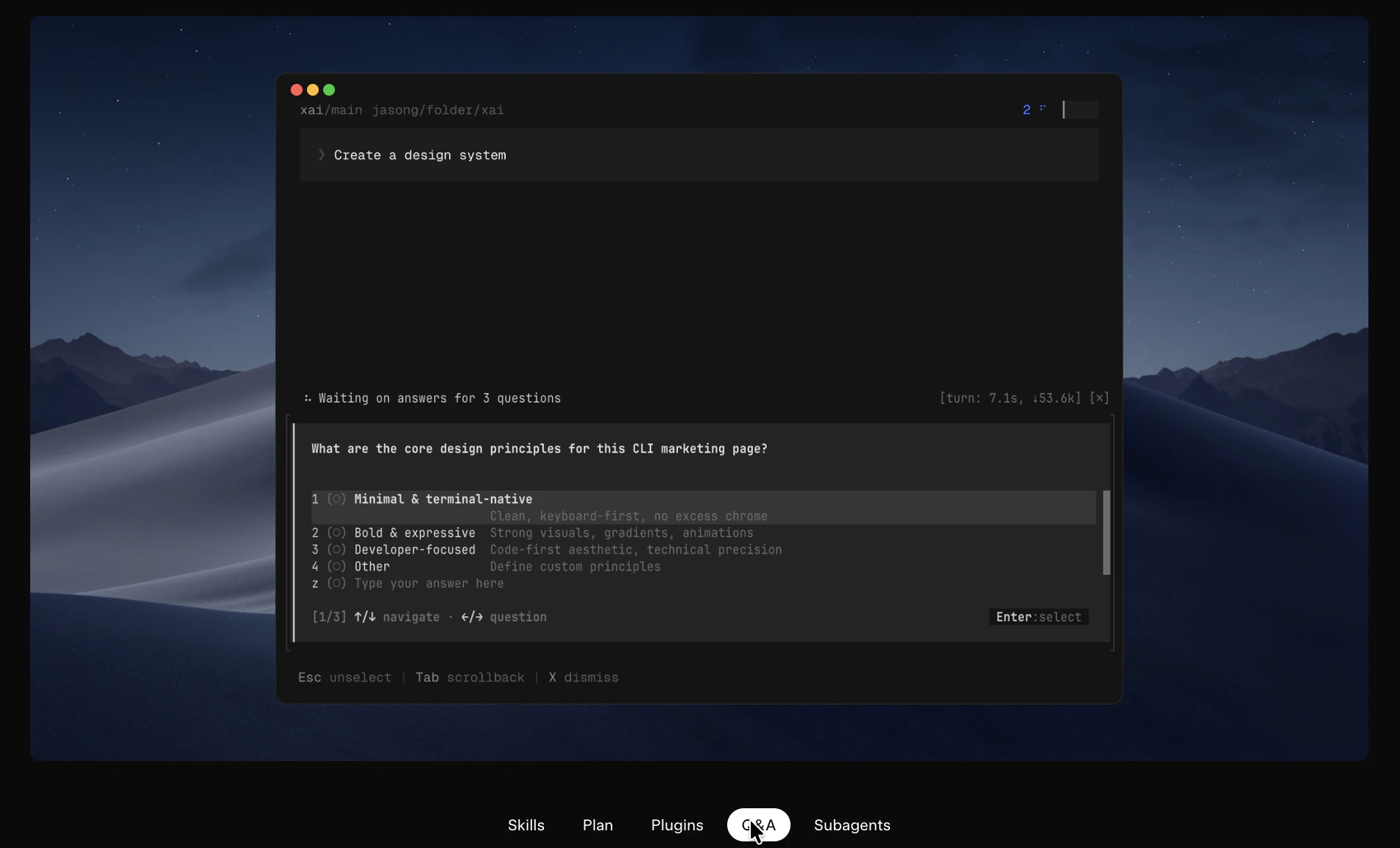
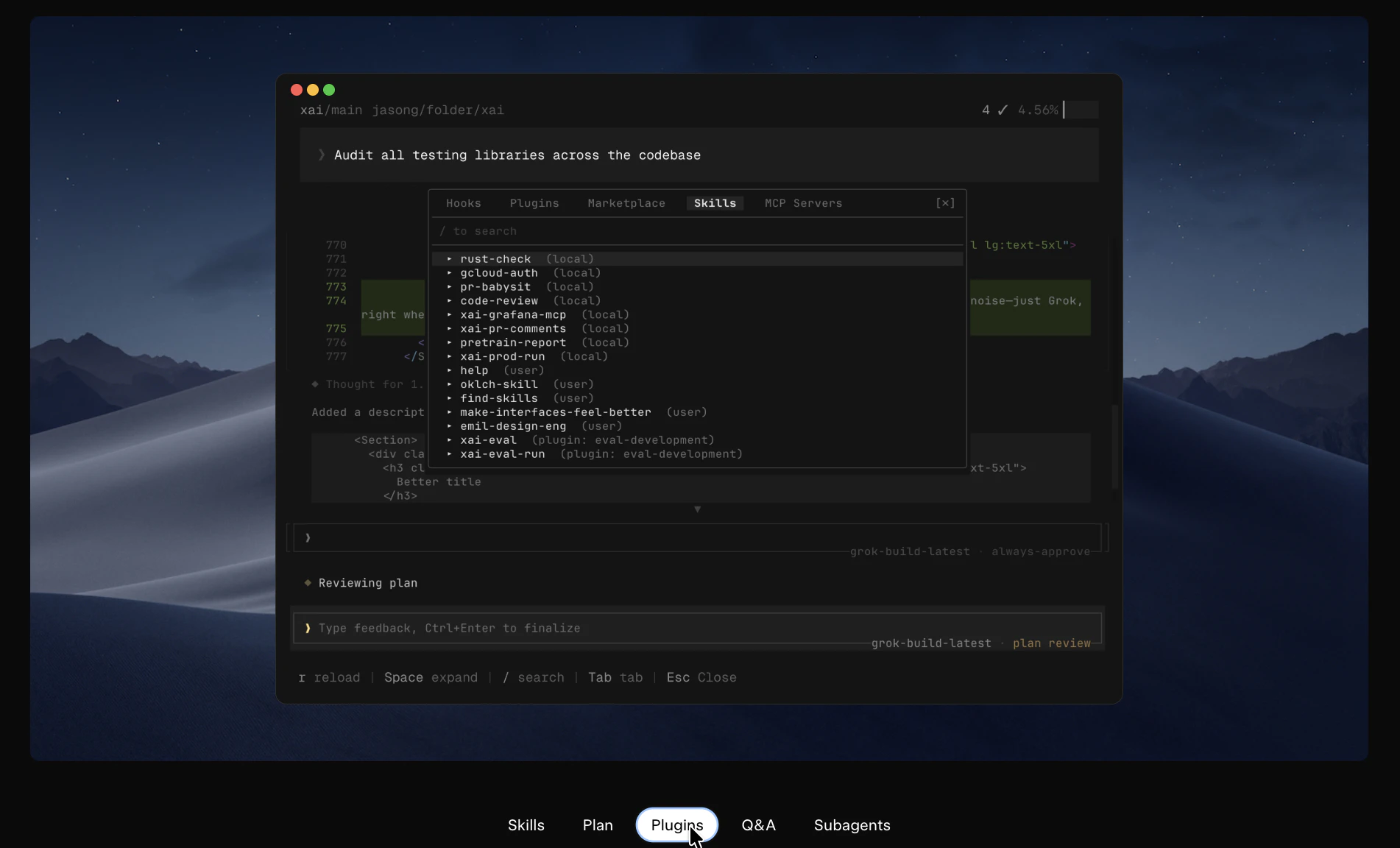
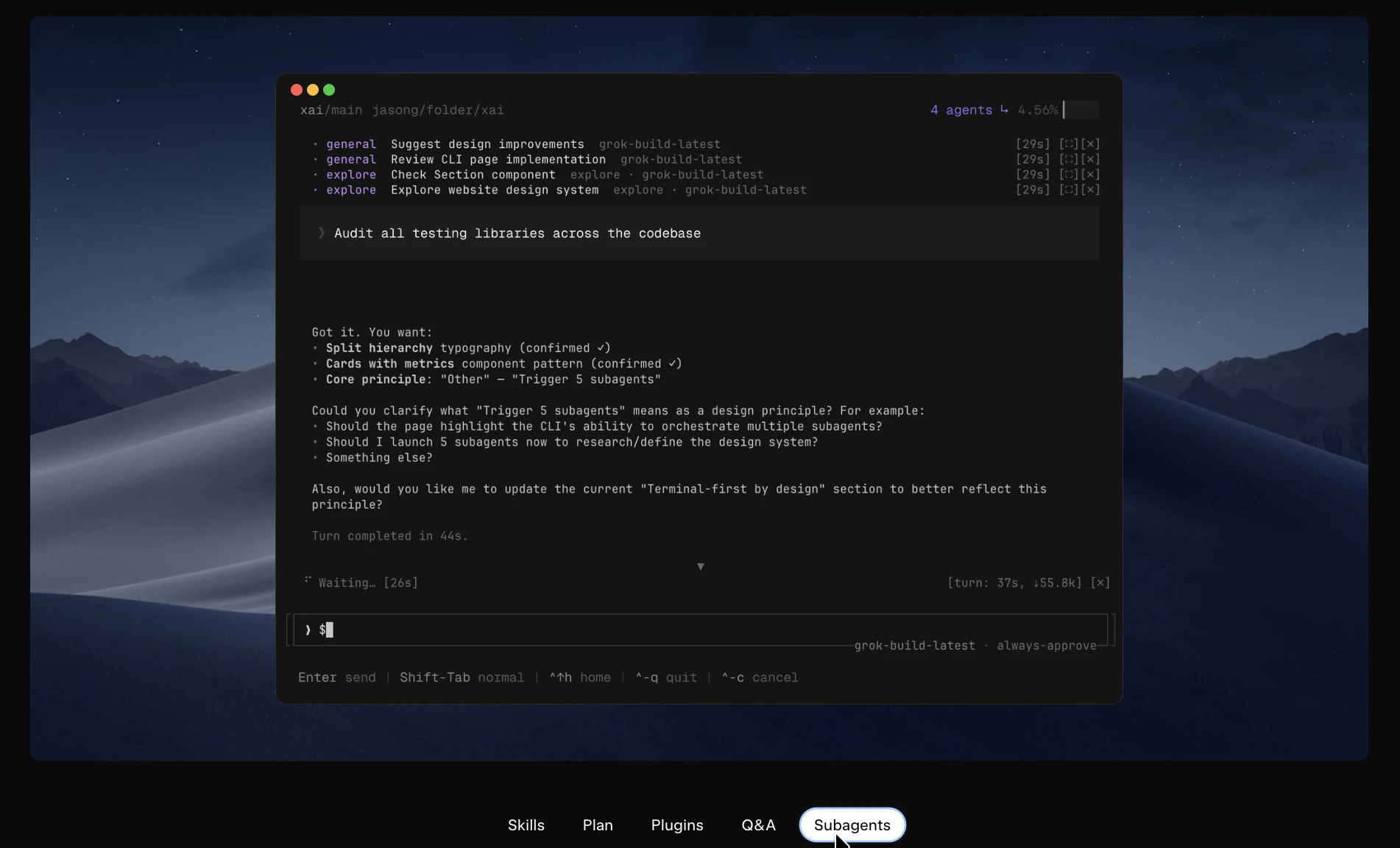
Pros
- ✓Operates directly on the local filesystem for enhanced privacy and control
- ✓Enables autonomous execution of code and commands based on user prompts
- ✓Integrates seamlessly with terminal workflows, improving productivity
- ✓Reduces manual effort by automating complex coding tasks
- ✓Suitable for automation, debugging, and managing large codebases
Cons
- ✗Limited information on pricing and subscription models
- ✗Potential learning curve for users unfamiliar with agent-based AI tools
- ✗Dependence on local environment setup may require technical expertise
Use Cases
Pricing
Details on pricing are not explicitly provided, but it is likely to follow a subscription or freemium model given its nature as a desktop AI agent. There may be free tiers with limited features and premium plans for advanced automation or enterprise use.
Quick Info
Topics
Alternatives
Similar Tools in Developer Tools




Embed Badge
Add this badge to your website to show that Grok Build is featured on Visalytica.
<a href="https://www.visalytica.com/tool/grok-build-1142153" target="_blank" rel="noopener noreferrer" style="display:inline-flex;align-items:center;gap:6px;padding:6px 14px;background:#7c3aed;color:#fff;border-radius:8px;font-family:-apple-system,system-ui,sans-serif;font-size:13px;font-weight:600;text-decoration:none;transition:background .2s" onmouseover="this.style.background='#6d28d9'" onmouseout="this.style.background='#7c3aed'"><svg width="14" height="14" viewBox="0 0 24 24" fill="none" stroke="currentColor" stroke-width="2.5" stroke-linecap="round" stroke-linejoin="round"><path d="M12 20V10"/><path d="M18 20V4"/><path d="M6 20v-4"/></svg>Featured on Visalytica</a>