
Grimo AI
Say it once and all tasks, calendar and notes are sorted
About Grimo AI
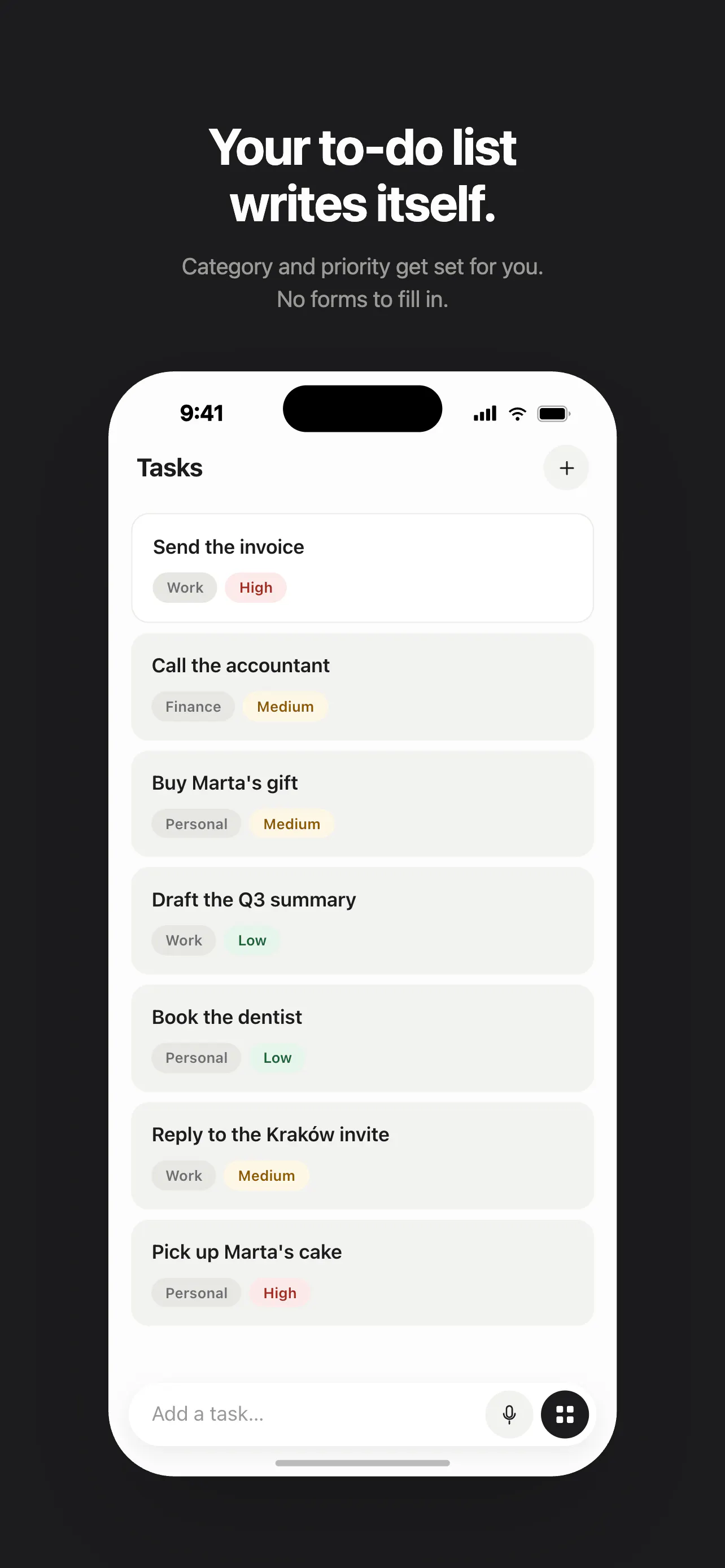
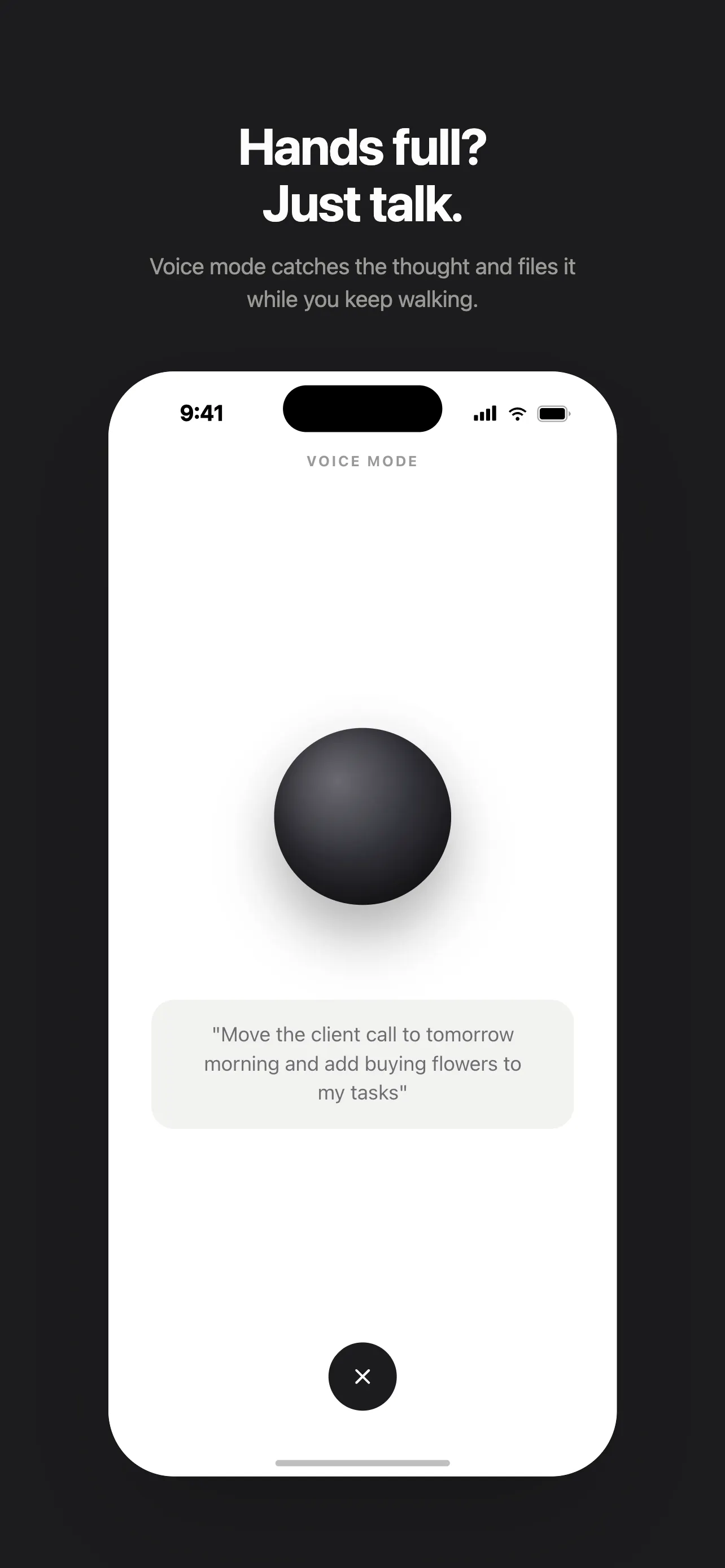
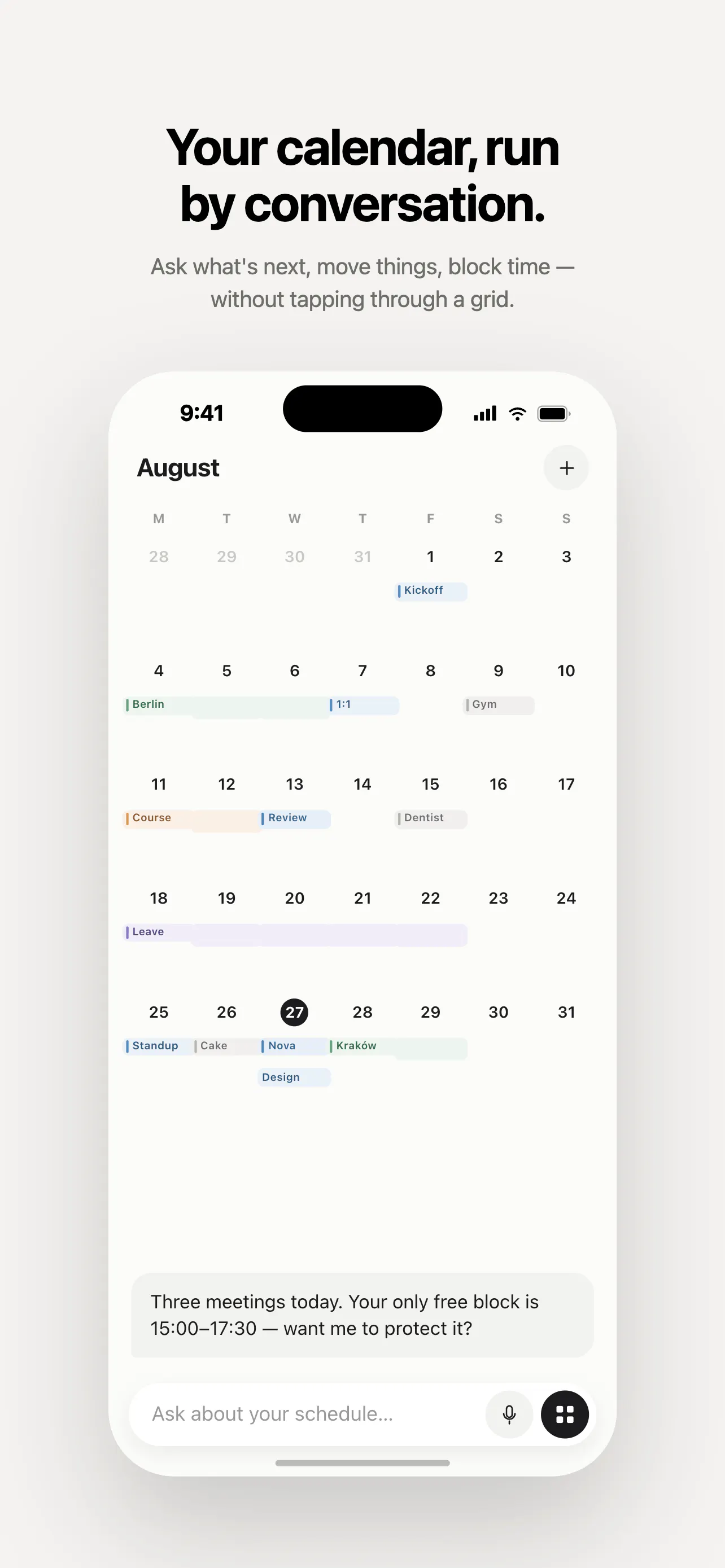
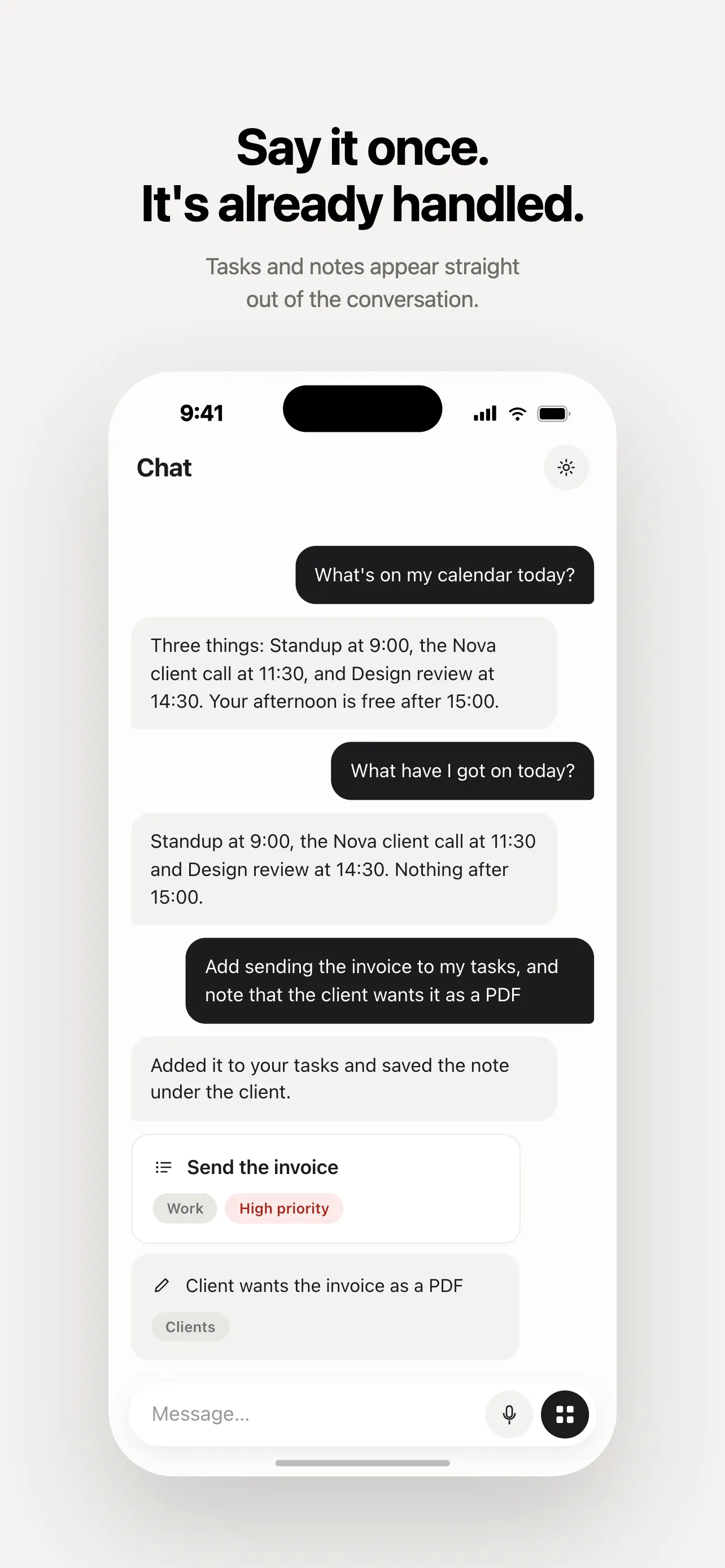
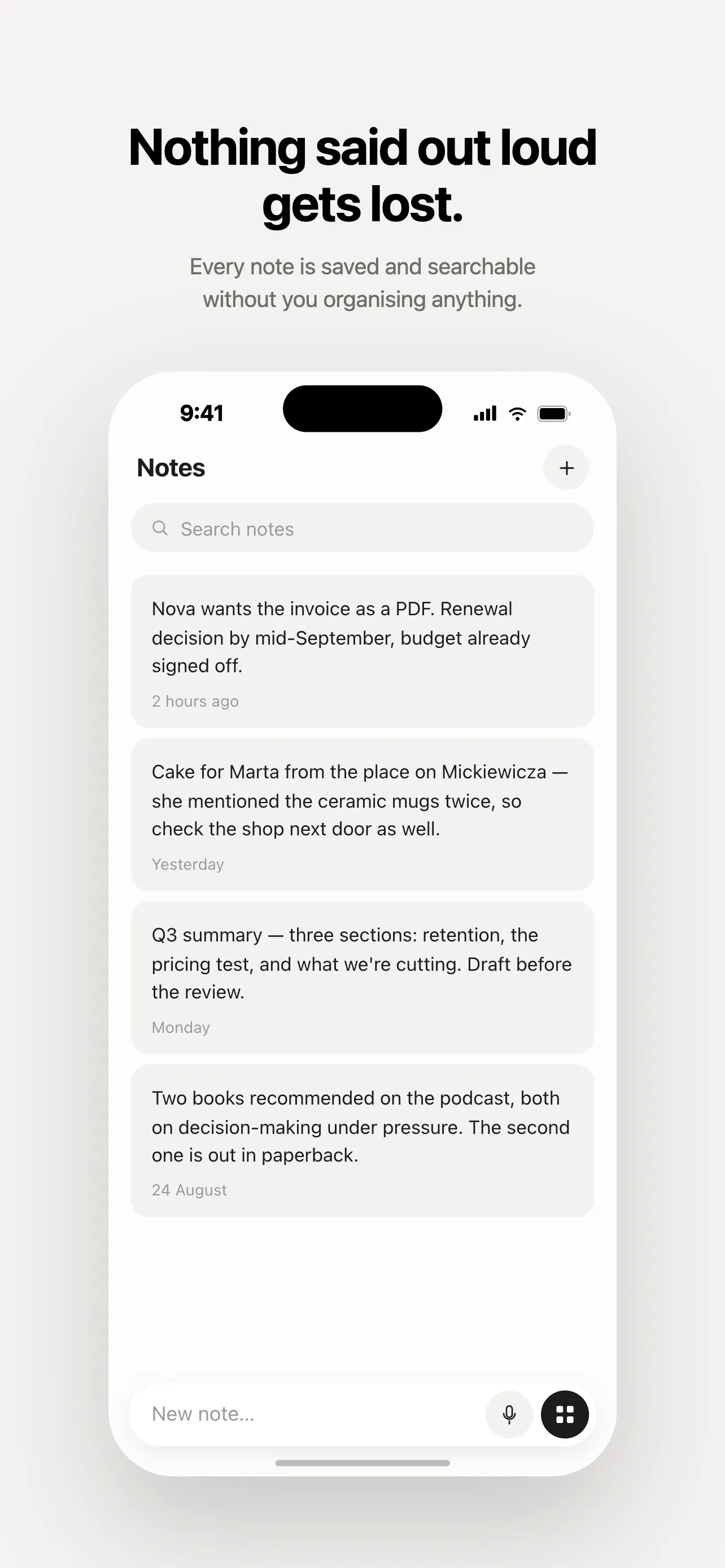
Grimo AI is an innovative productivity tool designed specifically for busy individuals who want to streamline task management, note-taking, and calendar scheduling through voice or text commands. By turning a single spoken or typed sentence into actionable items, Grimo AI eliminates the need to switch between multiple apps or fill out tedious forms. Its seamless integration ensures that tasks, notes, and calendar events are automatically filed in the right place, correctly dated, and prioritized, making it ideal for hectic weeks. Built exclusively for iOS, it offers a hands-free voice mode for when you're multitasking or have your hands full, and a unified chat thread to keep all your productivity data in one accessible place. Its user-friendly approach makes managing a chaotic schedule more intuitive and less stressful.
Screenshots
Pros
- ✓Transforms spoken or typed commands into tasks, notes, and calendar events automatically
- ✓No need to switch between multiple apps or fill out forms
- ✓Hands-free voice mode enhances usability when multitasking
- ✓All-in-one chat interface keeps information organized and accessible
- ✓Designed specifically for iOS, optimizing the mobile experience
Cons
- ✗Limited to iOS devices, restricting cross-platform access
- ✗Currently has no ProductHunt votes, indicating limited user feedback or adoption
- ✗Features and integrations may be limited compared to more established productivity tools
Use Cases
Pricing
Pricing not verified
Quick Info
Topics
Makers

Dawid W
Alternatives
Similar Tools in Productivity




Embed Badge
Add this badge to your website to show that Grimo AI is featured on Visalytica.
<a href="https://www.visalytica.com/tool/grimo-ai" target="_blank" rel="noopener noreferrer" style="display:inline-flex;align-items:center;gap:6px;padding:6px 14px;background:#7c3aed;color:#fff;border-radius:8px;font-family:-apple-system,system-ui,sans-serif;font-size:13px;font-weight:600;text-decoration:none;transition:background .2s" onmouseover="this.style.background='#6d28d9'" onmouseout="this.style.background='#7c3aed'"><svg width="14" height="14" viewBox="0 0 24 24" fill="none" stroke="currentColor" stroke-width="2.5" stroke-linecap="round" stroke-linejoin="round"><path d="M12 20V10"/><path d="M18 20V4"/><path d="M6 20v-4"/></svg>Featured on Visalytica</a>