Grid Maker for Drawing
Turn reference photos into printable drawing grids
About Grid Maker for Drawing
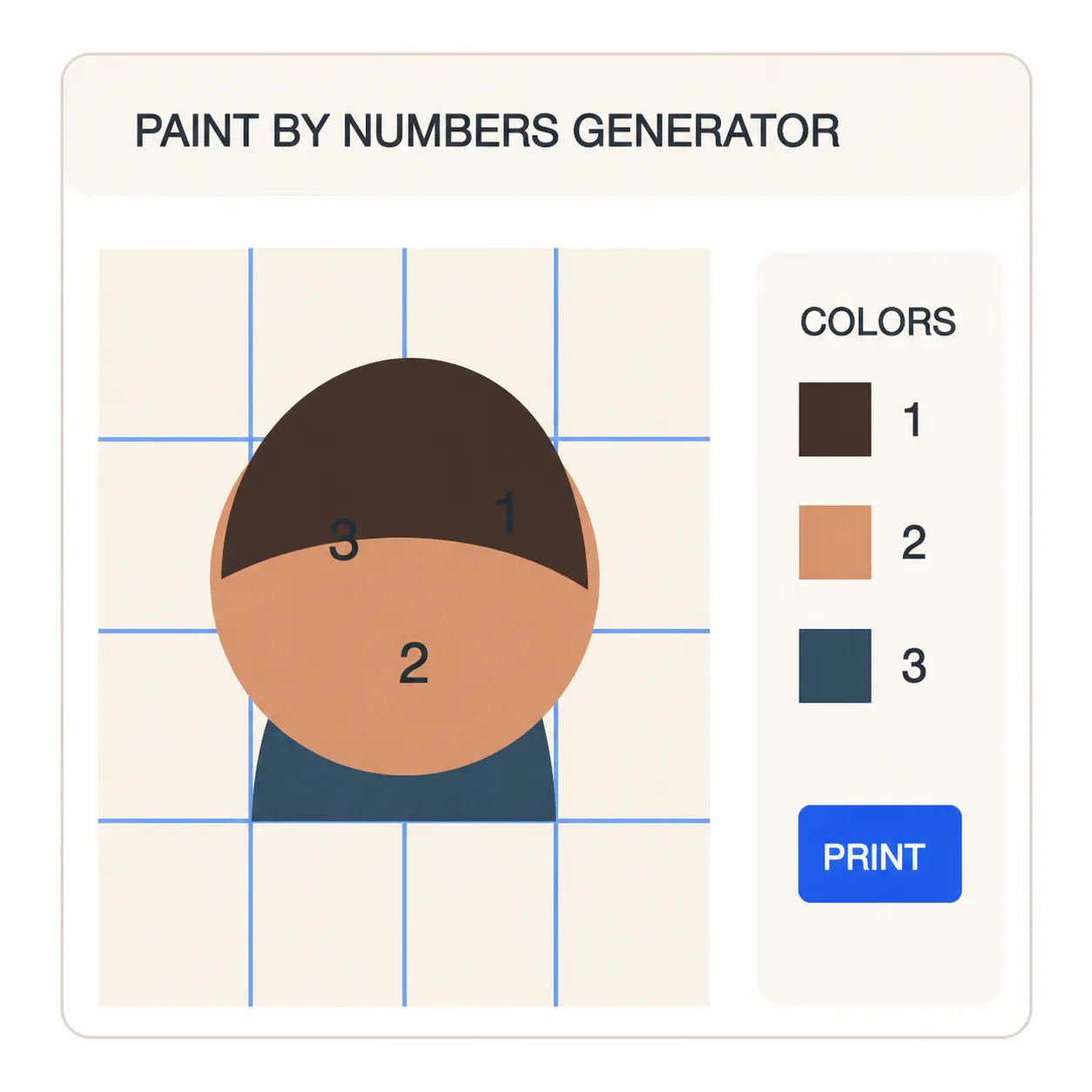
Grid Maker for Drawing is a free, browser-based tool designed to assist artists, students, and educators in applying the classic grid method for drawing. Users can upload a reference photo, add customizable grids with labels, and easily plan the scaling of images onto different surfaces such as paper, canvas, or even walls. Its in-browser processing ensures privacy and quick performance without needing to create an account, making it accessible and straightforward to use. The tool's ability to generate downloadable PNGs or print grids directly supports various artistic workflows, from sketching to scaled reproductions.
What sets Grid Maker for Drawing apart is its simplicity combined with flexibility—users can adjust grid size, labels, and scaling options to suit their project needs. Whether for educational purposes, practice, or professional work, this tool streamlines the process of translating reference images into accurate, proportionate drawings. Its focus on privacy, ease of use, and free access makes it a valuable resource for anyone involved in visual arts or teaching grid techniques.
Screenshots
Pros
- ✓Free to use with no account required
- ✓Browser-based, ensuring privacy and quick access
- ✓Customizable grids with adjustable labels and scaling
- ✓Supports downloading and printing directly from the browser
- ✓Suitable for artists, students, and teachers
Cons
- ✗Limited advanced editing features
- ✗No built-in image editing or enhancement tools
- ✗Dependent on browser performance and compatibility
Use Cases
Pricing
Pricing not verified
Quick Info
Topics
Makers

kam
Alternatives
Similar Tools in AI Image & Design




Embed Badge
Add this badge to your website to show that Grid Maker for Drawing is featured on Visalytica.
<a href="https://www.visalytica.com/tool/grid-maker-for-drawing" target="_blank" rel="noopener noreferrer" style="display:inline-flex;align-items:center;gap:6px;padding:6px 14px;background:#7c3aed;color:#fff;border-radius:8px;font-family:-apple-system,system-ui,sans-serif;font-size:13px;font-weight:600;text-decoration:none;transition:background .2s" onmouseover="this.style.background='#6d28d9'" onmouseout="this.style.background='#7c3aed'"><svg width="14" height="14" viewBox="0 0 24 24" fill="none" stroke="currentColor" stroke-width="2.5" stroke-linecap="round" stroke-linejoin="round"><path d="M12 20V10"/><path d="M18 20V4"/><path d="M6 20v-4"/></svg>Featured on Visalytica</a>