graffiti.moe
A graffiti wall for your terminal
About graffiti.moe
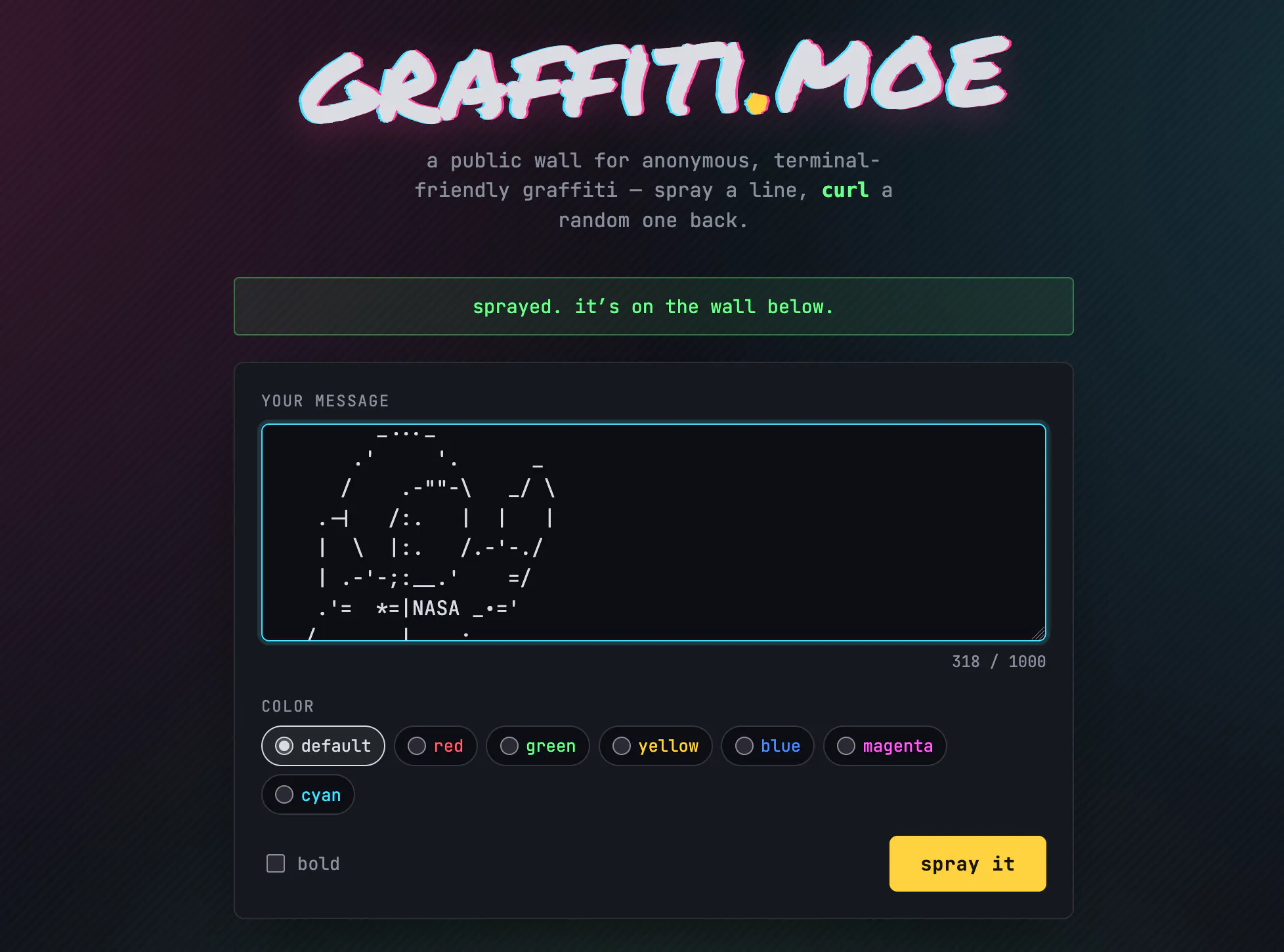
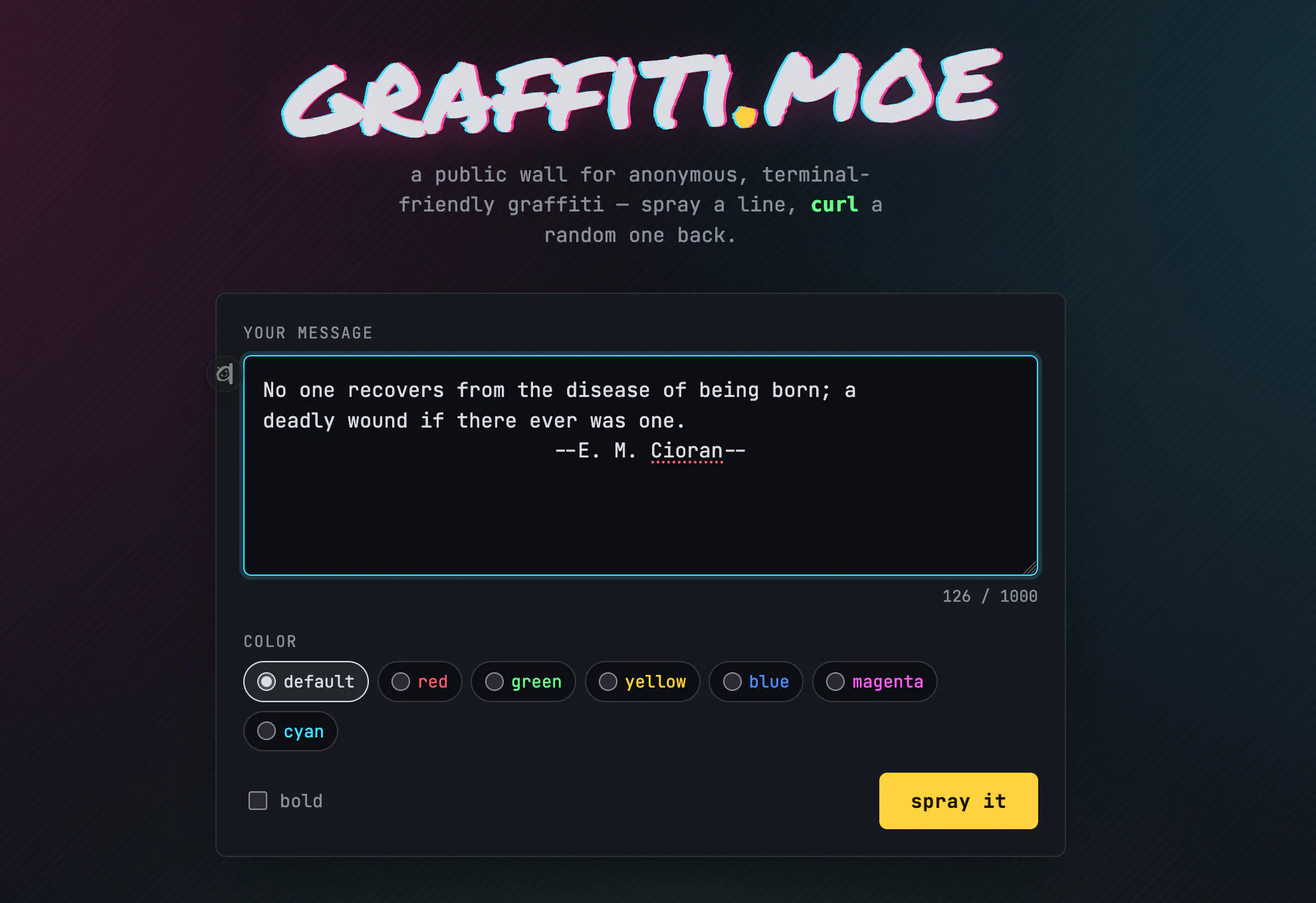
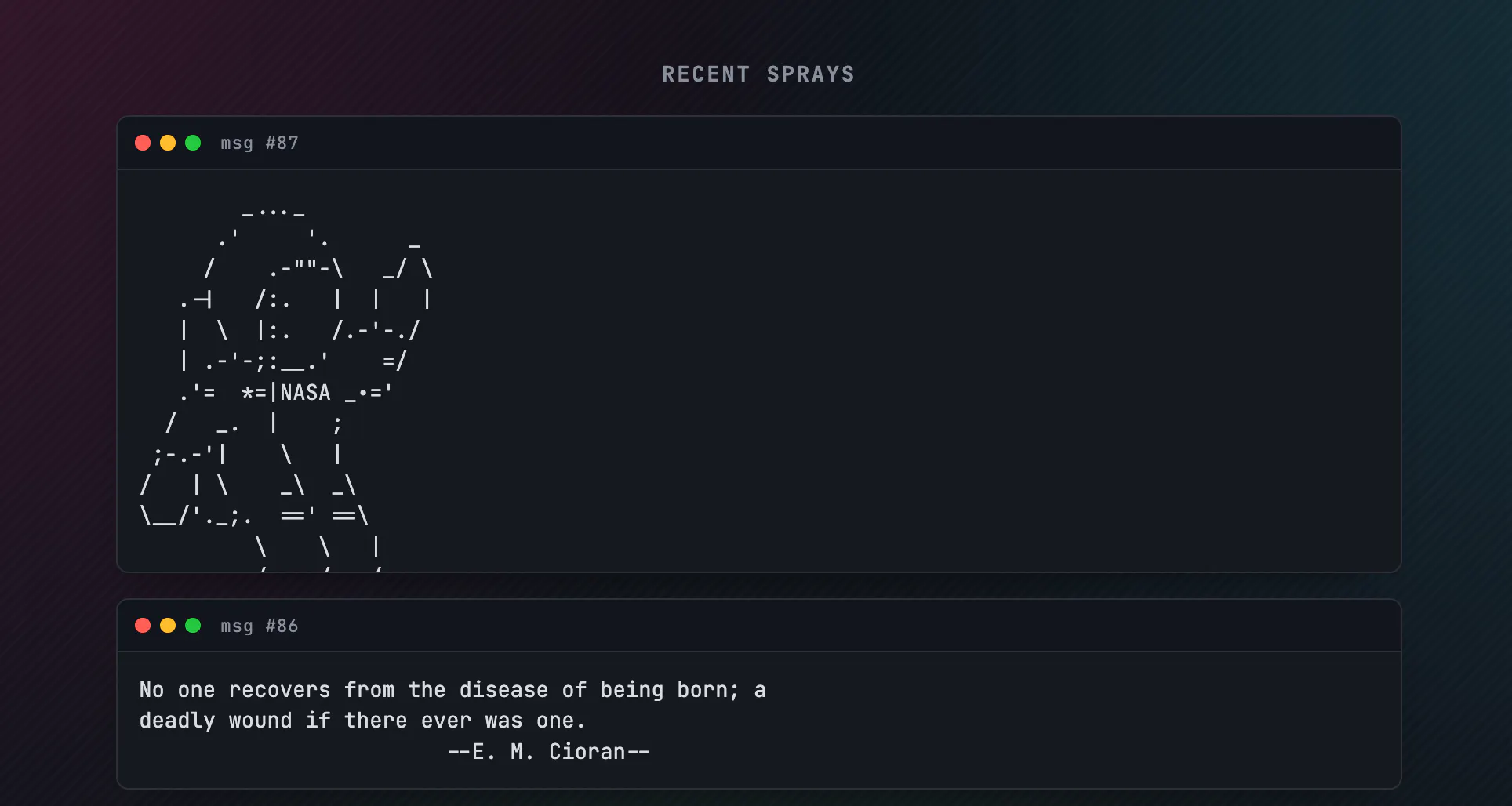
graffiti.moe is a playful and social twist on the traditional terminal experience, allowing users to turn their login shell into a vibrant graffiti wall. By 'spraypainting' one-liners or ASCII art onto the wall, users can showcase their creativity and share snippets of humor or art with colleagues or the wider community. When logging into the terminal, a random 'spray' from the wall is displayed via the `graffiti` CLI or a simple curl command, adding an element of surprise and personality to everyday workflows. Its unique concept merges social interaction with developer tools, making terminal sessions more engaging and personalized. Ideal for developers who enjoy customizing their environments and adding a fun, communal touch to their command line, graffiti.moe stands out for its simplicity and social aspect, transforming a usually solitary activity into a shared experience.
Screenshots
Pros
- ✓Adds a fun, social element to terminal sessions
- ✓Simple setup with CLI or curl commands
- ✓Encourages creativity with ASCII art and one-liners
- ✓Fosters community sharing and interaction
- ✓Lightweight and easy to integrate into existing workflows
Cons
- ✗Limited functionality beyond social graffiti display
- ✗Relies on community contributions for content
- ✗No advanced customization options
Use Cases
Pricing
Likely free to use, as it is a simple CLI tool and community-driven project. No explicit pricing details are available, suggesting it may be open source or supported through community contributions.
Quick Info
Topics
Similar Tools in Developer Tools




Embed Badge
Add this badge to your website to show that graffiti.moe is featured on Visalytica.
<a href="https://www.visalytica.com/tool/graffiti-moe" target="_blank" rel="noopener noreferrer" style="display:inline-flex;align-items:center;gap:6px;padding:6px 14px;background:#7c3aed;color:#fff;border-radius:8px;font-family:-apple-system,system-ui,sans-serif;font-size:13px;font-weight:600;text-decoration:none;transition:background .2s" onmouseover="this.style.background='#6d28d9'" onmouseout="this.style.background='#7c3aed'"><svg width="14" height="14" viewBox="0 0 24 24" fill="none" stroke="currentColor" stroke-width="2.5" stroke-linecap="round" stroke-linejoin="round"><path d="M12 20V10"/><path d="M18 20V4"/><path d="M6 20v-4"/></svg>Featured on Visalytica</a>