
Gradio Workflow
connect nodes to build AI pipelines, powered by Hugging Face
About Gradio Workflow
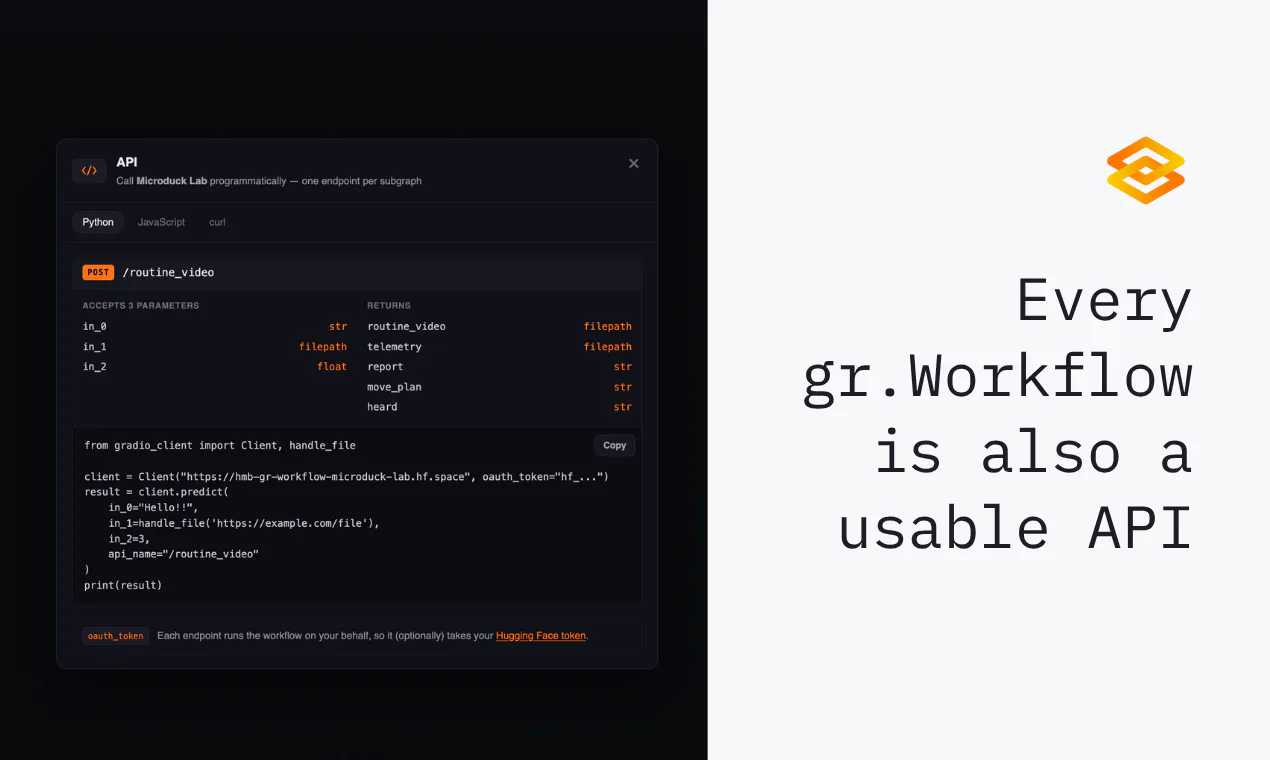
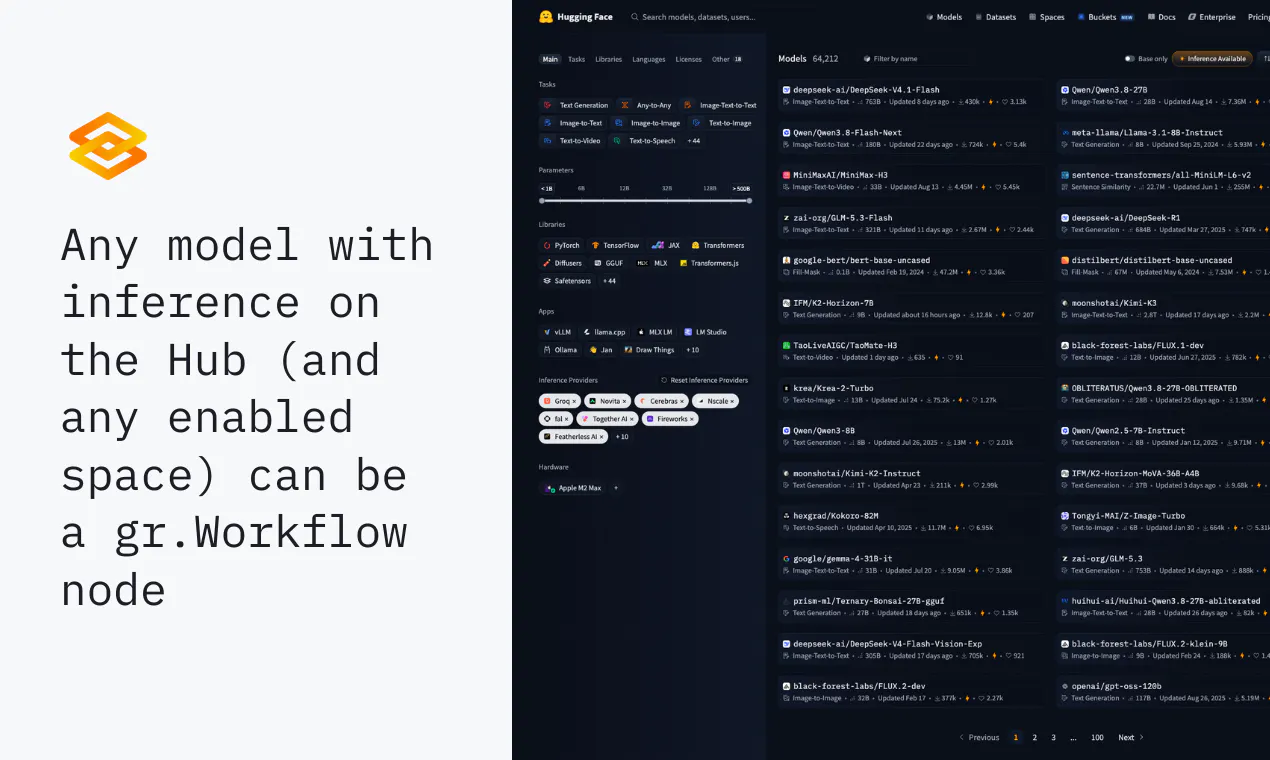
Gradio Workflow is an innovative platform designed for building and deploying AI pipelines with ease. It allows users to create complex workflows by connecting nodes that represent models, datasets, and custom Python functions on a visual canvas. This intuitive interface empowers data scientists, developers, and AI enthusiasts to experiment, iterate, and optimize their AI processes without extensive coding. Additionally, the platform supports AI agents that can programmatically generate workflows, making it highly flexible for various use cases. One of its standout features is the ability to inspect intermediate inputs and outputs, facilitating debugging and fine-tuning. Users can swap models effortlessly, ensuring their pipelines stay up-to-date with the best available options. Sharing and deploying these workflows is seamless, as they can be accessed via a URL or integrated into applications using REST APIs. Powered by Hugging Face, Gradio Workflow leverages a rich ecosystem of AI models and tools, making it a powerful asset for AI development and deployment.
Screenshots
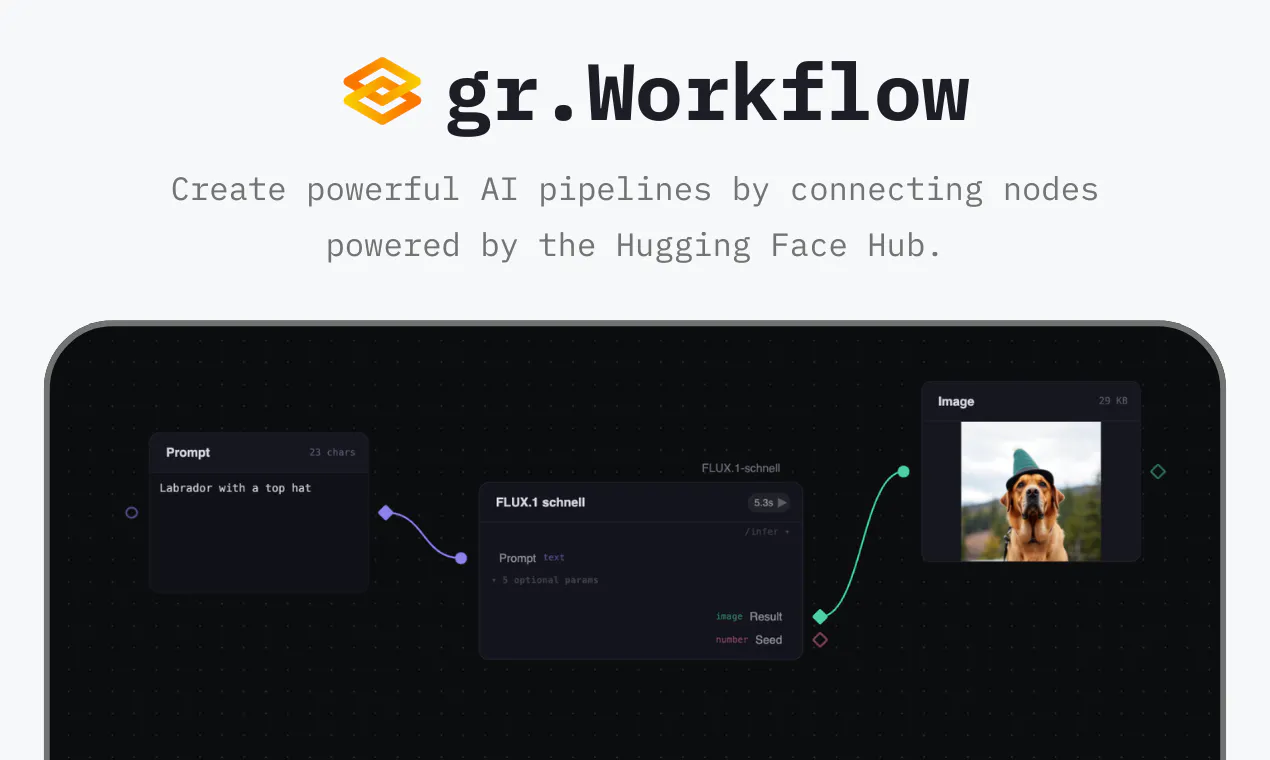
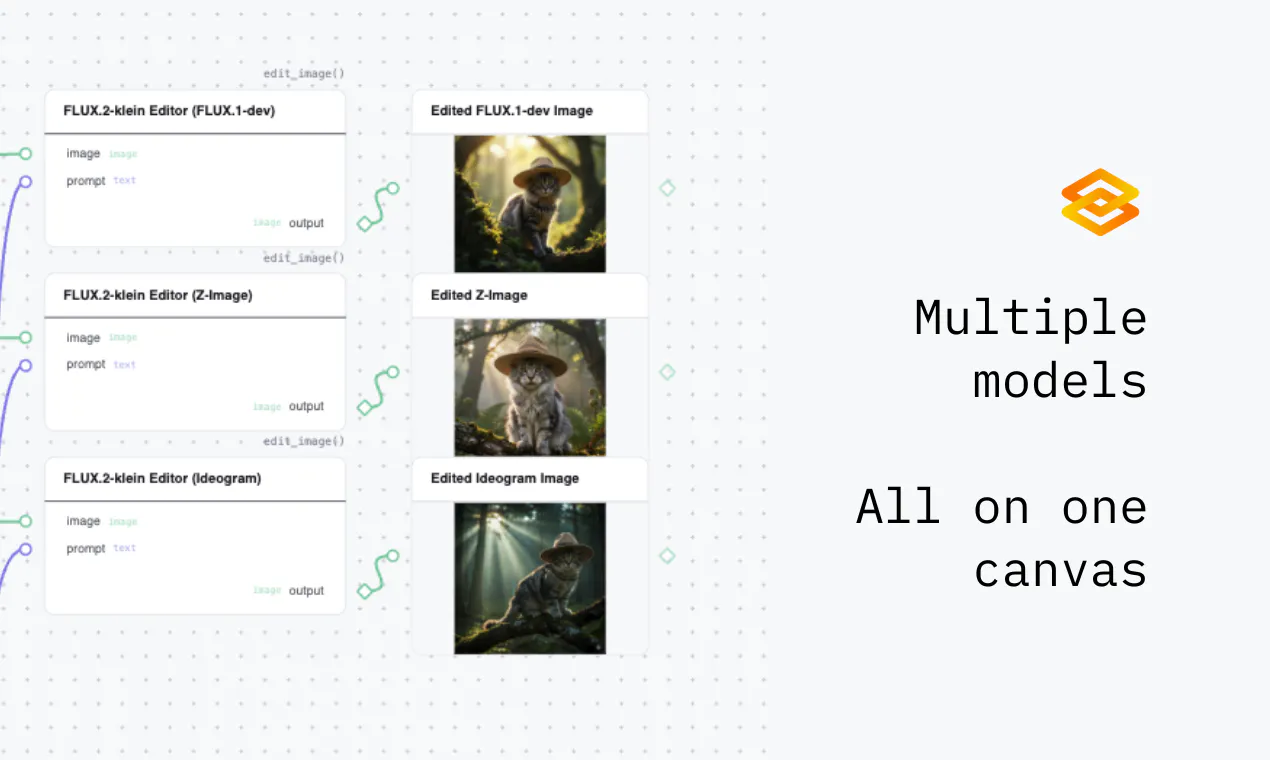
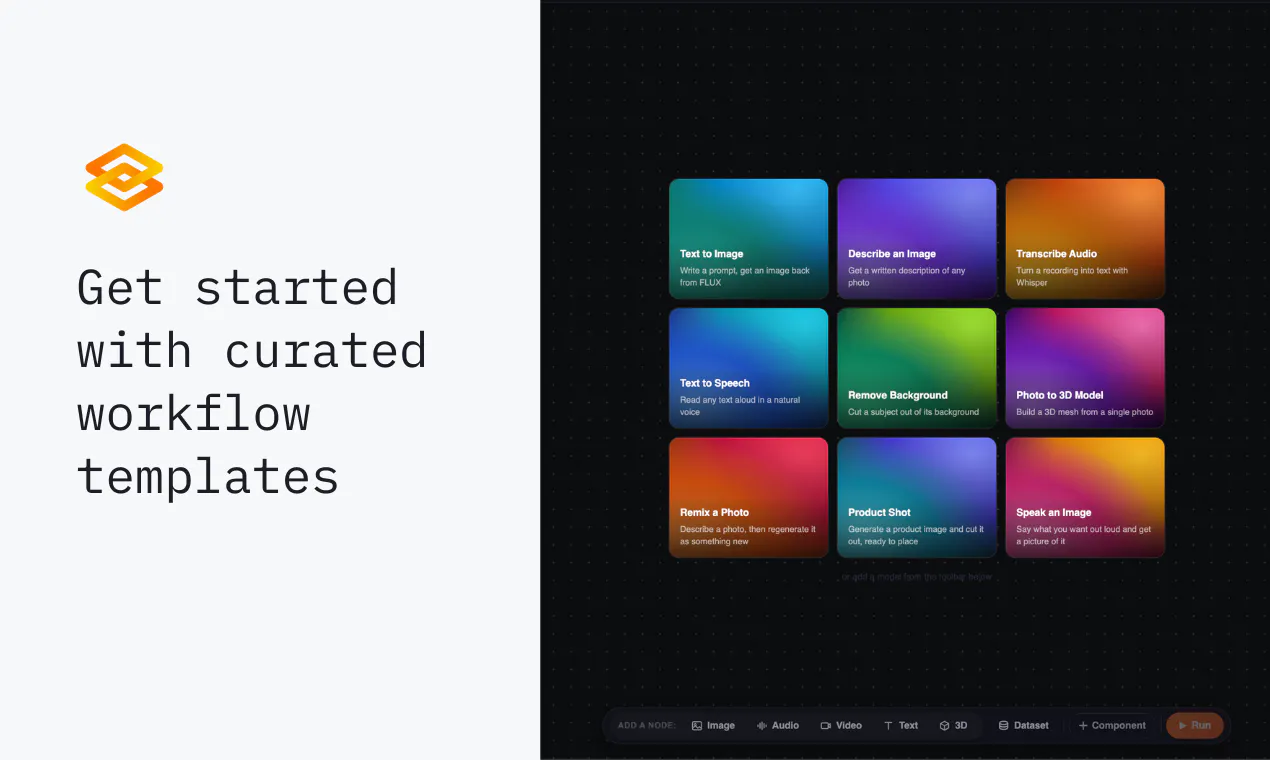

+2 more screenshots
Pros
- ✓User-friendly visual interface for building complex AI pipelines
- ✓Supports integration of Hugging Face models, datasets, and custom Python functions
- ✓Flexible workflow creation with programmatic options via AI agents
- ✓Easy inspection of intermediate steps for debugging and optimization
- ✓No downloads required, simplifying deployment and sharing
Cons
- ✗Potential learning curve for users unfamiliar with AI pipelines
- ✗Limited details on pricing and subscription models
- ✗May require internet connectivity for cloud-based workflows
Use Cases
Pricing
Pricing not verified
Quick Info
Topics
Makers

Yuvraj Sharma
Alternatives
Similar Tools in Productivity




Embed Badge
Add this badge to your website to show that Gradio Workflow is featured on Visalytica.
<a href="https://www.visalytica.com/tool/gradio-workflow" target="_blank" rel="noopener noreferrer" style="display:inline-flex;align-items:center;gap:6px;padding:6px 14px;background:#7c3aed;color:#fff;border-radius:8px;font-family:-apple-system,system-ui,sans-serif;font-size:13px;font-weight:600;text-decoration:none;transition:background .2s" onmouseover="this.style.background='#6d28d9'" onmouseout="this.style.background='#7c3aed'"><svg width="14" height="14" viewBox="0 0 24 24" fill="none" stroke="currentColor" stroke-width="2.5" stroke-linecap="round" stroke-linejoin="round"><path d="M12 20V10"/><path d="M18 20V4"/><path d="M6 20v-4"/></svg>Featured on Visalytica</a>