
Google Workspace CLI
CLI for Google Workspace ecosystem built for humans & agents
About Google Workspace CLI
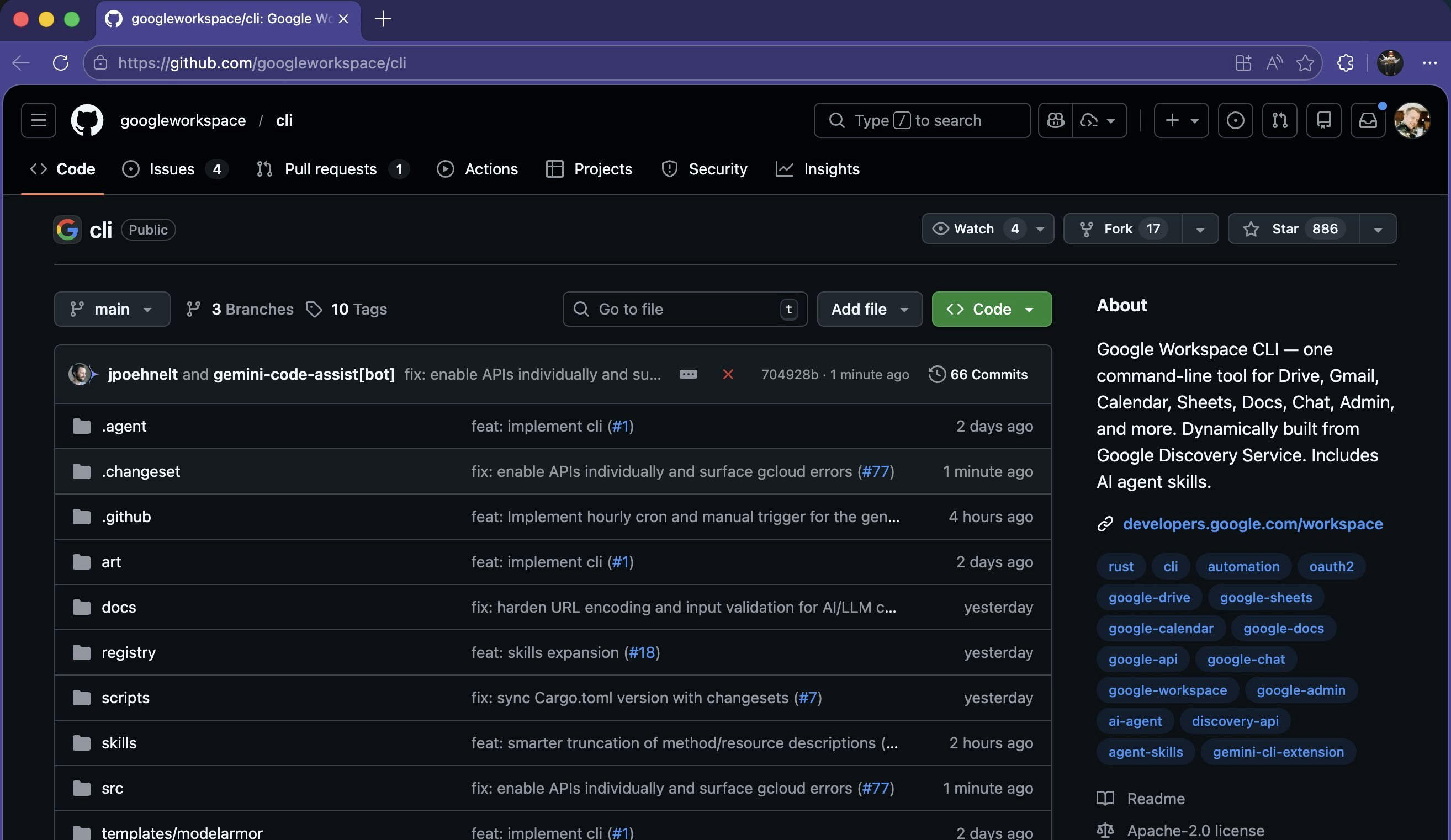
Google Workspace CLI is a powerful command-line interface designed for both humans and AI agents to seamlessly manage and automate tasks across the Google Workspace ecosystem. By leveraging Google's Discovery Service, it provides real-time updates and broad coverage of tools like Drive, Gmail, Calendar, Sheets, Docs, and more. Its extensive library of over 100 agent skills enables users to automate complex workflows without the overhead of traditional MCP (Managed Cloud Platform) configurations, making it ideal for developers, IT professionals, and productivity enthusiasts alike. The tool’s user-friendly design and automation capabilities help streamline daily operations, reduce manual effort, and integrate Google Workspace functionalities into larger automation pipelines. Its open-source nature and active community support further enhance its appeal for those seeking flexible, customizable solutions in their productivity stack.
Screenshots

Pros
- ✓Real-time updates via Google's Discovery Service ensure the CLI stays current
- ✓Supports automation of a wide range of Google Workspace apps
- ✓Includes over 100 agent skills for workflow automation
- ✓Designed for both human users and AI agents, promoting versatility
- ✓Open source with active community support
Cons
- ✗Requires familiarity with command-line interfaces for optimal use
- ✗Potential learning curve for complex workflows
- ✗Dependent on Google’s API stability and permissions
Use Cases
Pricing
Likely to be free and open source, given its GitHub presence and community-driven development, with potential premium features or enterprise support offered through third-party integrations or custom setups.
Quick Info
Topics
Alternatives
Similar Tools in Developer Tools




Embed Badge
Add this badge to your website to show that Google Workspace CLI is featured on Visalytica.
<a href="https://www.visalytica.com/tool/google-workspace-cli" target="_blank" rel="noopener noreferrer" style="display:inline-flex;align-items:center;gap:6px;padding:6px 14px;background:#7c3aed;color:#fff;border-radius:8px;font-family:-apple-system,system-ui,sans-serif;font-size:13px;font-weight:600;text-decoration:none;transition:background .2s" onmouseover="this.style.background='#6d28d9'" onmouseout="this.style.background='#7c3aed'"><svg width="14" height="14" viewBox="0 0 24 24" fill="none" stroke="currentColor" stroke-width="2.5" stroke-linecap="round" stroke-linejoin="round"><path d="M12 20V10"/><path d="M18 20V4"/><path d="M6 20v-4"/></svg>Featured on Visalytica</a>