
Google Vids 2.0
Create, edit and share videos at no cost w/ new AI features
About Google Vids 2.0
Google Vids 2.0 is a powerful, AI-driven video creation platform designed to streamline the production of professional-quality videos at no cost. Leveraging advanced AI models like Lyria 3 and Veo 3.1, it enables users to generate on-brand, high-quality videos efficiently, whether for marketing, training, or social media. The tool is particularly suited for marketers, content creators, and businesses seeking quick, scalable video solutions without the need for extensive editing skills. Its integration with Google Workspace and the inclusion of features like custom music, avatars, and AI-powered workflows make it stand out as a versatile, user-friendly platform that democratizes video production for all users.
Screenshots
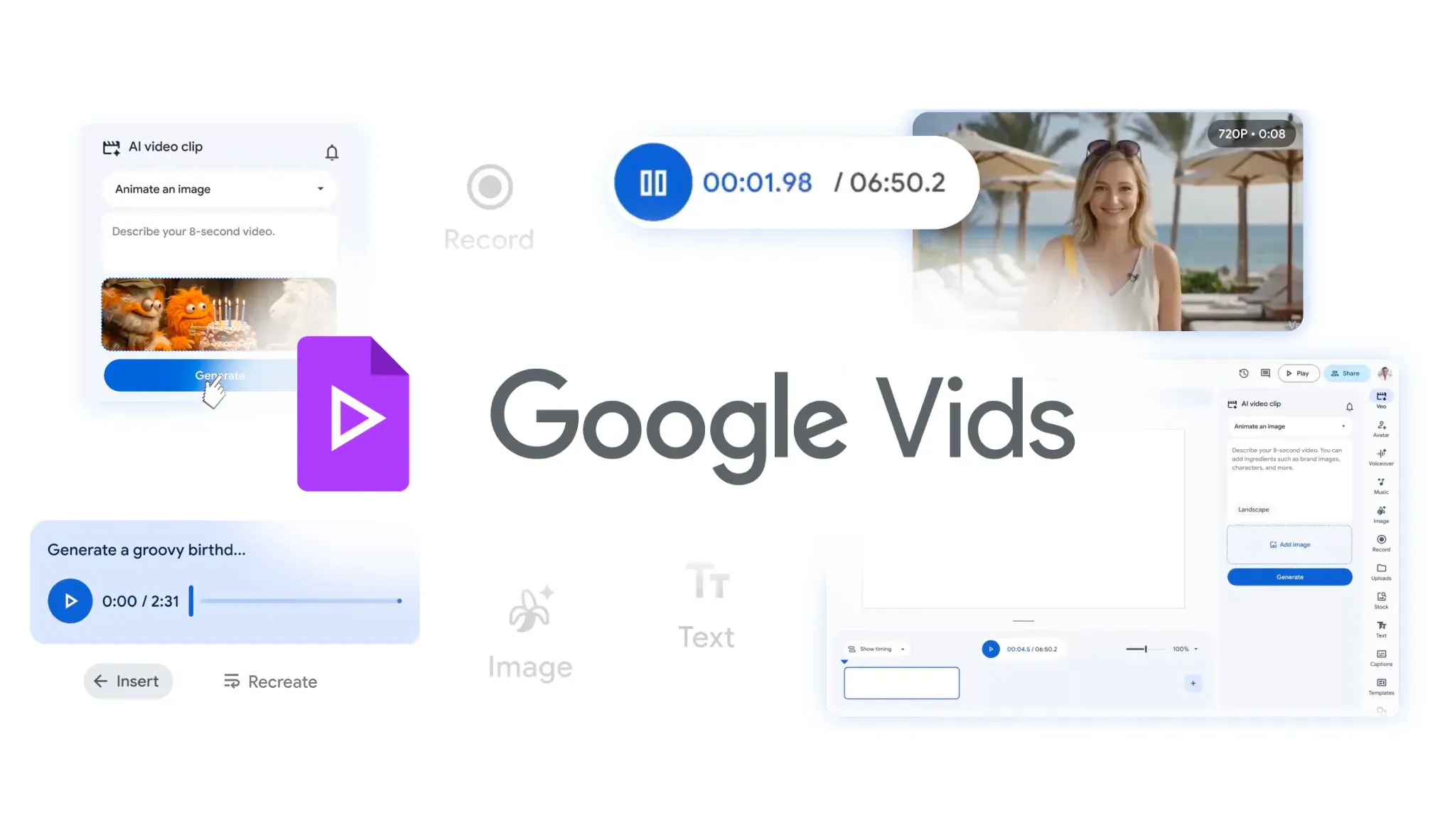
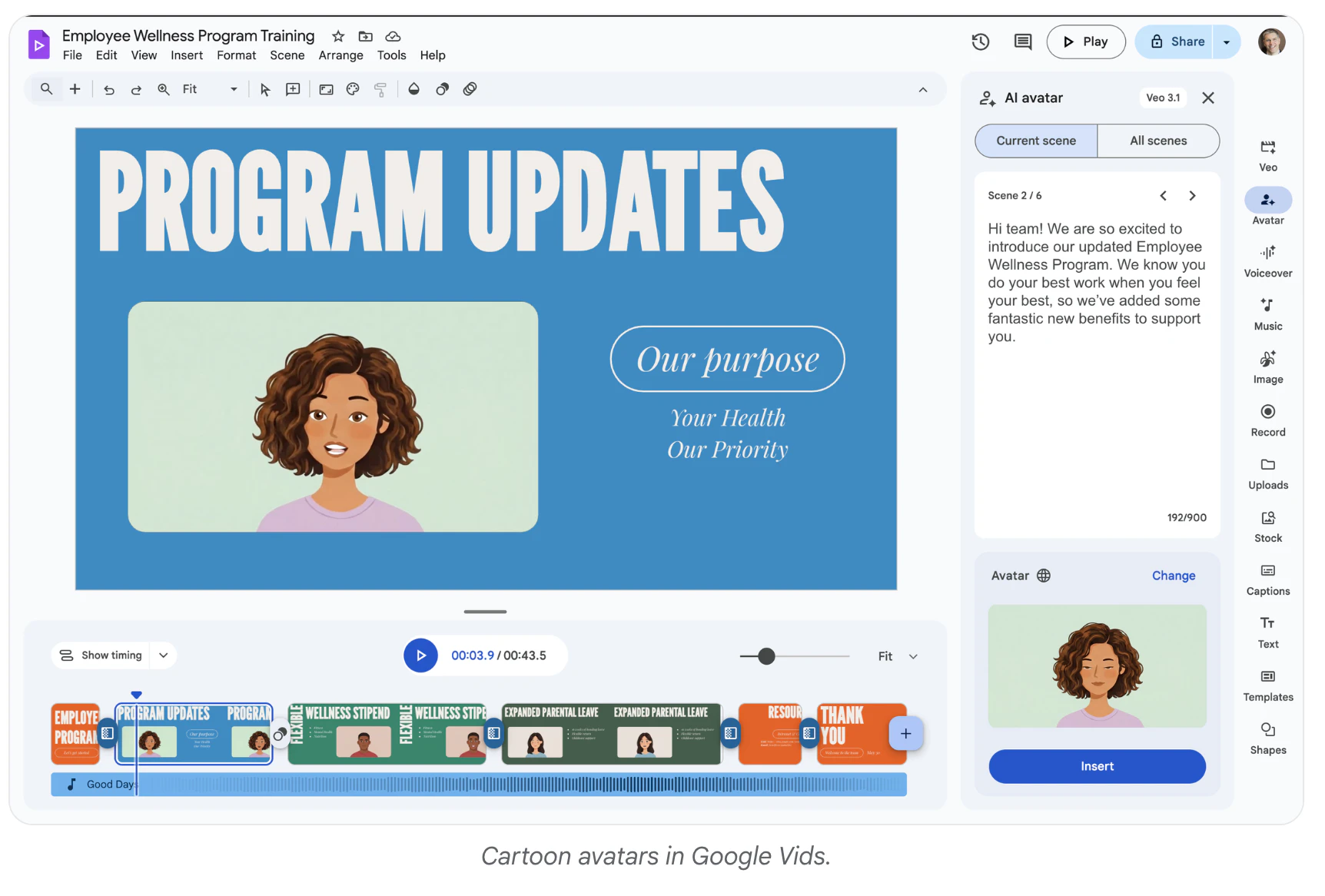
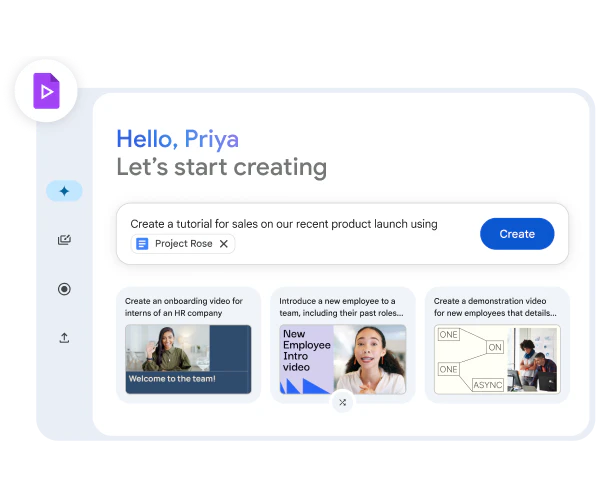

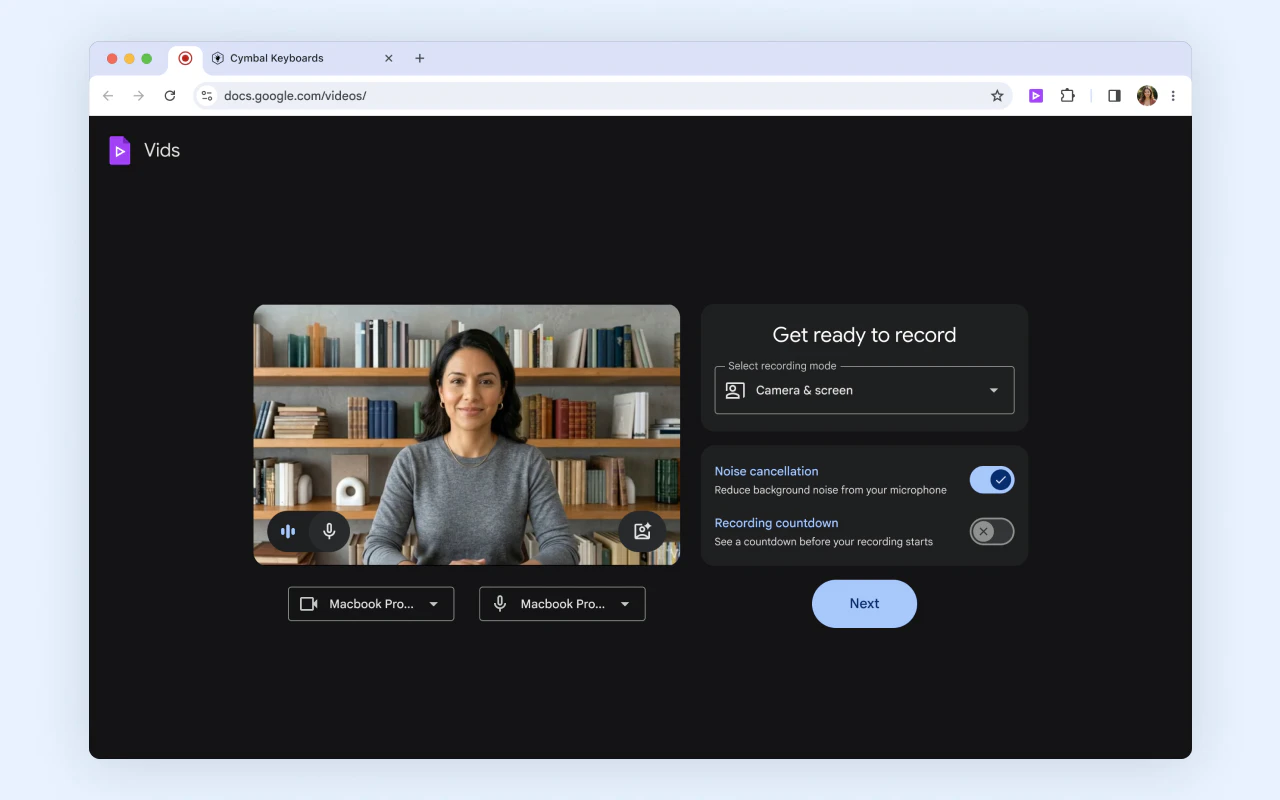
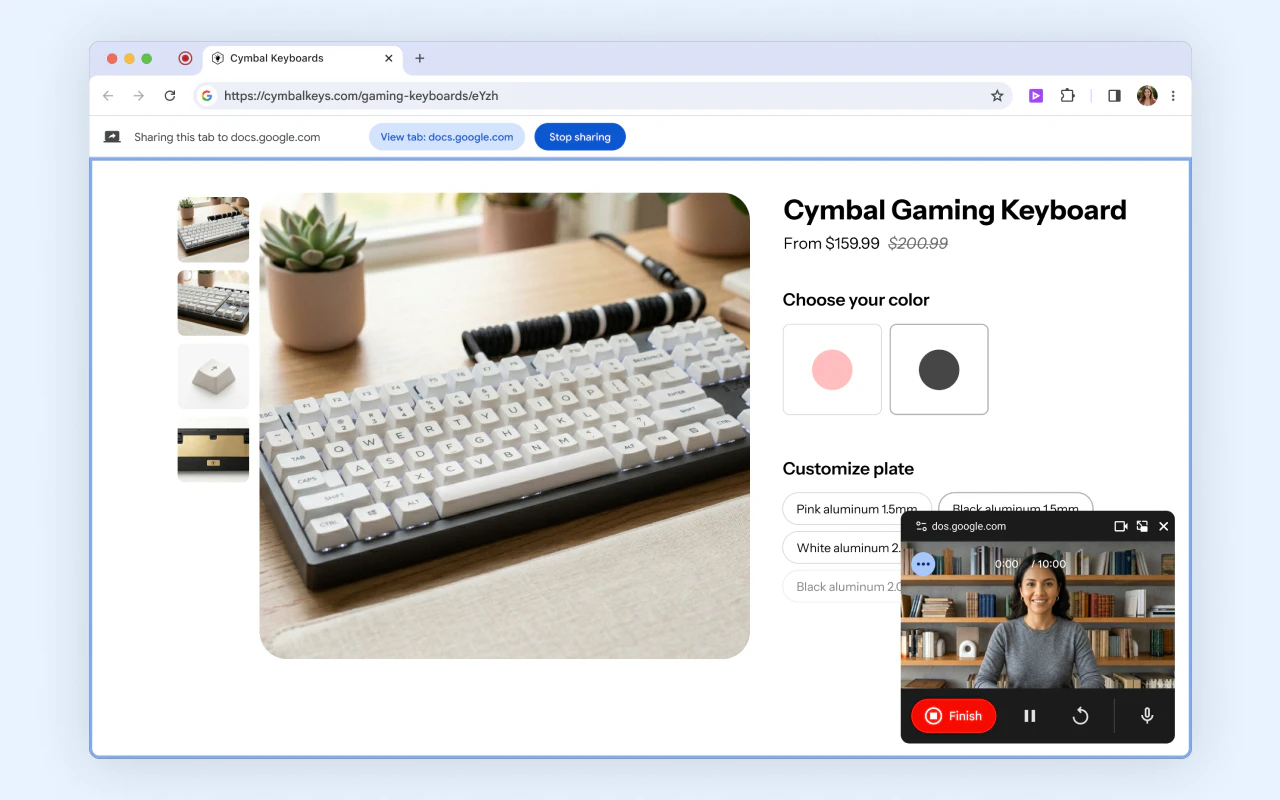
+1 more screenshots
Pros
- ✓Free to use with no upfront costs
- ✓AI-powered features for quick, scalable video creation
- ✓Seamless integration with Google Workspace apps
- ✓Customizable content options like music and avatars
- ✓High-quality output suitable for professional use
Cons
- ✗Limited advanced editing features compared to dedicated video editors
- ✗Dependent on internet connectivity for optimal performance
- ✗Potential restrictions on video length or complexity in free tier
Use Cases
Pricing
Likely operates on a freemium model, offering free access with optional paid features or tiers for additional capabilities, though specific pricing details are not publicly confirmed.
Quick Info
Topics
Similar Tools in AI Image & Design




Embed Badge
Add this badge to your website to show that Google Vids 2.0 is featured on Visalytica.
<a href="https://www.visalytica.com/tool/google-vids-2-0" target="_blank" rel="noopener noreferrer" style="display:inline-flex;align-items:center;gap:6px;padding:6px 14px;background:#7c3aed;color:#fff;border-radius:8px;font-family:-apple-system,system-ui,sans-serif;font-size:13px;font-weight:600;text-decoration:none;transition:background .2s" onmouseover="this.style.background='#6d28d9'" onmouseout="this.style.background='#7c3aed'"><svg width="14" height="14" viewBox="0 0 24 24" fill="none" stroke="currentColor" stroke-width="2.5" stroke-linecap="round" stroke-linejoin="round"><path d="M12 20V10"/><path d="M18 20V4"/><path d="M6 20v-4"/></svg>Featured on Visalytica</a>