
Google Pics
Workspace-native AI image create & edit
About Google Pics
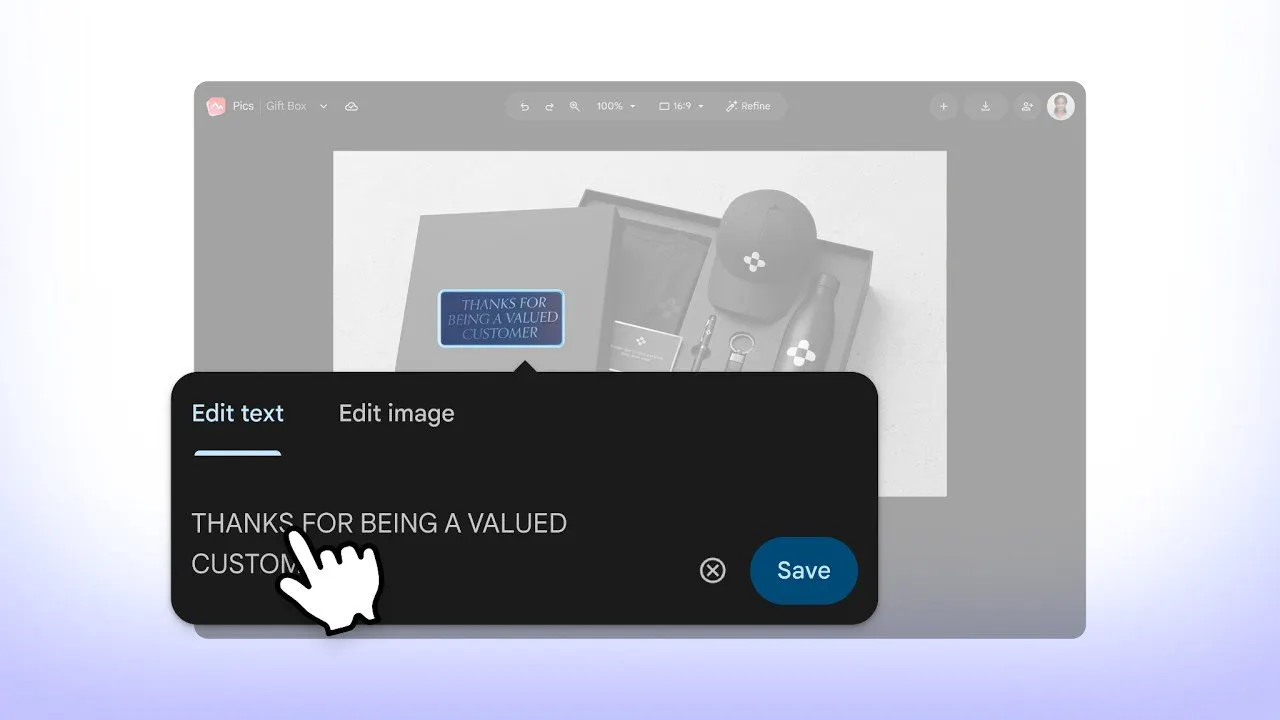
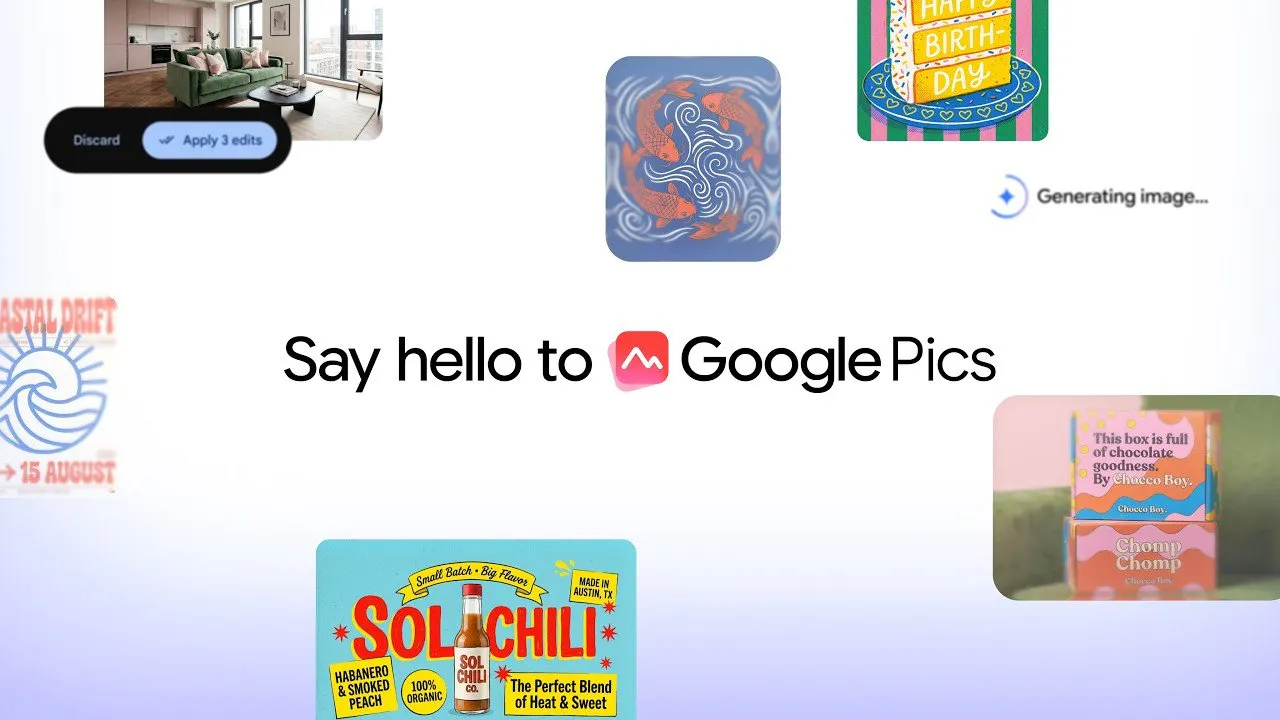
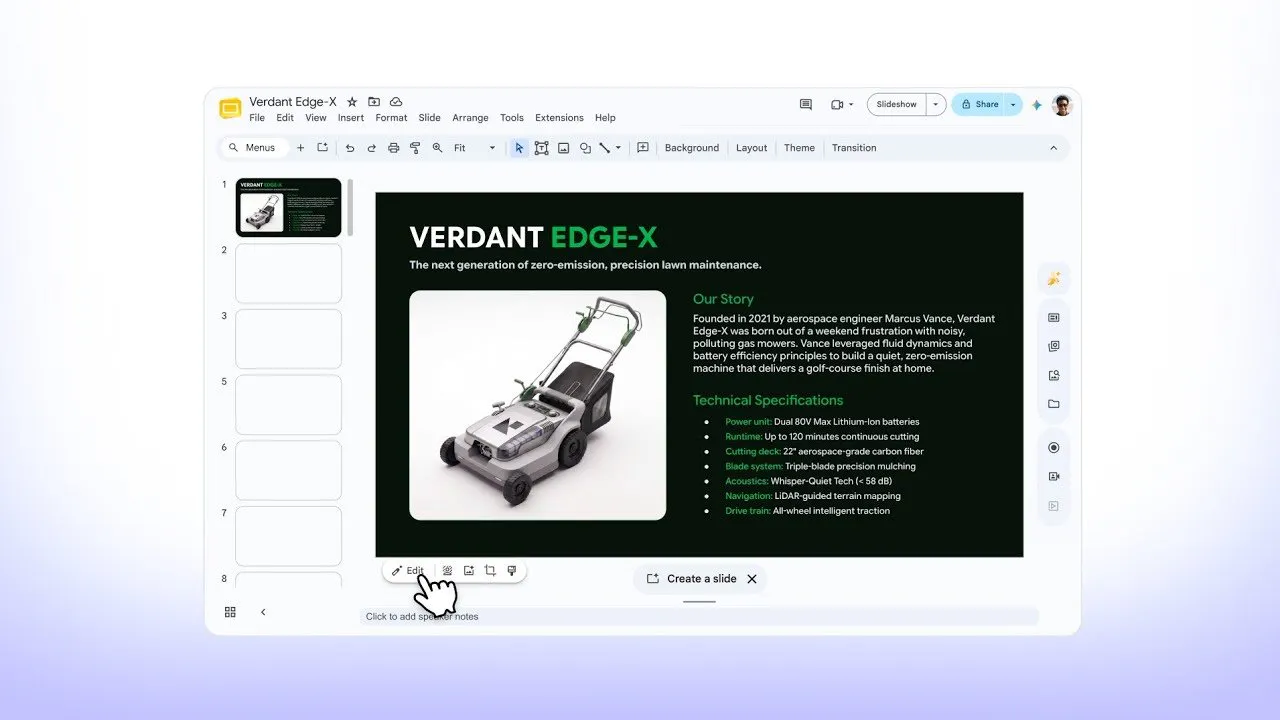
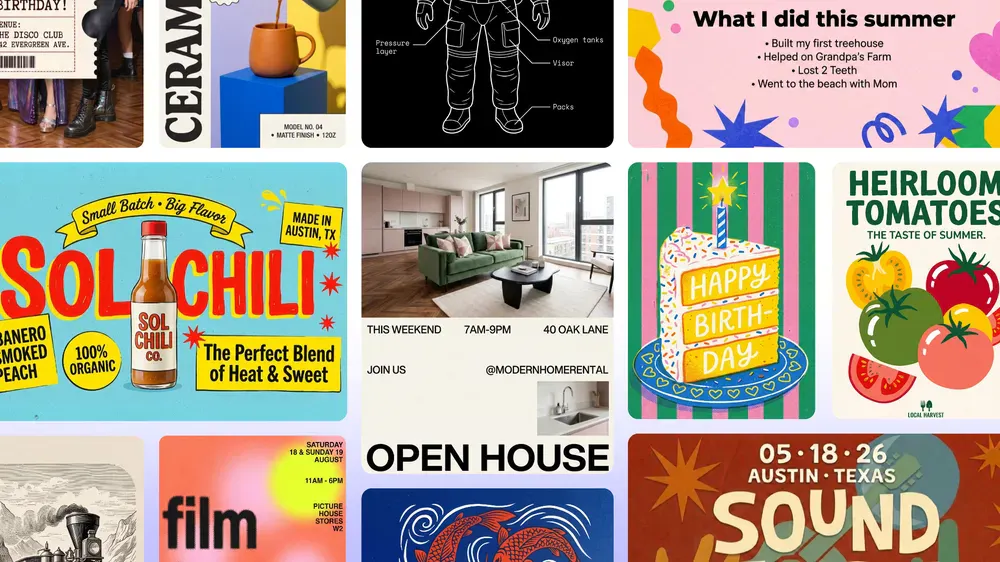
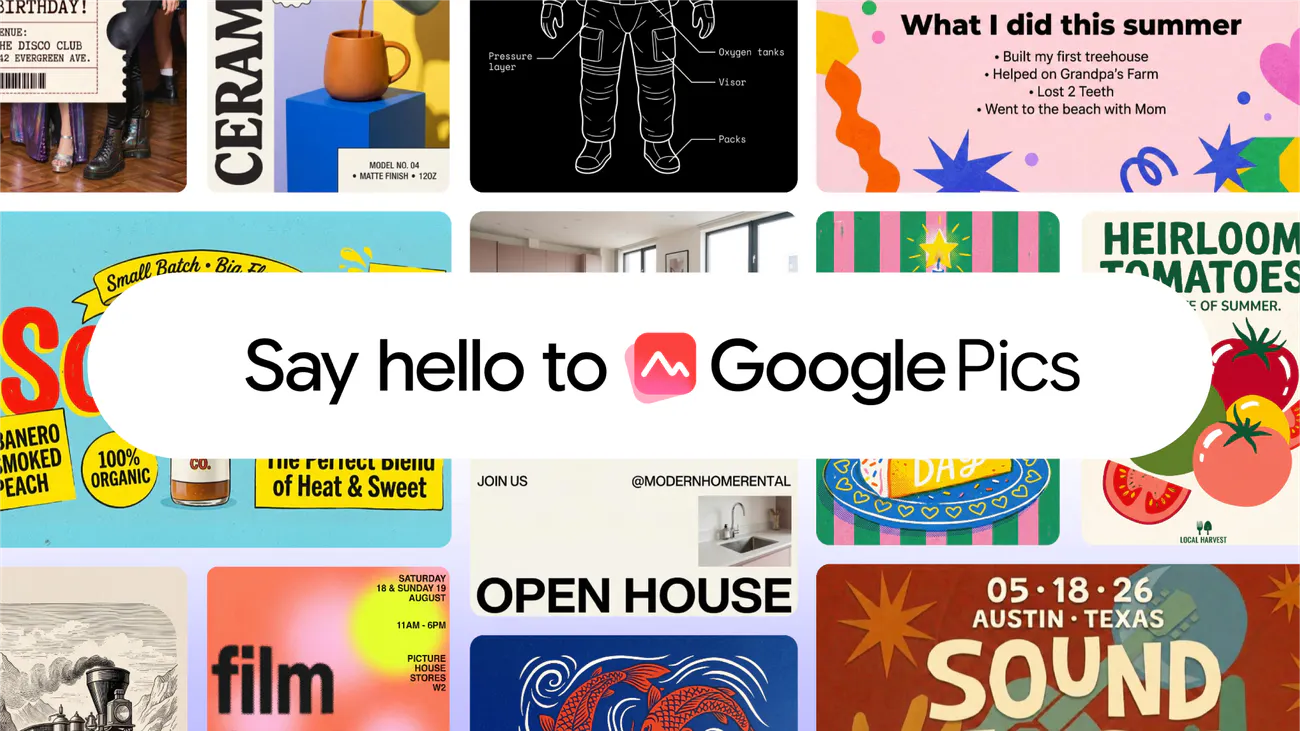
Google Pics is a workspace-native AI-powered image creation and editing tool designed for seamless integration within Google Workspace applications. Built on Nano Banana technology, it enables users to generate images from text prompts or import existing visuals from Drive or Photos. The platform offers advanced editing features, including object-level modifications, in-image text editing and translation, upscaling, and multi-generation options, making creative workflows more efficient. Its inline editing capabilities in Docs and Slides, with upcoming support for Drive, foster collaborative design and editing directly within familiar productivity environments. By leveraging shared links and real-time collaboration, Google Pics aims to streamline visual content creation for teams and individuals alike, making it an attractive option for those who want AI-enhanced images without leaving their workspace.
Screenshots
Pros
- ✓Deep integration with Google Workspace for seamless workflow
- ✓Versatile editing features including object-level edits and text translation
- ✓User-friendly interface that simplifies AI image creation
- ✓Supports both prompt-based generation and import from existing sources
- ✓Collaborative sharing with shared links
Cons
- ✗Limited information on pricing and plans
- ✗Currently lacks support for Drive in editing, with a future update planned
- ✗Votes on ProductHunt are currently zero, indicating limited user feedback
Use Cases
Pricing
Pricing not verified
Quick Info
Topics
Makers

David Nachum
Similar Tools in AI Image & Design




Embed Badge
Add this badge to your website to show that Google Pics is featured on Visalytica.
<a href="https://www.visalytica.com/tool/google-pics-1243258" target="_blank" rel="noopener noreferrer" style="display:inline-flex;align-items:center;gap:6px;padding:6px 14px;background:#7c3aed;color:#fff;border-radius:8px;font-family:-apple-system,system-ui,sans-serif;font-size:13px;font-weight:600;text-decoration:none;transition:background .2s" onmouseover="this.style.background='#6d28d9'" onmouseout="this.style.background='#7c3aed'"><svg width="14" height="14" viewBox="0 0 24 24" fill="none" stroke="currentColor" stroke-width="2.5" stroke-linecap="round" stroke-linejoin="round"><path d="M12 20V10"/><path d="M18 20V4"/><path d="M6 20v-4"/></svg>Featured on Visalytica</a>