Google Flow for iOS & Android
Google's AI creative studio now on mobile
About Google Flow for iOS & Android
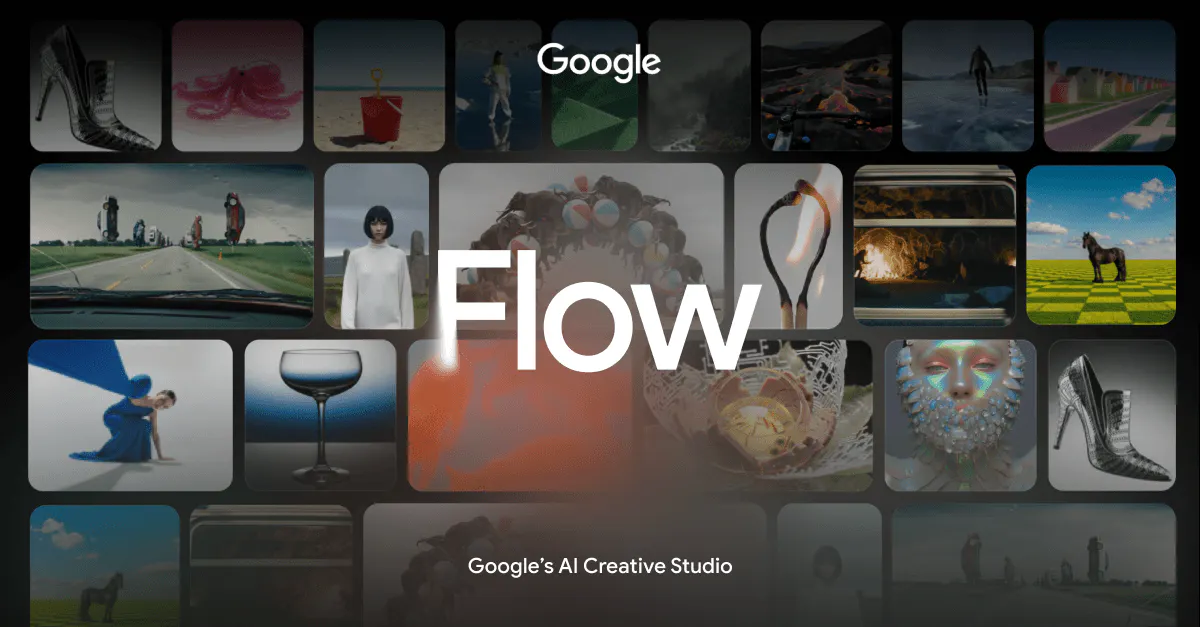
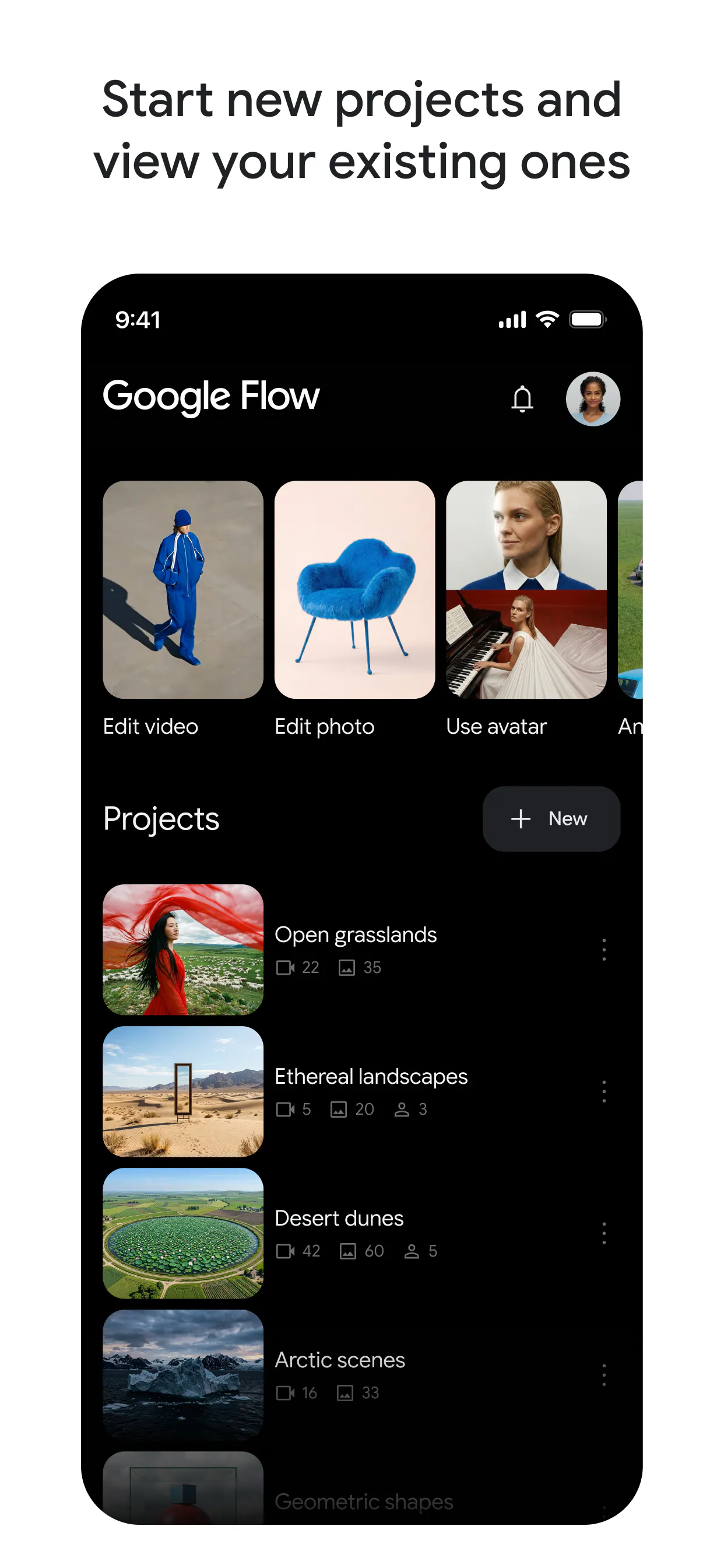
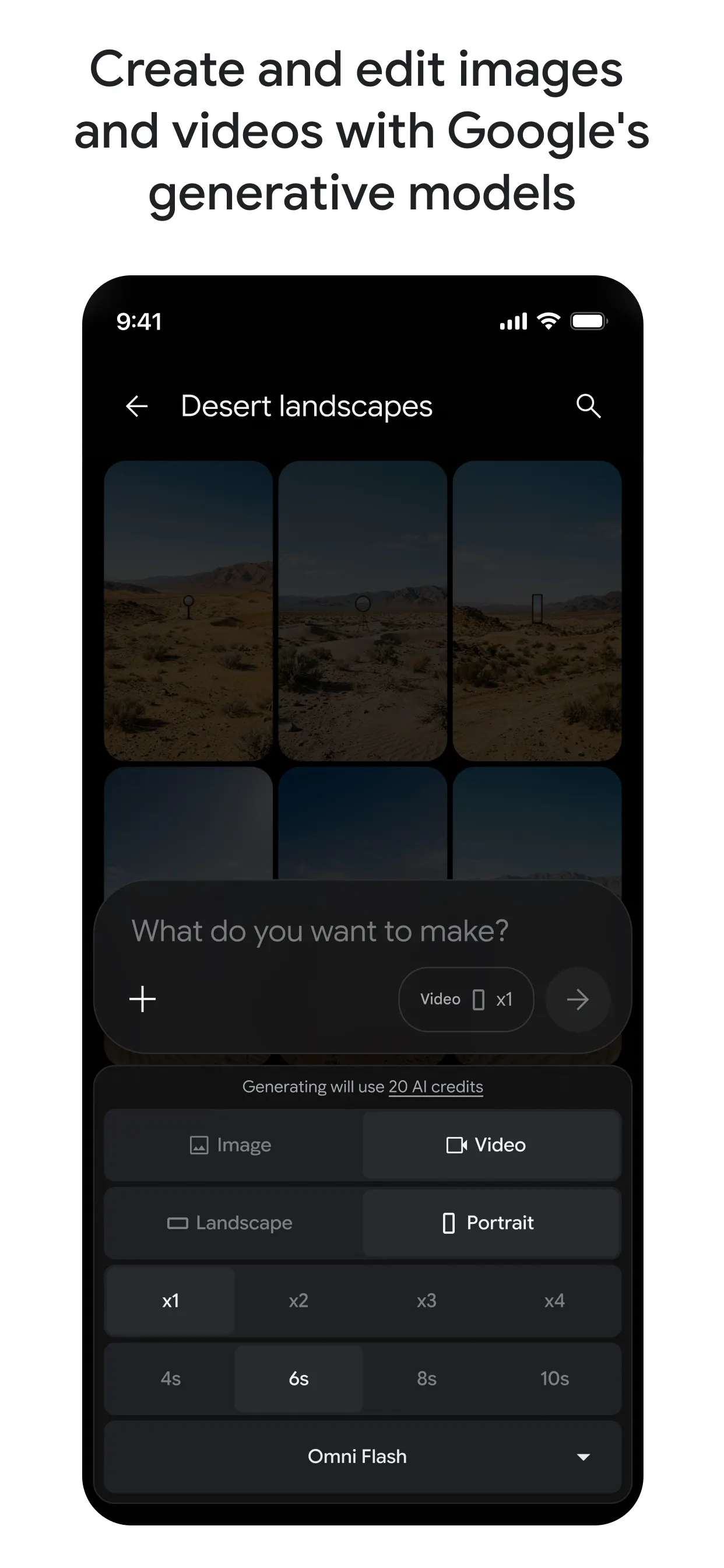
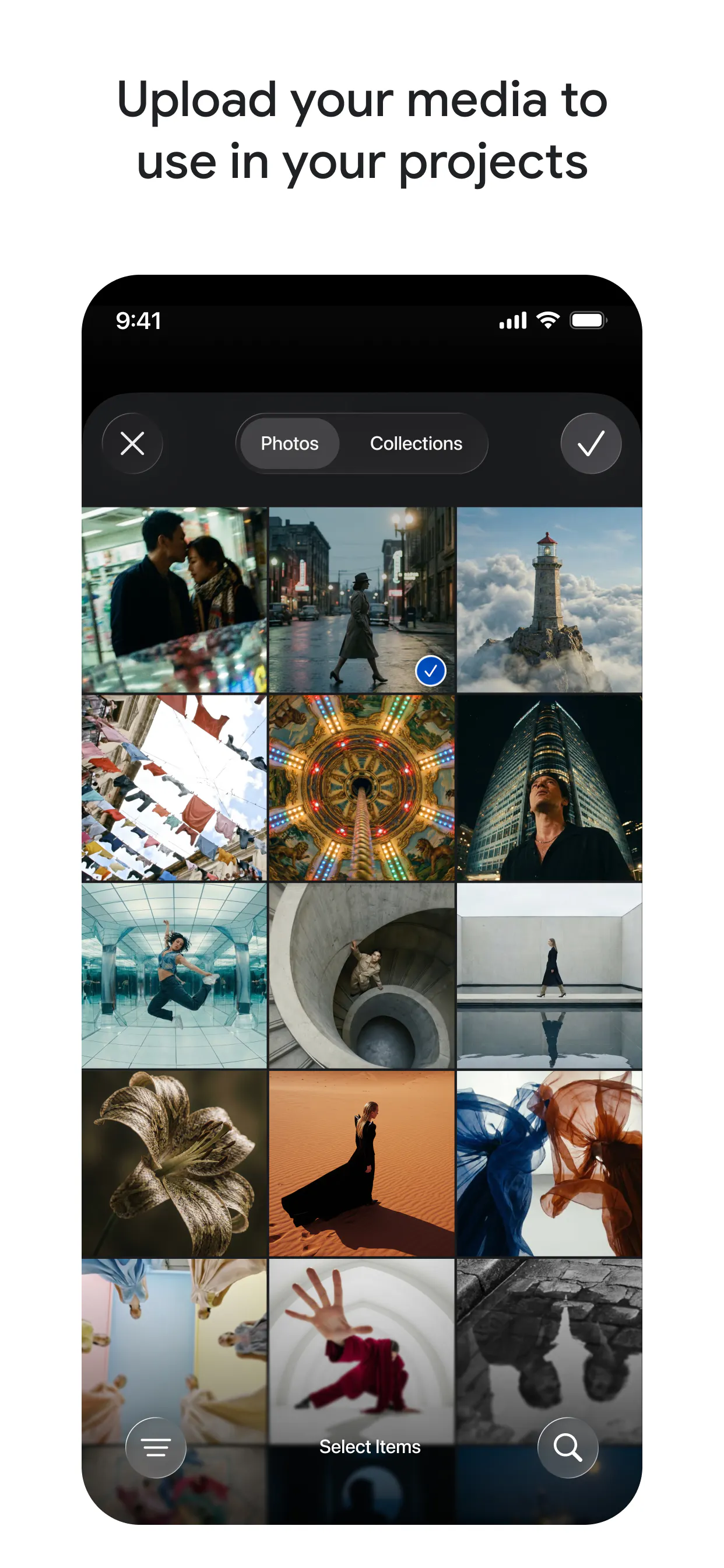
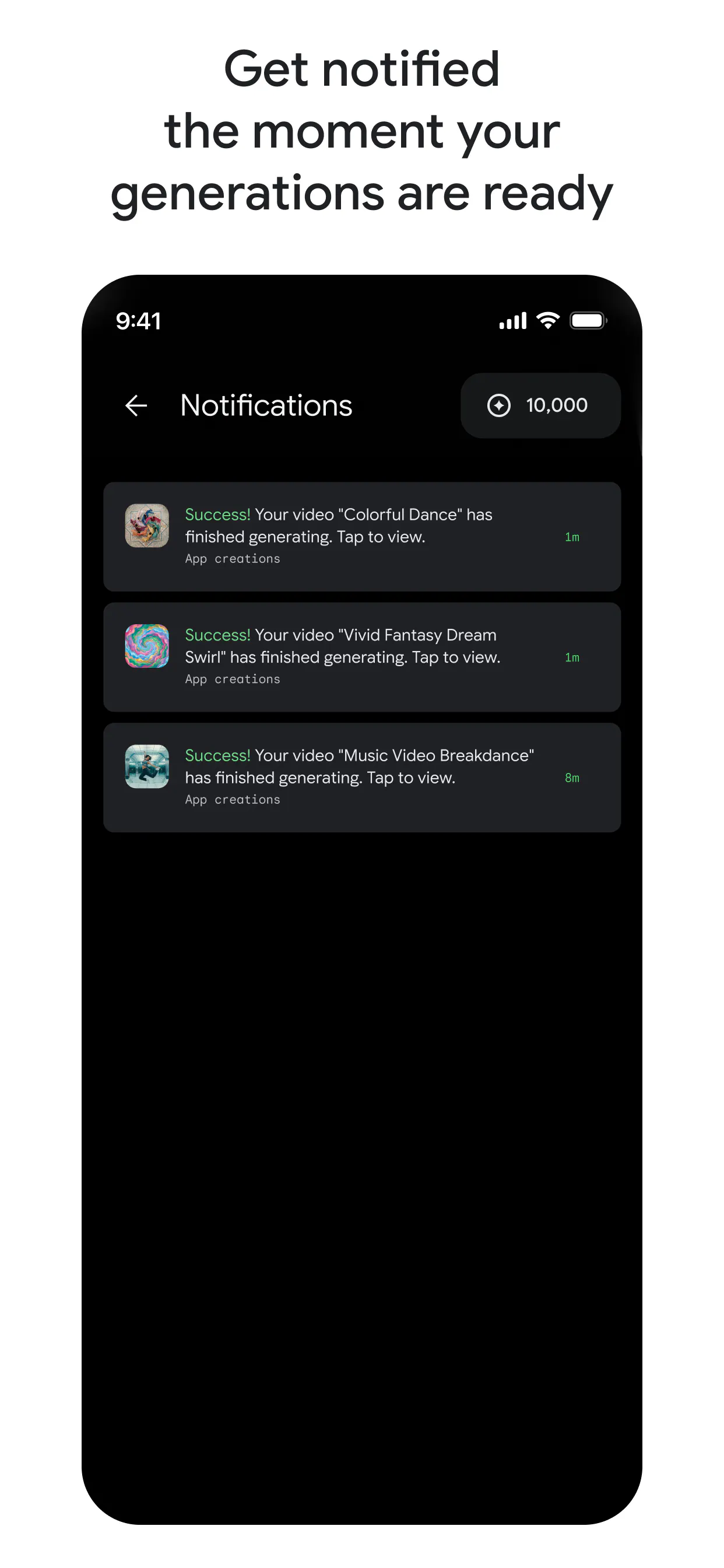
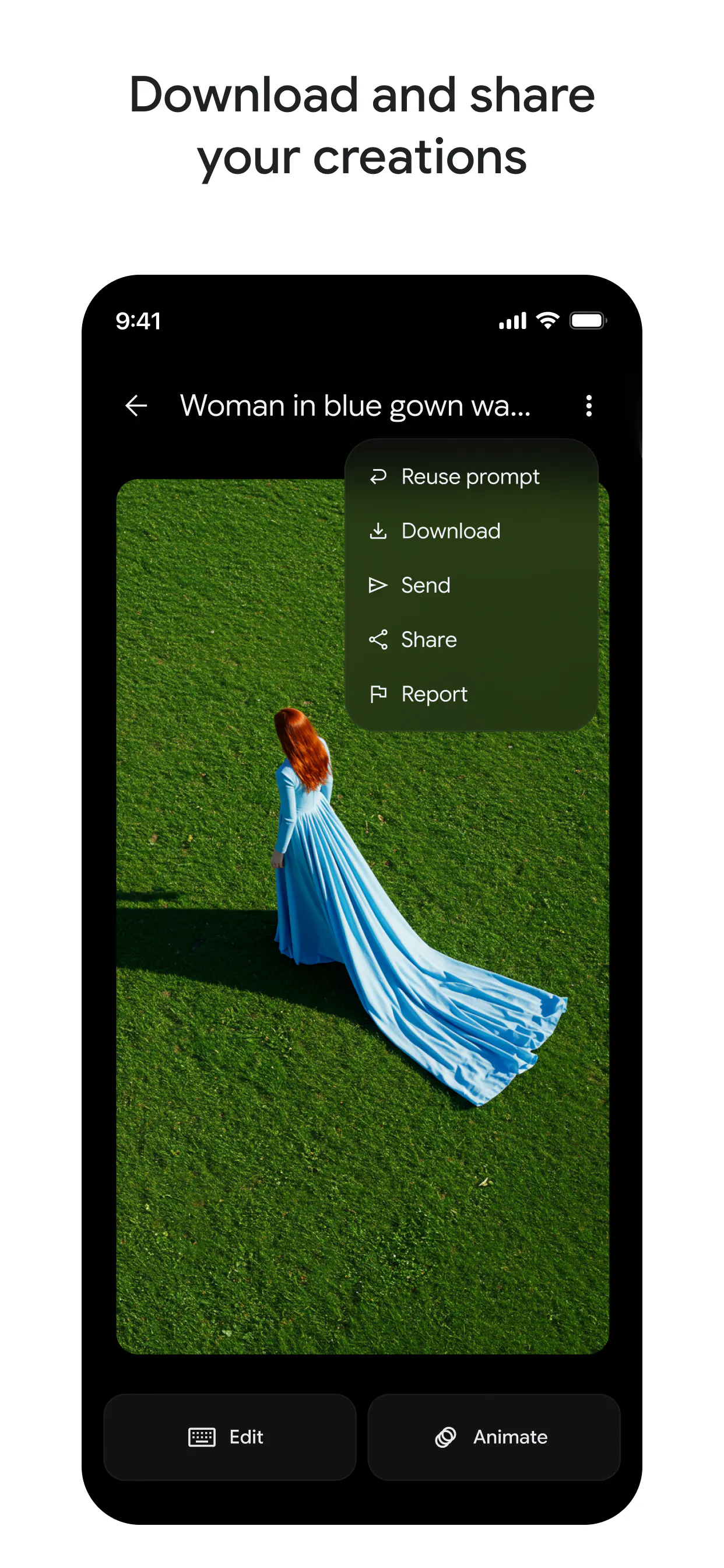
Google Flow for iOS & Android brings Google's cutting-edge generative AI technology directly to mobile devices, empowering users to transform their ideas into stunning cinematic videos, images, and creative tools right from their smartphones. Designed for creators, artists, and casual users alike, it leverages personal content such as camera roll photos and videos, as well as live camera uploads, to ground AI-generated media in users' real-life experiences. Its seamless cross-device project syncing ensures that creative work can be started on one device and continued on another, making it highly convenient for on-the-go creativity. By integrating advanced generative models into a mobile app, Google Flow simplifies complex creative processes, making professional-level content creation accessible to everyone, anywhere.
Screenshots
Pros
- ✓Mobile-first design allows for on-the-go creativity
- ✓Integration with personal camera roll and live uploads grounds outputs in real experiences
- ✓Cross-device project syncing enhances workflow flexibility
- ✓Leverages Google's advanced generative AI models for high-quality media
- ✓User-friendly interface suitable for both amateurs and professionals
Cons
- ✗Details on pricing and subscription plans are not provided
- ✗Potential limitations in customization compared to desktop tools
- ✗Dependence on internet connection for cloud-based AI processing
Use Cases
Pricing
Pricing not verified
Quick Info
Topics
Alternatives
Similar Tools in AI Image & Design




Embed Badge
Add this badge to your website to show that Google Flow for iOS & Android is featured on Visalytica.
<a href="https://www.visalytica.com/tool/google-flow-for-ios-android" target="_blank" rel="noopener noreferrer" style="display:inline-flex;align-items:center;gap:6px;padding:6px 14px;background:#7c3aed;color:#fff;border-radius:8px;font-family:-apple-system,system-ui,sans-serif;font-size:13px;font-weight:600;text-decoration:none;transition:background .2s" onmouseover="this.style.background='#6d28d9'" onmouseout="this.style.background='#7c3aed'"><svg width="14" height="14" viewBox="0 0 24 24" fill="none" stroke="currentColor" stroke-width="2.5" stroke-linecap="round" stroke-linejoin="round"><path d="M12 20V10"/><path d="M18 20V4"/><path d="M6 20v-4"/></svg>Featured on Visalytica</a>