
Google Chrome Skills
Turn your best AI prompts into one-click tools in Chrome
About Google Chrome Skills
Google Chrome Skills is a innovative browser extension designed to elevate productivity by transforming your most effective AI prompts into one-click workflows. Ideal for professionals, researchers, and avid Chrome users, it allows you to save, discover, and remix AI-powered actions that can be triggered instantly across your browsing session. Whether you're comparing products, automating repetitive tasks, or enhancing research, this tool streamlines your workflow by making AI prompts easily accessible and repeatable. Its library of ready-made Skills can be customized to fit individual needs, enabling smarter browsing and faster task completion. The ability to trigger prompts with simple commands like '/' or '+', and run actions across multiple tabs, makes it a versatile addition to any productivity toolkit. Google Chrome Skills stands out by seamlessly integrating AI workflows into everyday browsing, empowering users to harness AI's potential without complex setup or coding.
Screenshots
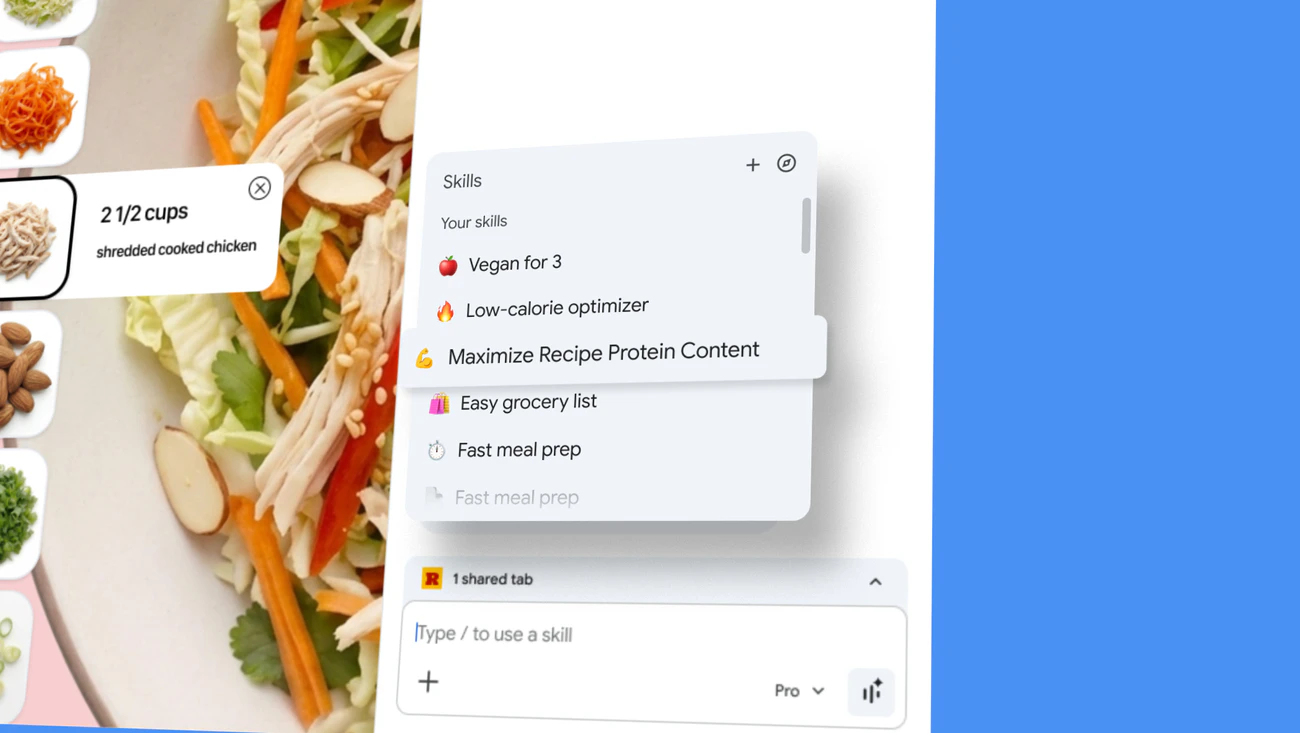
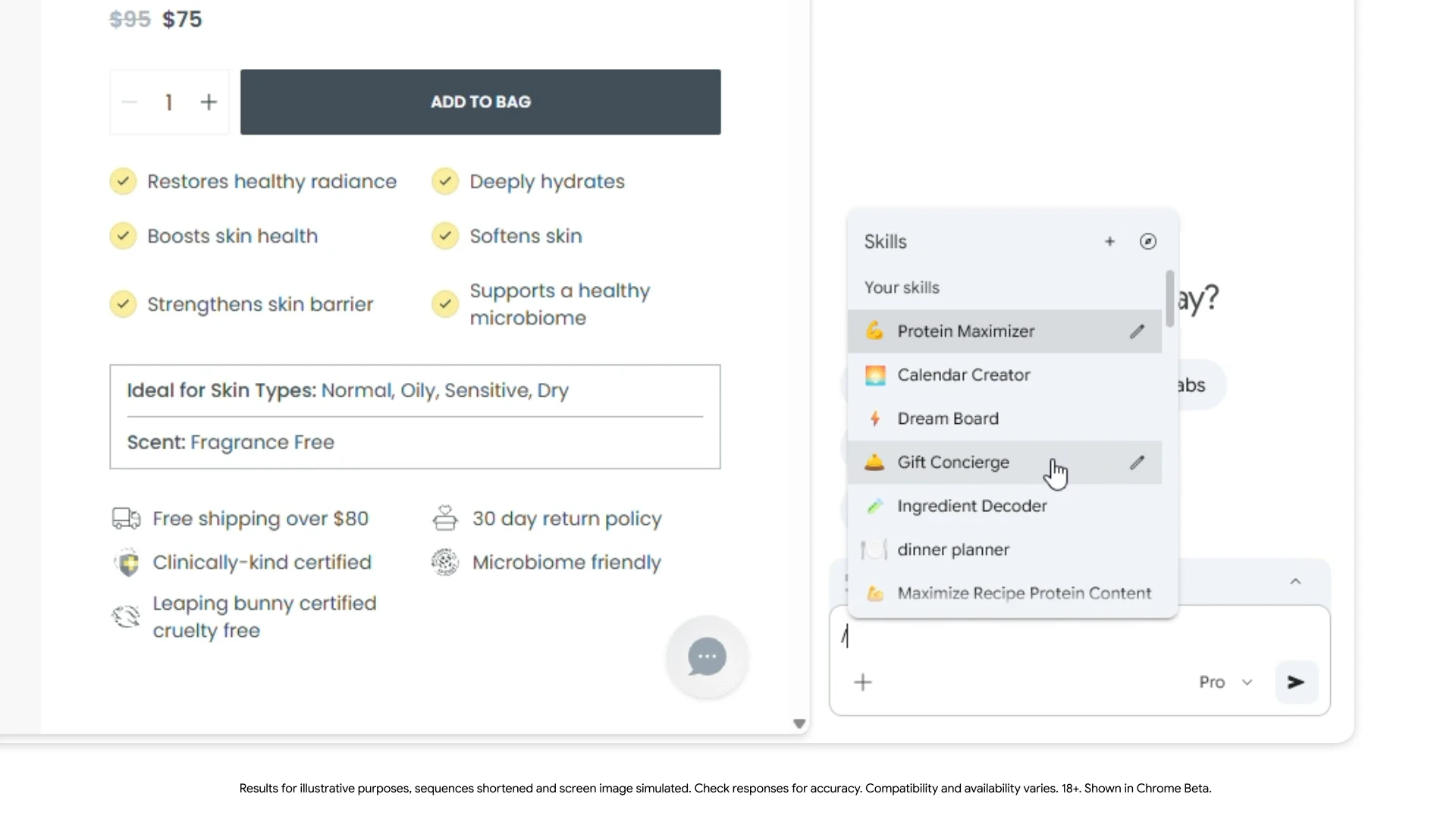
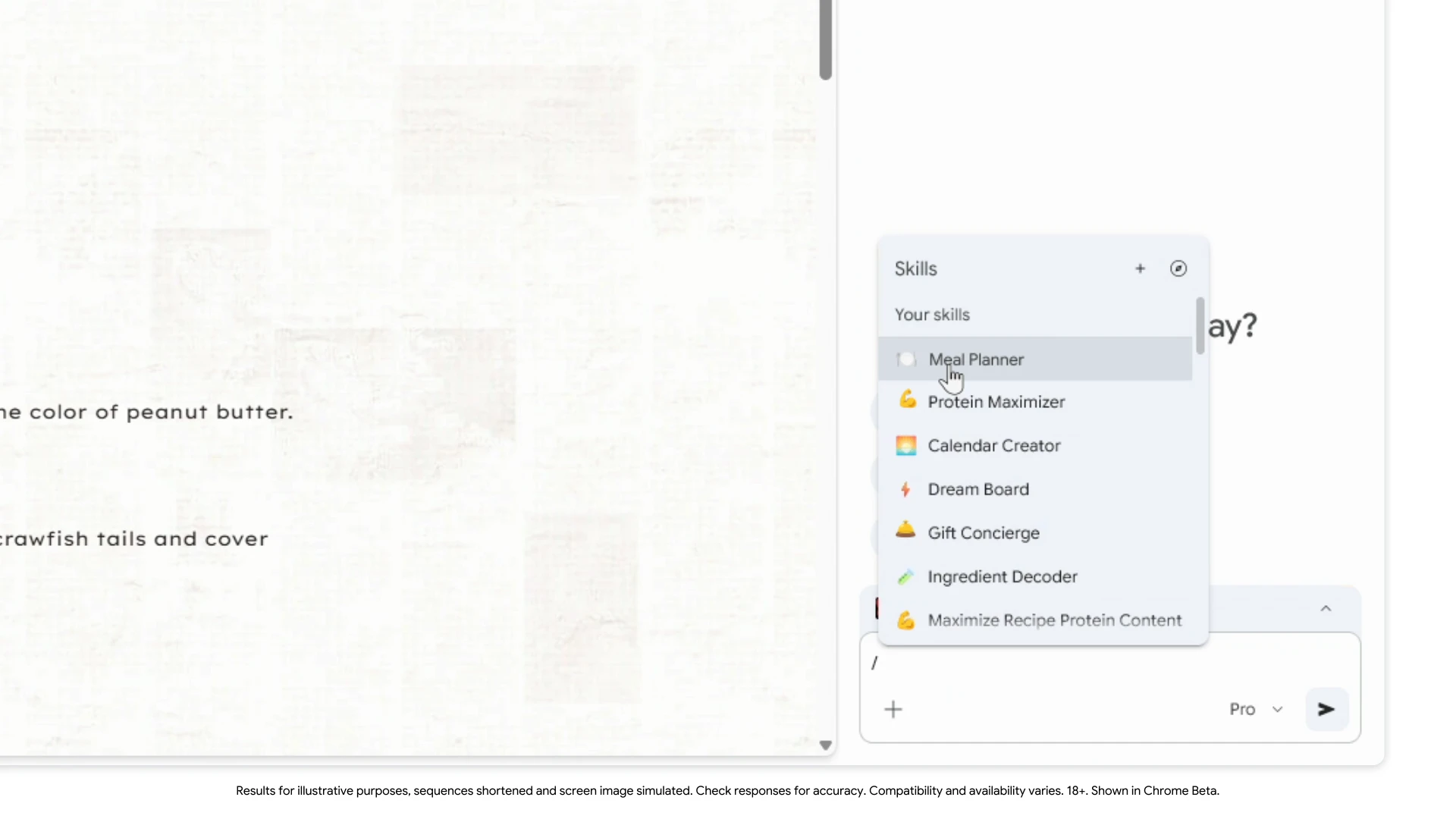
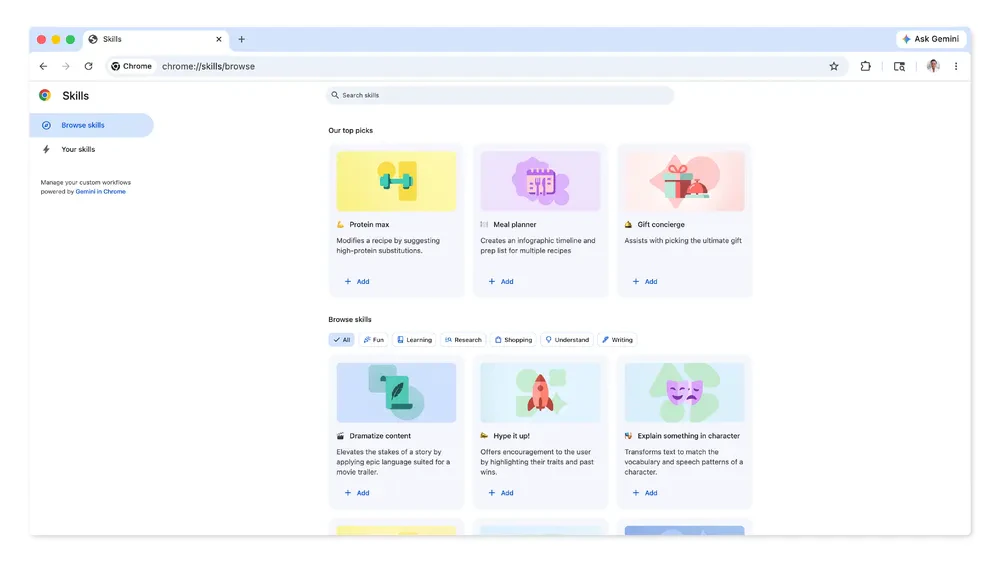

Pros
- ✓Transforms AI prompts into easy-to-use, one-click workflows
- ✓Customizable Skills library for personalized automation
- ✓Supports cross-tab and page-wide AI actions for efficiency
- ✓Simple trigger commands for quick access
- ✓Enhances browsing productivity with AI-driven automation
Cons
- ✗Limited information on free features versus paid plans
- ✗Potential learning curve for non-technical users
- ✗Dependence on stable internet connection for AI prompts
Use Cases
Pricing
Likely operates on a freemium model, offering basic features for free and premium options for advanced workflows or additional customization. Specific pricing details are not provided but may start around a few dollars per month for premium plans.
Quick Info
Topics
Similar Tools in AI Assistants




Embed Badge
Add this badge to your website to show that Google Chrome Skills is featured on Visalytica.
<a href="https://www.visalytica.com/tool/google-chrome-skills" target="_blank" rel="noopener noreferrer" style="display:inline-flex;align-items:center;gap:6px;padding:6px 14px;background:#7c3aed;color:#fff;border-radius:8px;font-family:-apple-system,system-ui,sans-serif;font-size:13px;font-weight:600;text-decoration:none;transition:background .2s" onmouseover="this.style.background='#6d28d9'" onmouseout="this.style.background='#7c3aed'"><svg width="14" height="14" viewBox="0 0 24 24" fill="none" stroke="currentColor" stroke-width="2.5" stroke-linecap="round" stroke-linejoin="round"><path d="M12 20V10"/><path d="M18 20V4"/><path d="M6 20v-4"/></svg>Featured on Visalytica</a>