
Google AI Edge Gallery
Bring on-device function calling to iPhone
About Google AI Edge Gallery
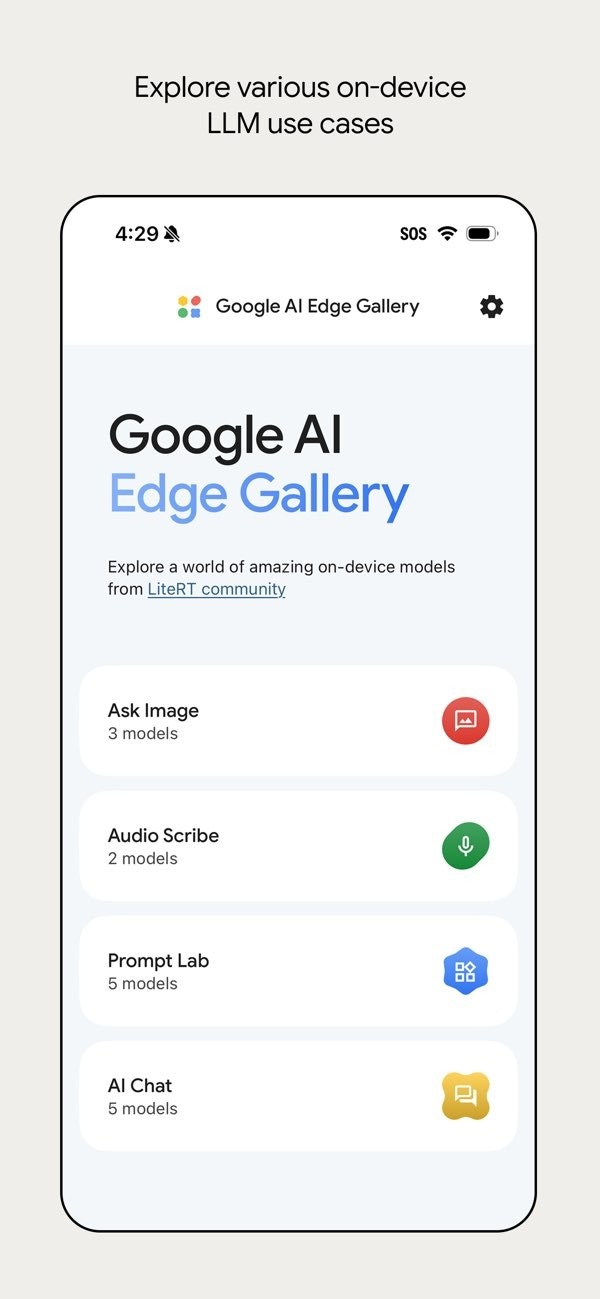
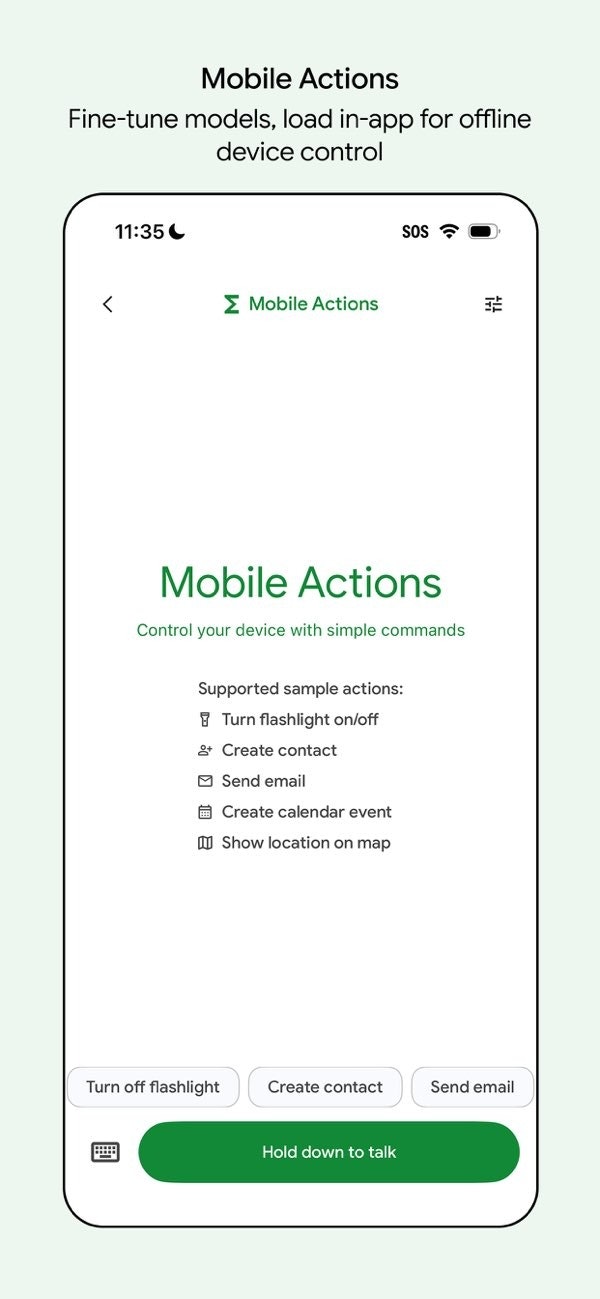
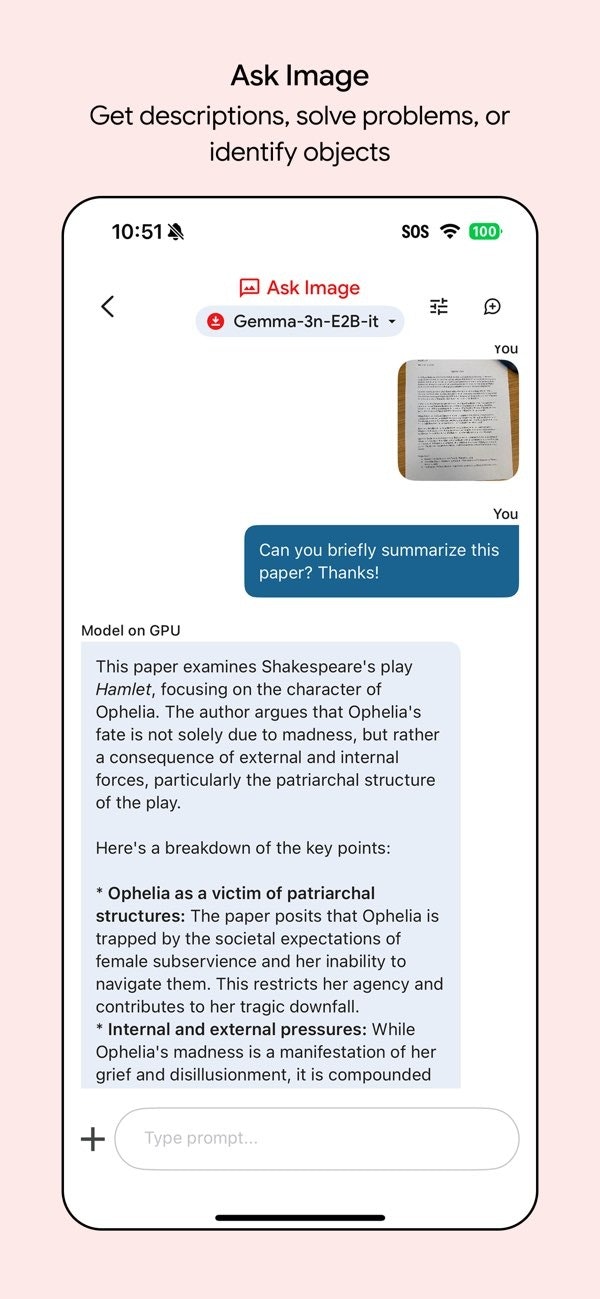
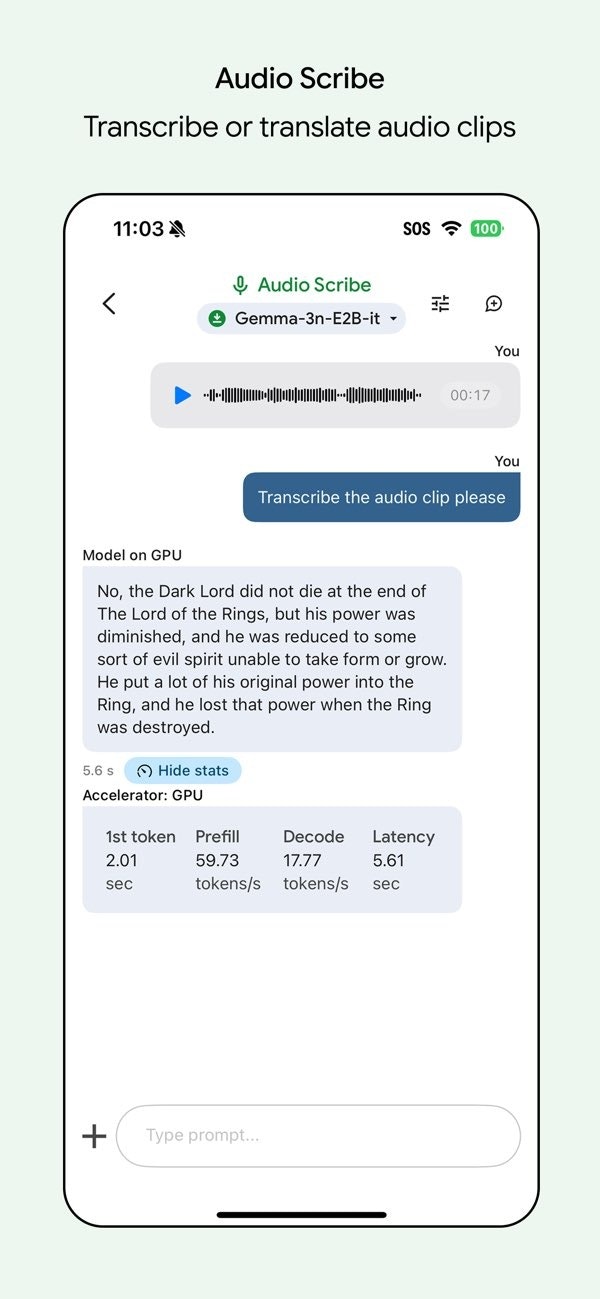
Google AI Edge Gallery has made a significant leap for iOS users by introducing on-device function calling through its Mobile Actions feature. Powered by the compact 270M FunctionGemma model, this tool enables iPhone users to execute natural voice commands that translate into real phone actions such as creating calendar events, opening maps, or toggling the flashlight — all without needing an internet connection. This offline capability not only enhances privacy but also ensures instant responsiveness, making it ideal for users who prioritize security and speed. Designed for tech-savvy individuals, productivity enthusiasts, and privacy-conscious users, Google AI Edge Gallery offers a seamless voice assistant experience that operates entirely on-device, reducing reliance on cloud services and safeguarding user data.
Screenshots
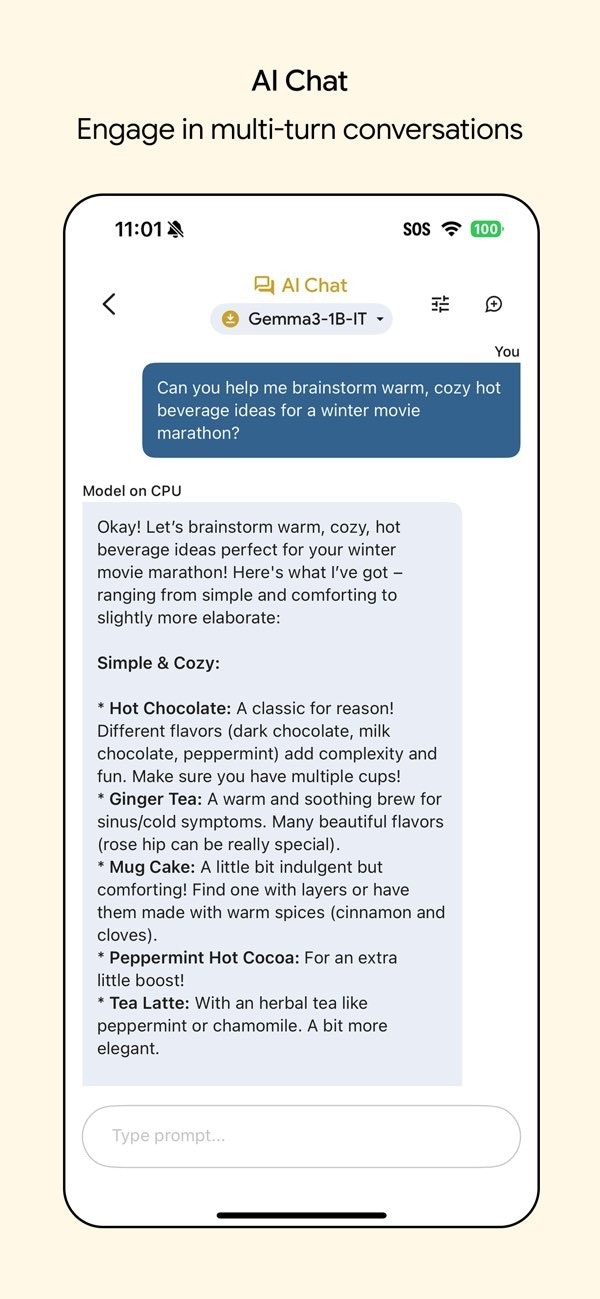
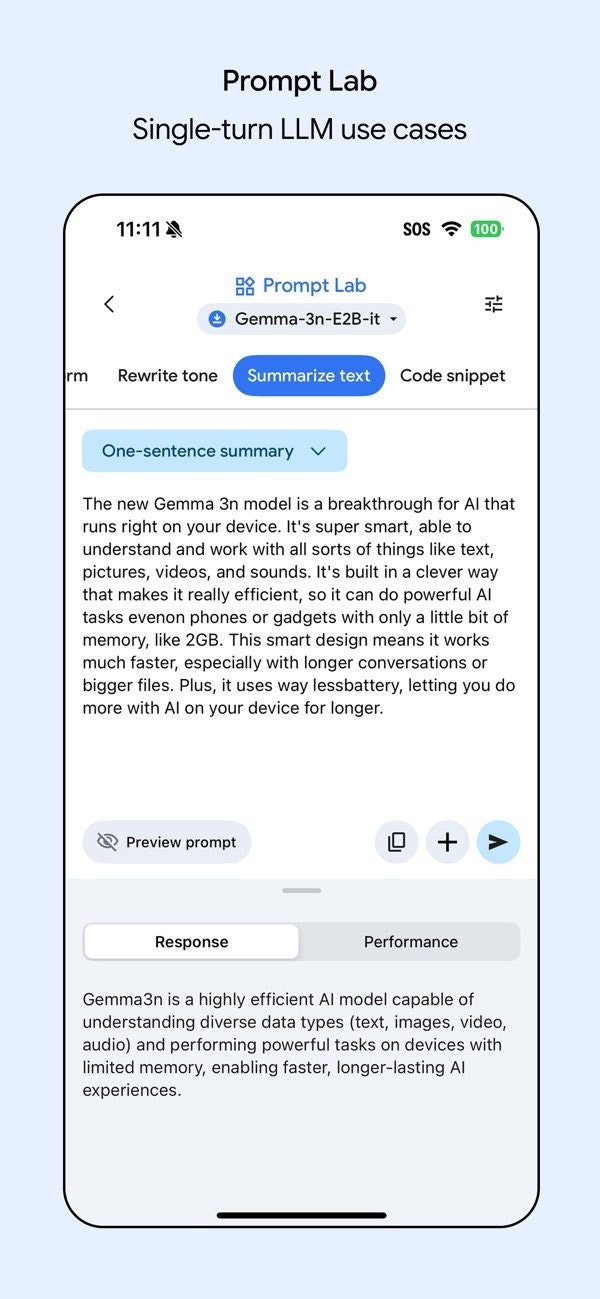
+1 more screenshots
Pros
- ✓Fully offline functionality for enhanced privacy and security
- ✓Fast, real-time voice command execution without internet dependency
- ✓Compact model size (270M) optimizes performance and device resource use
- ✓Easy integration with iPhone native actions like calendar, maps, and flashlight
- ✓Enhanced privacy by minimizing data transmission to external servers
Cons
- ✗Limited to specific actions supported within the app ecosystem
- ✗Requires iOS device compatibility and may not support older models
- ✗Potential learning curve for users unfamiliar with voice command customization
Use Cases
Pricing
Likely follows a freemium model, offering core offline voice command features at no cost, with potential premium options for advanced integrations or additional capabilities. Exact pricing details are not publicly specified.
Quick Info
Topics
Alternatives
Similar Tools in AI Assistants




Embed Badge
Add this badge to your website to show that Google AI Edge Gallery is featured on Visalytica.
<a href="https://www.visalytica.com/tool/google-ai-edge-gallery" target="_blank" rel="noopener noreferrer" style="display:inline-flex;align-items:center;gap:6px;padding:6px 14px;background:#7c3aed;color:#fff;border-radius:8px;font-family:-apple-system,system-ui,sans-serif;font-size:13px;font-weight:600;text-decoration:none;transition:background .2s" onmouseover="this.style.background='#6d28d9'" onmouseout="this.style.background='#7c3aed'"><svg width="14" height="14" viewBox="0 0 24 24" fill="none" stroke="currentColor" stroke-width="2.5" stroke-linecap="round" stroke-linejoin="round"><path d="M12 20V10"/><path d="M18 20V4"/><path d="M6 20v-4"/></svg>Featured on Visalytica</a>