
Gojo
Local dictation and everyday Mac tools in your notch
About Gojo
Gojo is an innovative Mac utility designed to enhance productivity by integrating essential tools directly into the notch area of MacBook screens. It offers local speech dictation, clipboard history, window controls, a file shelf, and media controls, all accessible from the MacBook notch, making frequently used functions readily available without cluttering the main workspace. Users can download speech models for local recognition, ensuring privacy and quick response times, perfect for those who prioritize security and efficiency. Additionally, Gojo includes handy features like calendar, battery, camera, and display controls, streamlining daily workflows on macOS 14+ devices. Its seamless integration and focus on local processing set it apart from cloud-dependent tools, making it suitable for power users, developers, and anyone seeking to optimize their Mac experience with minimal distraction.
Screenshots



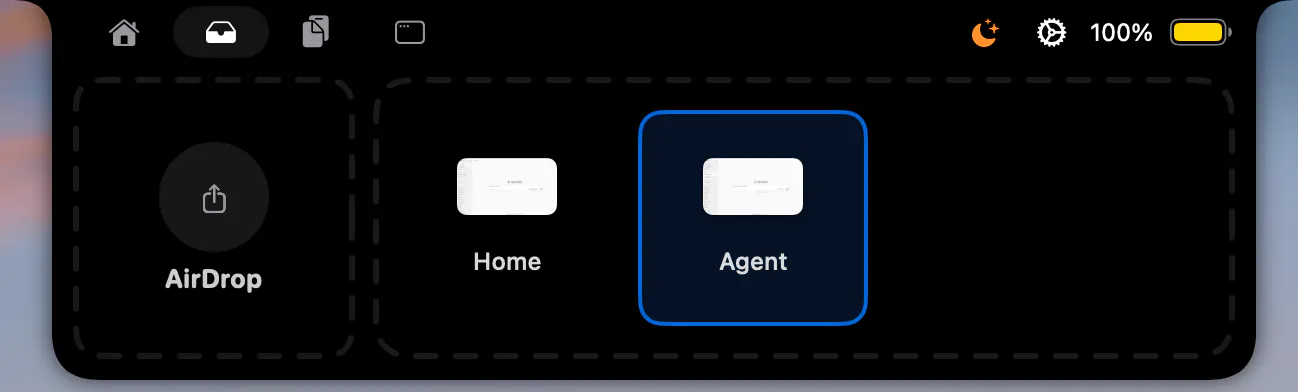

+1 more screenshots
Pros
- ✓Local speech recognition enhances privacy and speeds up dictation
- ✓All-in-one interface consolidates multiple tools in the MacBook notch area
- ✓Supports macOS 14+ for modern system compatibility
- ✓Includes a variety of productivity features like calendar and media controls
- ✓Open source options available via GitHub
Cons
- ✗Limited to users with macOS 14+ devices
- ✗Requires downloading speech models, which might be technical for some users
- ✗No information on free tier or detailed pricing structure
Use Cases
Pricing
Pricing not verified
Quick Info
Topics
Makers

Roshan D
Similar Tools in Productivity




Embed Badge
Add this badge to your website to show that Gojo is featured on Visalytica.
<a href="https://www.visalytica.com/tool/gojo" target="_blank" rel="noopener noreferrer" style="display:inline-flex;align-items:center;gap:6px;padding:6px 14px;background:#7c3aed;color:#fff;border-radius:8px;font-family:-apple-system,system-ui,sans-serif;font-size:13px;font-weight:600;text-decoration:none;transition:background .2s" onmouseover="this.style.background='#6d28d9'" onmouseout="this.style.background='#7c3aed'"><svg width="14" height="14" viewBox="0 0 24 24" fill="none" stroke="currentColor" stroke-width="2.5" stroke-linecap="round" stroke-linejoin="round"><path d="M12 20V10"/><path d="M18 20V4"/><path d="M6 20v-4"/></svg>Featured on Visalytica</a>