GlowIsland
Turn your Mac notch into an interactive utility ribbon.
About GlowIsland
GlowIsland transforms the Mac's notch into a versatile, interactive utility ribbon, tailored for power users seeking an optimized workflow. It offers a sleek, native macOS experience that integrates seamlessly into the system, turning an often-overlooked hardware feature into a functional hub. Users can quickly jot down notes with its frictionless Quick Note, control music playback across Spotify and Apple Music without disrupting their workflow, and access a smart clipboard history for efficient copy-pasting. Additionally, GlowIsland provides quick access to essential system tools like a camera mirror, making routine tasks more streamlined. Its intuitive design and focus on enhancing productivity make it ideal for busy professionals, developers, and creative users who want to maximize their Mac's capabilities without cluttering their workspace.
Screenshots
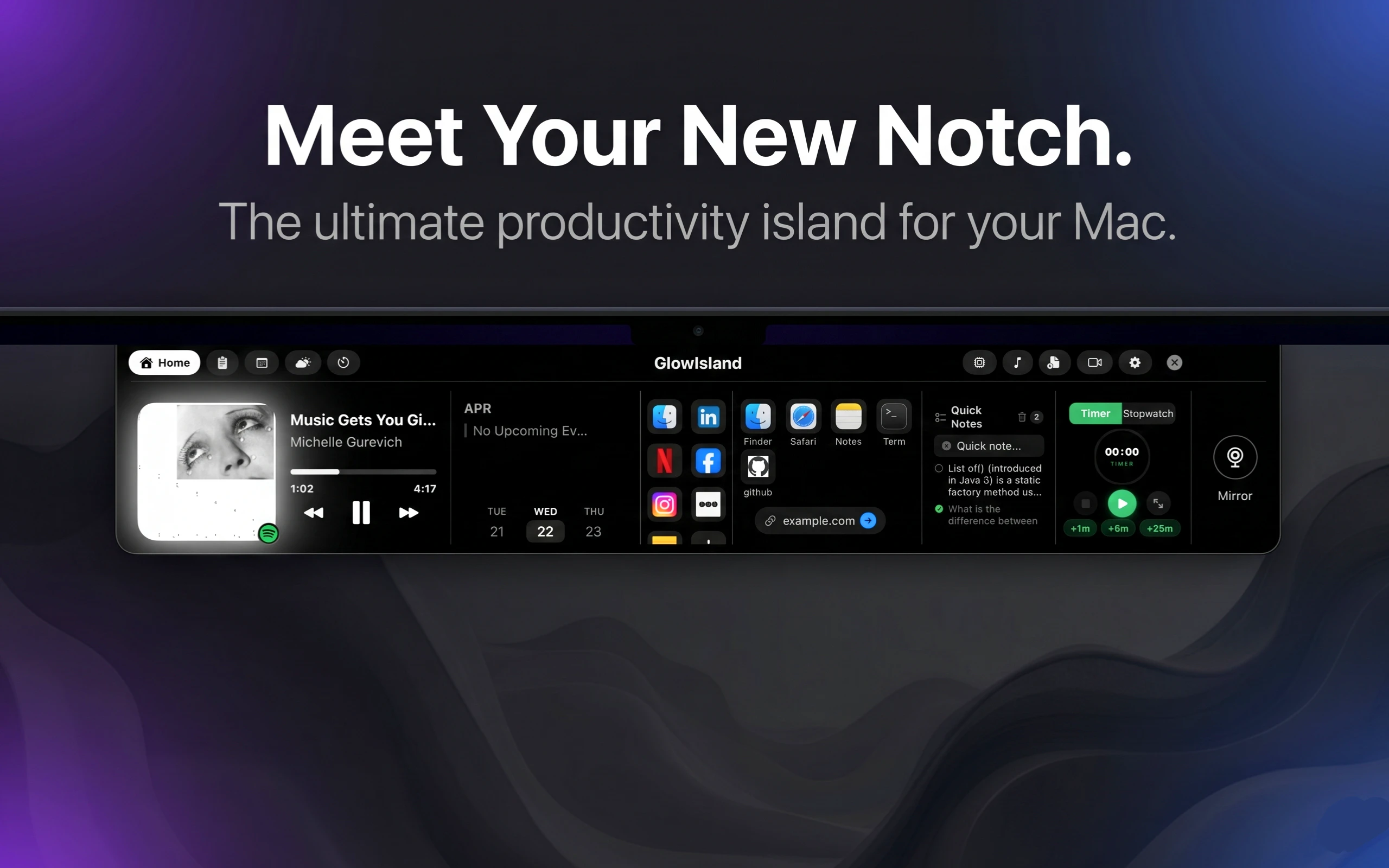
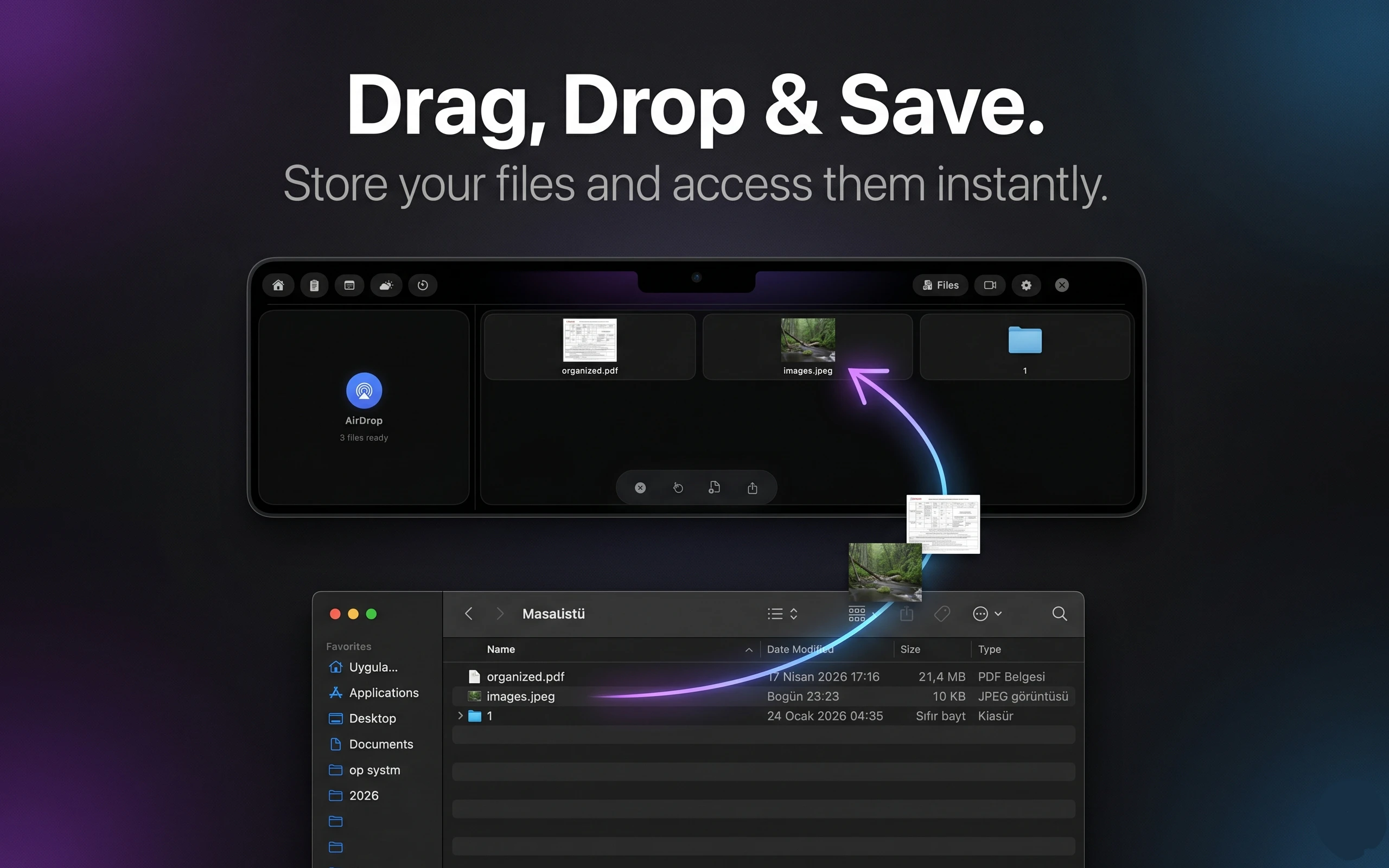
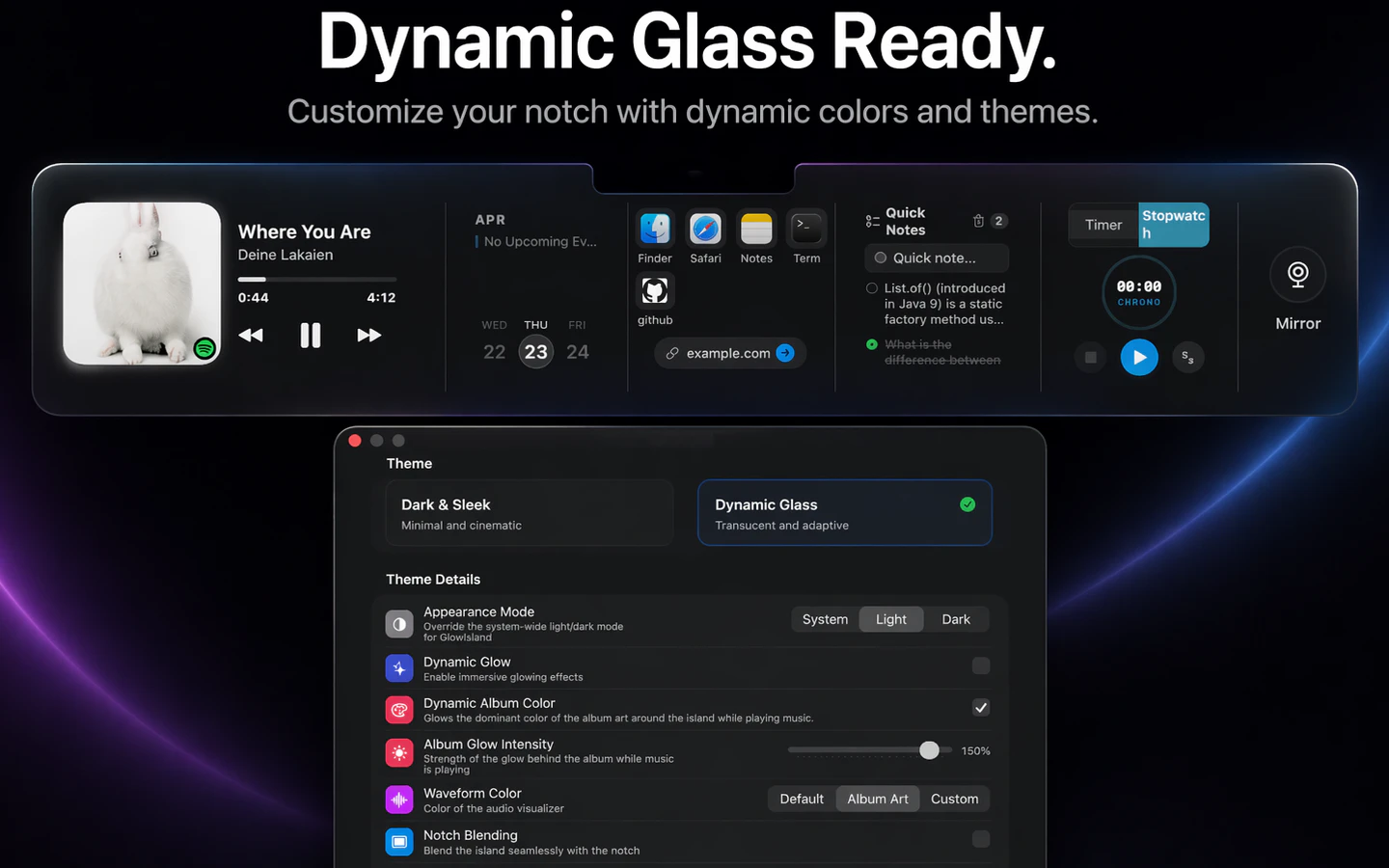
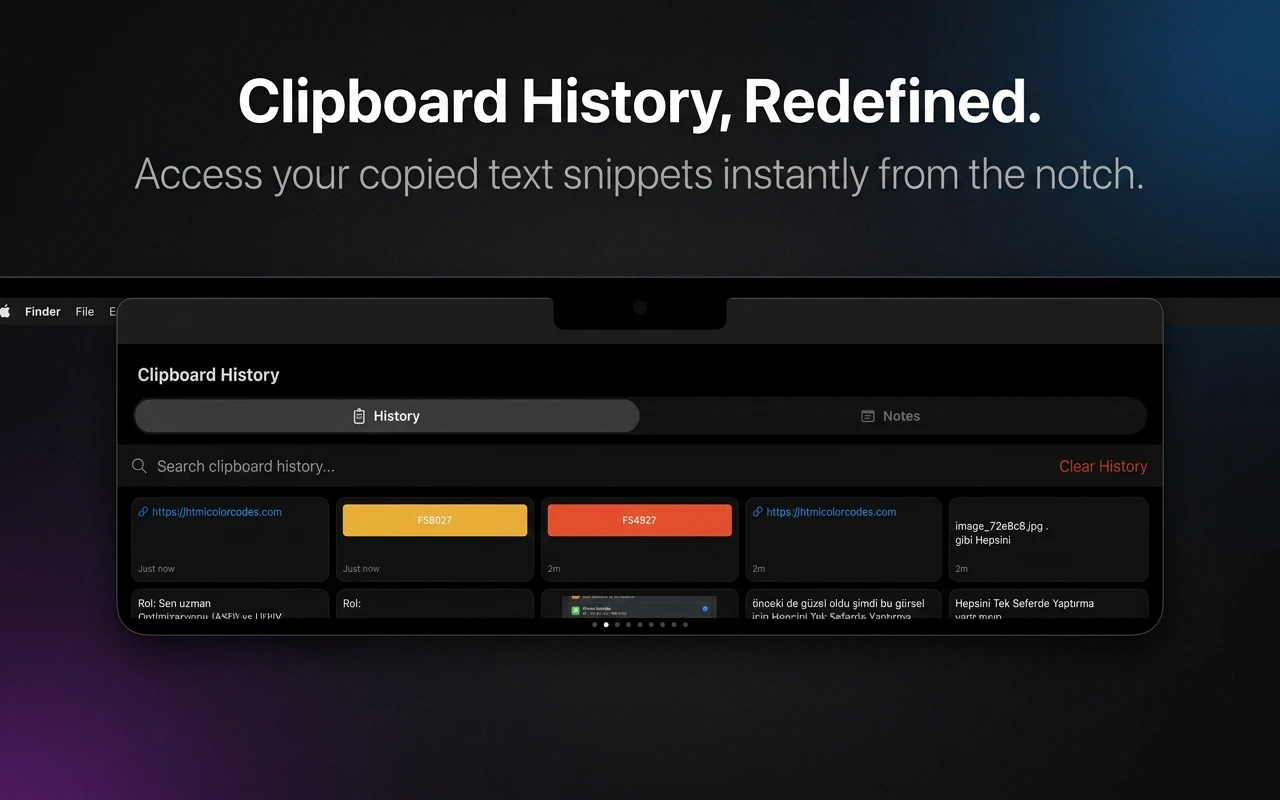
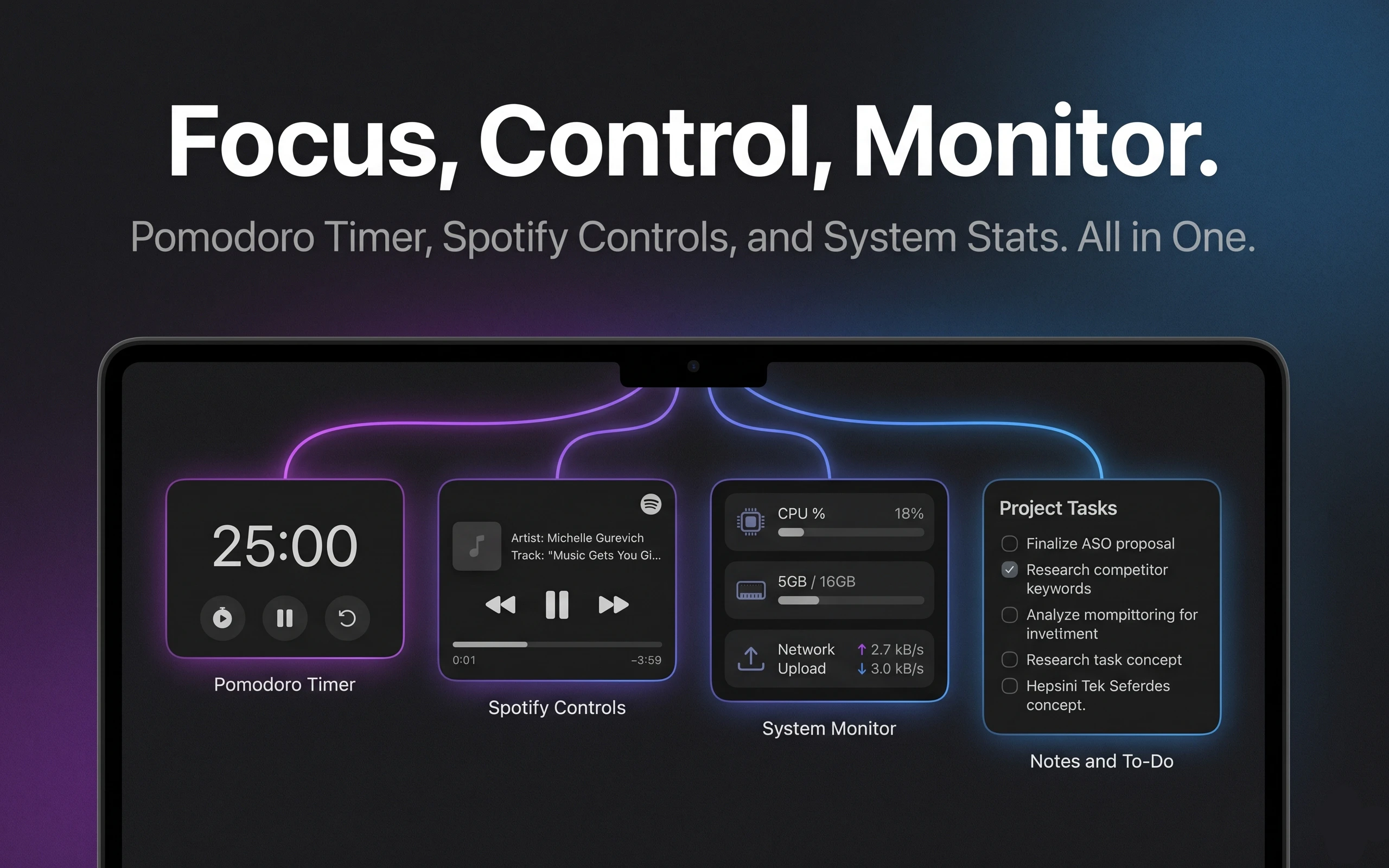
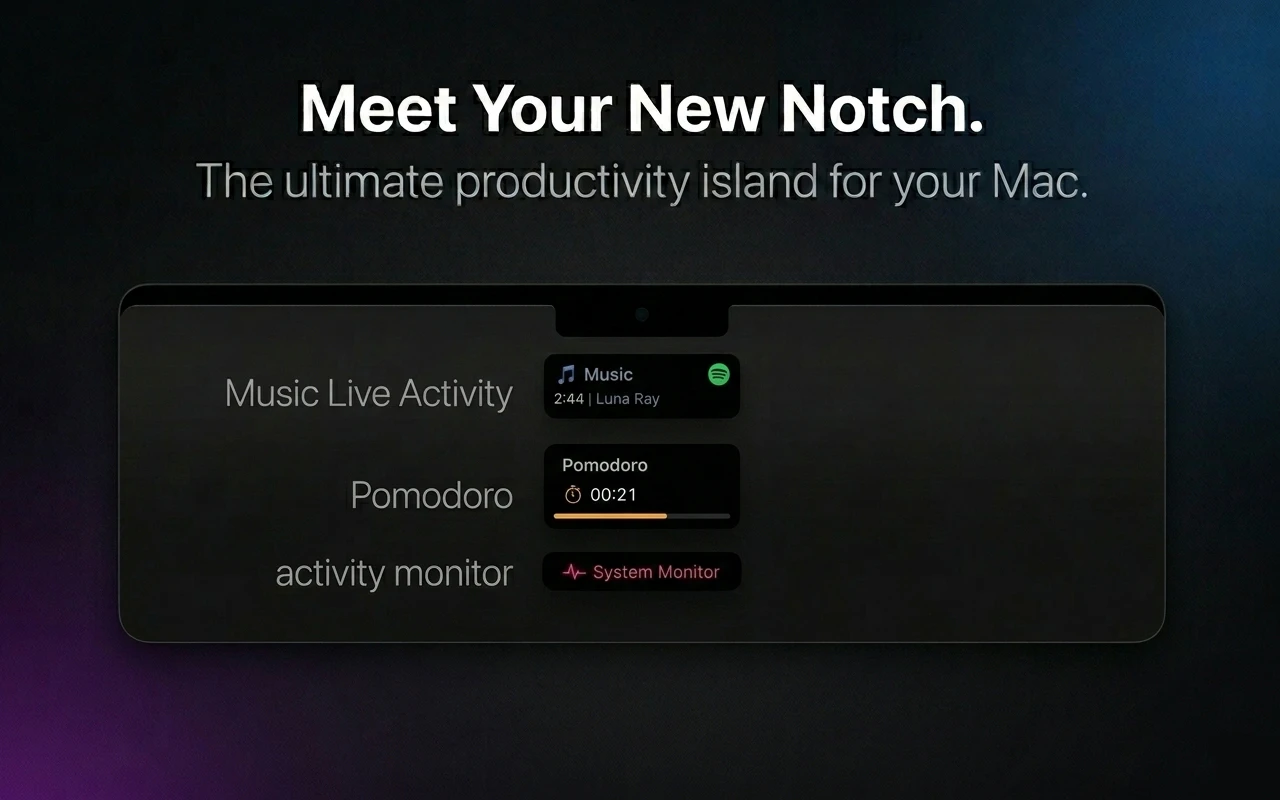
+1 more screenshots
Pros
- ✓Transforms the Mac notch into a customizable, interactive ribbon
- ✓Includes quick access to notes, music controls, and system tools
- ✓Native macOS feel with smooth integration and minimal friction
- ✓Enhances productivity by consolidating frequently used utilities
- ✓Simple, user-friendly interface tailored for power users
Cons
- ✗Limited to Mac users with a notch — not applicable to all Mac models
- ✗Features may require some initial setup and customization
- ✗No information on free trial or pricing tiers, which could affect onboarding decisions
Use Cases
Pricing
Likely adopts a freemium model with core features available for free and premium upgrades for additional functionalities, though specific pricing details are not publicly confirmed.
Quick Info
Topics
Alternatives
Similar Tools in Developer Tools




Embed Badge
Add this badge to your website to show that GlowIsland is featured on Visalytica.
<a href="https://www.visalytica.com/tool/glowisland" target="_blank" rel="noopener noreferrer" style="display:inline-flex;align-items:center;gap:6px;padding:6px 14px;background:#7c3aed;color:#fff;border-radius:8px;font-family:-apple-system,system-ui,sans-serif;font-size:13px;font-weight:600;text-decoration:none;transition:background .2s" onmouseover="this.style.background='#6d28d9'" onmouseout="this.style.background='#7c3aed'"><svg width="14" height="14" viewBox="0 0 24 24" fill="none" stroke="currentColor" stroke-width="2.5" stroke-linecap="round" stroke-linejoin="round"><path d="M12 20V10"/><path d="M18 20V4"/><path d="M6 20v-4"/></svg>Featured on Visalytica</a>