
Glisio
Mac Recorder & Snap editor w/auto-zoom, audio, local MP4
About Glisio
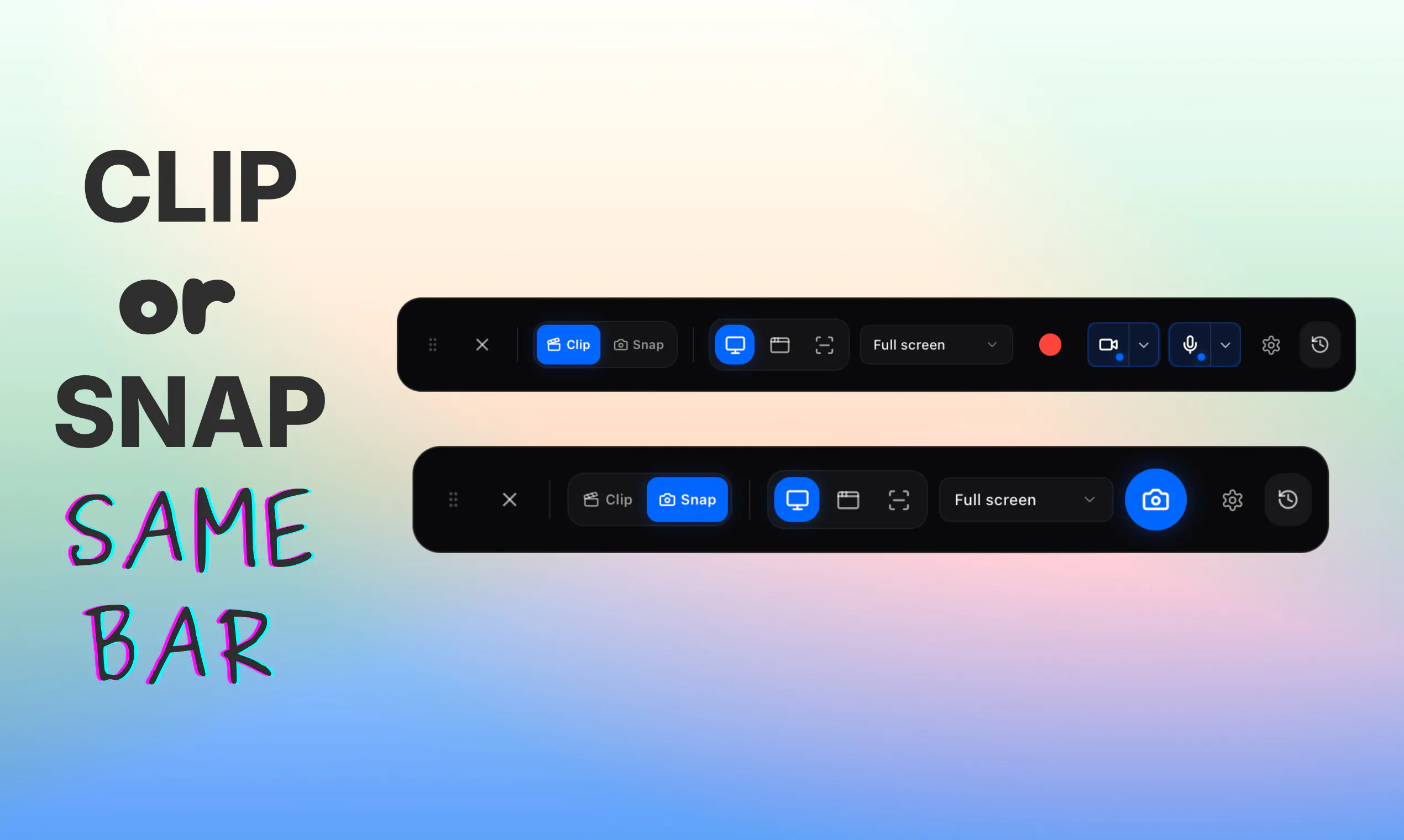
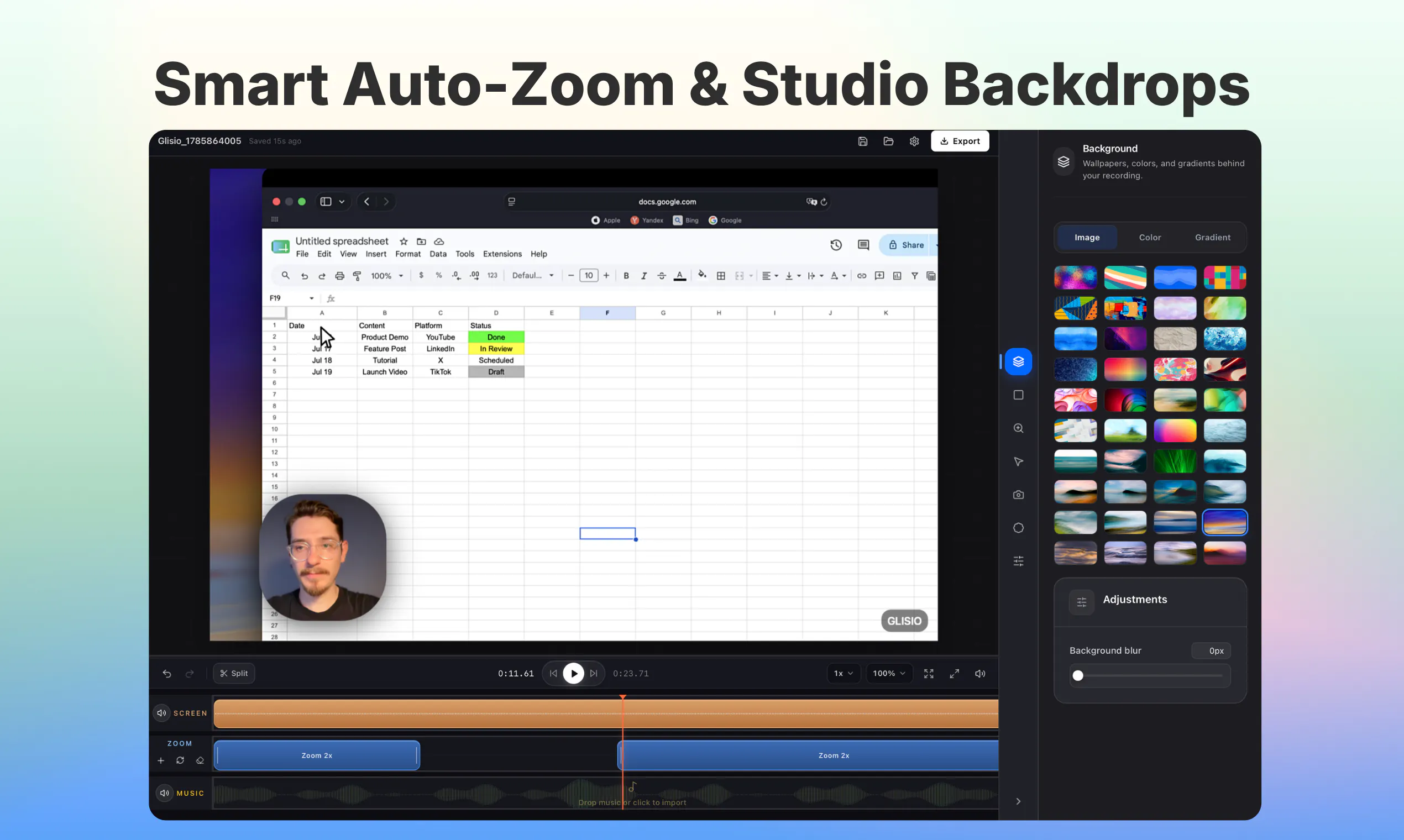
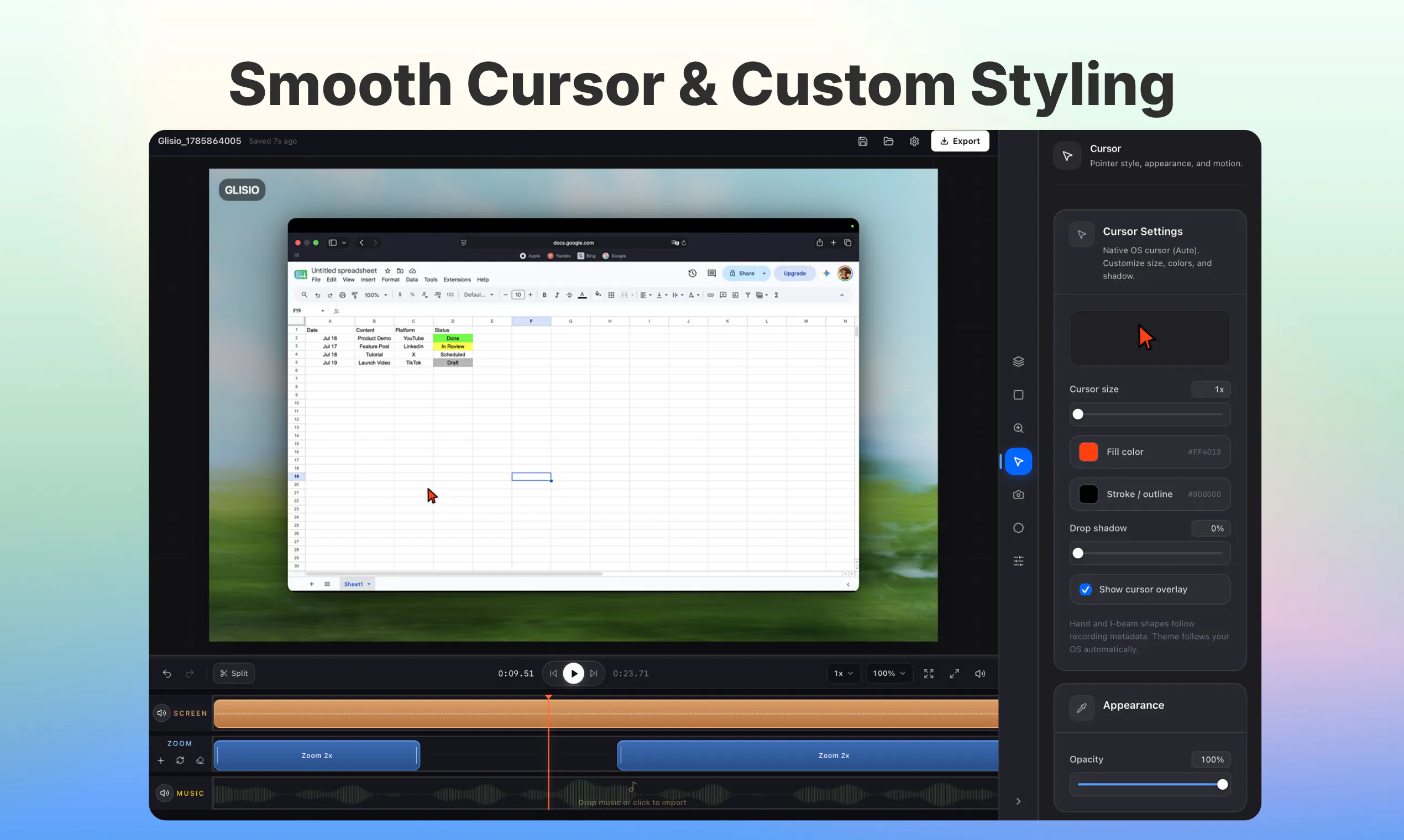
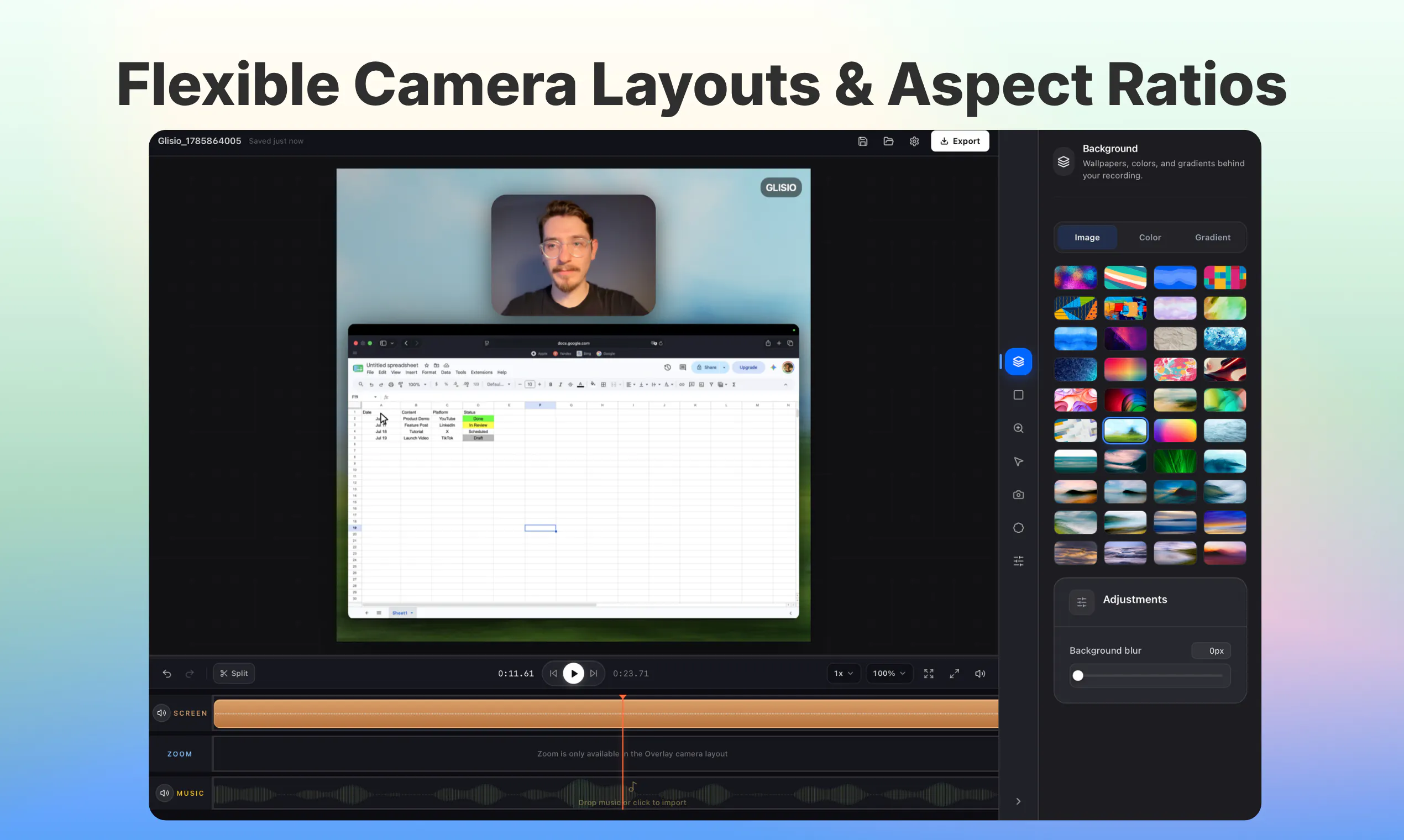
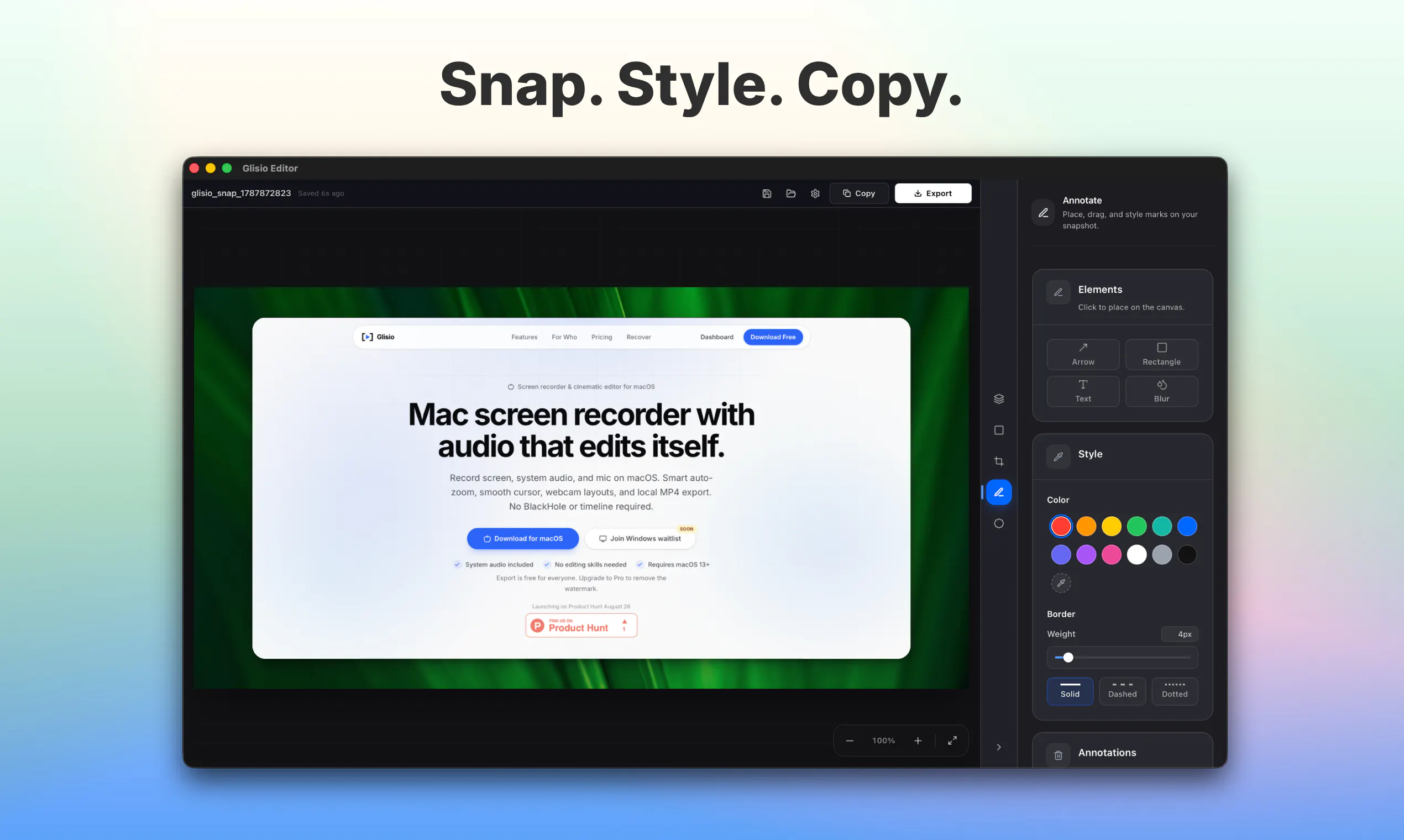
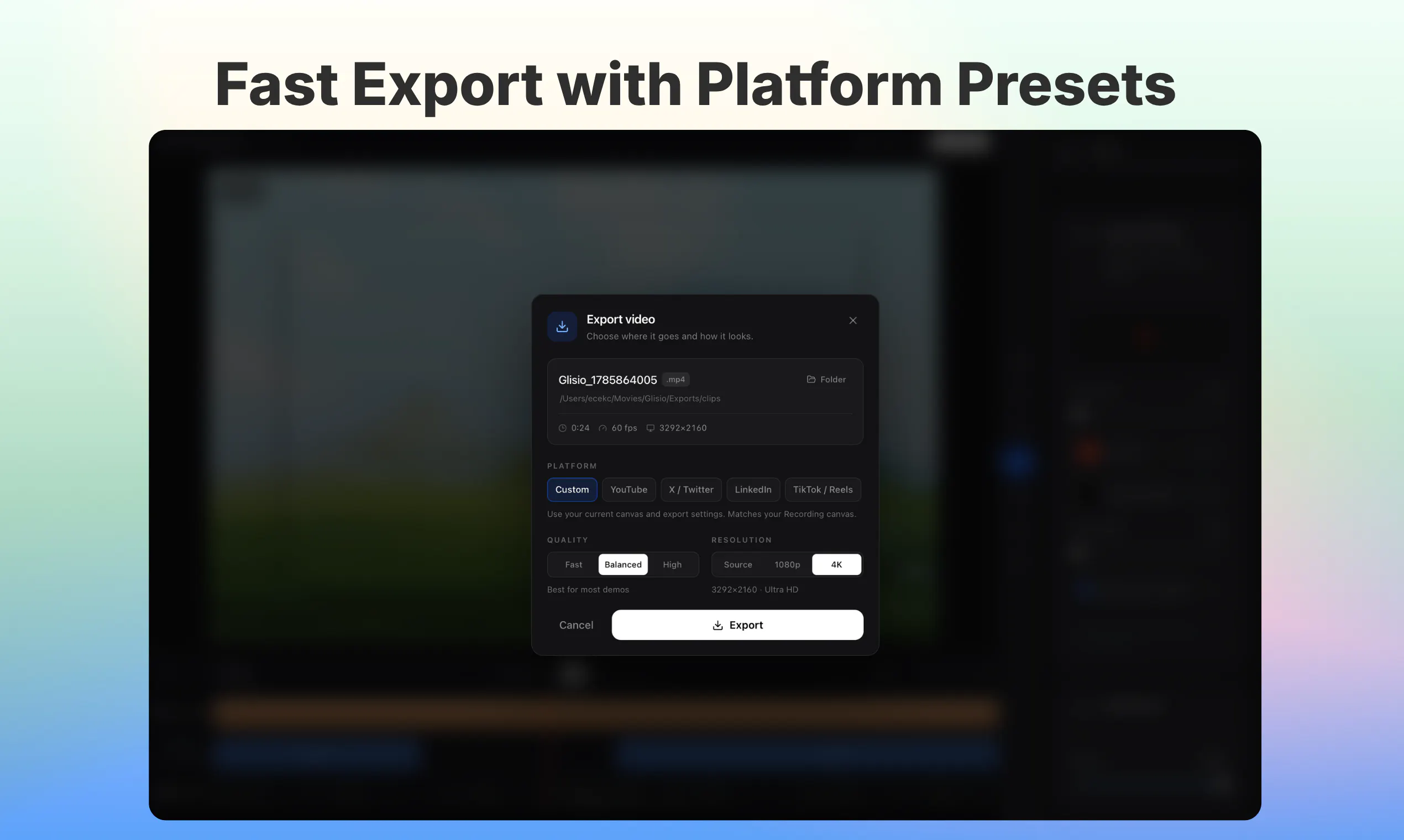
Glisio is a native Mac application designed for creating high-quality product demos and styled snapshots with ease. It allows users to record cinematic video clips or capture detailed screenshots, supporting display, window, or specific area recording. The tool comes equipped with features like system audio, microphone input, and optional webcam overlay, making it ideal for professional presentations, tutorials, and marketing videos. Its smart auto-zoom feature dynamically follows clicks, eliminating the need for complex editing timelines, while the built-in snapshot editor offers background customization, cropping, and annotations. Export options include local MP4 files in various aspect ratios such as 16:9, 9:16, and 1:1, all stored securely on the user’s Mac. Glisio is available as a free version with a small watermark, with a lifetime pro license or subscription plans that remove watermarks. Currently, a Windows version is in development, with a waitlist open for early access.
Screenshots
Pros
- ✓User-friendly interface tailored for Mac users
- ✓Integrated recording and snapshot editing in one app
- ✓Smart auto-zoom streamlines click-following, reducing editing time
- ✓Multiple export aspect ratios support diverse content needs
- ✓Local file storage ensures privacy and control
Cons
- ✗Free version includes a watermark, which may not suit all users
- ✗Limited to Mac at the moment, with Windows version pending
- ✗Feature set may be basic compared to more advanced recording tools
Use Cases
Pricing
Pricing not verified
Quick Info
Topics
Makers

Ece
Similar Tools in AI Writing




Embed Badge
Add this badge to your website to show that Glisio is featured on Visalytica.
<a href="https://www.visalytica.com/tool/glisio" target="_blank" rel="noopener noreferrer" style="display:inline-flex;align-items:center;gap:6px;padding:6px 14px;background:#7c3aed;color:#fff;border-radius:8px;font-family:-apple-system,system-ui,sans-serif;font-size:13px;font-weight:600;text-decoration:none;transition:background .2s" onmouseover="this.style.background='#6d28d9'" onmouseout="this.style.background='#7c3aed'"><svg width="14" height="14" viewBox="0 0 24 24" fill="none" stroke="currentColor" stroke-width="2.5" stroke-linecap="round" stroke-linejoin="round"><path d="M12 20V10"/><path d="M18 20V4"/><path d="M6 20v-4"/></svg>Featured on Visalytica</a>