
GitHub Copilot App
Desktop control center for managing parallel AI coding agent
About GitHub Copilot App
GitHub Copilot App is a sophisticated desktop control center designed for developers leveraging AI-powered coding agents. It enables users to manage multiple AI coding agents simultaneously, providing a unified interface to oversee, direct, and inspect their work on dedicated canvas surfaces. This setup is ideal for software teams using Copilot Pro, Pro+, Business, or Enterprise plans who want enhanced control and visibility over AI-assisted development processes. What makes the Copilot App stand out is its agent-native architecture, allowing for parallel management of multiple AI agents, which can significantly streamline complex coding tasks and collaboration efforts. Its visual interface and control features empower developers to fine-tune AI outputs, ensure code quality, and decide what changes are integrated into their projects, boosting productivity and oversight.
Screenshots

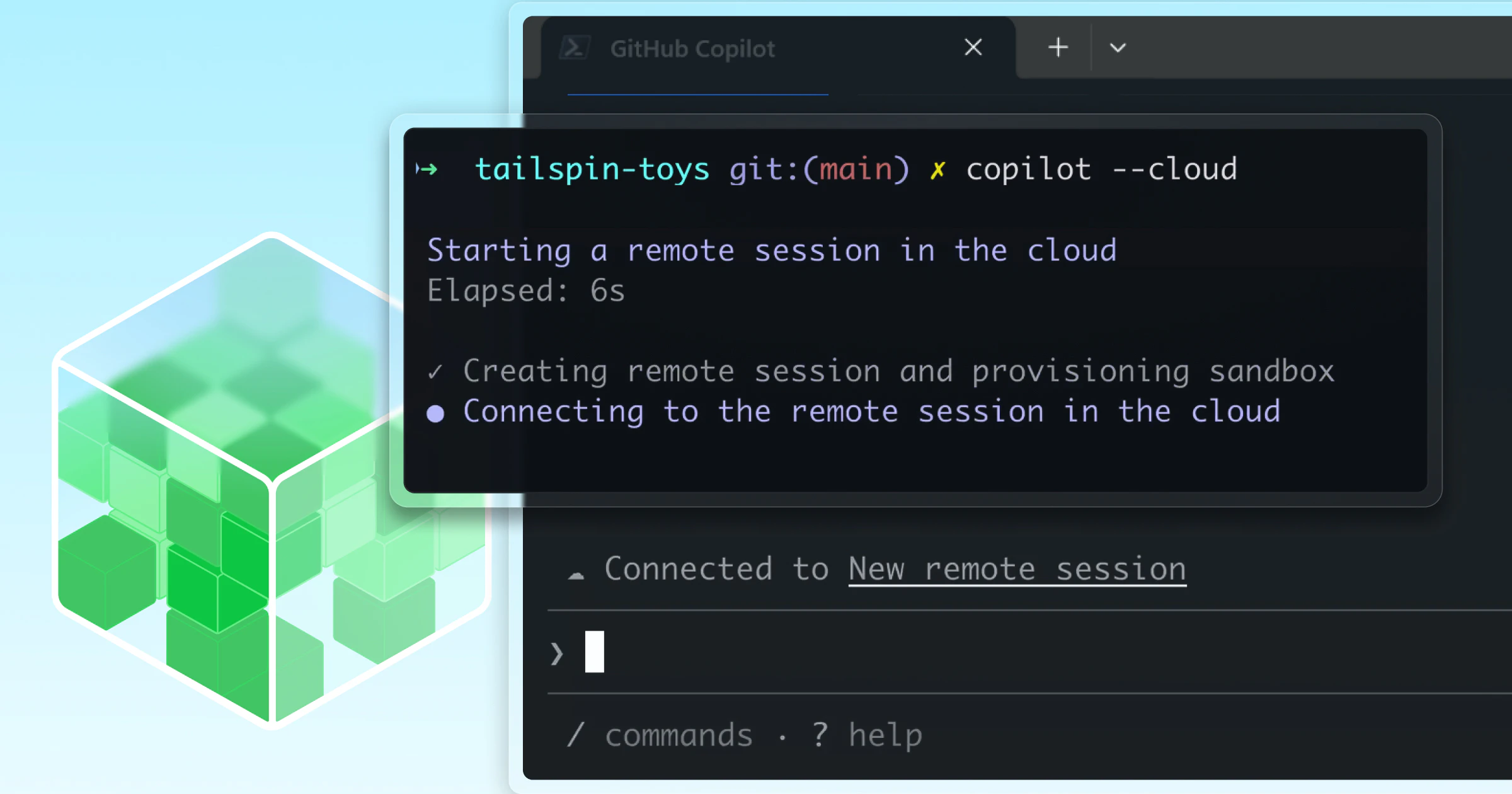

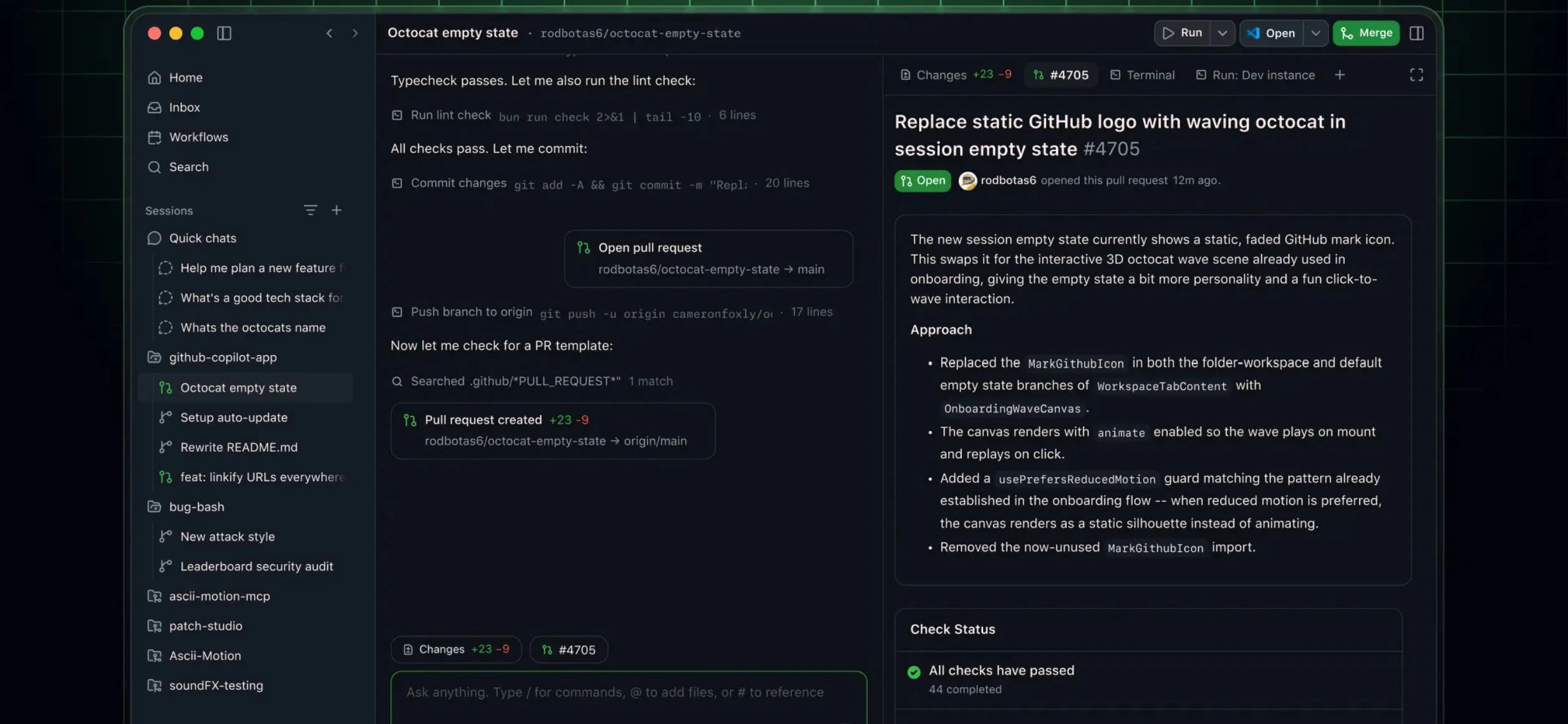
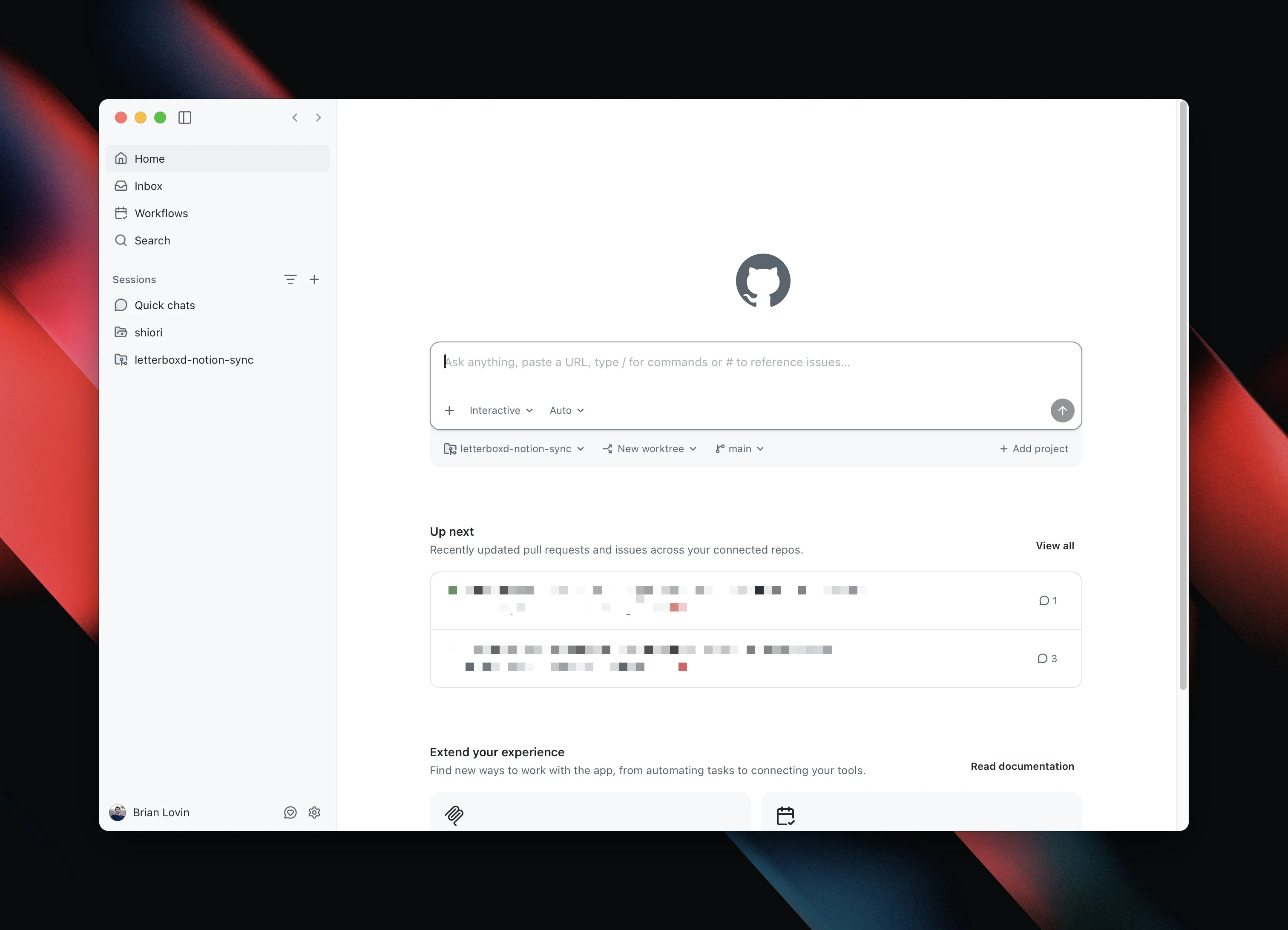
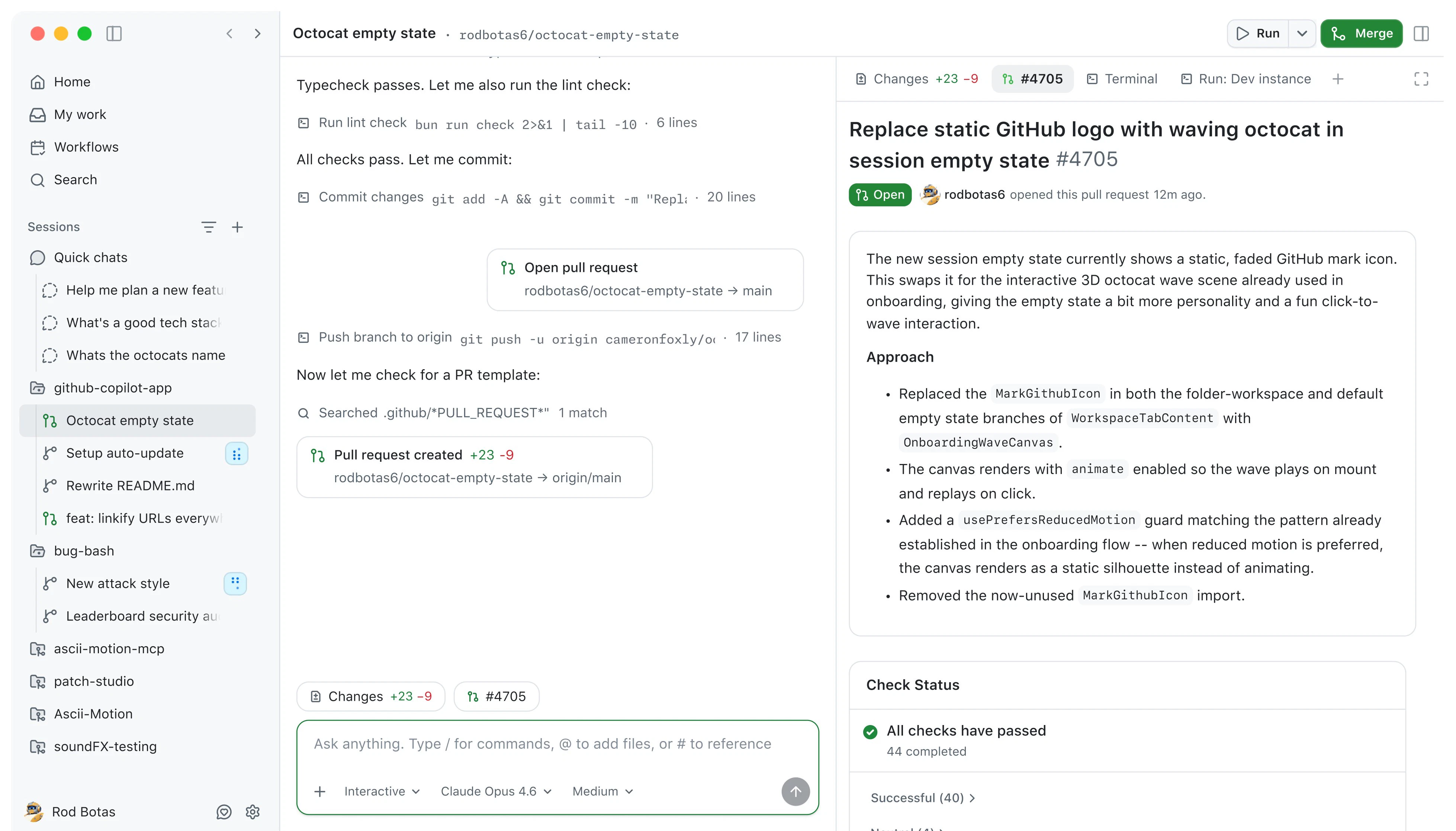
+1 more screenshots
Pros
- ✓Enables management of multiple AI coding agents simultaneously
- ✓Provides visual inspection and control over AI-generated code
- ✓Enhances collaboration with an intuitive desktop interface
- ✓Optimized for enterprise and professional development teams
Cons
- ✗Requires a Copilot Pro or higher subscription plan
- ✗Might have a learning curve for those unfamiliar with AI agent management
- ✗Limited information on pricing and availability details
Use Cases
Pricing
Likely utilizes a subscription-based pricing model, available for users on Copilot Pro, Pro+, Business, or Enterprise plans. Exact pricing details are not specified but are typically tiered based on team size and feature access.
Quick Info
Topics
Alternatives
Similar Tools in AI Assistants




Embed Badge
Add this badge to your website to show that GitHub Copilot App is featured on Visalytica.
<a href="https://www.visalytica.com/tool/github-copilot-app" target="_blank" rel="noopener noreferrer" style="display:inline-flex;align-items:center;gap:6px;padding:6px 14px;background:#7c3aed;color:#fff;border-radius:8px;font-family:-apple-system,system-ui,sans-serif;font-size:13px;font-weight:600;text-decoration:none;transition:background .2s" onmouseover="this.style.background='#6d28d9'" onmouseout="this.style.background='#7c3aed'"><svg width="14" height="14" viewBox="0 0 24 24" fill="none" stroke="currentColor" stroke-width="2.5" stroke-linecap="round" stroke-linejoin="round"><path d="M12 20V10"/><path d="M18 20V4"/><path d="M6 20v-4"/></svg>Featured on Visalytica</a>