
GitFig
Sync Figma with GitHub
About GitFig
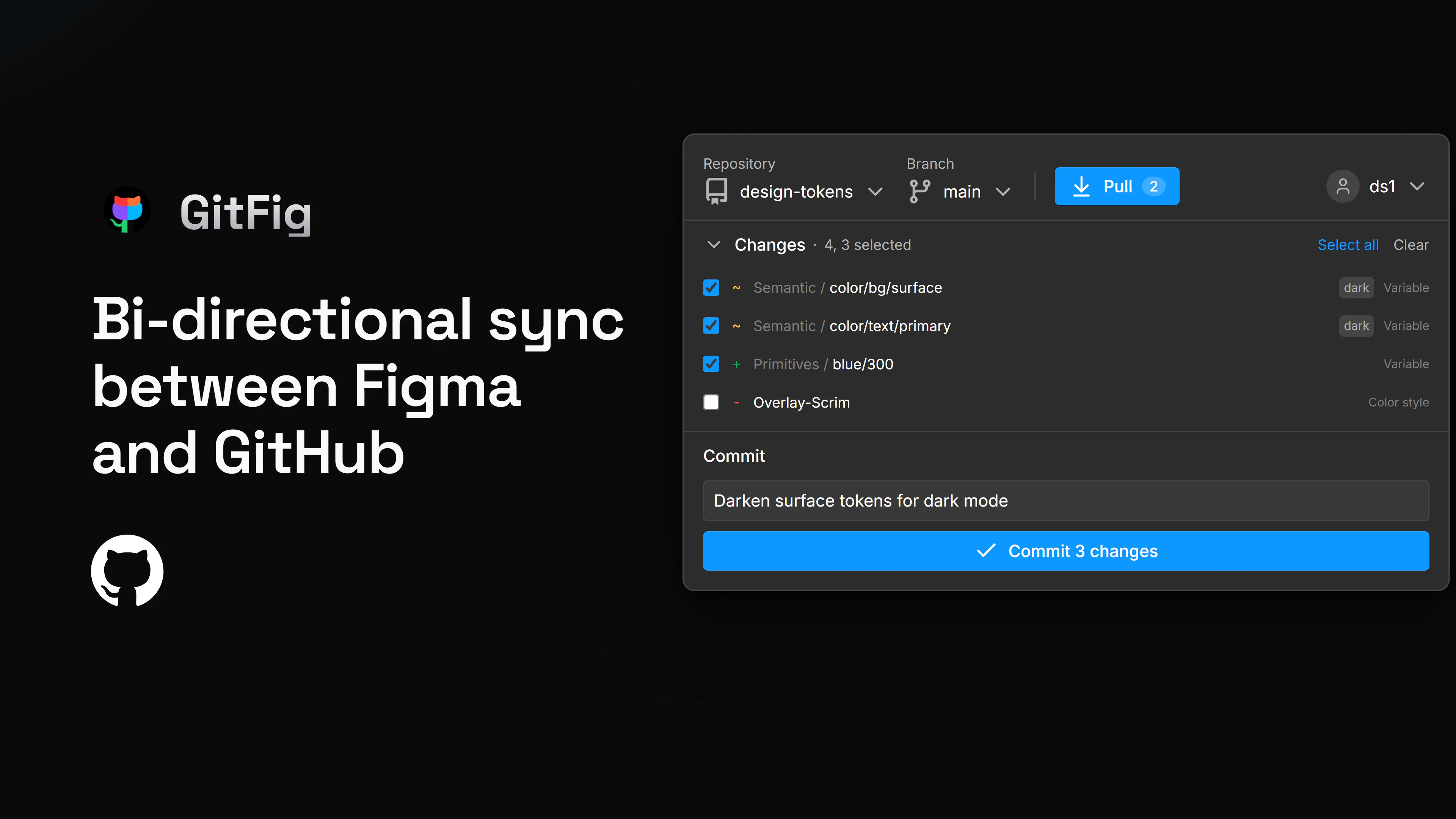
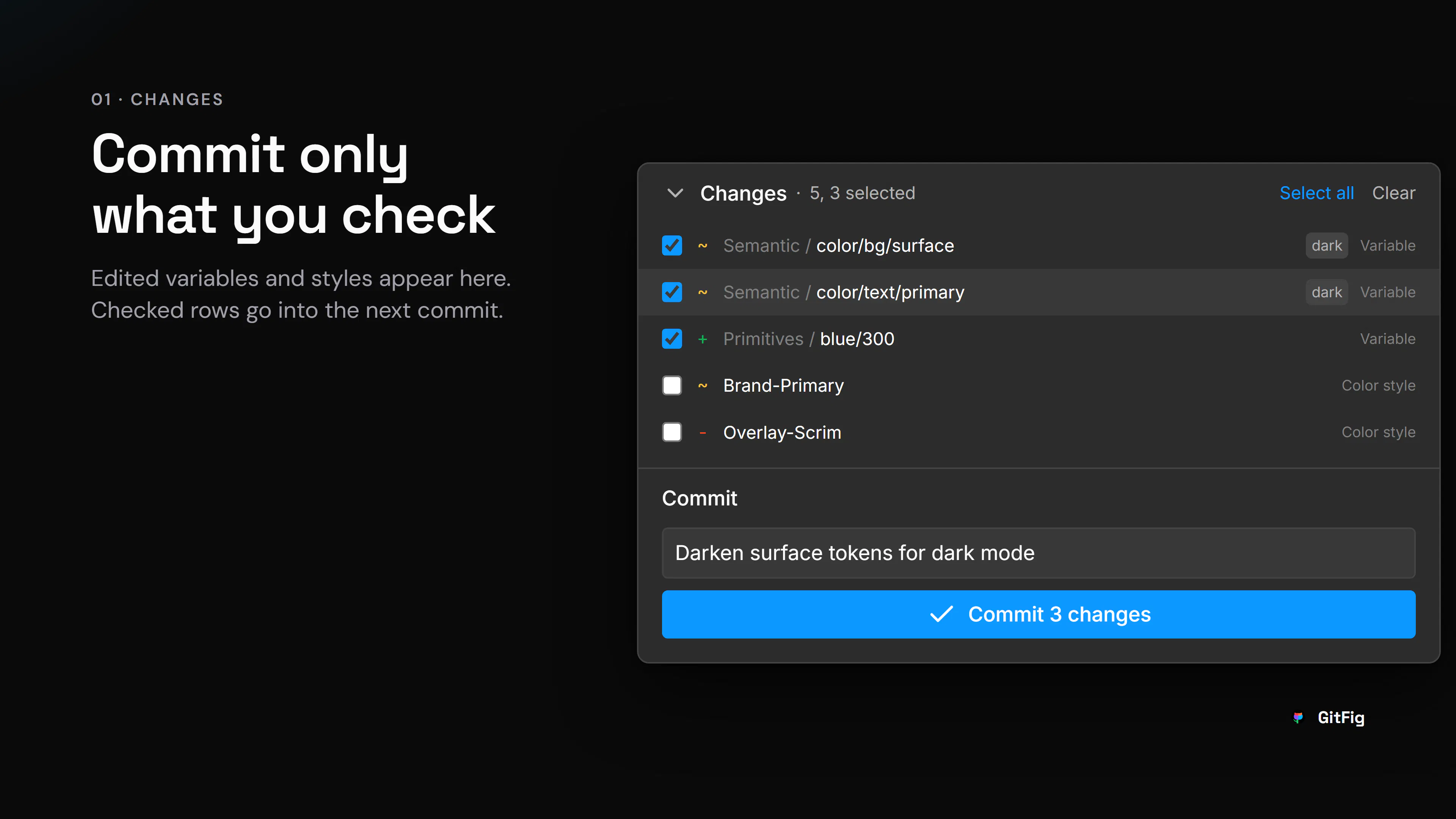
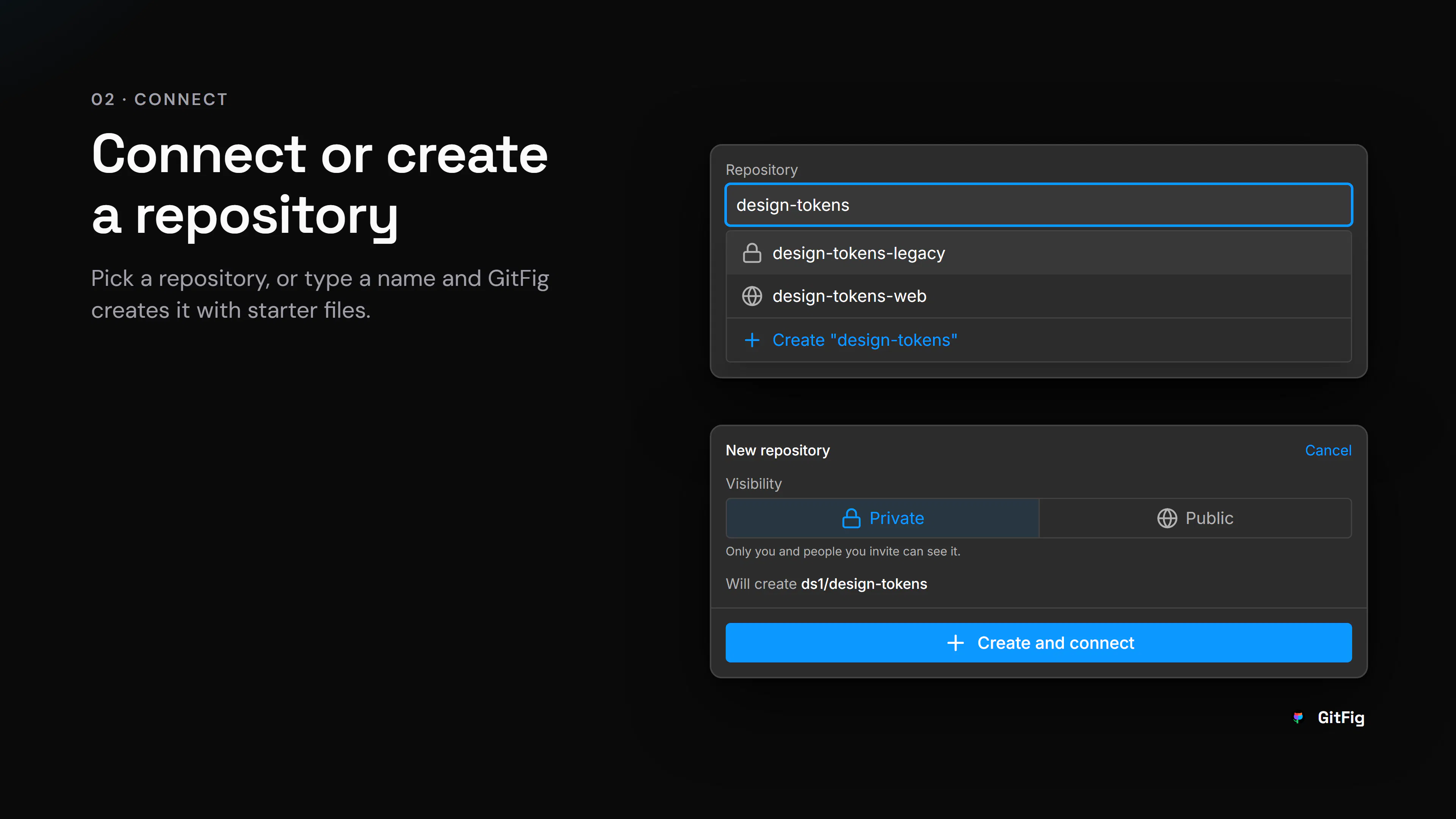
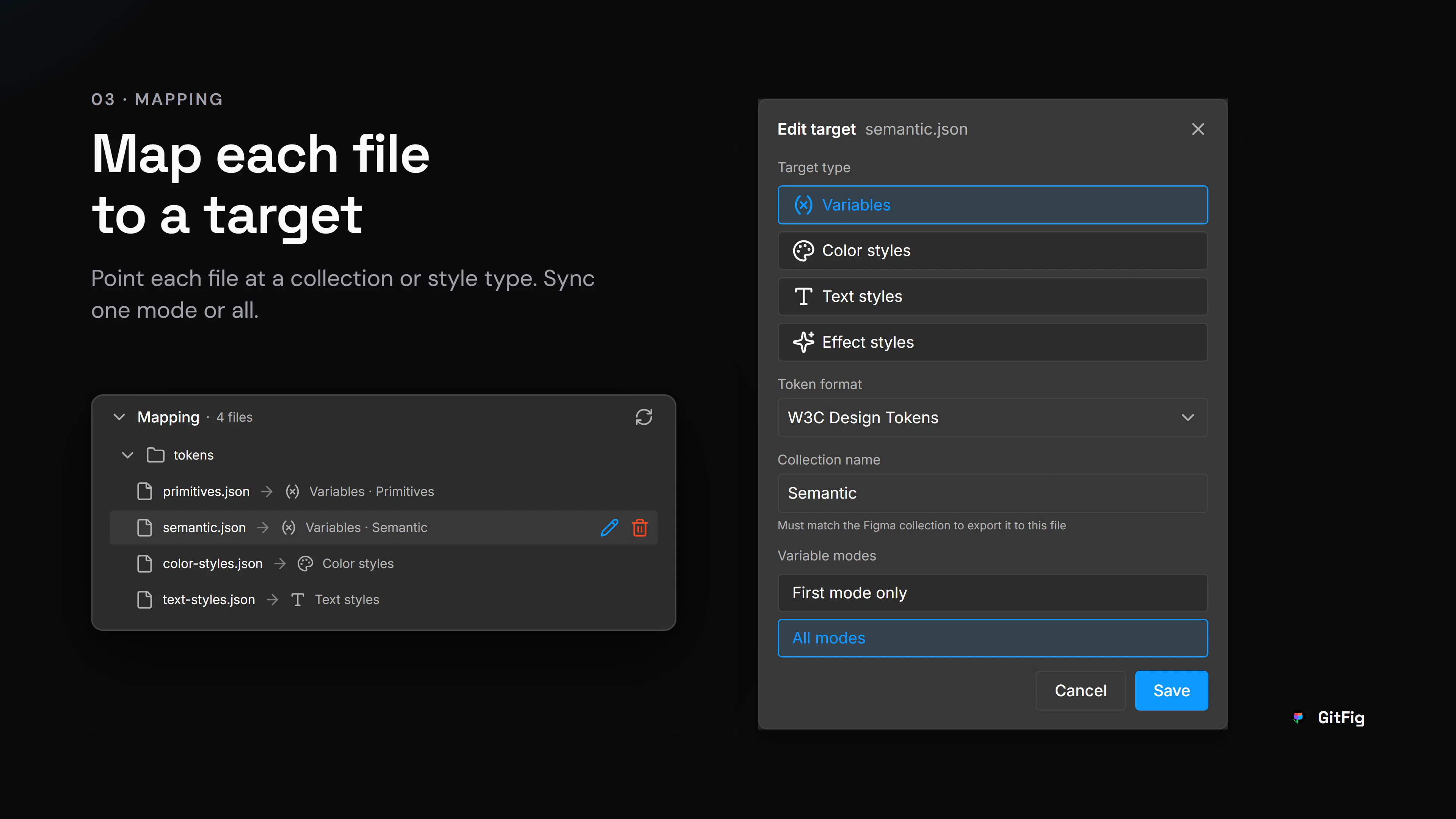
GitFig is a innovative Figma plugin designed for design teams and developers who want to integrate their design workflows with version control systems like GitHub. By enabling bi-directional sync, GitFig allows users to manage design tokens, styles, variables, and modes directly within GitHub repositories, bringing powerful version control and collaboration features to design assets. This seamless integration means teams can track changes, review updates, and collaborate more effectively without leaving Figma, making it ideal for design systems, UI libraries, and complex projects that benefit from rigorous version management. What sets GitFig apart is its ability to handle JSON-based design data alongside GitHub's branching, commits, and pull requests, fostering a more developer-friendly approach to design iteration and governance.
Screenshots

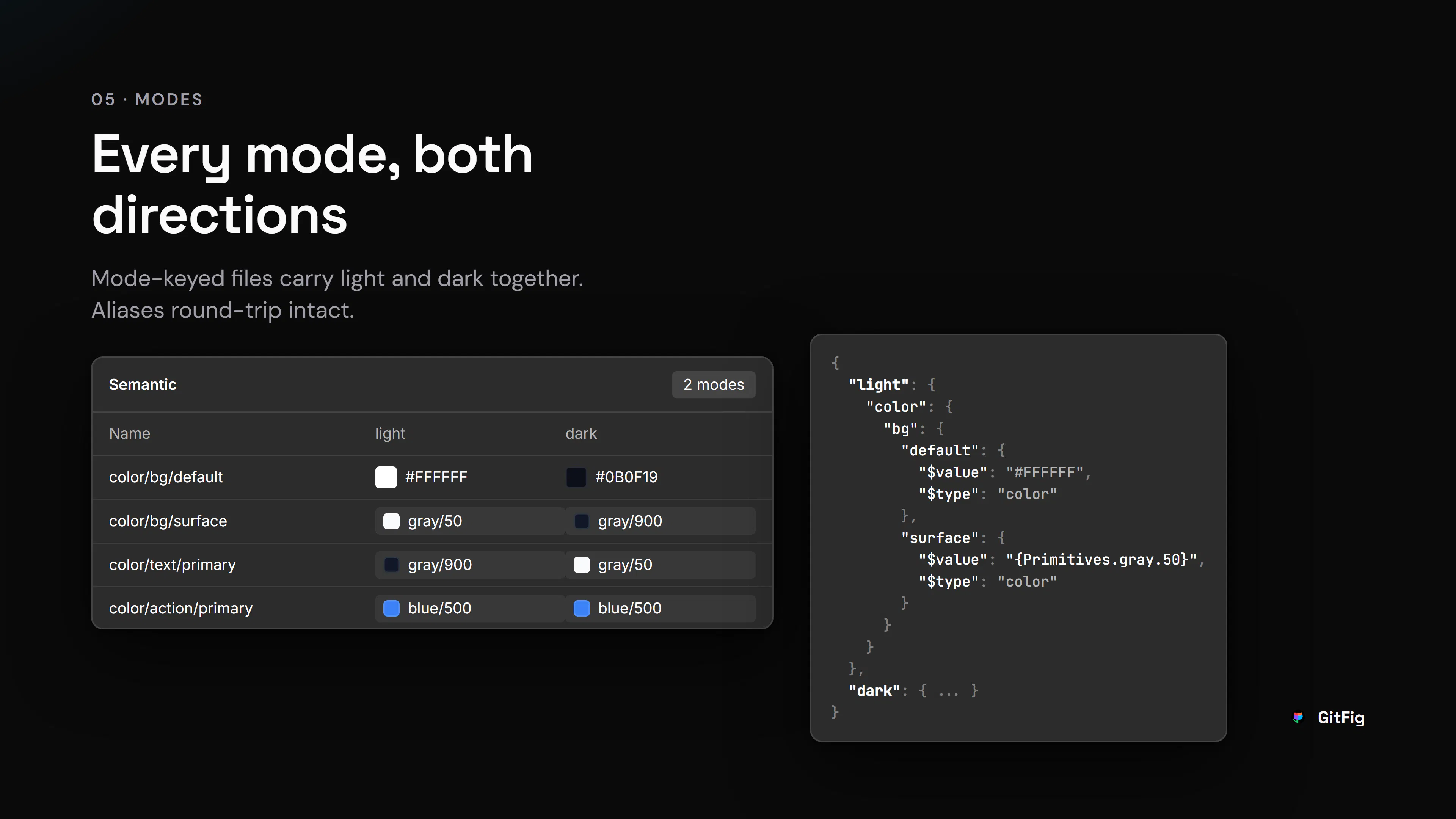
+4 more screenshots
Pros
- ✓Enables seamless bi-directional sync between Figma and GitHub
- ✓Brings version control workflows to design assets and tokens
- ✓Supports managing design variables, styles, and modes as JSON
- ✓Facilitates collaboration through branches, commits, and pull requests within Figma
- ✓Ideal for teams integrating design systems with development workflows
Cons
- ✗Requires familiarity with GitHub workflows for full utilization
- ✗Potential learning curve for non-technical designers
- ✗Limited information on pricing and scalability
Use Cases
Pricing
Pricing not verified
Quick Info
Topics
Makers

Dan Schmitz
@Dan_SchmitzAlternatives
Similar Tools in Developer Tools




Embed Badge
Add this badge to your website to show that GitFig is featured on Visalytica.
<a href="https://www.visalytica.com/tool/gitfig" target="_blank" rel="noopener noreferrer" style="display:inline-flex;align-items:center;gap:6px;padding:6px 14px;background:#7c3aed;color:#fff;border-radius:8px;font-family:-apple-system,system-ui,sans-serif;font-size:13px;font-weight:600;text-decoration:none;transition:background .2s" onmouseover="this.style.background='#6d28d9'" onmouseout="this.style.background='#7c3aed'"><svg width="14" height="14" viewBox="0 0 24 24" fill="none" stroke="currentColor" stroke-width="2.5" stroke-linecap="round" stroke-linejoin="round"><path d="M12 20V10"/><path d="M18 20V4"/><path d="M6 20v-4"/></svg>Featured on Visalytica</a>