
GitBar
Every pull request, one menubar. GitHub, GitLab & Azure
About GitBar
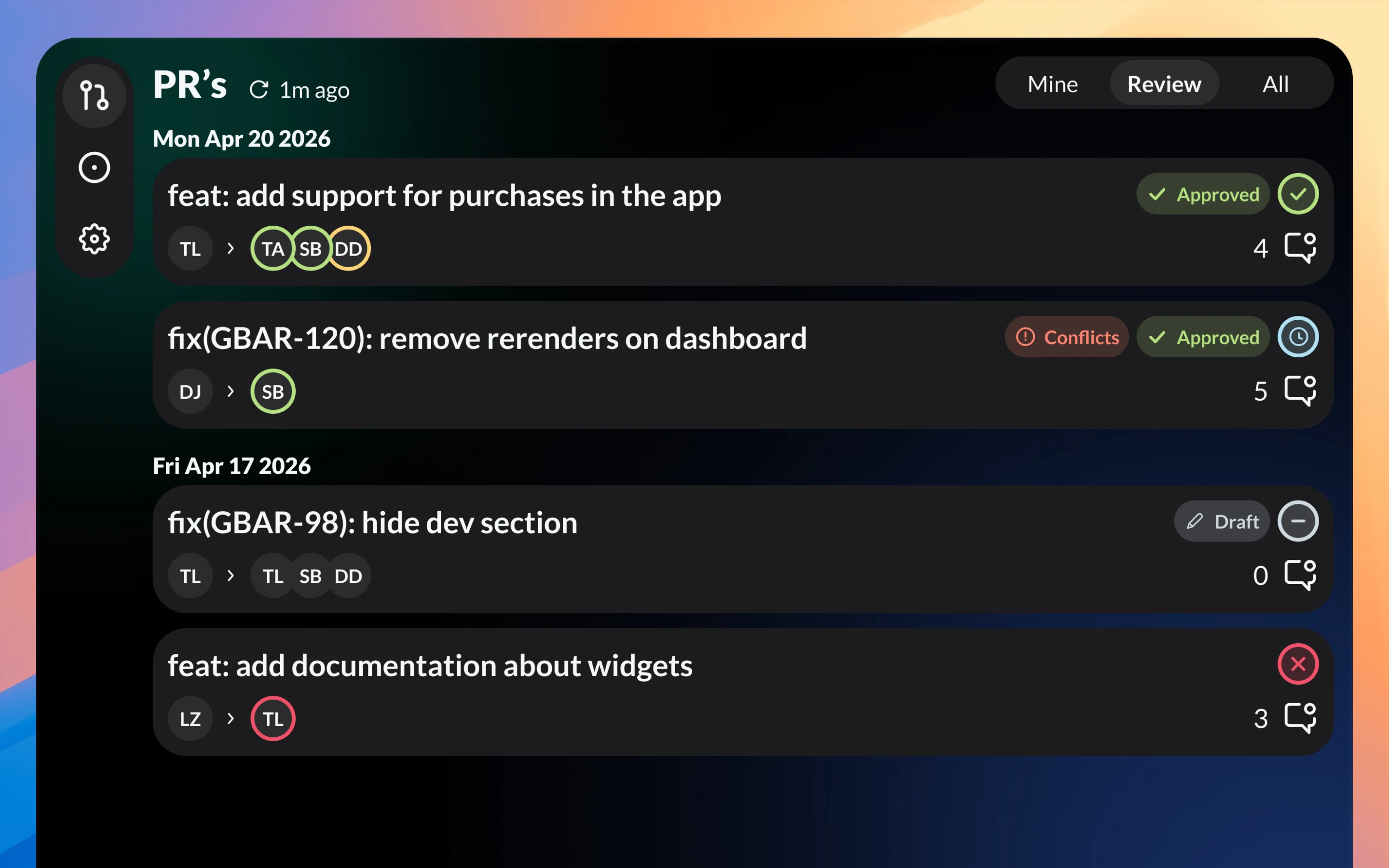
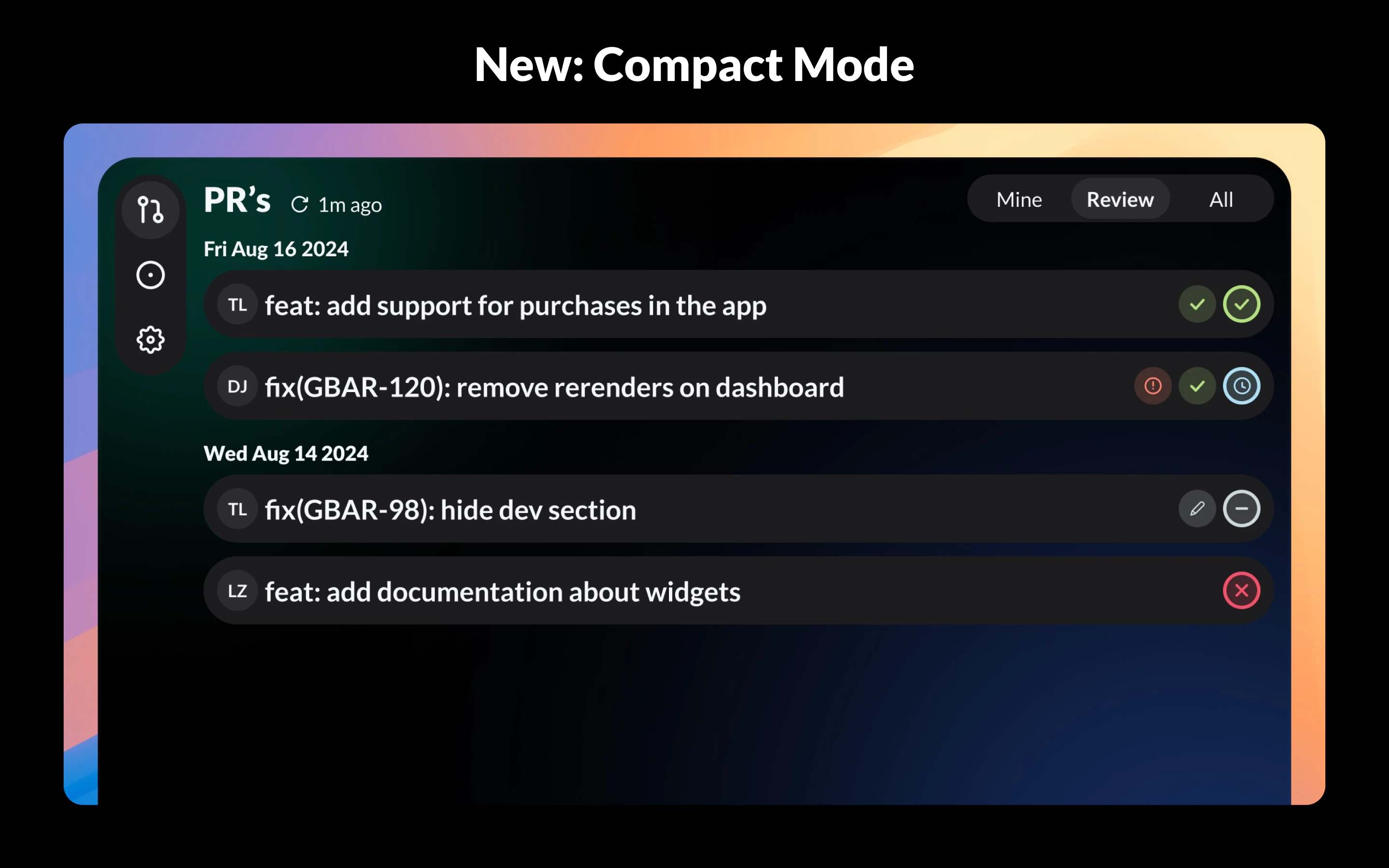
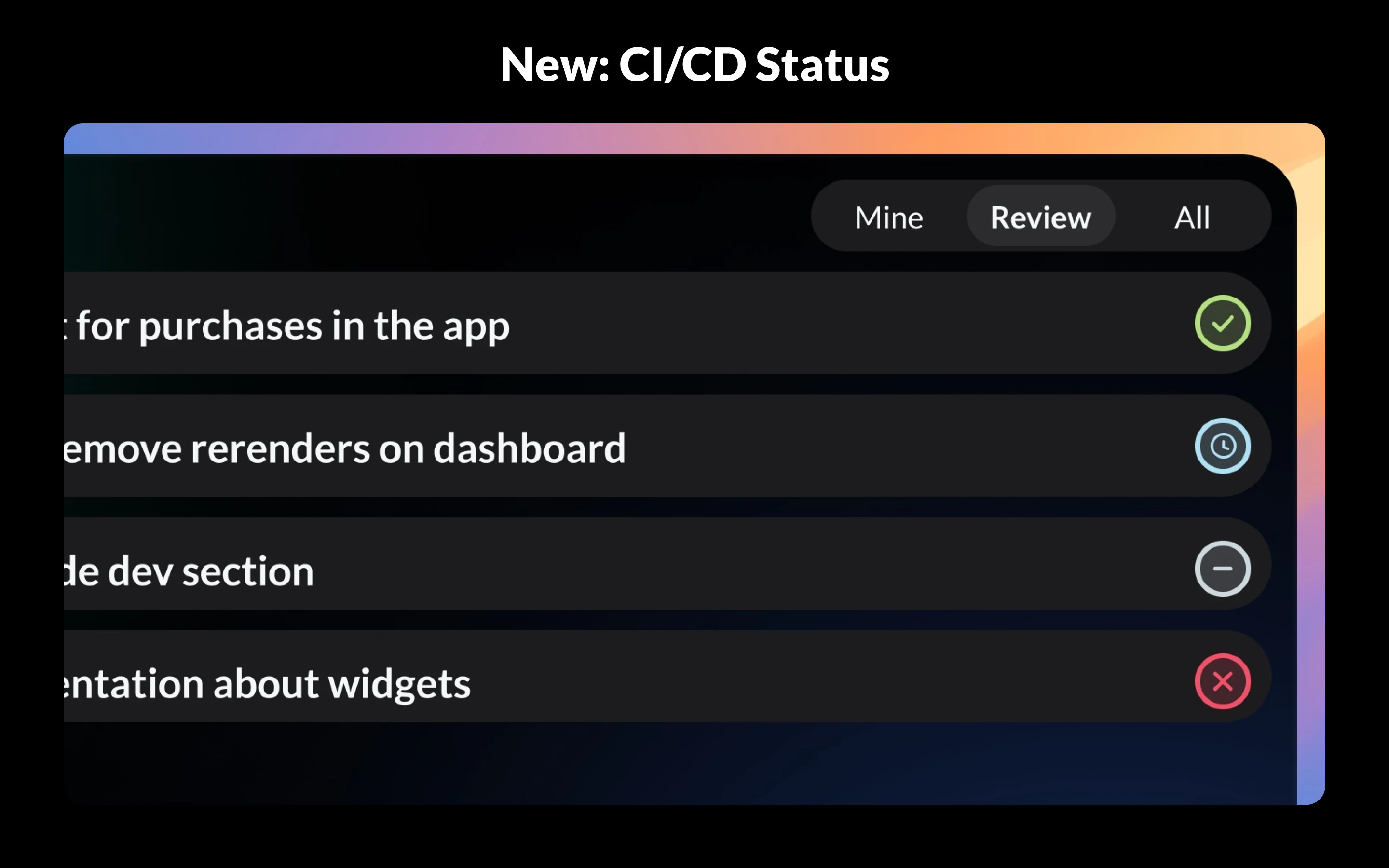
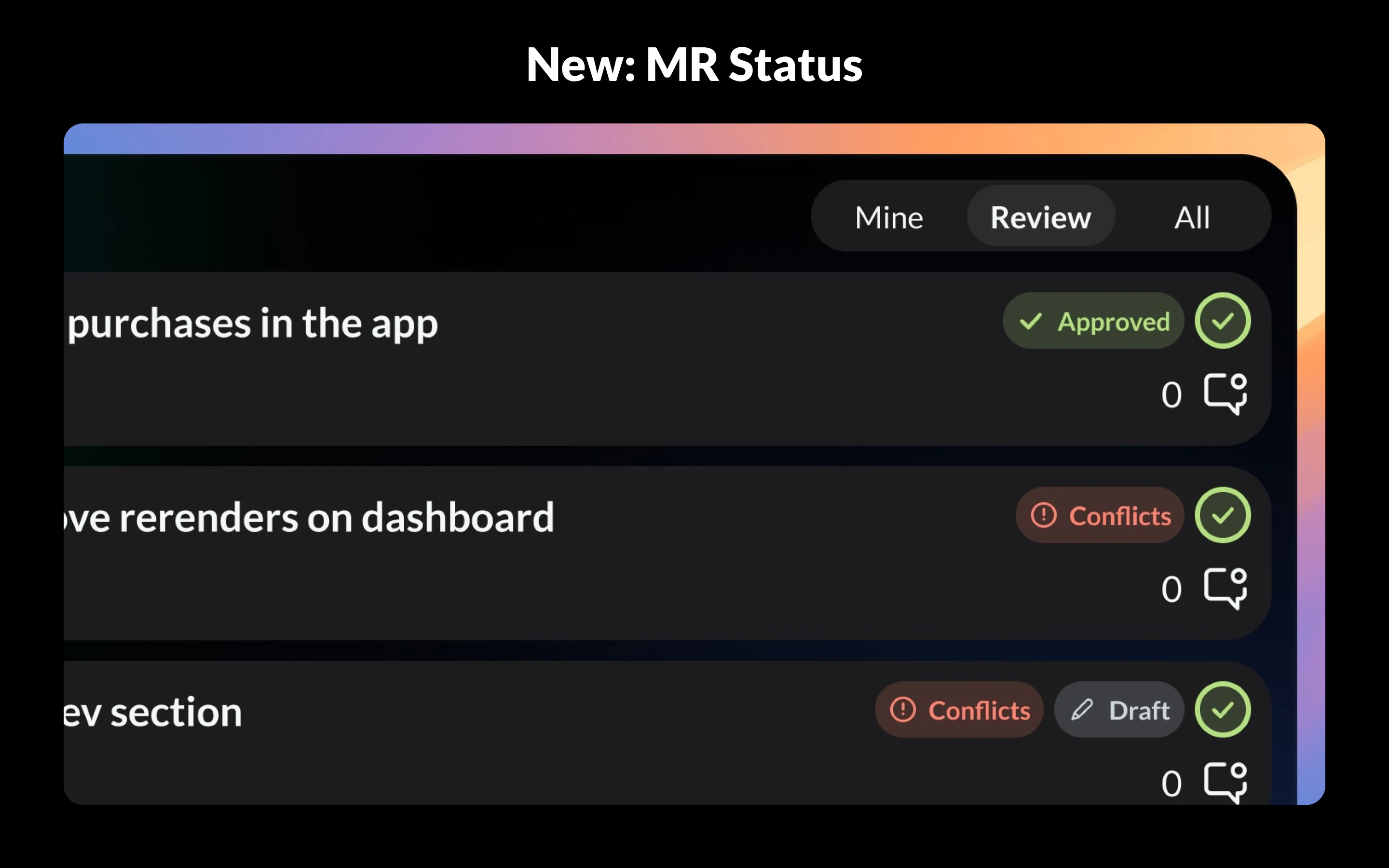
GitBar is a sleek macOS menubar application designed to streamline the management of pull requests across multiple platforms including GitHub, GitLab (cloud and self-hosted), and Azure DevOps. By consolidating all your pull requests into a single, easy-to-access menu, GitBar helps developers stay organized and responsive without constantly switching between web interfaces. Its real-time status badges provide quick insights into approval states, drafts, conflicts, and ongoing checks, enabling faster decision-making and review workflows. Built with React Native for macOS, it offers a modern, responsive experience. Ideal for developers, team leads, and DevOps professionals, GitBar enhances productivity by bringing critical pull request information directly to your menubar, saving time and reducing context switching. Its cross-platform support and multi-account management make it a versatile tool for teams working across multiple repositories and services.
Screenshots
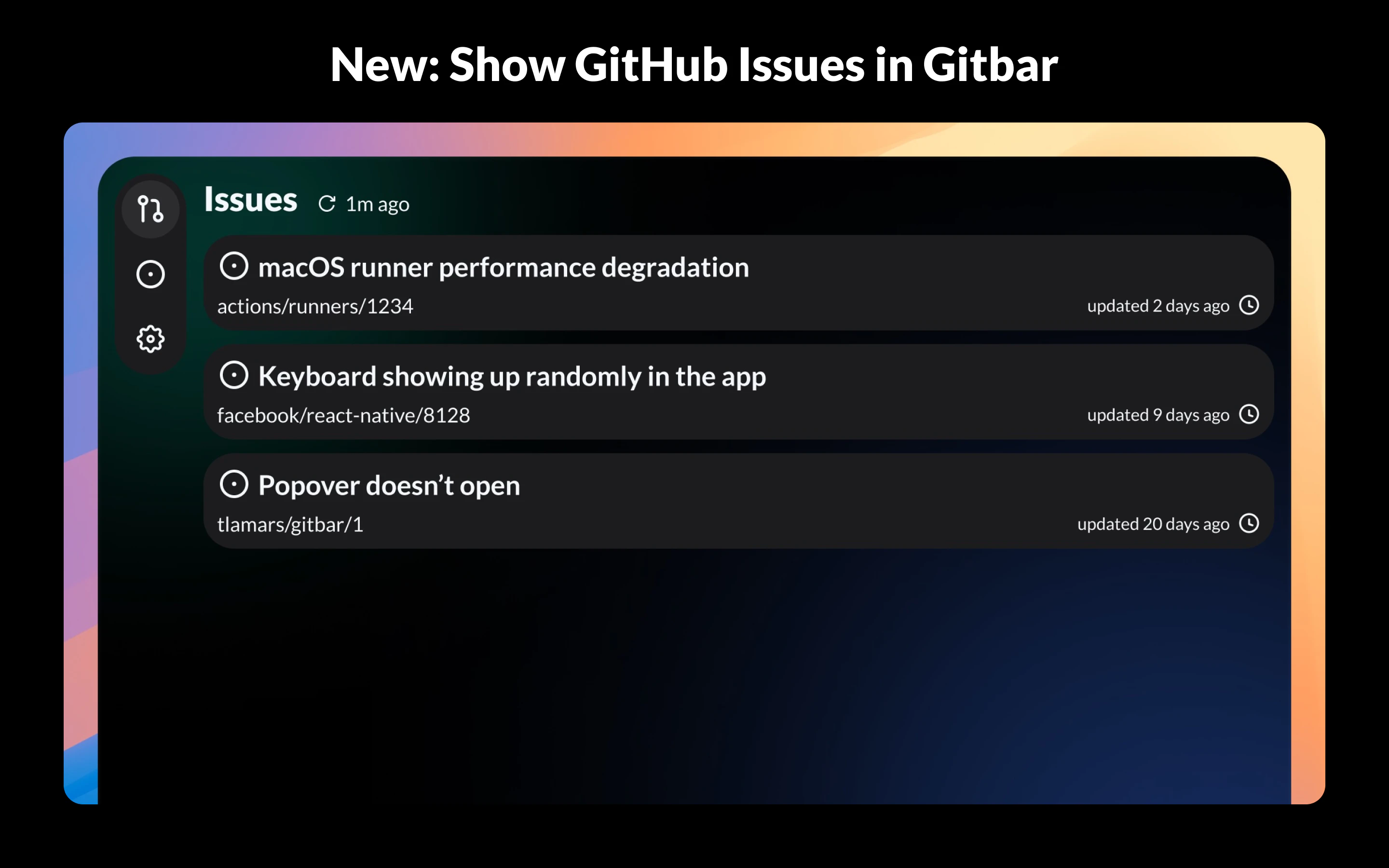
Pros
- ✓Centralized view of pull requests across multiple platforms
- ✓Real-time status badges for quick insights
- ✓Supports multiple accounts on GitHub, GitLab, and Azure DevOps
- ✓Built with React Native for a smooth macOS experience
- ✓Free to download from the Mac App Store
Cons
- ✗Limited to macOS, no Windows or Linux support
- ✗Features may be basic compared to dedicated web dashboards
- ✗Lack of advanced filtering or sorting options
Use Cases
Pricing
Free and available on the Mac App Store, making it accessible without additional costs. No mention of premium plans or paid upgrades, suggesting it is a free tool supported by its distribution model.
Quick Info
Topics
Alternatives
Similar Tools in Developer Tools




Embed Badge
Add this badge to your website to show that GitBar is featured on Visalytica.
<a href="https://www.visalytica.com/tool/gitbar" target="_blank" rel="noopener noreferrer" style="display:inline-flex;align-items:center;gap:6px;padding:6px 14px;background:#7c3aed;color:#fff;border-radius:8px;font-family:-apple-system,system-ui,sans-serif;font-size:13px;font-weight:600;text-decoration:none;transition:background .2s" onmouseover="this.style.background='#6d28d9'" onmouseout="this.style.background='#7c3aed'"><svg width="14" height="14" viewBox="0 0 24 24" fill="none" stroke="currentColor" stroke-width="2.5" stroke-linecap="round" stroke-linejoin="round"><path d="M12 20V10"/><path d="M18 20V4"/><path d="M6 20v-4"/></svg>Featured on Visalytica</a>