
Gitash
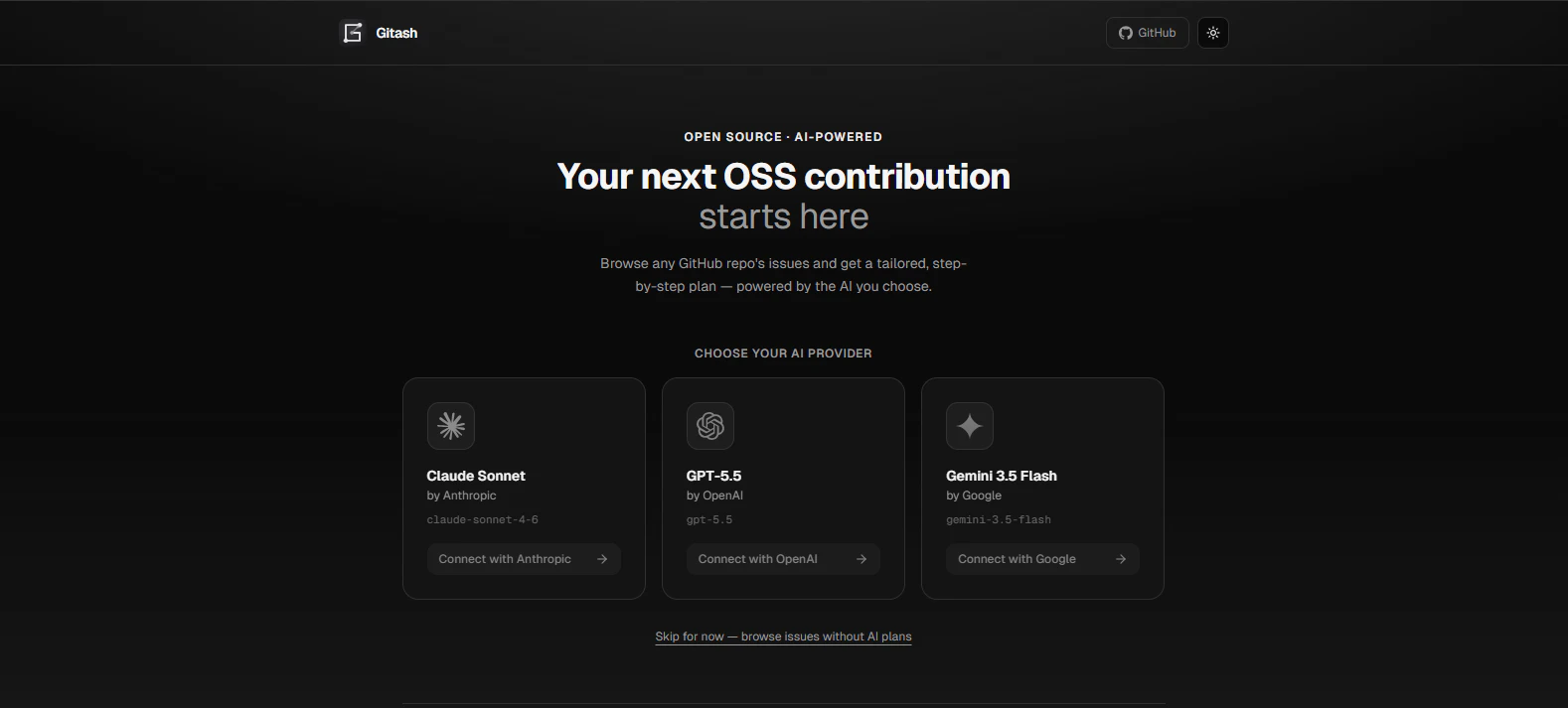
Turn GitHub issues into actionable AI contribution guides
About Gitash
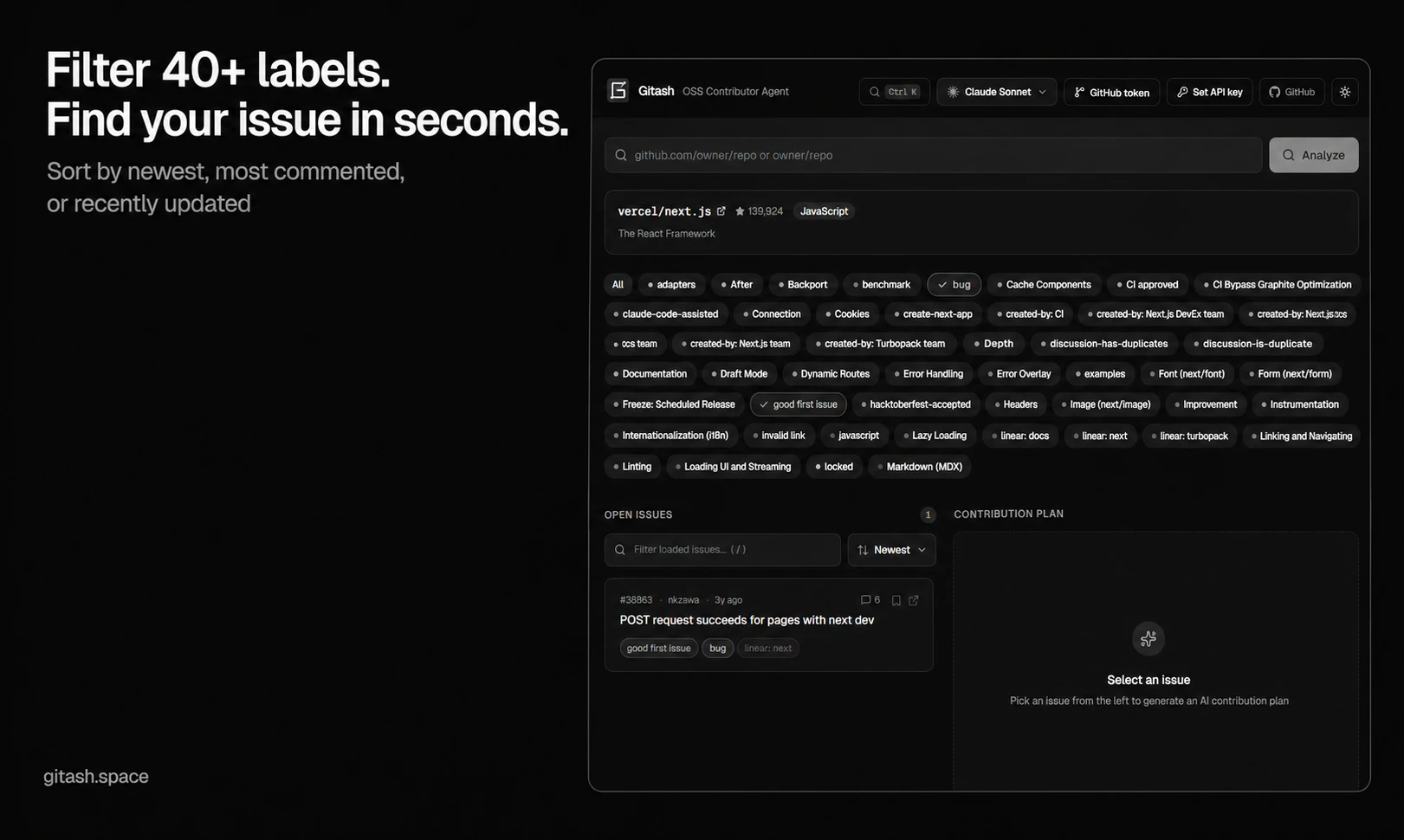
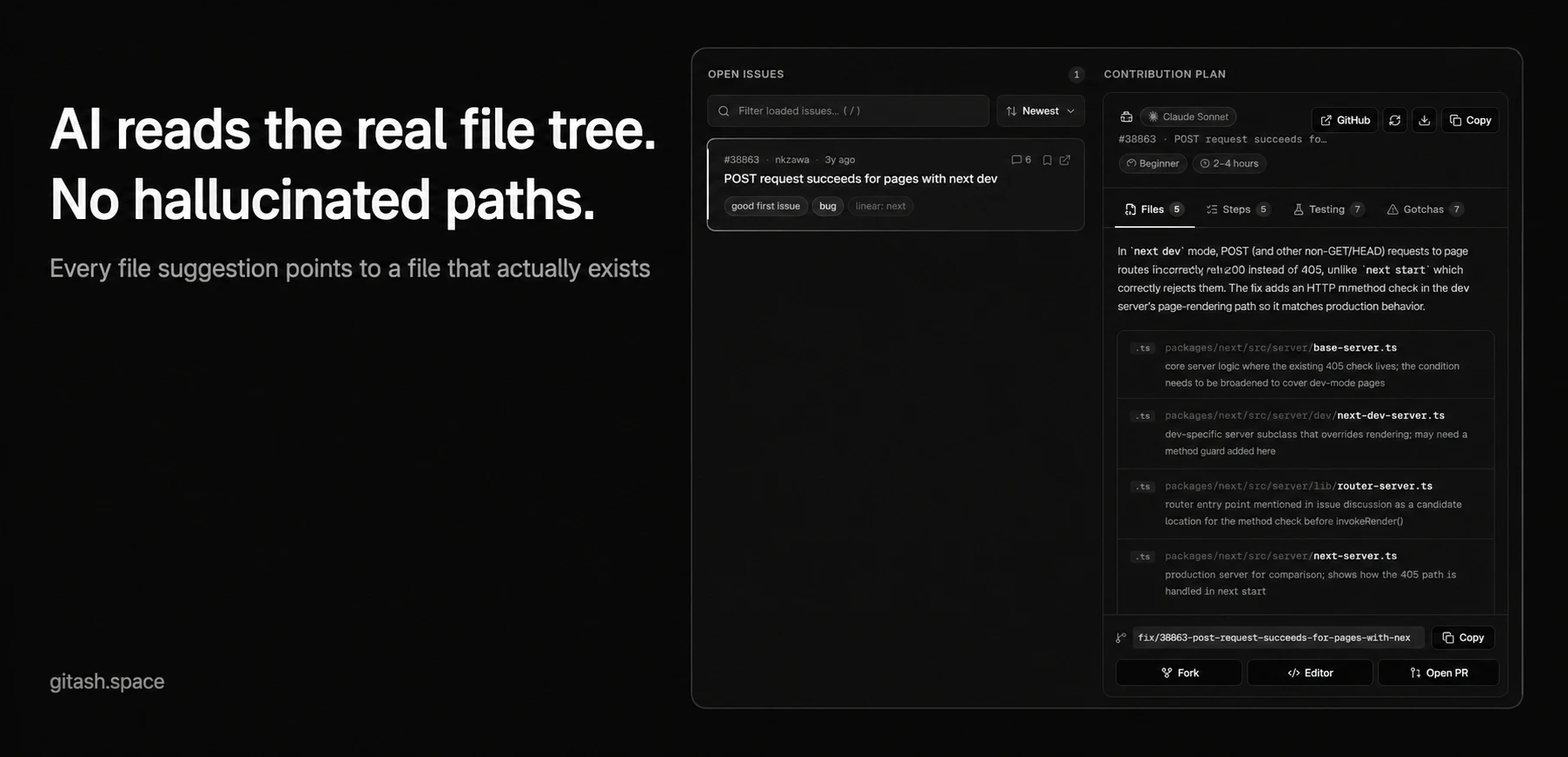
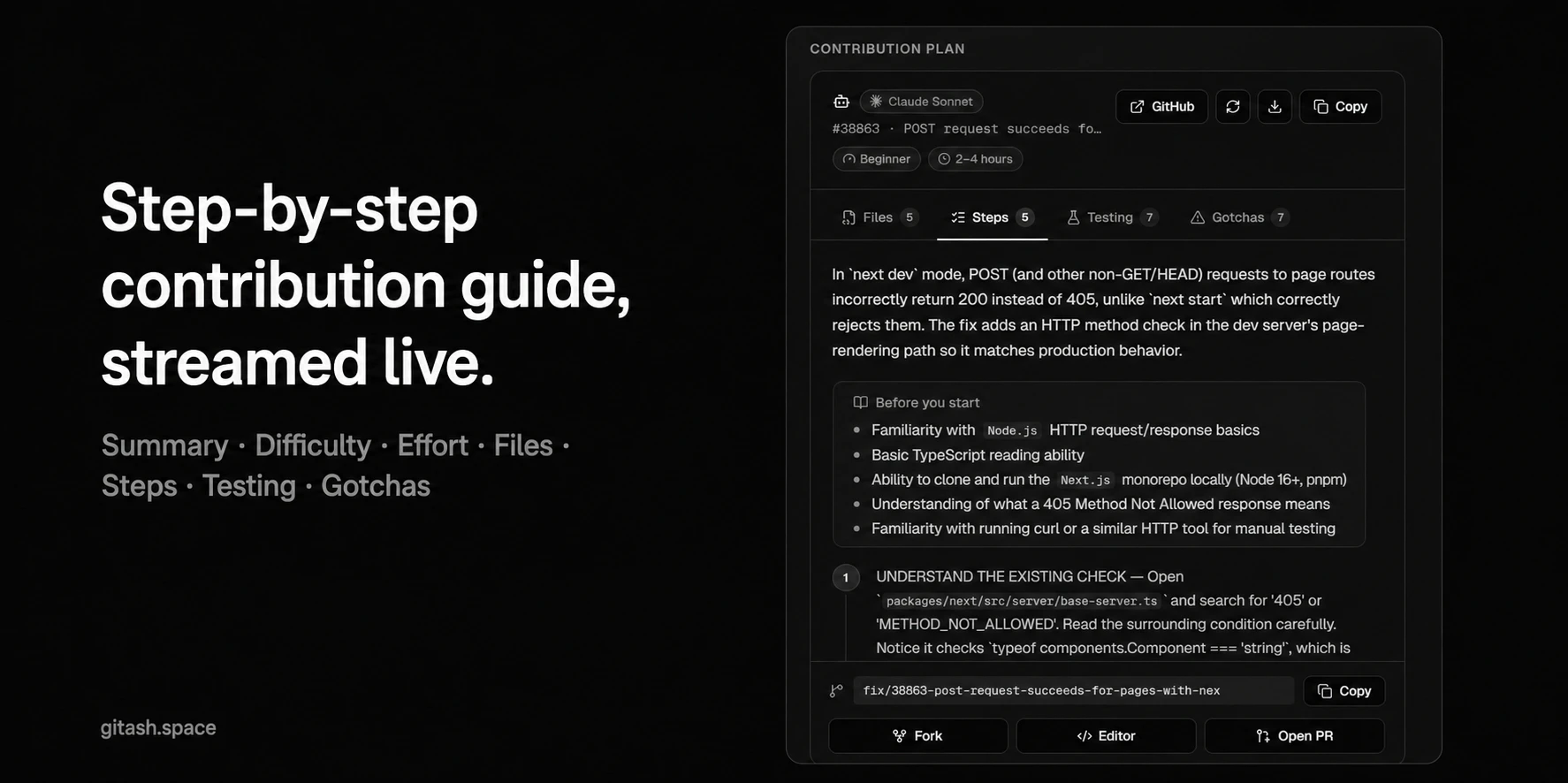
Gitash is an innovative open-source tool designed for developers seeking to streamline their contribution process on GitHub. By browsing any public repository, users can filter open issues by label and receive a real-time, AI-generated contribution plan. This plan includes relevant files, a step-by-step guide, testing notes, and a suggested branch name, making it easier for contributors to start coding efficiently. Supporting multiple AI models like Claude, GPT, and Gemini, Gitash emphasizes privacy and transparency, being free and open source. Its unique approach combines AI assistance with developer-centric features, empowering both novice and experienced contributors to engage more productively with open source projects. Whether you're looking to onboard new team members or streamline your contribution workflow, Gitash offers a smart, accessible solution that leverages AI to make open source collaboration smoother and more effective.
Screenshots

Pros
- ✓Open source and privacy-focused
- ✓Supports multiple AI models (Claude, GPT, Gemini)
- ✓Automates the creation of detailed contribution guides
- ✓User-friendly browsing and filtering of GitHub issues
- ✓Free to use, lowering barriers for developers
Cons
- ✗Limited to public repositories on GitHub
- ✗New tool with potentially limited adoption and community support
- ✗Dependence on AI accuracy for guidance may vary
Use Cases
Pricing
Free and open source, with no apparent paid tiers or subscription costs.
Quick Info
Topics
Makers

Nijil N M
Alternatives
Similar Tools in Developer Tools




Embed Badge
Add this badge to your website to show that Gitash is featured on Visalytica.
<a href="https://www.visalytica.com/tool/gitash" target="_blank" rel="noopener noreferrer" style="display:inline-flex;align-items:center;gap:6px;padding:6px 14px;background:#7c3aed;color:#fff;border-radius:8px;font-family:-apple-system,system-ui,sans-serif;font-size:13px;font-weight:600;text-decoration:none;transition:background .2s" onmouseover="this.style.background='#6d28d9'" onmouseout="this.style.background='#7c3aed'"><svg width="14" height="14" viewBox="0 0 24 24" fill="none" stroke="currentColor" stroke-width="2.5" stroke-linecap="round" stroke-linejoin="round"><path d="M12 20V10"/><path d="M18 20V4"/><path d="M6 20v-4"/></svg>Featured on Visalytica</a>