
GhostSnap
Take multiple screenshots that are auto compressed for AI
About GhostSnap
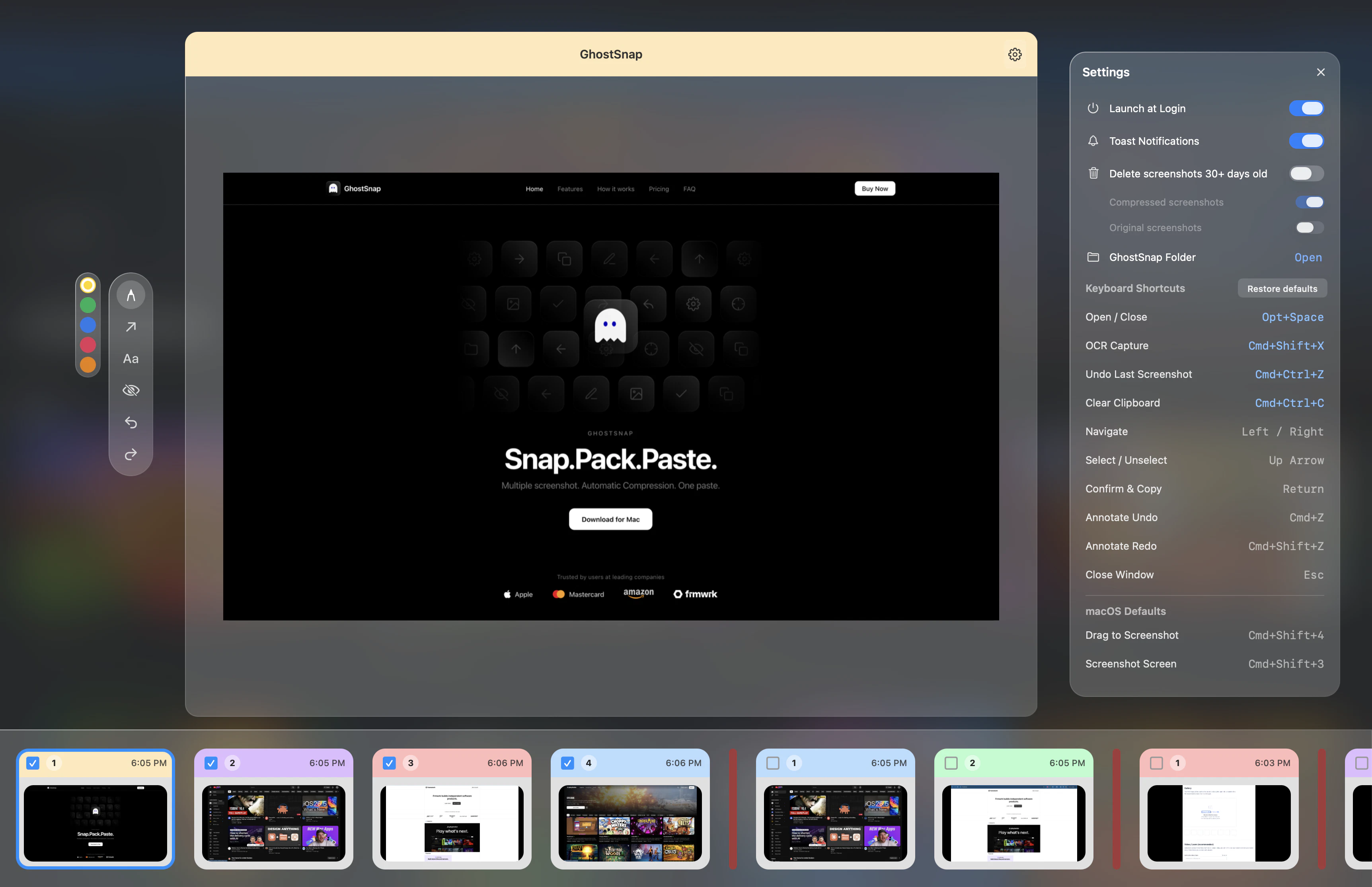
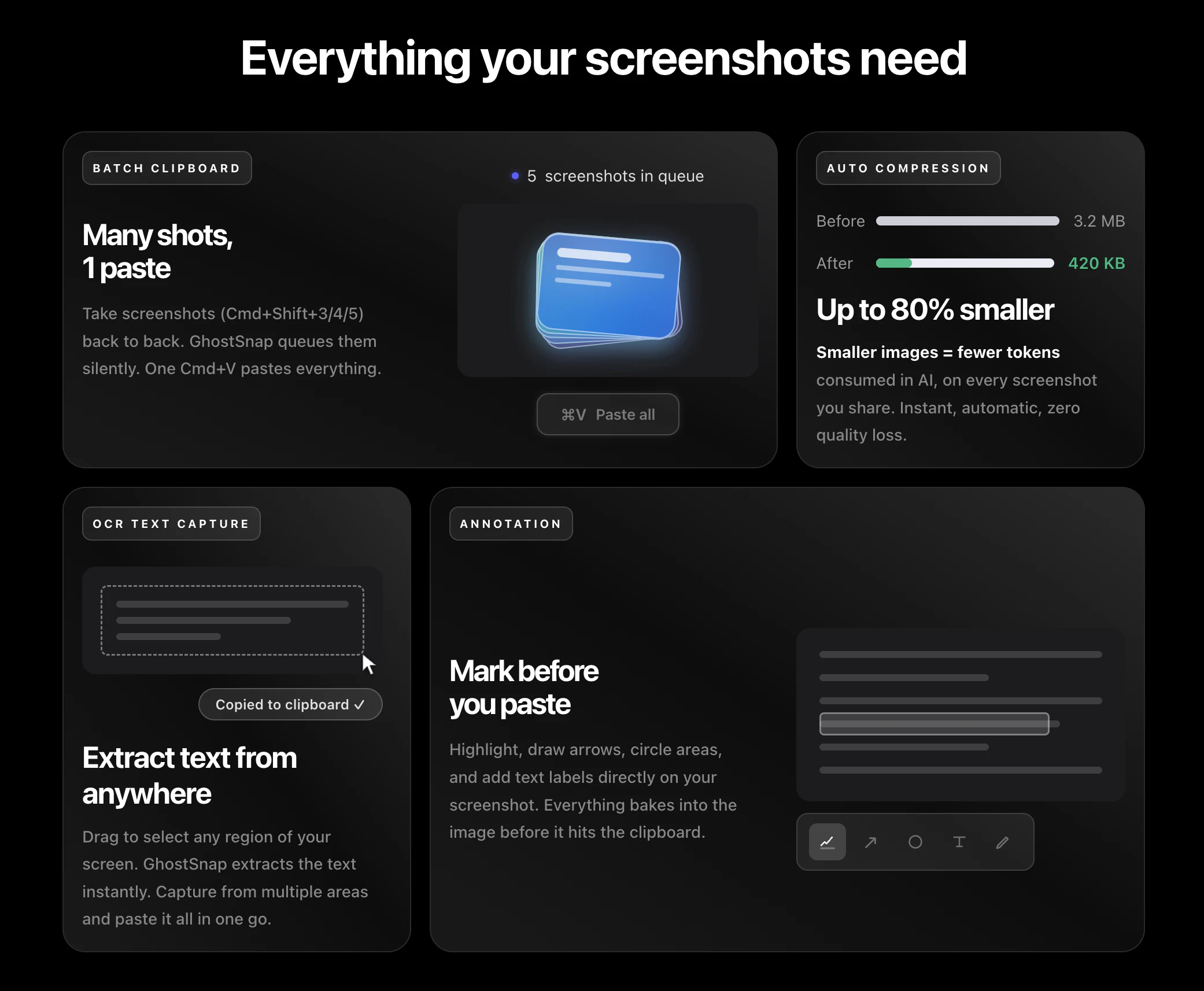
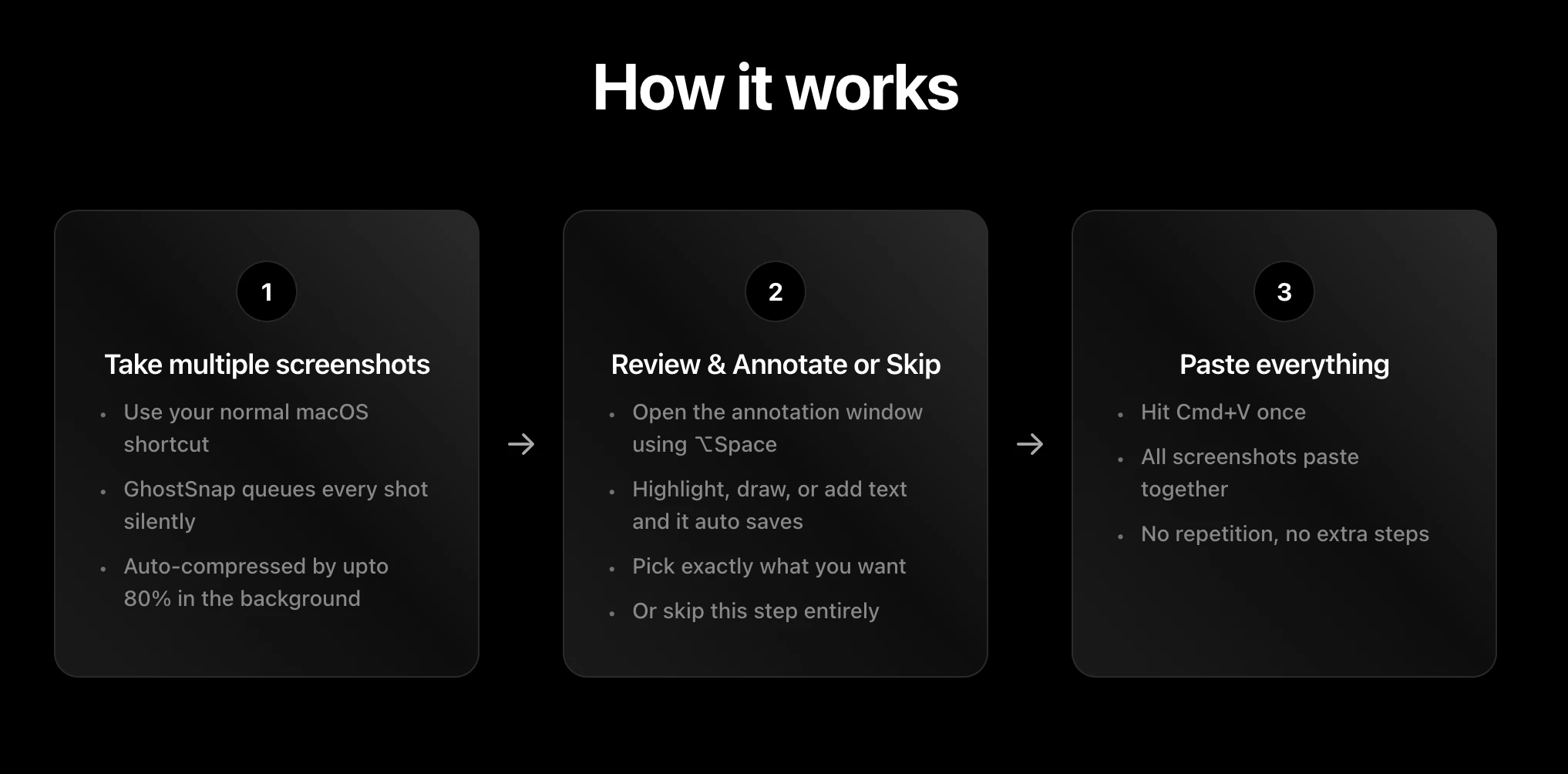
GhostSnap is a innovative Mac utility designed to streamline the process of capturing, compressing, and sharing multiple screenshots. Ideal for professionals, developers, and content creators, it allows users to take several screenshots effortlessly, which are then auto-compressed up to 80% to reduce file size and token consumption. The images are instantly copied to the clipboard, enabling users to paste them all at once with a simple Cmd+V, saving time and maintaining context. Additionally, GhostSnap offers features like extracting text from multiple images into a clean block and annotating images before pasting, all accessible via native Mac shortcuts. Its seamless integration into the menu bar and one-time purchase model make it a practical and efficient tool for enhancing productivity, especially when working with AI or sharing visual information across various apps. GhostSnap’s focus on reducing image size while preserving quality sets it apart in the productivity and AI space, making it a valuable addition for Mac users seeking smarter screenshot management.
Screenshots

Pros
- ✓Auto-compresses screenshots up to 80%, saving storage and token costs
- ✓Allows capturing multiple images and pasting them simultaneously
- ✓Includes text extraction and annotation features for enhanced sharing
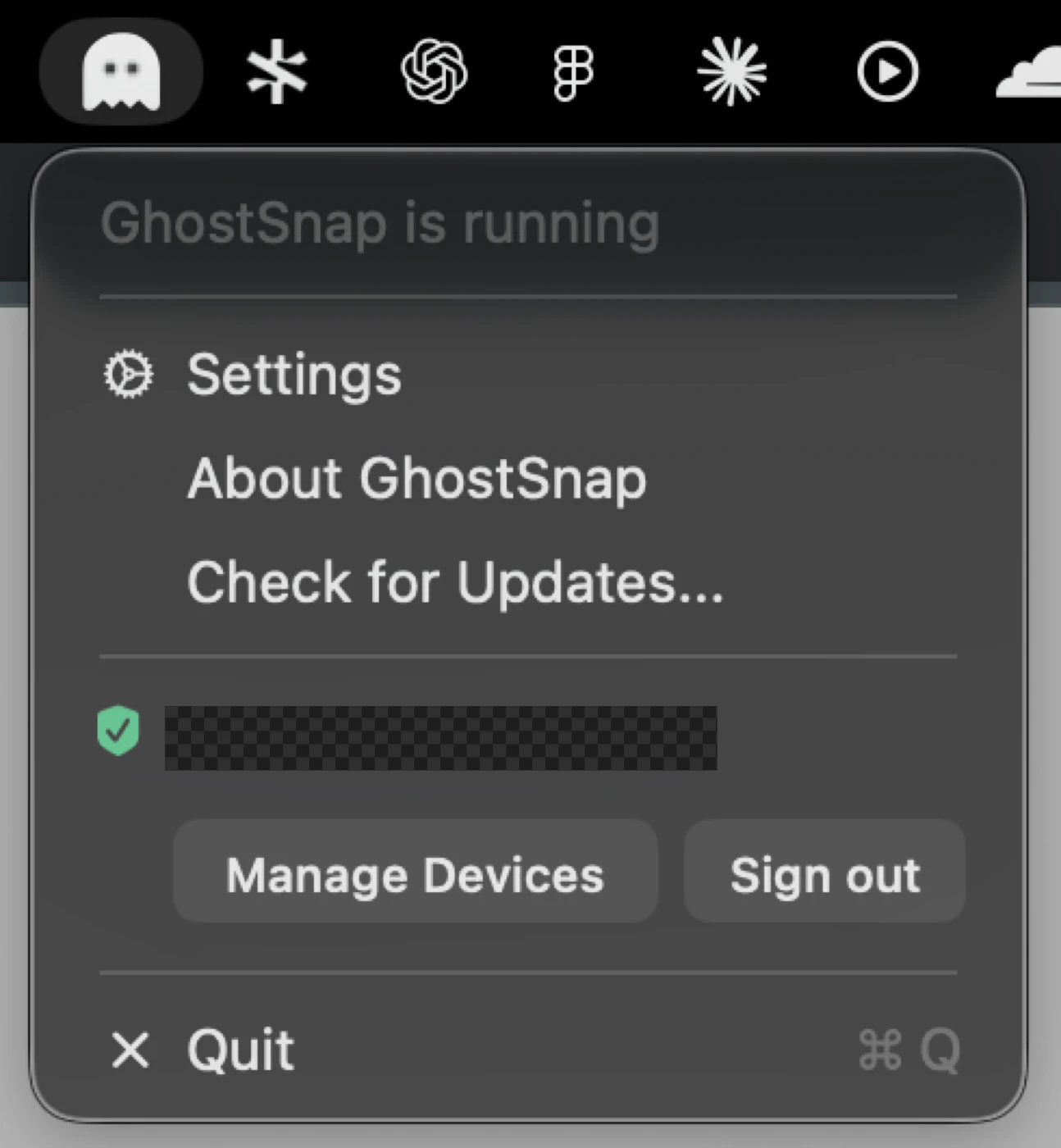
- ✓Simple to use with native Mac shortcuts and menu bar integration
- ✓One-time purchase for use on two Macs, offering good value
Cons
- ✗Limited to Mac, so not available for Windows or other OS
- ✗Features may be basic for advanced image editing needs
- ✗Lacks cloud storage or sharing options integrated within the app
Use Cases
Pricing
GhostSnap offers a one-time purchase priced at $6.99, allowing use on two Macs. It appears to follow a straightforward licensing model without ongoing subscription fees, making it an affordable option for individual users and small teams.
Quick Info
Topics
Similar Tools in AI Assistants




Embed Badge
Add this badge to your website to show that GhostSnap is featured on Visalytica.
<a href="https://www.visalytica.com/tool/ghostsnap" target="_blank" rel="noopener noreferrer" style="display:inline-flex;align-items:center;gap:6px;padding:6px 14px;background:#7c3aed;color:#fff;border-radius:8px;font-family:-apple-system,system-ui,sans-serif;font-size:13px;font-weight:600;text-decoration:none;transition:background .2s" onmouseover="this.style.background='#6d28d9'" onmouseout="this.style.background='#7c3aed'"><svg width="14" height="14" viewBox="0 0 24 24" fill="none" stroke="currentColor" stroke-width="2.5" stroke-linecap="round" stroke-linejoin="round"><path d="M12 20V10"/><path d="M18 20V4"/><path d="M6 20v-4"/></svg>Featured on Visalytica</a>