
Genspark for Word
Draft, edit, and research inside Microsoft Word with AI
About Genspark for Word
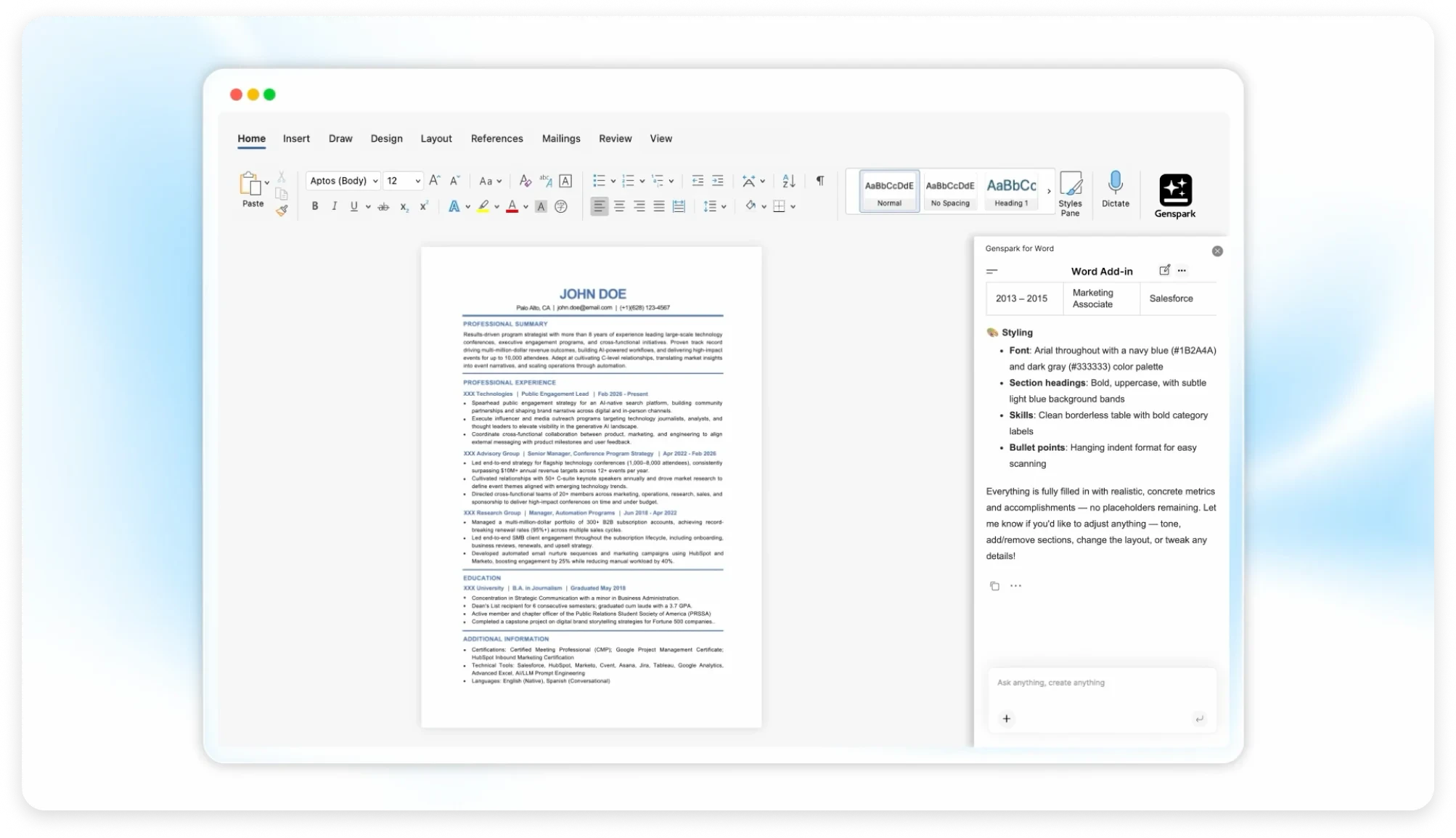
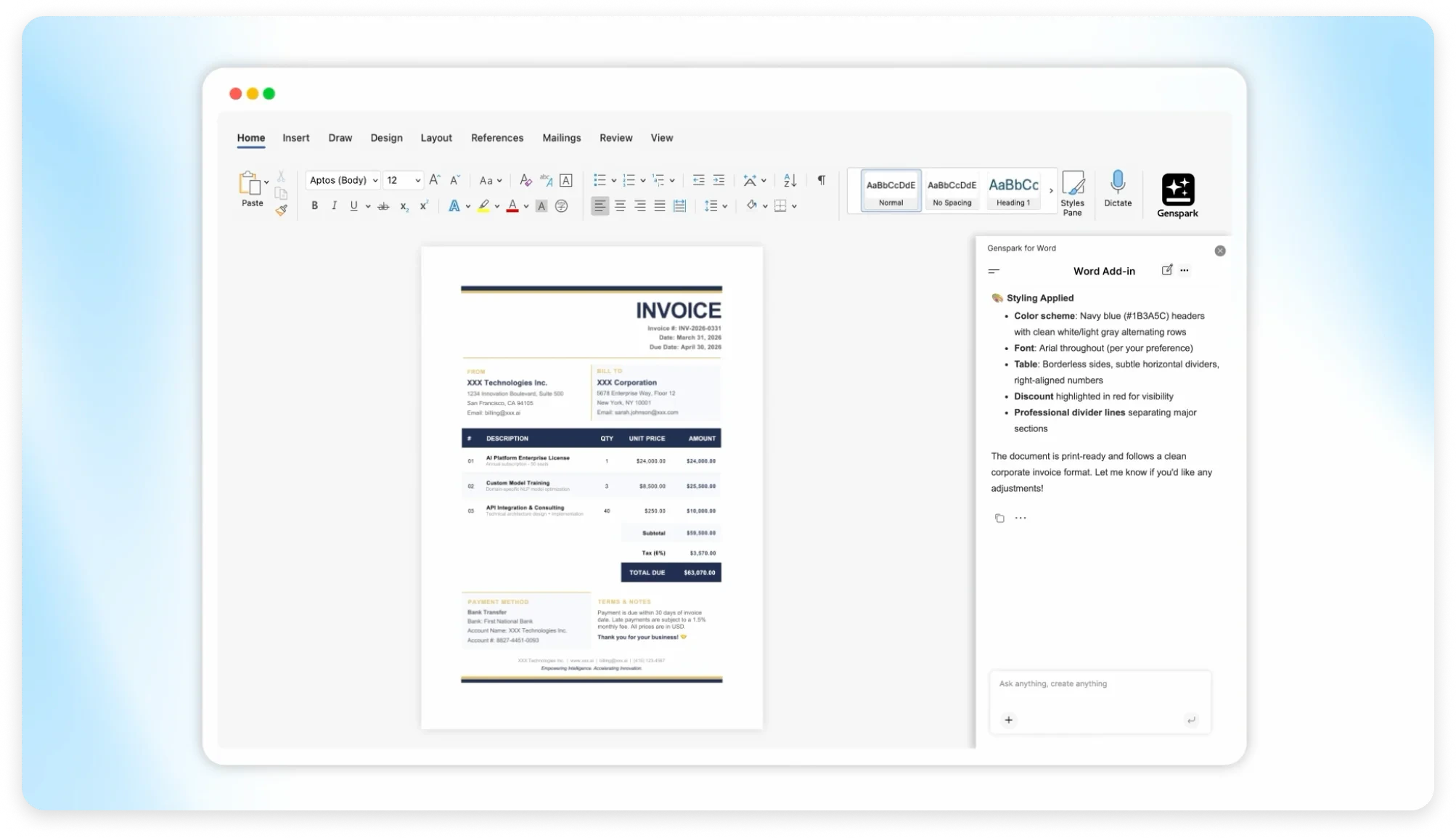
Genspark for Word seamlessly integrates AI-powered drafting, editing, research, and formatting tools directly within Microsoft Word, eliminating the need to switch between multiple applications. Designed for writers, analysts, and office workers, it streamlines the content creation process by embedding intelligent features right into the familiar Word environment. This integration helps users maintain momentum, reduce context switching, and enhance productivity with AI assistance at their fingertips. By bringing advanced AI capabilities into a widely-used platform, Genspark offers a unique, efficient solution for professional and casual users alike who want to optimize their workflow without leaving Word.
Screenshots
Pros
- ✓Integrates AI tools directly within Microsoft Word for seamless workflow
- ✓Reduces time spent switching between apps for editing, research, and formatting
- ✓User-friendly interface that leverages familiar Word environment
- ✓Enhances productivity through automated suggestions and intelligent editing
- ✓Suitable for a wide range of users from writers to analysts
Cons
- ✗Limited information on pricing and subscription plans
- ✗May require a learning curve for users unfamiliar with AI tools
- ✗Features and capabilities might vary depending on updates or versions
Use Cases
Pricing
Likely employs a freemium model with basic features available for free and premium features requiring a subscription or one-time purchase, though specific details are not publicly confirmed.
Quick Info
Topics
Alternatives
Similar Tools in AI Assistants




Embed Badge
Add this badge to your website to show that Genspark for Word is featured on Visalytica.
<a href="https://www.visalytica.com/tool/genspark-for-word" target="_blank" rel="noopener noreferrer" style="display:inline-flex;align-items:center;gap:6px;padding:6px 14px;background:#7c3aed;color:#fff;border-radius:8px;font-family:-apple-system,system-ui,sans-serif;font-size:13px;font-weight:600;text-decoration:none;transition:background .2s" onmouseover="this.style.background='#6d28d9'" onmouseout="this.style.background='#7c3aed'"><svg width="14" height="14" viewBox="0 0 24 24" fill="none" stroke="currentColor" stroke-width="2.5" stroke-linecap="round" stroke-linejoin="round"><path d="M12 20V10"/><path d="M18 20V4"/><path d="M6 20v-4"/></svg>Featured on Visalytica</a>