
GenGo
Transform selected text anywhere on macOS
About GenGo
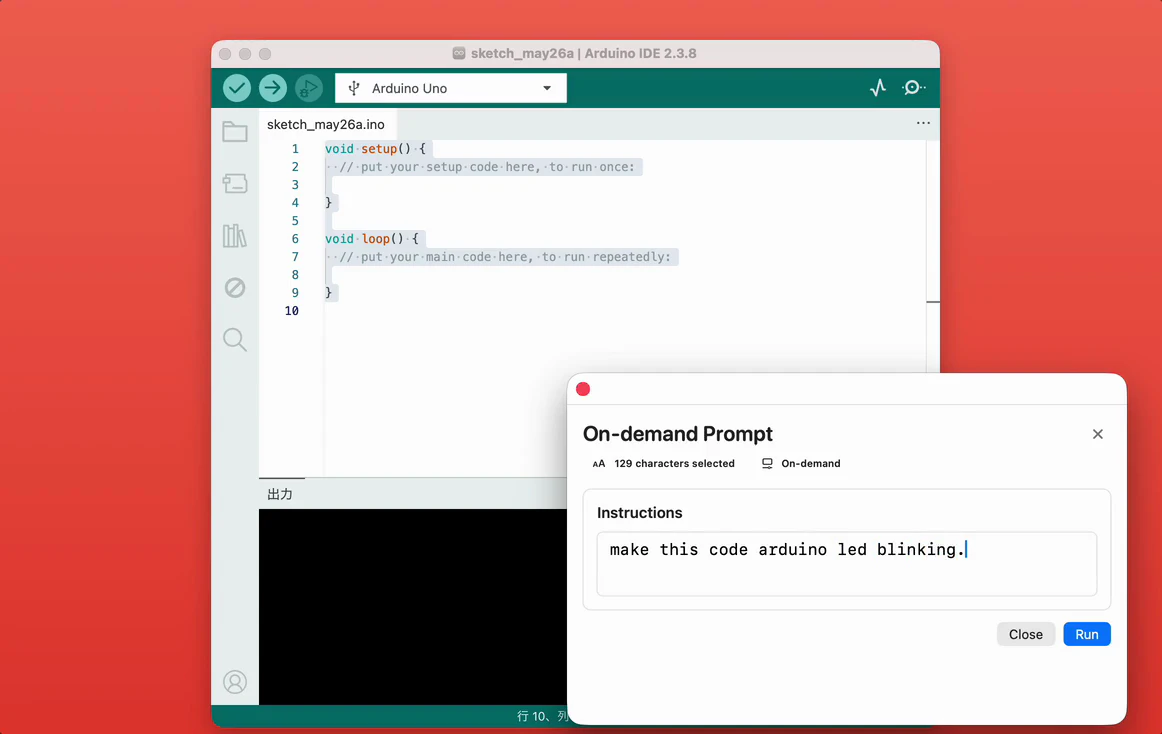
Gengo is an innovative macOS utility designed for users seeking to enhance their productivity by transforming selected text seamlessly across their workflow. Leveraging AI, Gengo allows users to select any text on their Mac, describe the desired transformation, and instantly replace the original content in place. Whether converting URLs into more functional versions, translating Japanese into natural English, generating terminal commands, formatting SQL, or creating TypeScript types from JSON, Gengo simplifies complex tasks without disrupting your workflow. Its core strength lies in its ability to perform a wide array of text manipulations instantly, making it invaluable for developers, content creators, and power users who need quick, accurate transformations without switching apps or losing focus. Its intuitive interface and powerful AI capabilities make it a versatile addition to any macOS setup, streamlining repetitive tasks and boosting productivity.
Screenshots

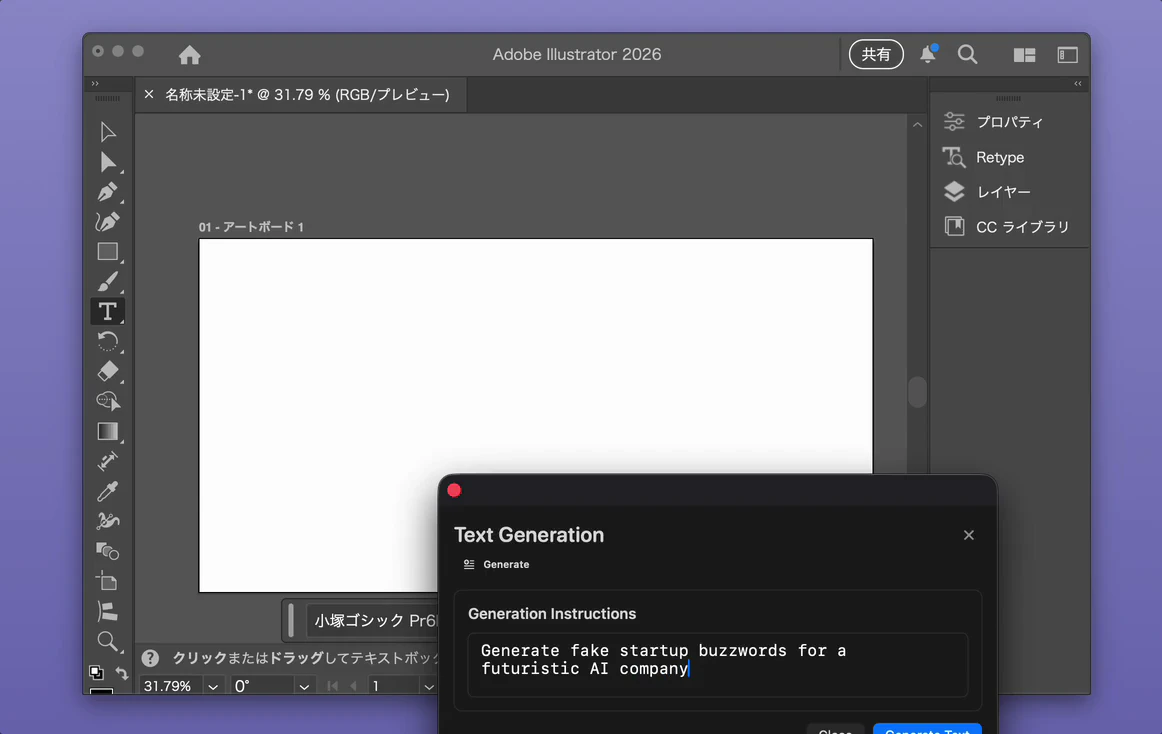
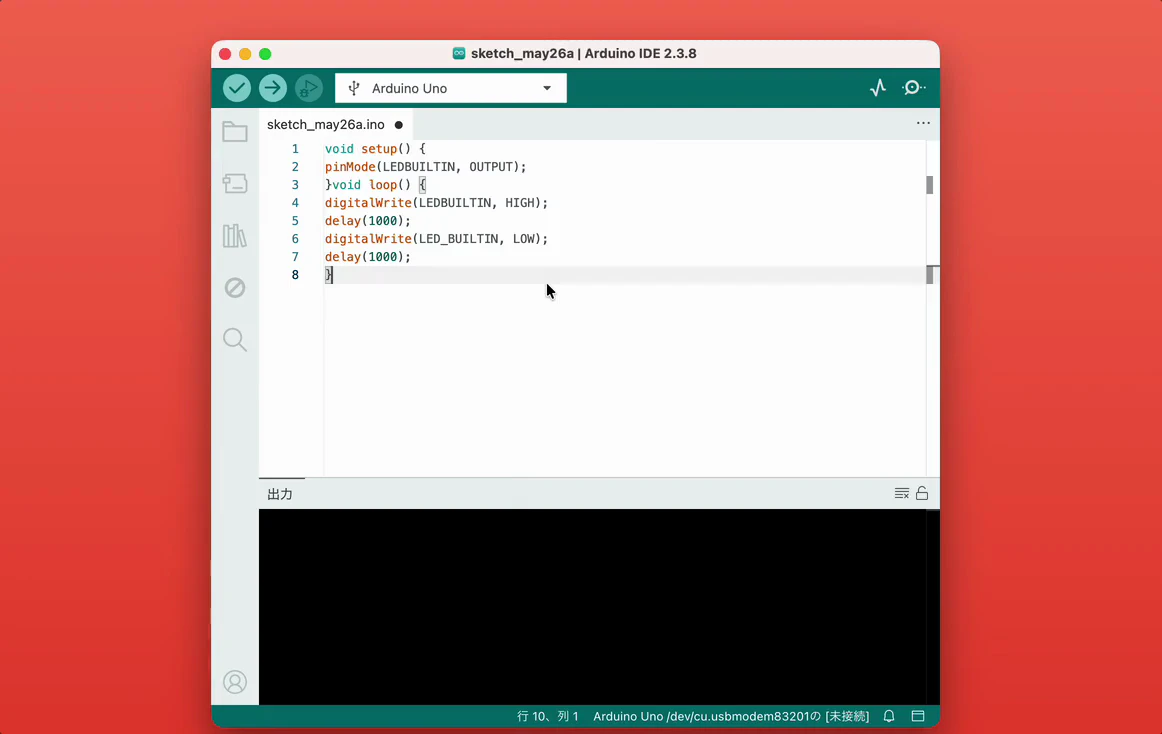
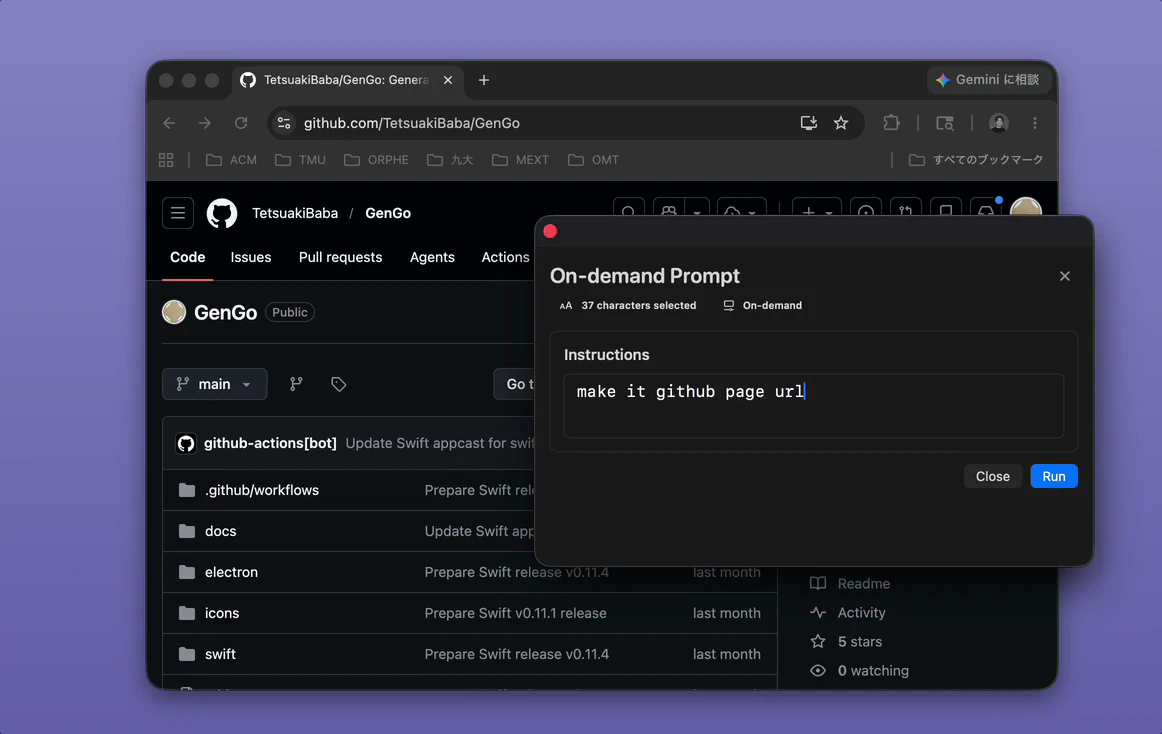
Pros
- ✓Seamless in-place text transformation to maintain workflow flow
- ✓Supports a wide variety of transformations, from coding to language translation
- ✓AI-powered accuracy and quick results
- ✓No need to switch applications, saving time and effort
- ✓User-friendly interface tailored for macOS users
Cons
- ✗Limited public awareness and user reviews (product has zero votes on Product Hunt)
- ✗Potential subscription or usage-based pricing not clearly specified
- ✗May require some learning curve for advanced transformations
Use Cases
Pricing
Likely operates on a freemium model with some free features, with paid plans possibly starting around $10-$20/month for additional capabilities or unlimited usage. Exact pricing details are not publicly specified at this time.
Quick Info
Topics
Alternatives
Similar Tools in AI Writing




Embed Badge
Add this badge to your website to show that GenGo is featured on Visalytica.
<a href="https://www.visalytica.com/tool/gengo" target="_blank" rel="noopener noreferrer" style="display:inline-flex;align-items:center;gap:6px;padding:6px 14px;background:#7c3aed;color:#fff;border-radius:8px;font-family:-apple-system,system-ui,sans-serif;font-size:13px;font-weight:600;text-decoration:none;transition:background .2s" onmouseover="this.style.background='#6d28d9'" onmouseout="this.style.background='#7c3aed'"><svg width="14" height="14" viewBox="0 0 24 24" fill="none" stroke="currentColor" stroke-width="2.5" stroke-linecap="round" stroke-linejoin="round"><path d="M12 20V10"/><path d="M18 20V4"/><path d="M6 20v-4"/></svg>Featured on Visalytica</a>