
GeneratePPT
The Anti-Bloat Presentation Tool
About GeneratePPT
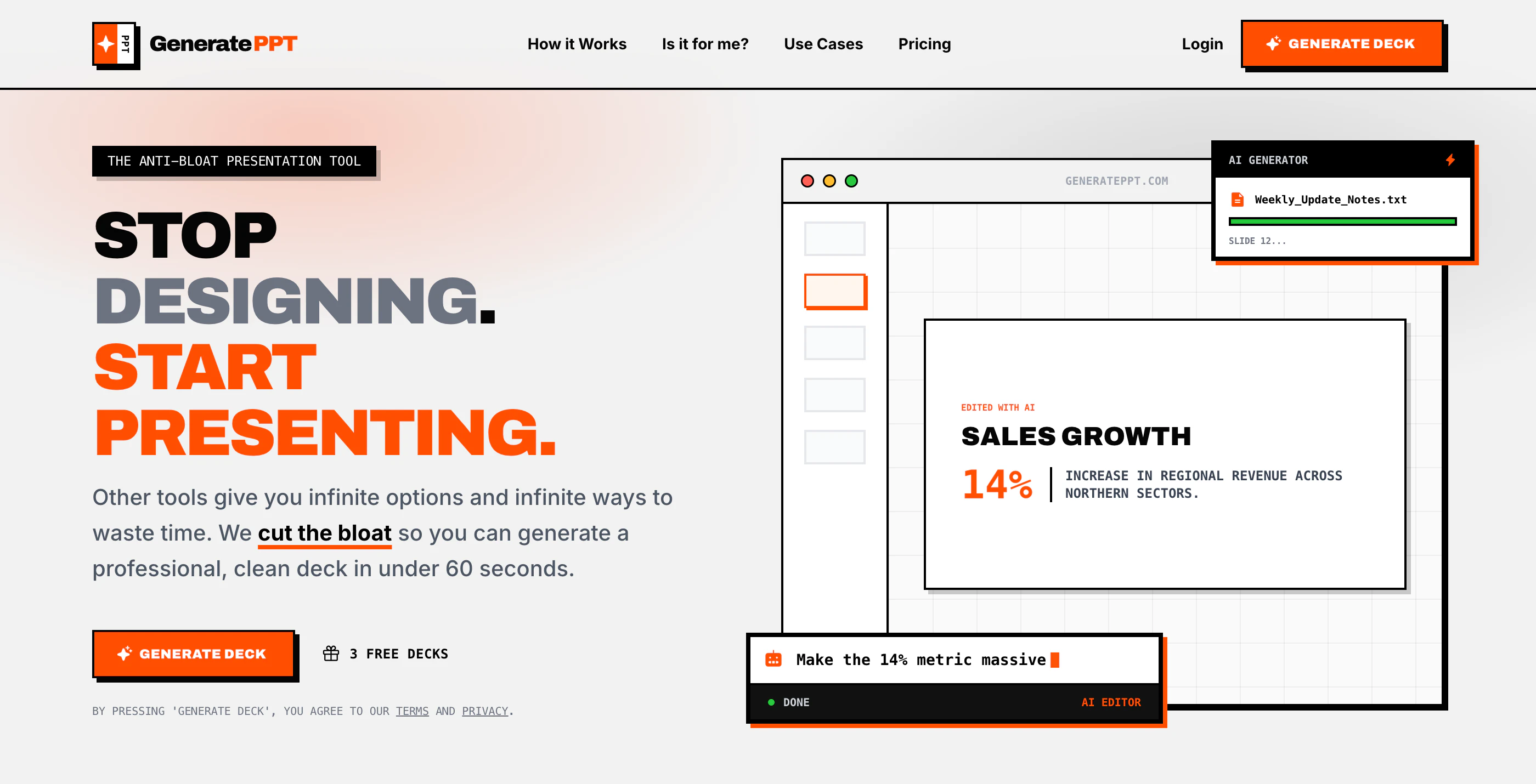
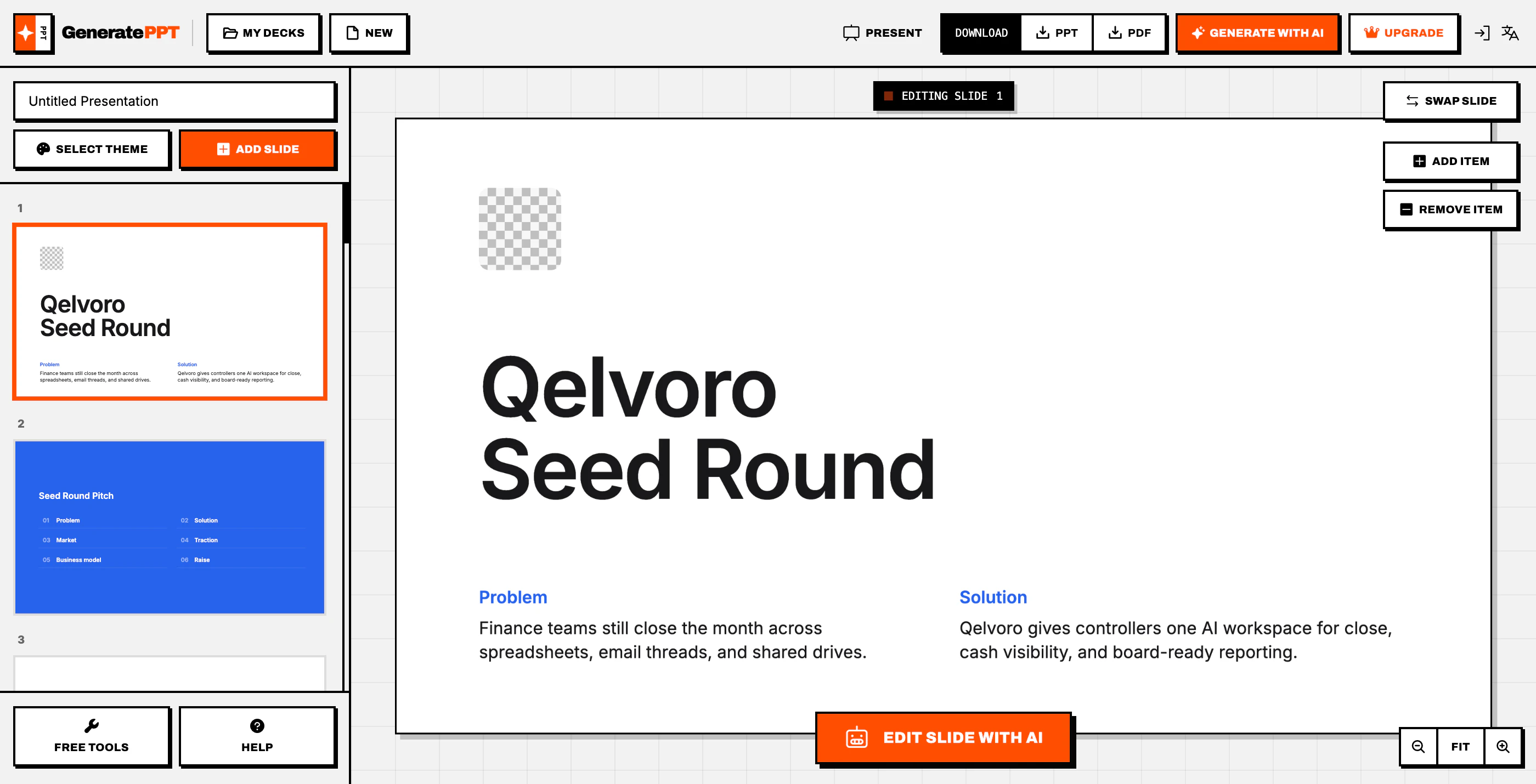
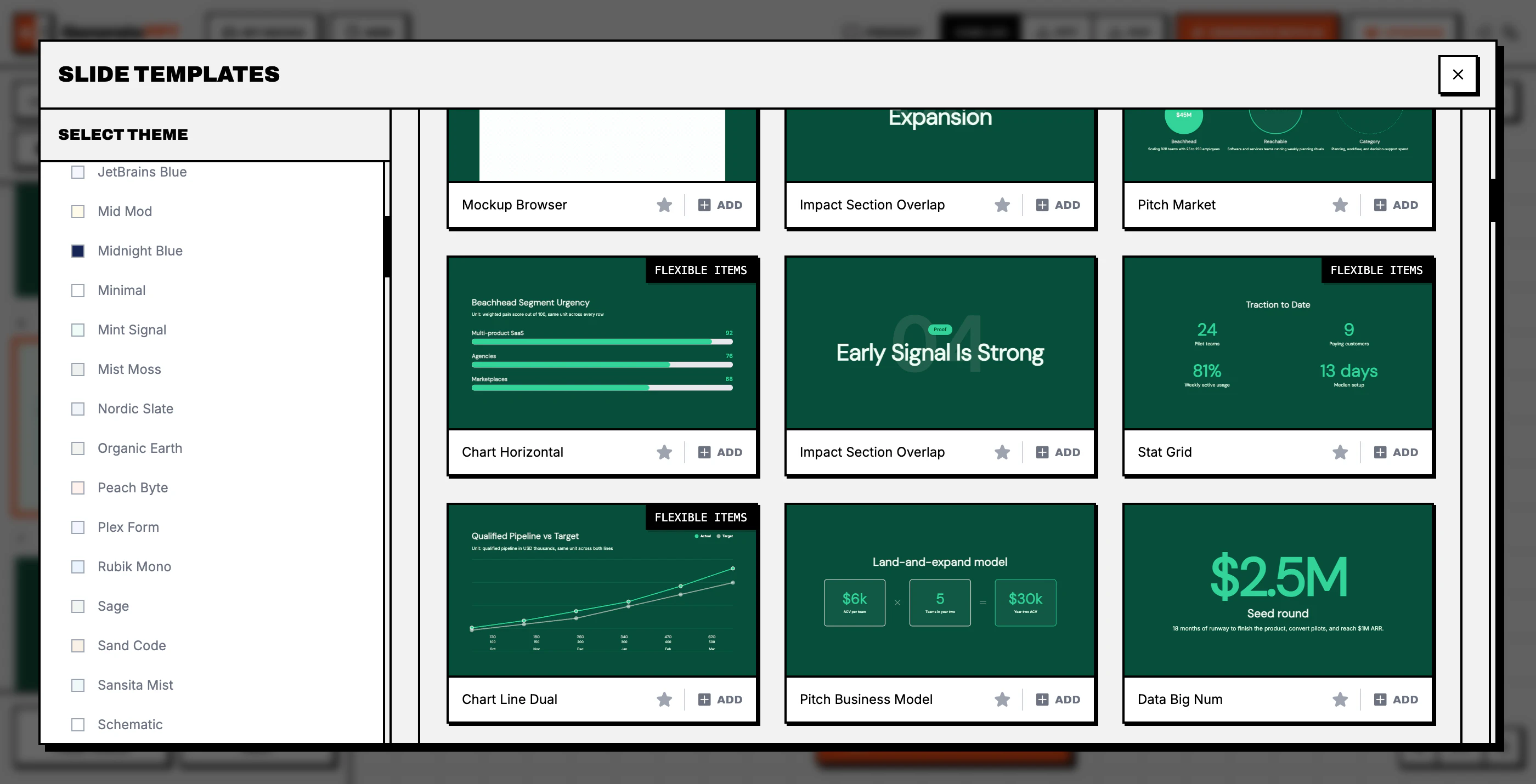
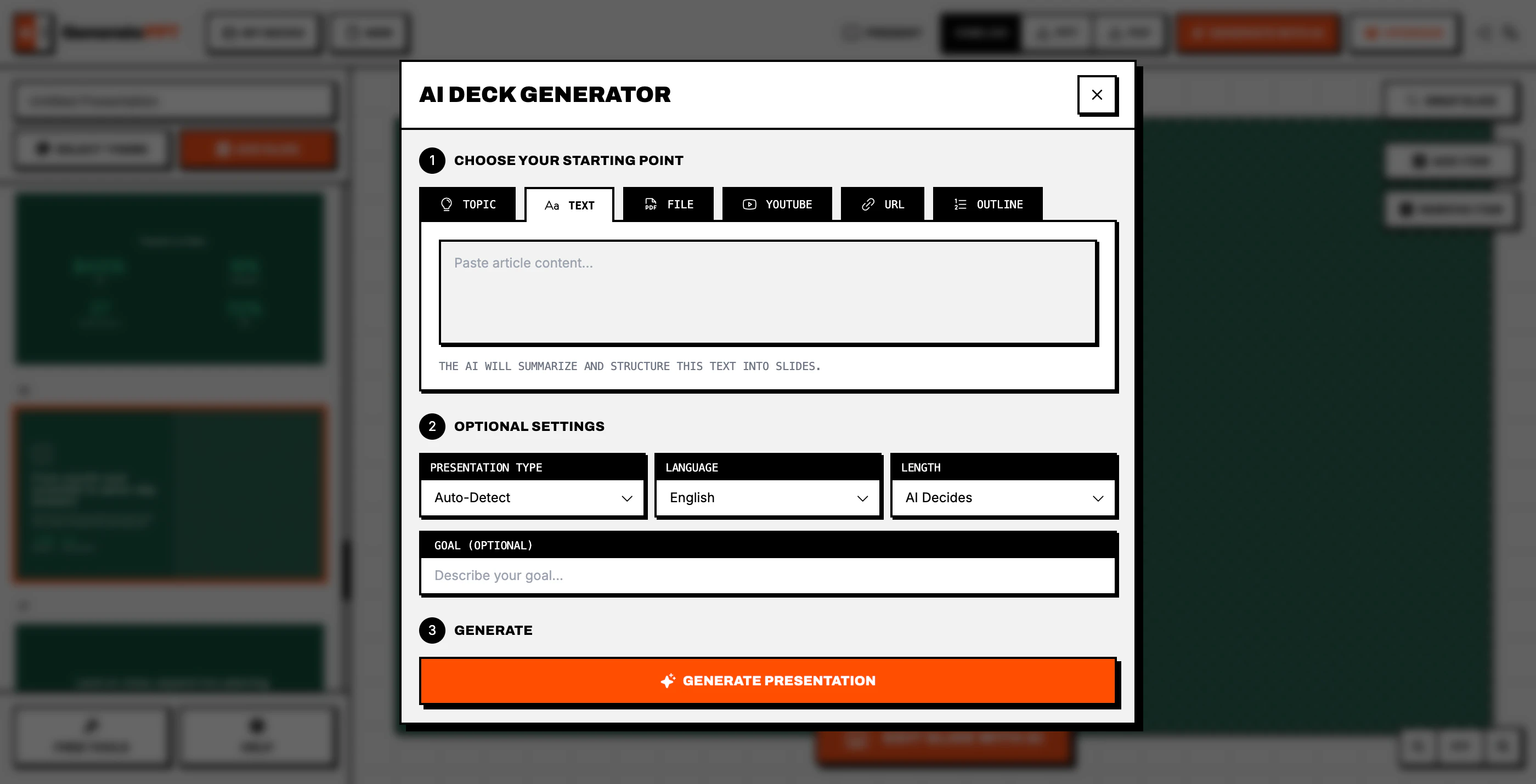
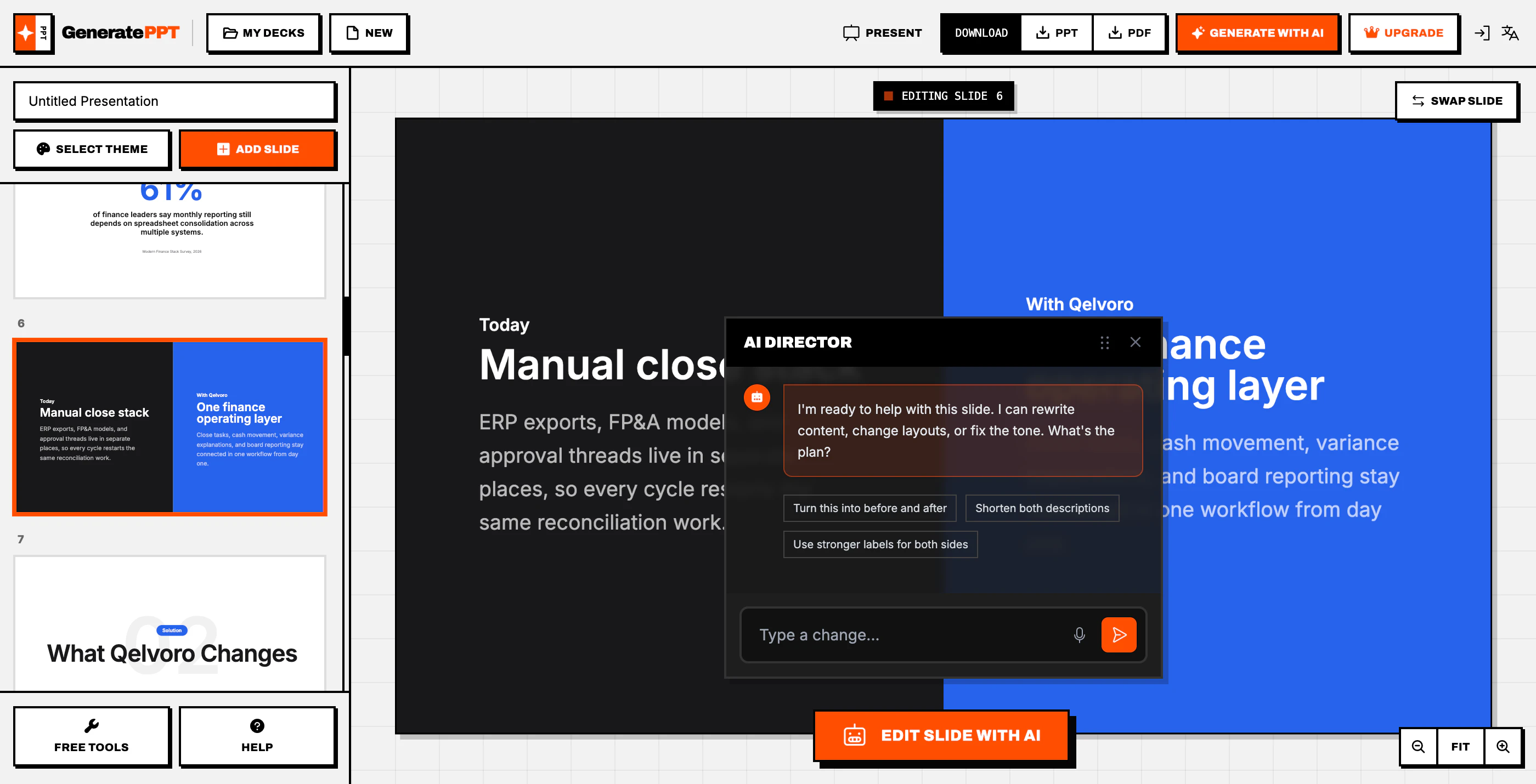
GeneratePPT is a streamlined presentation creation tool designed for busy professionals who prioritize efficiency over perfection. Unlike traditional presentation software that emphasizes pixel-perfect design, GeneratePPT focuses on rapid content generation, allowing users to create impactful slides without getting bogged down in formatting details. Its AI-driven features help automate slide creation, making it ideal for users who need quick, functional presentations without sacrificing clarity. The tool’s simplicity and speed make it especially appealing for business teams, educators, and marketers seeking to save time while maintaining effective communication. With a user-friendly interface and an emphasis on eliminating unnecessary design bloat, GeneratePPT stands out as a pragmatic choice for those valuing productivity over aesthetics.
Screenshots
Pros
- ✓Speeds up presentation creation with AI automation
- ✓Reduces time spent on formatting and design details
- ✓User-friendly interface for quick learning and use
- ✓Focuses on content clarity rather than visual perfection
- ✓Ideal for busy professionals and teams
Cons
- ✗Limited customization options for advanced design
- ✗May produce less polished slides compared to traditional tools
- ✗Dependent on AI accuracy, which might require manual adjustments
Use Cases
Pricing
Likely operates on a freemium model, offering basic features for free with premium tiers starting around $10-$20/month, providing additional functionalities and higher usage limits.
Quick Info
Topics
Alternatives
Similar Tools in AI Image & Design




Embed Badge
Add this badge to your website to show that GeneratePPT is featured on Visalytica.
<a href="https://www.visalytica.com/tool/generateppt" target="_blank" rel="noopener noreferrer" style="display:inline-flex;align-items:center;gap:6px;padding:6px 14px;background:#7c3aed;color:#fff;border-radius:8px;font-family:-apple-system,system-ui,sans-serif;font-size:13px;font-weight:600;text-decoration:none;transition:background .2s" onmouseover="this.style.background='#6d28d9'" onmouseout="this.style.background='#7c3aed'"><svg width="14" height="14" viewBox="0 0 24 24" fill="none" stroke="currentColor" stroke-width="2.5" stroke-linecap="round" stroke-linejoin="round"><path d="M12 20V10"/><path d="M18 20V4"/><path d="M6 20v-4"/></svg>Featured on Visalytica</a>