Gemini app for Windows
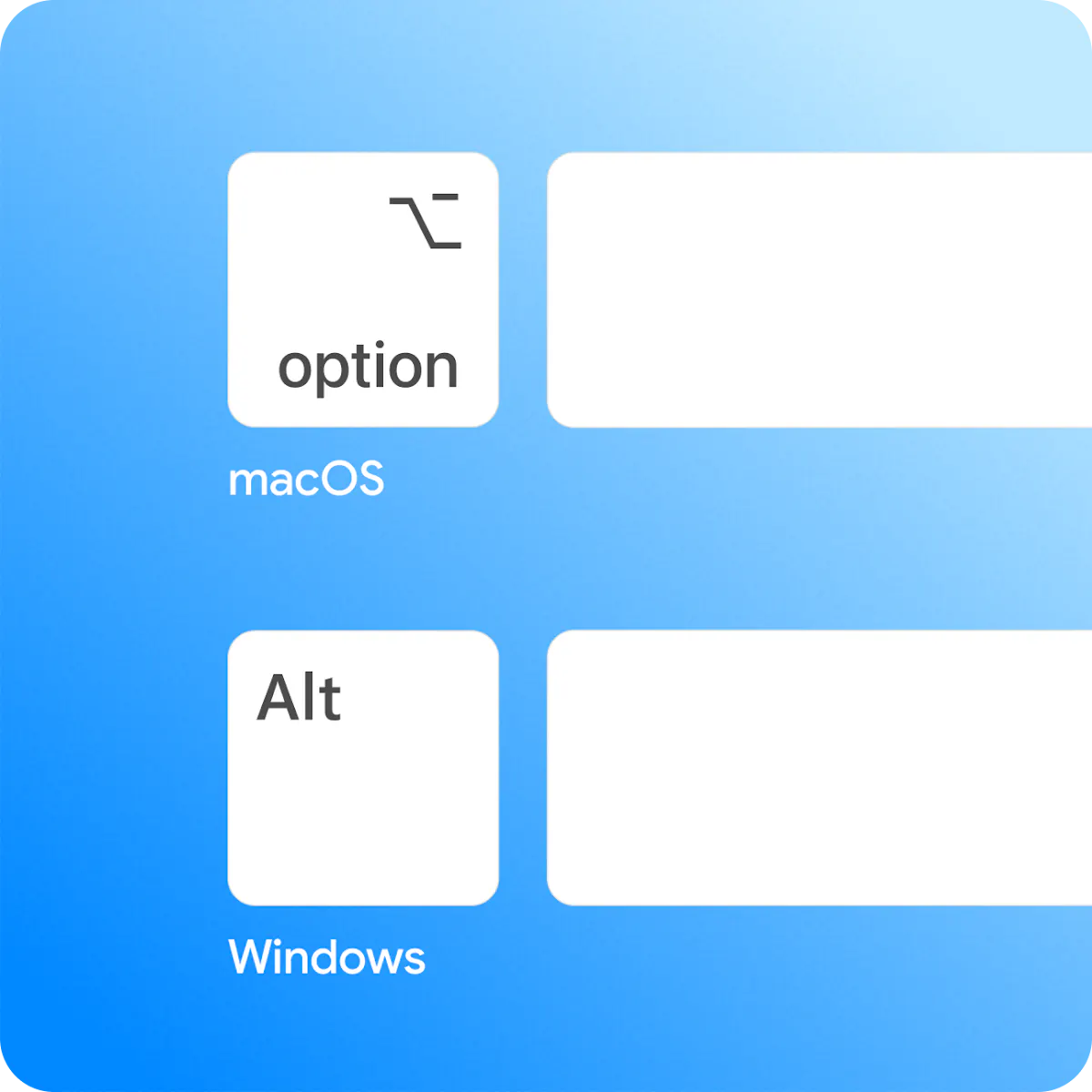
Alt + Space and Gemini is right there
About Gemini app for Windows
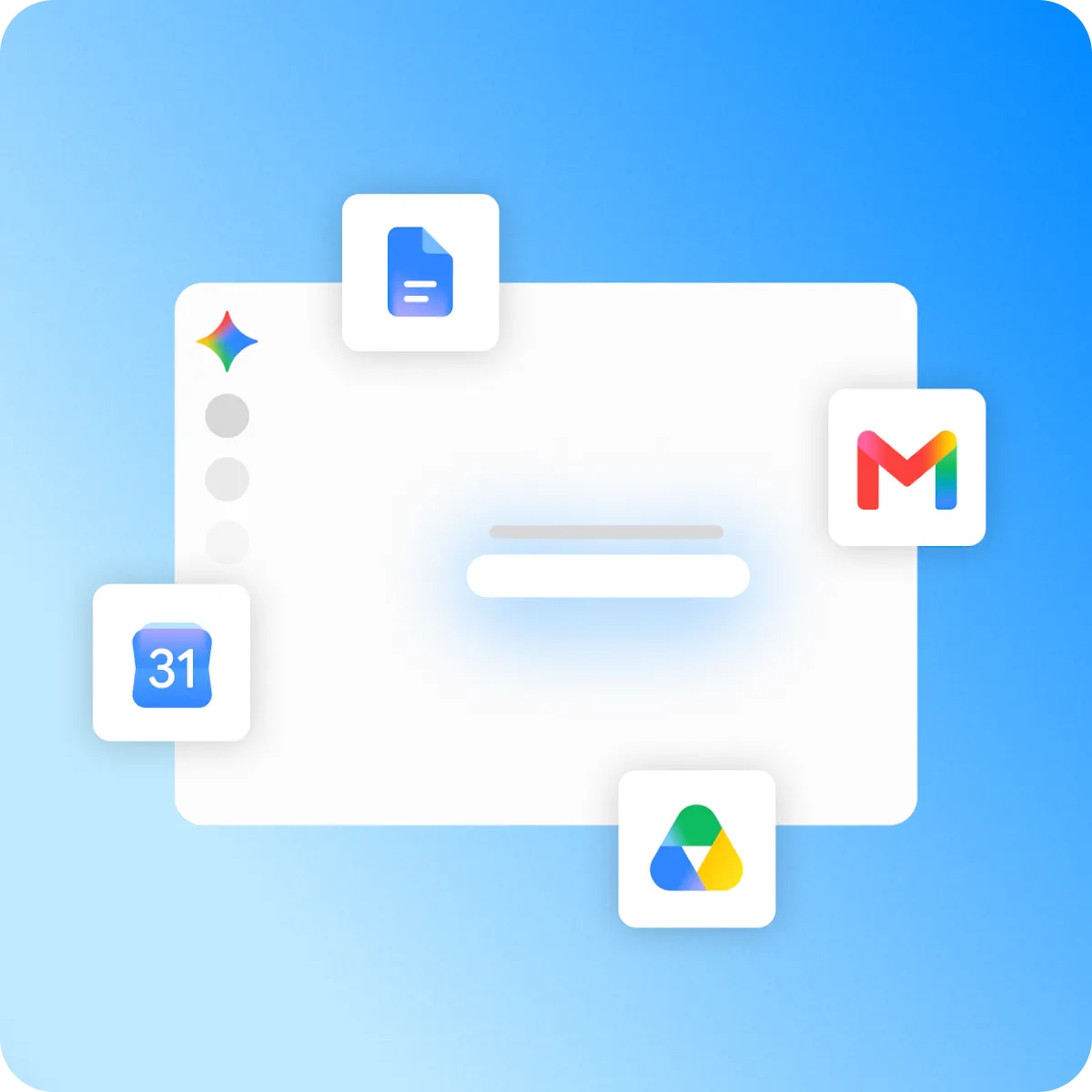
Gemini app for Windows is a powerful desktop assistant designed to streamline productivity for users working across various Google services. With a simple keystroke (Alt + Space), users can summon Gemini instantly over their active workspace, enabling quick drafting, executing agentic tasks with Gemini Spark, and pulling contextual information from Gmail, Docs, and Google Drive. Its seamless integration makes it ideal for professionals, researchers, and content creators who rely heavily on Google ecosystem tools. What sets Gemini apart is its ability to enhance workflow efficiency by reducing the need to switch between multiple apps, allowing users to stay focused and productive. The app’s intuitive design and instant accessibility make it a valuable addition to any modern digital workspace, especially for those who need quick, AI-powered assistance without disrupting their workflow.
Screenshots
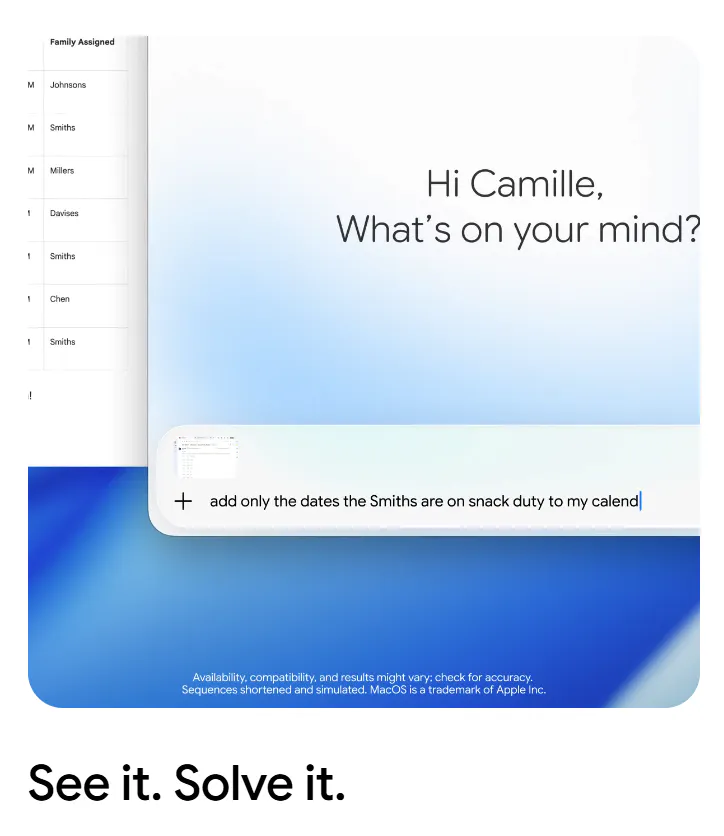
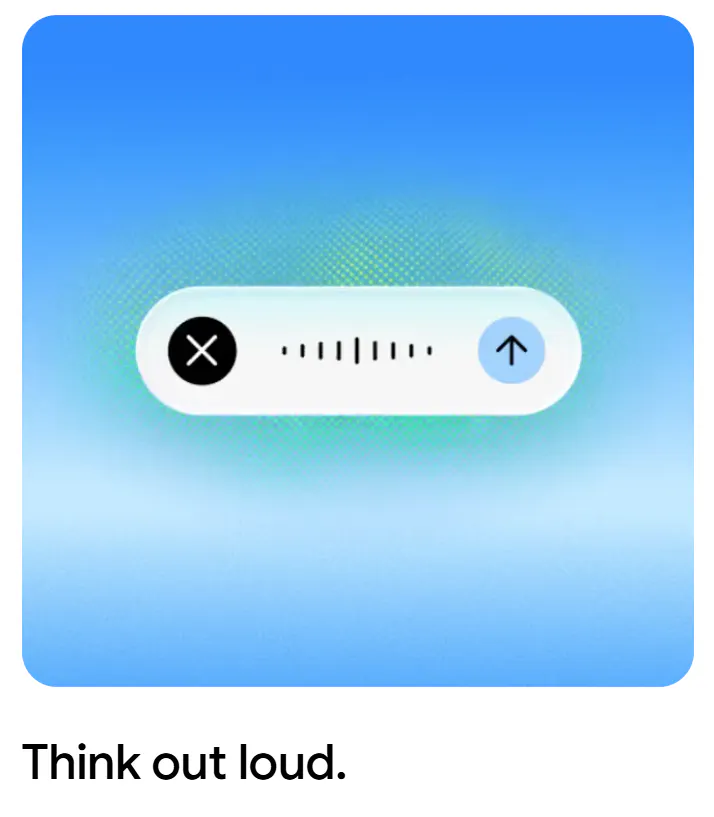
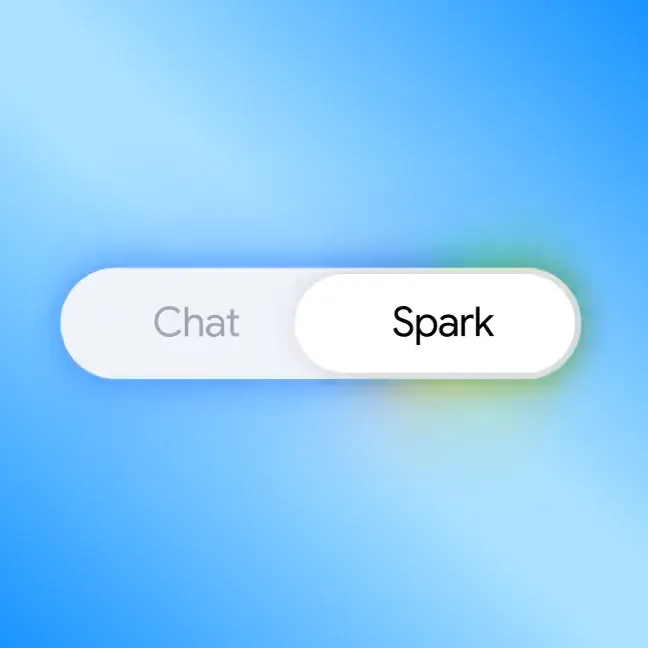
+1 more screenshots
Pros
- ✓Instant activation with Alt + Space for quick access
- ✓Deep integration with Gmail, Docs, and Google Drive
- ✓Enables drafting, task automation, and context pulling in one tool
- ✓Enhances productivity by reducing app switching
- ✓Designed specifically for Windows 10 and 11
Cons
- ✗Limited information on advanced customization options
- ✗Vulnerable to potential privacy concerns due to integration with Google services
- ✗No user reviews or ratings available yet
Use Cases
Pricing
Pricing not verified
Quick Info
Topics
Alternatives
Similar Tools in Productivity




Embed Badge
Add this badge to your website to show that Gemini app for Windows is featured on Visalytica.
<a href="https://www.visalytica.com/tool/gemini-app-for-windows" target="_blank" rel="noopener noreferrer" style="display:inline-flex;align-items:center;gap:6px;padding:6px 14px;background:#7c3aed;color:#fff;border-radius:8px;font-family:-apple-system,system-ui,sans-serif;font-size:13px;font-weight:600;text-decoration:none;transition:background .2s" onmouseover="this.style.background='#6d28d9'" onmouseout="this.style.background='#7c3aed'"><svg width="14" height="14" viewBox="0 0 24 24" fill="none" stroke="currentColor" stroke-width="2.5" stroke-linecap="round" stroke-linejoin="round"><path d="M12 20V10"/><path d="M18 20V4"/><path d="M6 20v-4"/></svg>Featured on Visalytica</a>