
FuelBar for Mac and Windows
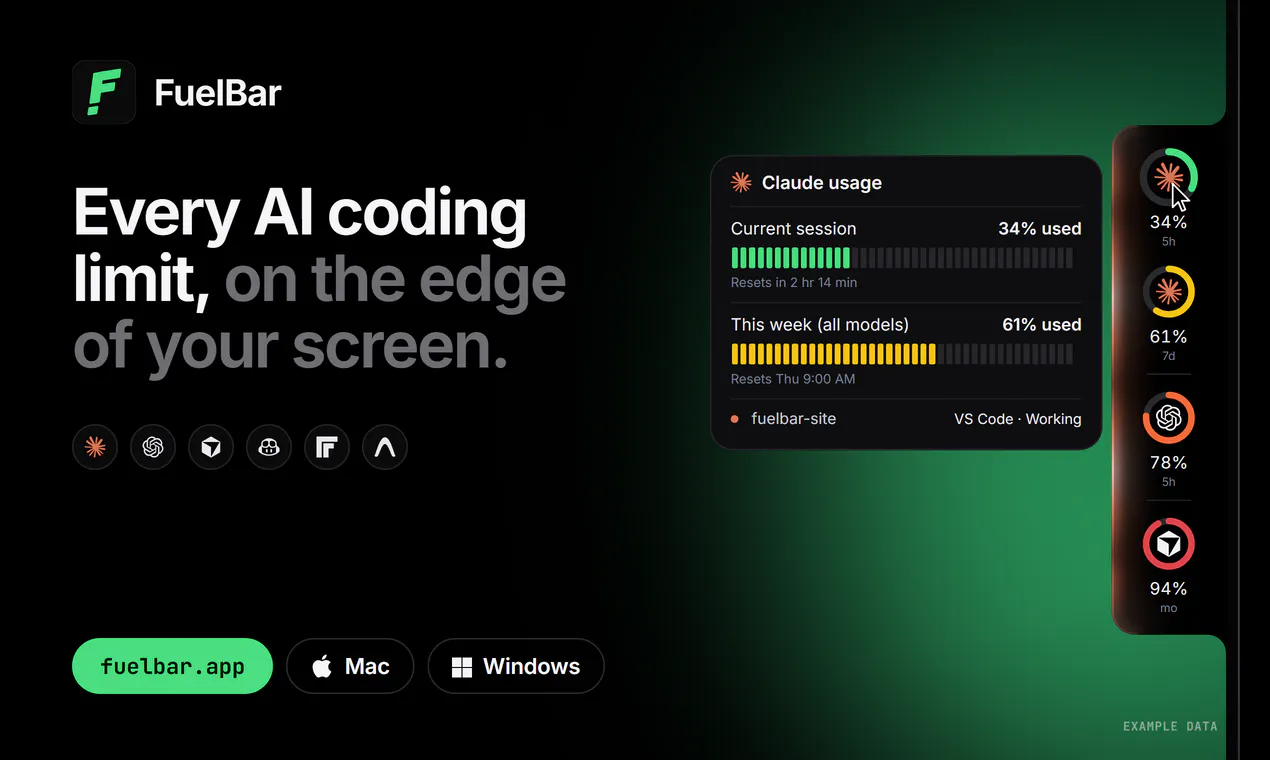
Every AI coding limit, on the edge of your screen.
About FuelBar for Mac and Windows
FuelBar for Mac and Windows is a lightweight, unobtrusive utility designed for developers working with AI coding tools. It seamlessly integrates into the edge of your screen, providing real-time visual indicators of your usage limits across popular AI services like Claude, Codex, Cursor, Copilot, Freebuff, and Antigravity. This tool is ideal for developers who want to monitor their API consumption without disrupting their workflow, ensuring they stay within their limits and avoid unexpected interruptions. Its no-account setup and one-time purchase model make it accessible and easy to adopt, whether on Mac or Windows. By offering timely warnings at 80% usage and session completion notifications, FuelBar helps users optimize their API utilization efficiently, making it a handy companion for everyday coding tasks involving AI integrations.
Screenshots
Pros
- ✓Real-time limit monitoring across multiple AI services
- ✓No account required, one-time purchase for both Mac and Windows
- ✓Simple, unobtrusive interface on the screen edge
- ✓Helpful usage warnings to prevent overages
- ✓Supports popular AI coding tools used by developers
Cons
- ✗Limited to usage monitoring; no API management features
- ✗No detailed analytics or historical data
- ✗Vague information on update frequency or support
Use Cases
Pricing
Pricing not verified
Quick Info
Topics
Makers

Aswin DG
Alternatives
Similar Tools in AI Assistants




Embed Badge
Add this badge to your website to show that FuelBar for Mac and Windows is featured on Visalytica.
<a href="https://www.visalytica.com/tool/fuelbar-for-mac-and-windows" target="_blank" rel="noopener noreferrer" style="display:inline-flex;align-items:center;gap:6px;padding:6px 14px;background:#7c3aed;color:#fff;border-radius:8px;font-family:-apple-system,system-ui,sans-serif;font-size:13px;font-weight:600;text-decoration:none;transition:background .2s" onmouseover="this.style.background='#6d28d9'" onmouseout="this.style.background='#7c3aed'"><svg width="14" height="14" viewBox="0 0 24 24" fill="none" stroke="currentColor" stroke-width="2.5" stroke-linecap="round" stroke-linejoin="round"><path d="M12 20V10"/><path d="M18 20V4"/><path d="M6 20v-4"/></svg>Featured on Visalytica</a>