
Freedium
Read Medium articles on Freedium in one click
About Freedium
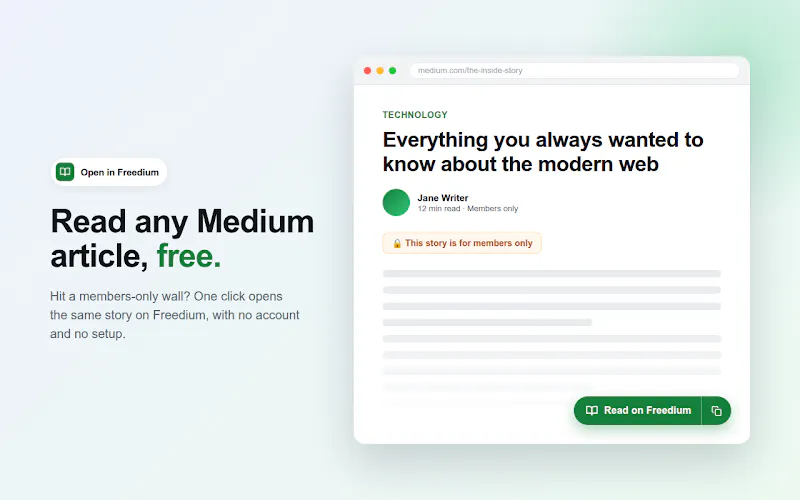
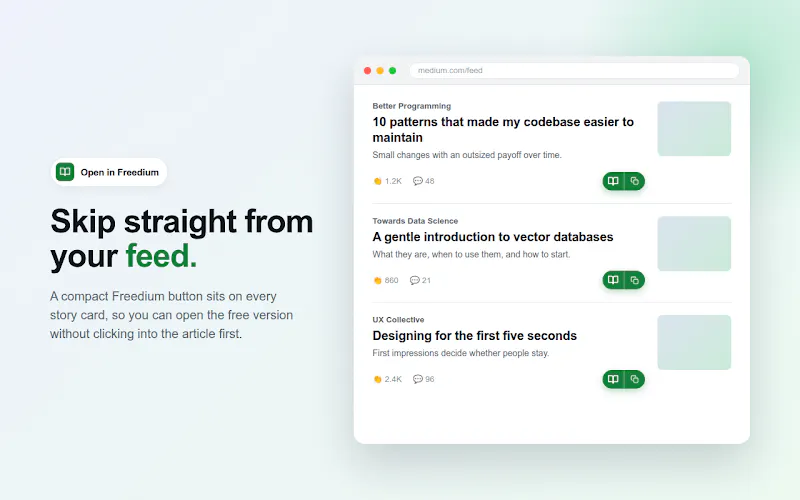
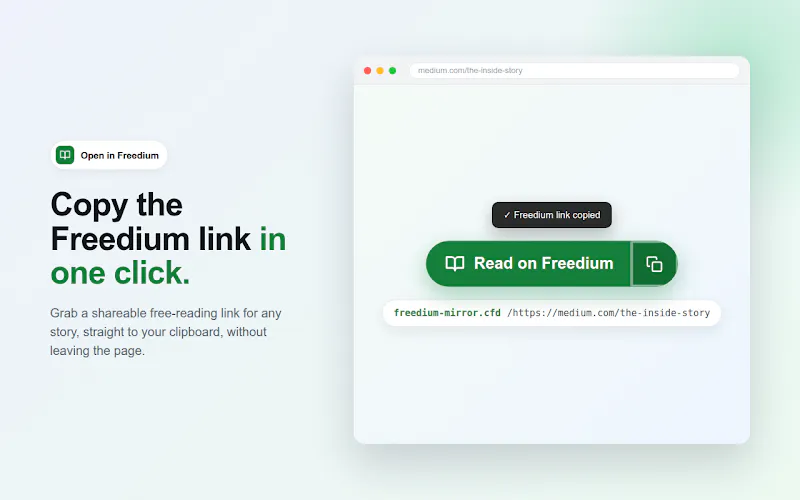
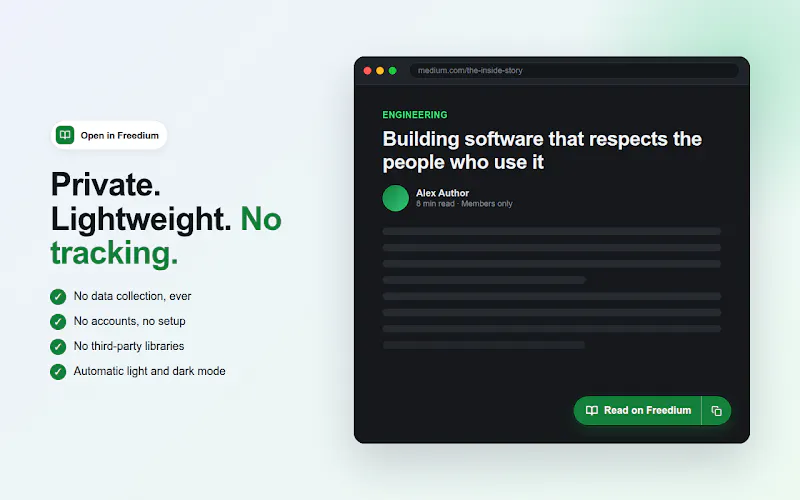
Freedium is a lightweight browser extension designed for readers who frequently consume Medium articles. With a single click, users can open any Medium article directly in Freedium, eliminating distractions and providing a seamless reading experience. Its core appeal lies in its simplicity—no setup, no accounts, and a privacy-friendly approach that respects user data. Perfect for avid Medium readers, content curators, or researchers who want quick access to articles without clutter or tracking, Freedium enhances the reading process by offering a clean, focused environment. Its direct integration with Medium ensures that users can effortlessly access articles from their feed or shared links, making content consumption both faster and more private. The extension’s minimalistic design and commitment to privacy make it a compelling tool for those seeking a distraction-free reading experience.
Screenshots
Pros
- ✓One-click access to Medium articles without login or setup
- ✓Privacy-focused with no tracking or data collection
- ✓Lightweight and fast, enhancing user experience
- ✓Easy to use directly from Medium feeds and links
- ✓No additional clutter or distractions
Cons
- ✗Limited to Medium articles, less versatile for other content platforms
- ✗Lacks advanced reading or annotation features
- ✗Dependent on browser extension support and updates
Use Cases
Pricing
Likely free to use, as it is a browser extension focused on convenience and privacy, with no indication of paid plans or subscriptions.
Quick Info
Topics
Makers

Rohan Parmar
Alternatives
Similar Tools in Developer Tools




Embed Badge
Add this badge to your website to show that Freedium is featured on Visalytica.
<a href="https://www.visalytica.com/tool/freedium" target="_blank" rel="noopener noreferrer" style="display:inline-flex;align-items:center;gap:6px;padding:6px 14px;background:#7c3aed;color:#fff;border-radius:8px;font-family:-apple-system,system-ui,sans-serif;font-size:13px;font-weight:600;text-decoration:none;transition:background .2s" onmouseover="this.style.background='#6d28d9'" onmouseout="this.style.background='#7c3aed'"><svg width="14" height="14" viewBox="0 0 24 24" fill="none" stroke="currentColor" stroke-width="2.5" stroke-linecap="round" stroke-linejoin="round"><path d="M12 20V10"/><path d="M18 20V4"/><path d="M6 20v-4"/></svg>Featured on Visalytica</a>