Free Browser Based Image Converter
Convert JPG, PNG, WebP, AVIF in browser. No upload.
About Free Browser Based Image Converter
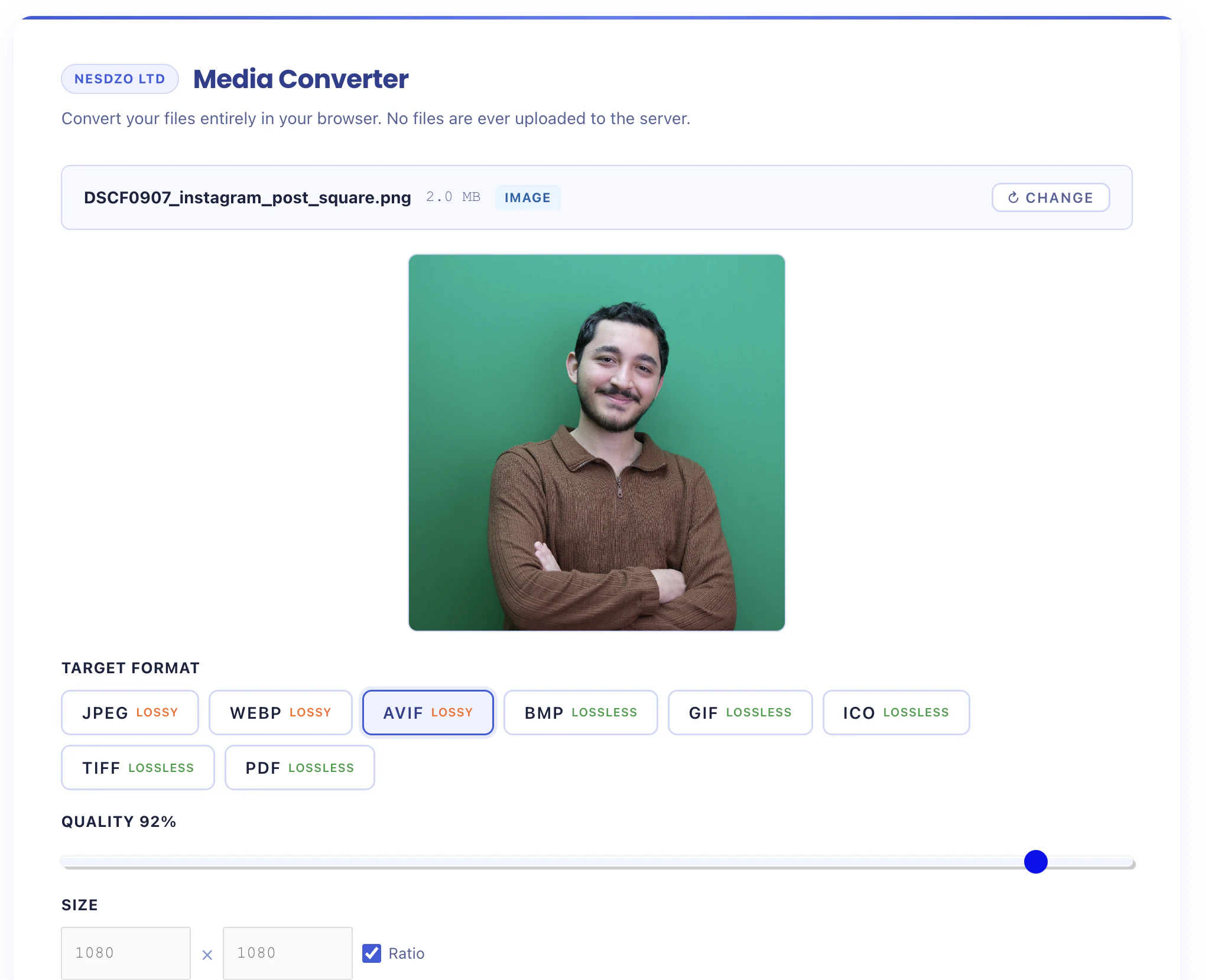
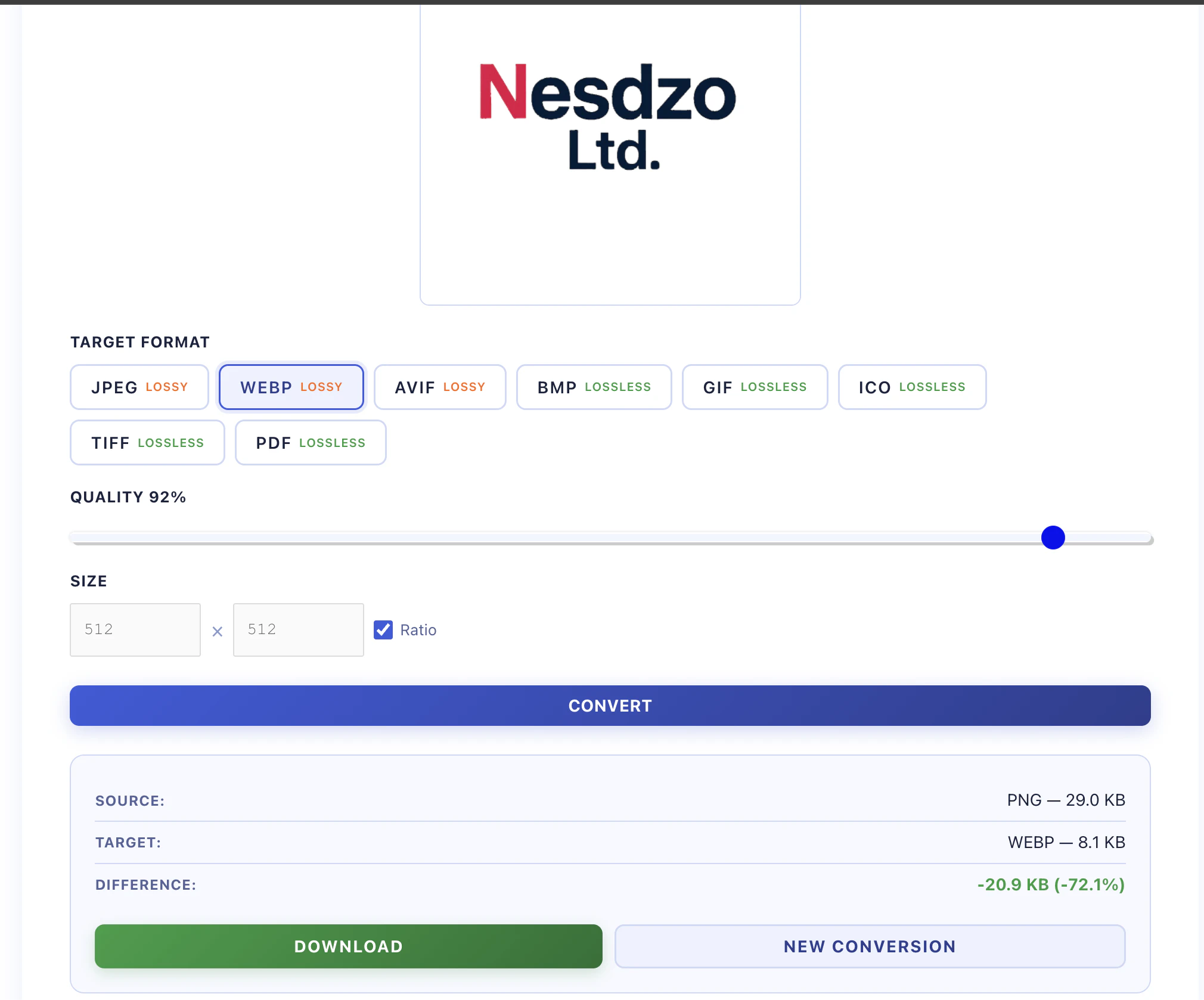
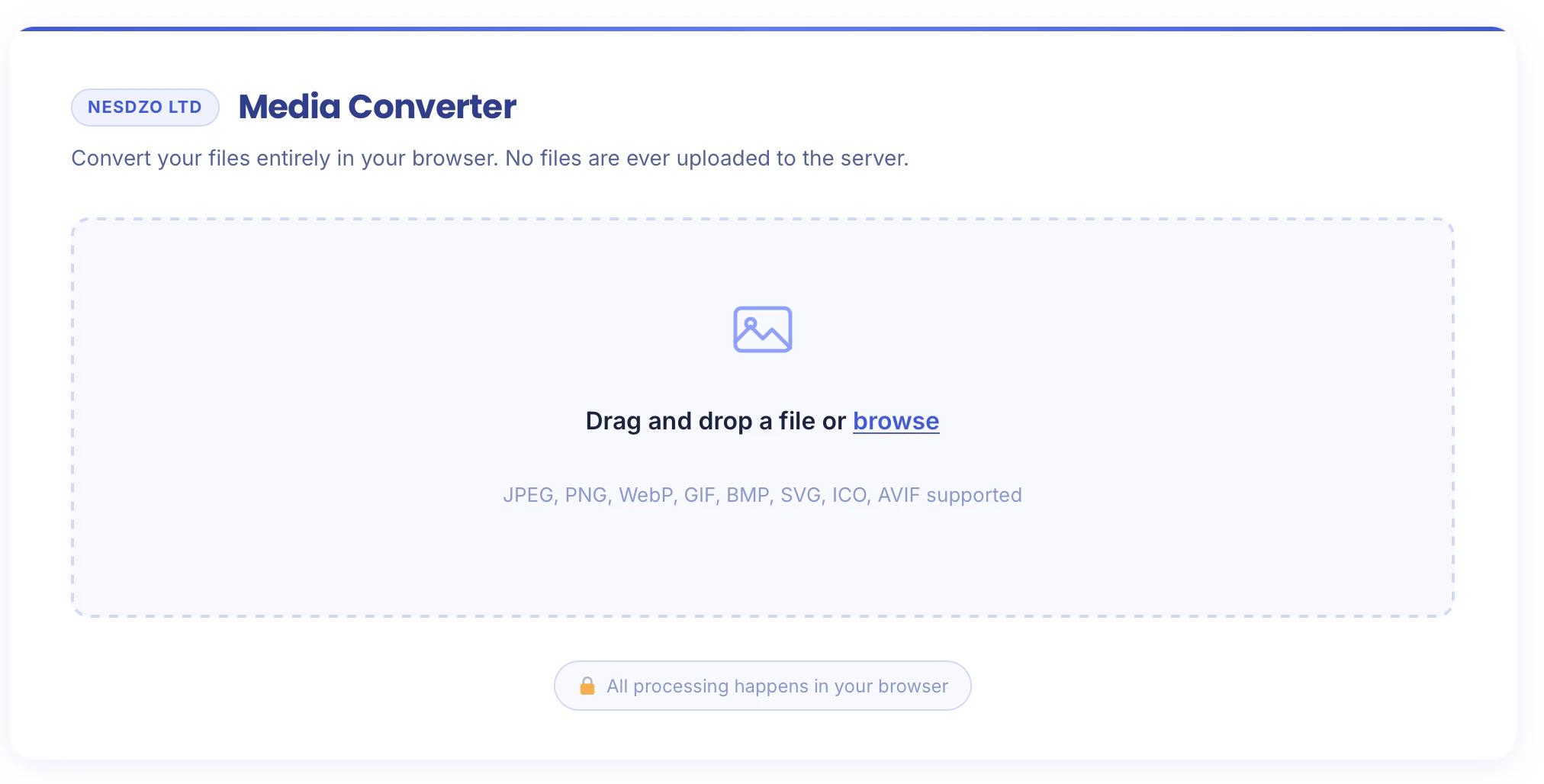
Free Browser Based Image Converter offers a privacy-centric solution for converting images directly within your web browser, eliminating the need for uploads to external servers. Perfect for professionals handling sensitive client work or personal projects, this tool supports a wide range of input formats including JPG, PNG, WebP, AVIF, BMP, GIF, TIFF, ICO, and SVG, with output options like JPG, PNG, WebP, AVIF, BMP, GIF, TIFF, ICO, and PDF. Its key advantage is that all conversions occur locally in the browser, ensuring your files remain private and secure. The tool is user-friendly, with adjustable quality and size settings, no file size restrictions beyond your device’s memory, and no account or watermark requirements. It's a free, straightforward solution designed for those who prioritize privacy and convenience without sacrificing functionality.
Screenshots
Pros
- ✓Ensures complete privacy by performing conversions locally in the browser
- ✓Supports a wide range of input and output formats
- ✓No file size limits beyond device memory
- ✓No account required, completely free, and no watermarks
- ✓Simple, user-friendly interface with quality and size controls
Cons
- ✗Limited to file sizes manageable by your device's memory
- ✗Lacks advanced editing features found in dedicated image editors
- ✗Performance may vary depending on device hardware
Use Cases
Pricing
Free to use with no restrictions, relying on the user's device resources. No paid plans or subscriptions are mentioned, making it an accessible tool for all users.
Quick Info
Topics
Alternatives
Similar Tools in AI Image & Design




Embed Badge
Add this badge to your website to show that Free Browser Based Image Converter is featured on Visalytica.
<a href="https://www.visalytica.com/tool/free-browser-based-image-converter" target="_blank" rel="noopener noreferrer" style="display:inline-flex;align-items:center;gap:6px;padding:6px 14px;background:#7c3aed;color:#fff;border-radius:8px;font-family:-apple-system,system-ui,sans-serif;font-size:13px;font-weight:600;text-decoration:none;transition:background .2s" onmouseover="this.style.background='#6d28d9'" onmouseout="this.style.background='#7c3aed'"><svg width="14" height="14" viewBox="0 0 24 24" fill="none" stroke="currentColor" stroke-width="2.5" stroke-linecap="round" stroke-linejoin="round"><path d="M12 20V10"/><path d="M18 20V4"/><path d="M6 20v-4"/></svg>Featured on Visalytica</a>