FramioCam
Screenshot & screen recording studio for Chrome
About FramioCam
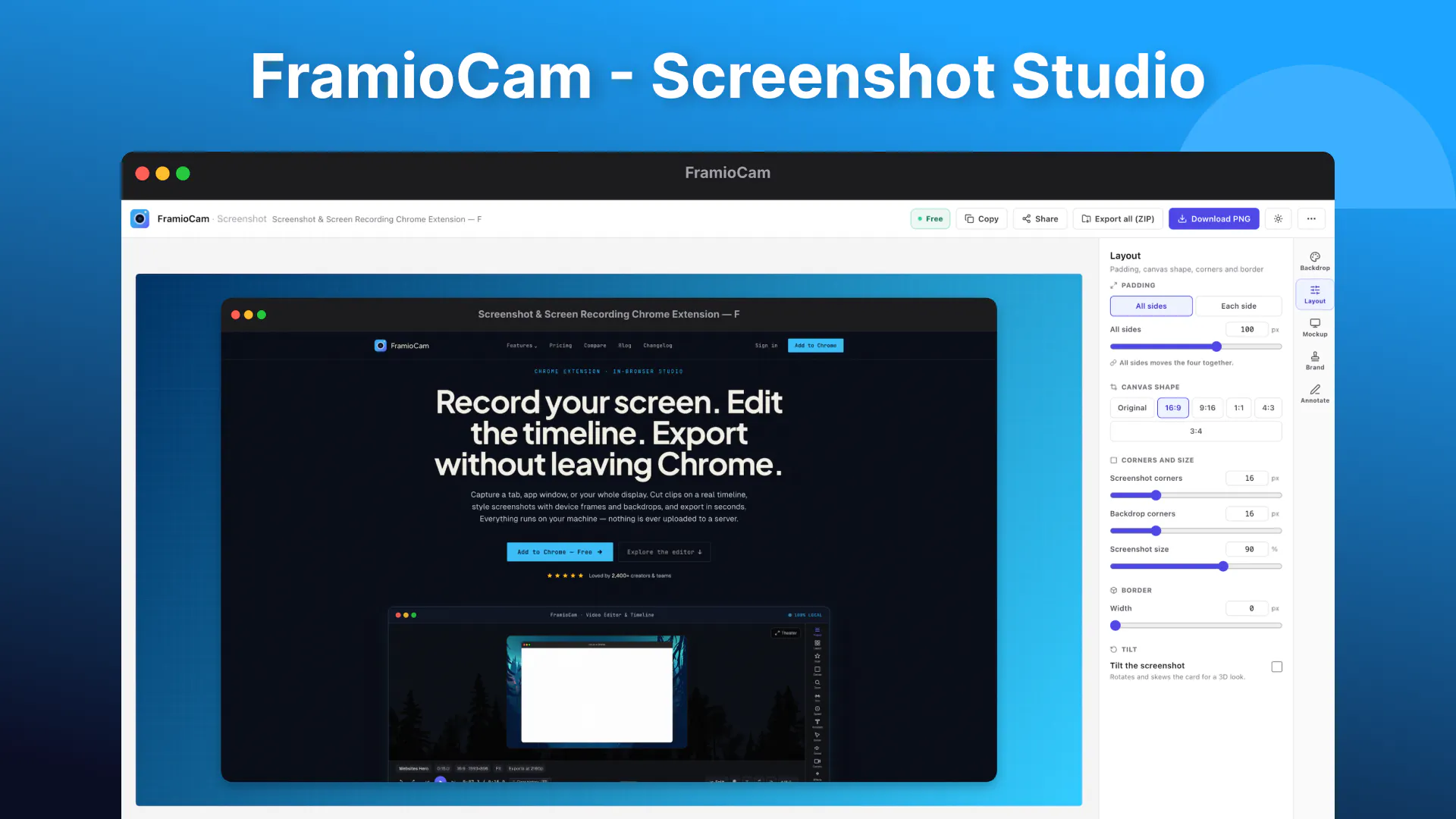
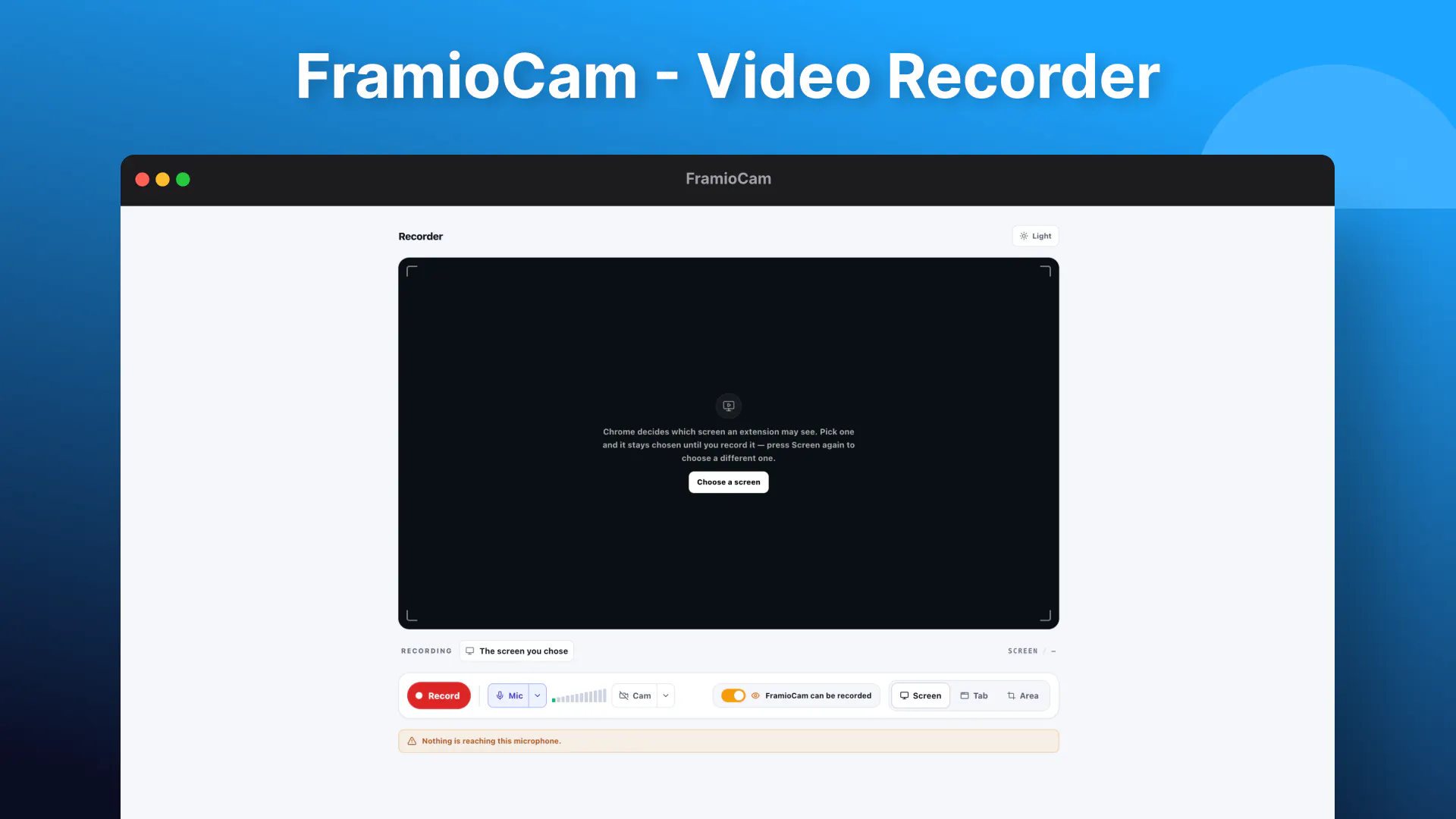
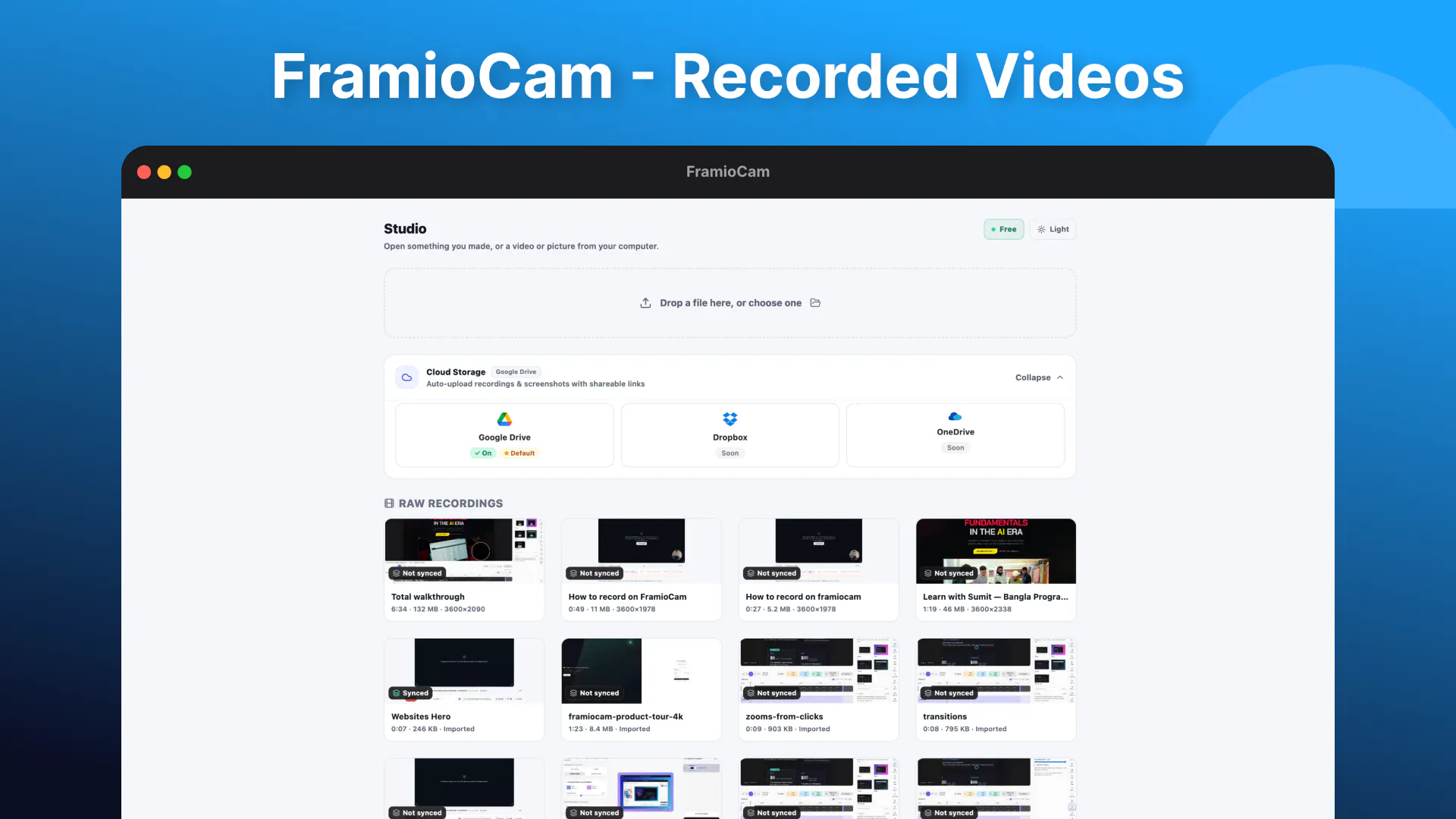
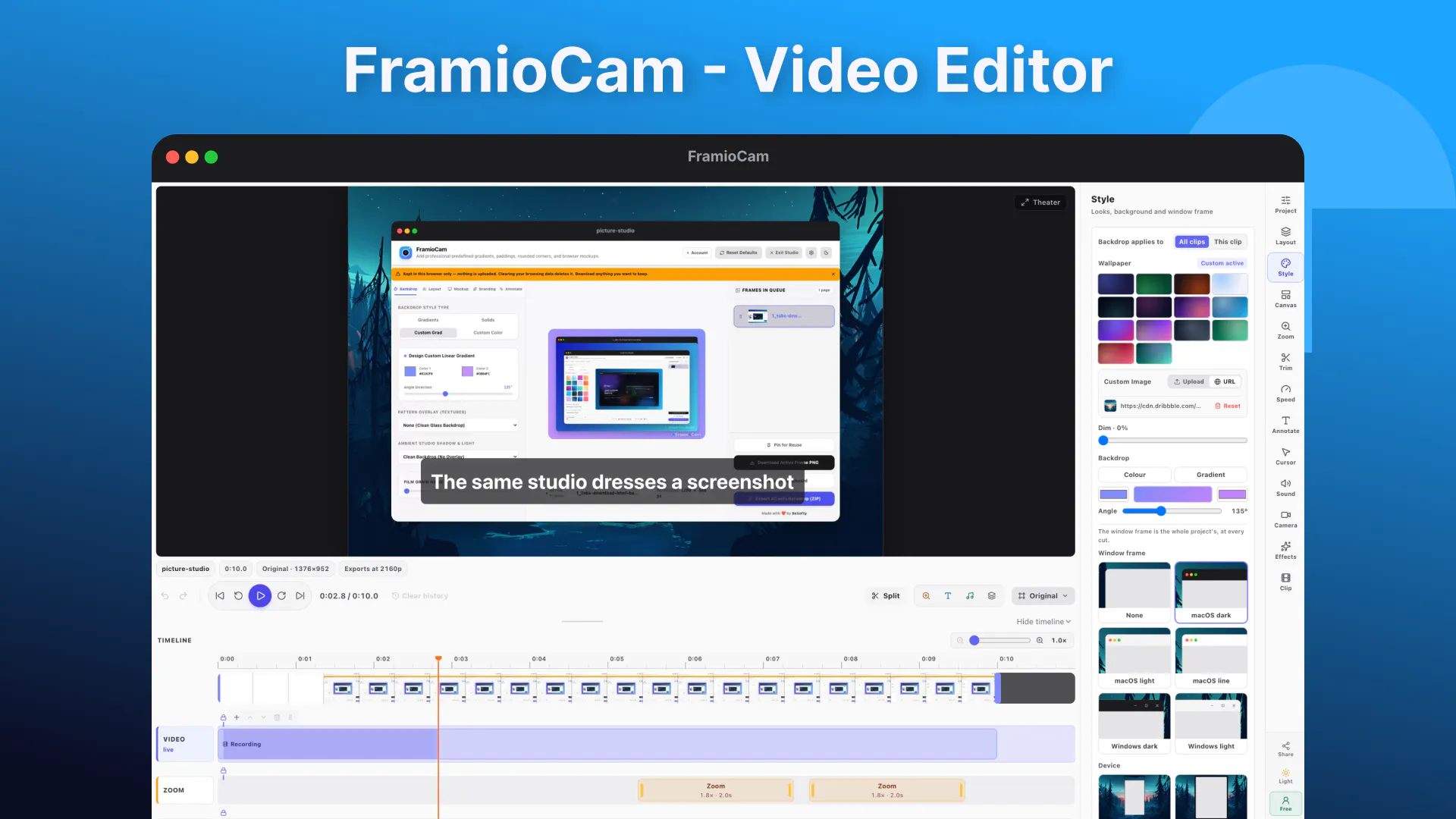
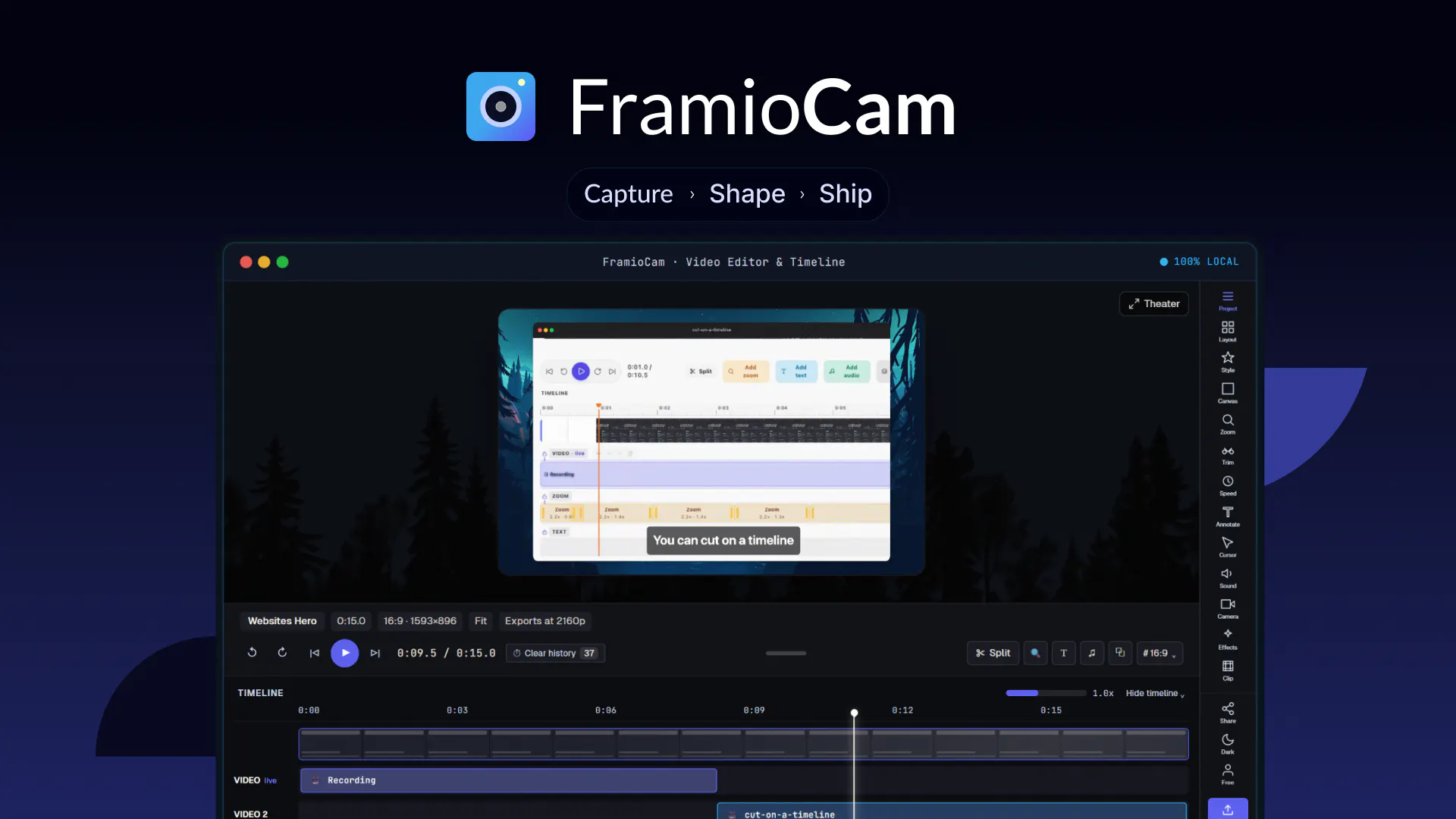
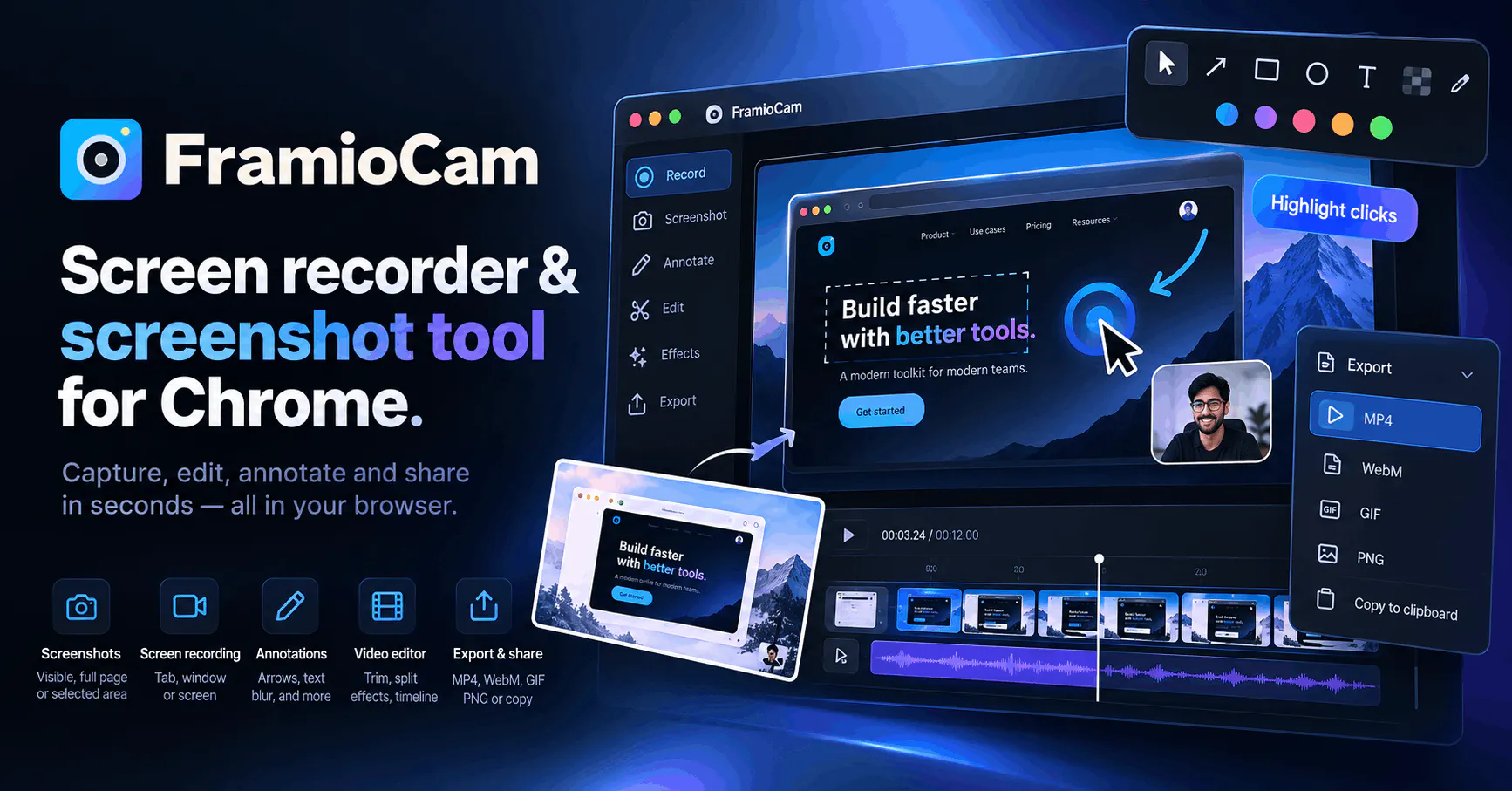
FramioCam is a versatile Chrome extension designed for content creators, educators, and professionals who frequently explain concepts through on-screen visuals. It allows users to easily capture screenshots or record screen videos, supporting various modes such as full page, window, tab, or custom area. What sets FramioCam apart is its robust editing suite, enabling annotations, backgrounds, device frames, zoom effects, cursor effects, webcam overlay, transitions, and a comprehensive video timeline—all within a single tool. This integration streamlines the process of creating polished tutorials, presentations, or walkthroughs without the need to switch between multiple applications. Additionally, all processing is done locally on the user’s device, ensuring privacy and faster performance. Designed specifically for those who need quick, professional-quality visual content, FramioCam simplifies the production of engaging on-screen explanations, making it ideal for educators, marketers, and remote workers alike.
Screenshots
Pros
- ✓All-in-one tool for capturing and editing screenshots and videos
- ✓Supports a wide range of capture modes and editing features
- ✓Local processing enhances privacy and speed
- ✓Intuitive interface tailored for explanatory content creation
- ✓Includes advanced editing options like annotations, backgrounds, and transitions
Cons
- ✗Limited information on pricing and subscription plans
- ✗Potential learning curve for advanced editing features
- ✗No mention of collaborative or cloud-sharing options
Use Cases
Pricing
Pricing not verified
Quick Info
Topics
Makers

Ratul Hasan
Alternatives
Similar Tools in HR & Recruiting




Embed Badge
Add this badge to your website to show that FramioCam is featured on Visalytica.
<a href="https://www.visalytica.com/tool/framiocam" target="_blank" rel="noopener noreferrer" style="display:inline-flex;align-items:center;gap:6px;padding:6px 14px;background:#7c3aed;color:#fff;border-radius:8px;font-family:-apple-system,system-ui,sans-serif;font-size:13px;font-weight:600;text-decoration:none;transition:background .2s" onmouseover="this.style.background='#6d28d9'" onmouseout="this.style.background='#7c3aed'"><svg width="14" height="14" viewBox="0 0 24 24" fill="none" stroke="currentColor" stroke-width="2.5" stroke-linecap="round" stroke-linejoin="round"><path d="M12 20V10"/><path d="M18 20V4"/><path d="M6 20v-4"/></svg>Featured on Visalytica</a>