
FrameSketch
Scrub vids frame-by-frame and sketch on them at 60fps
About FrameSketch
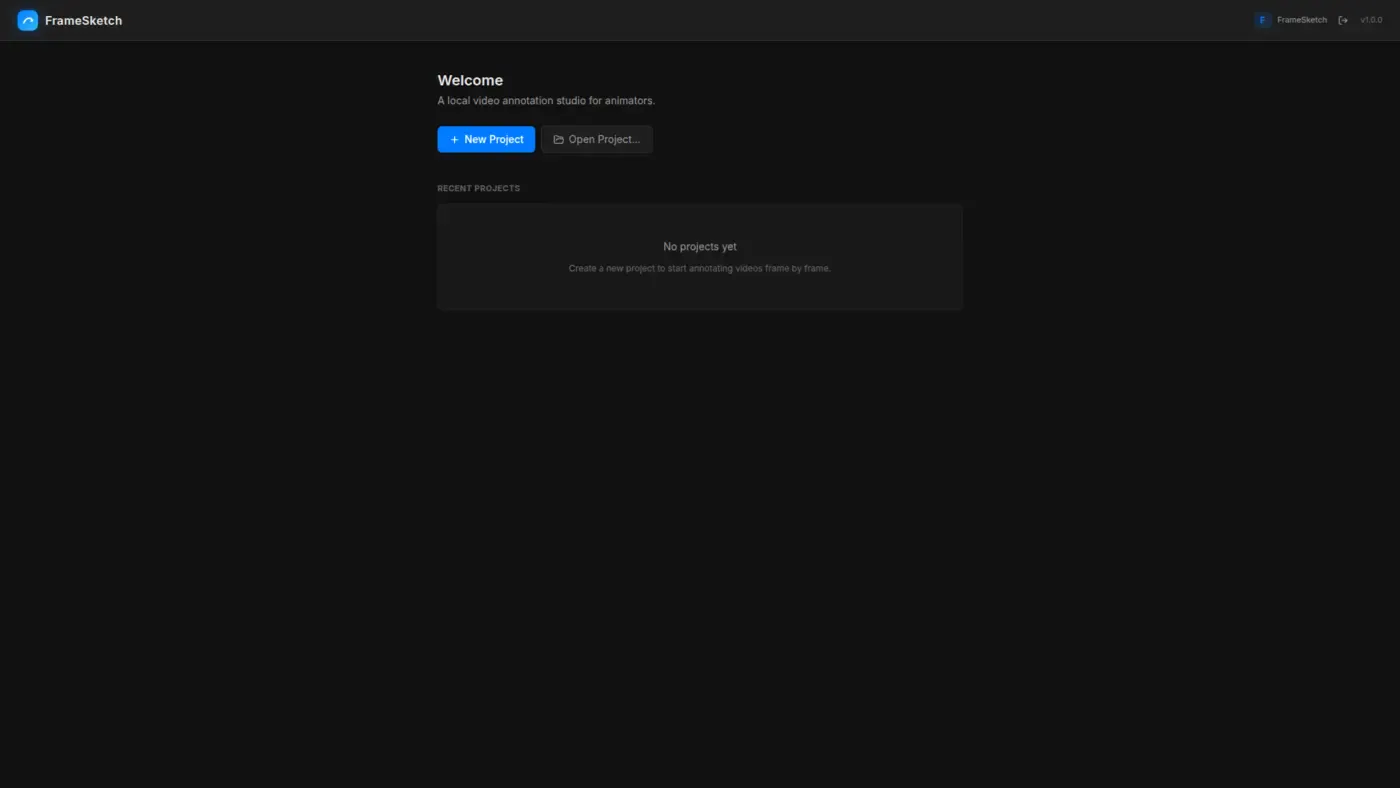
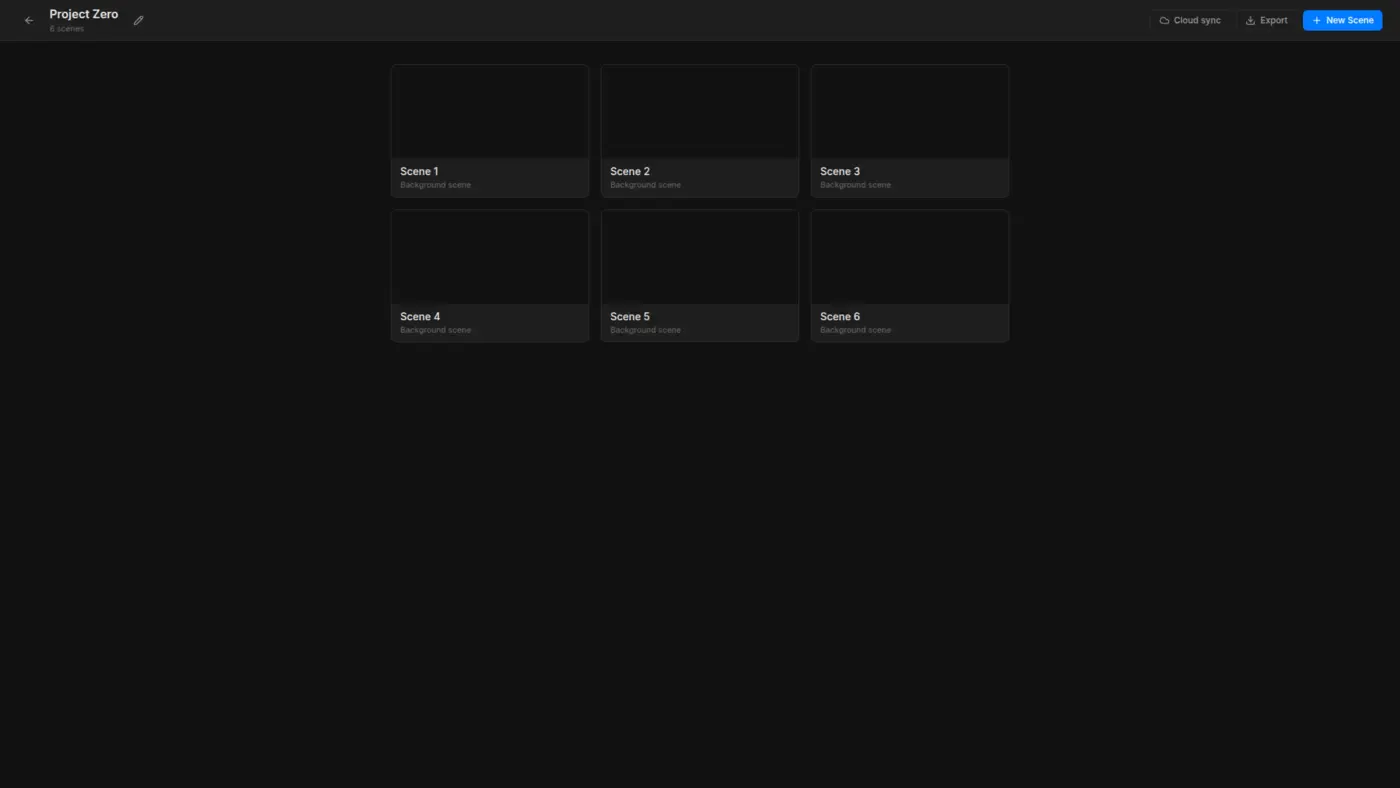
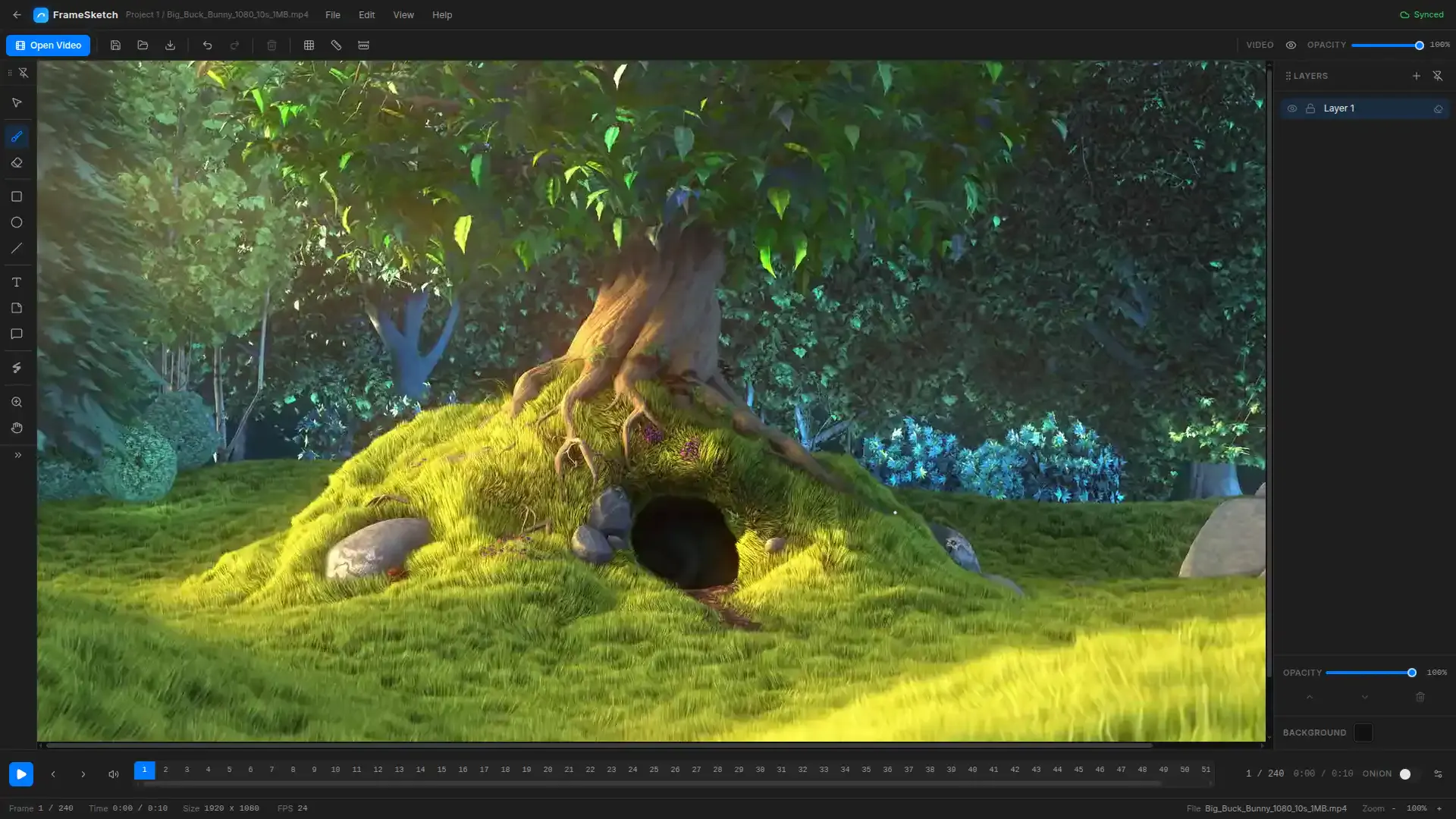
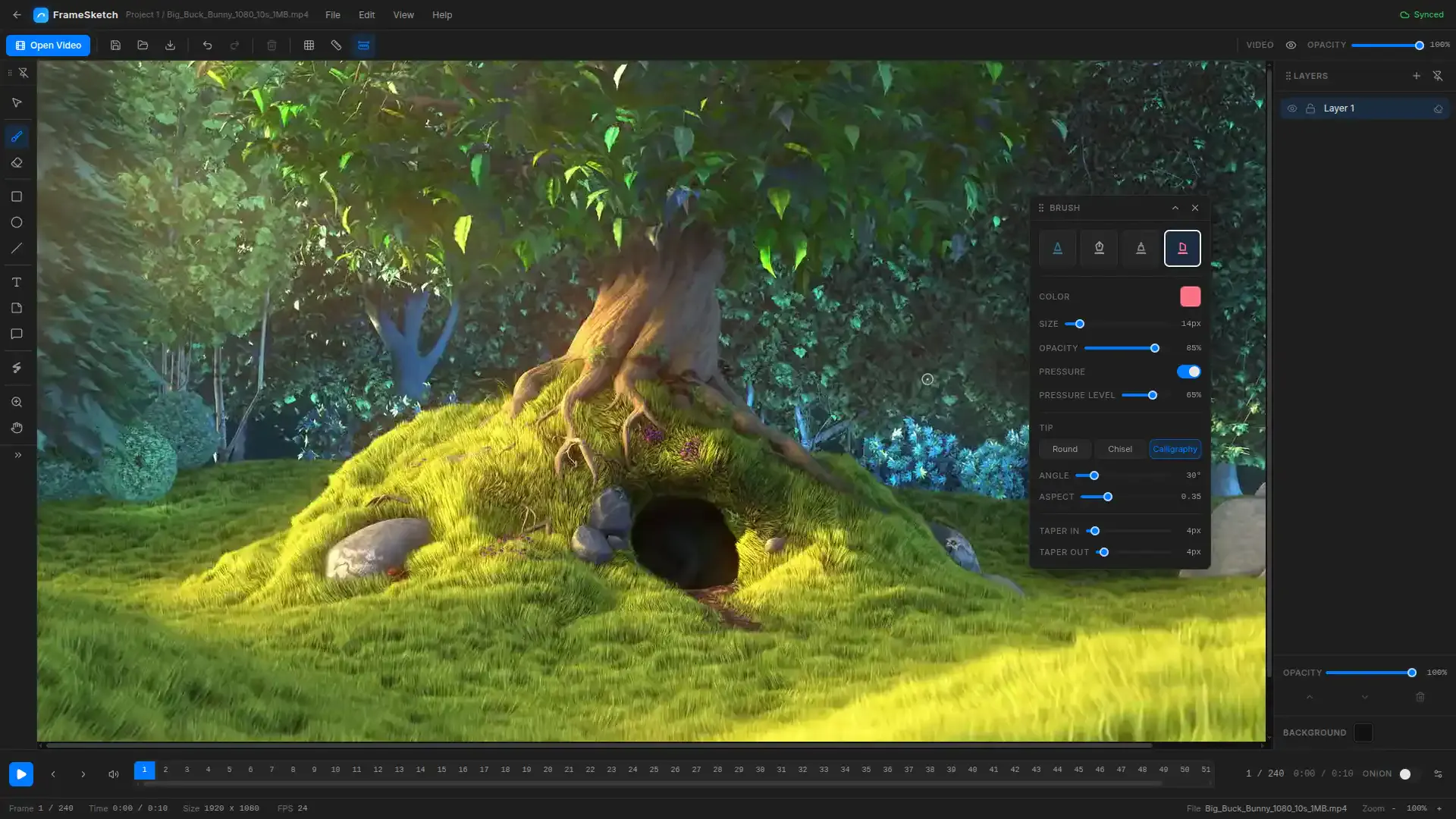
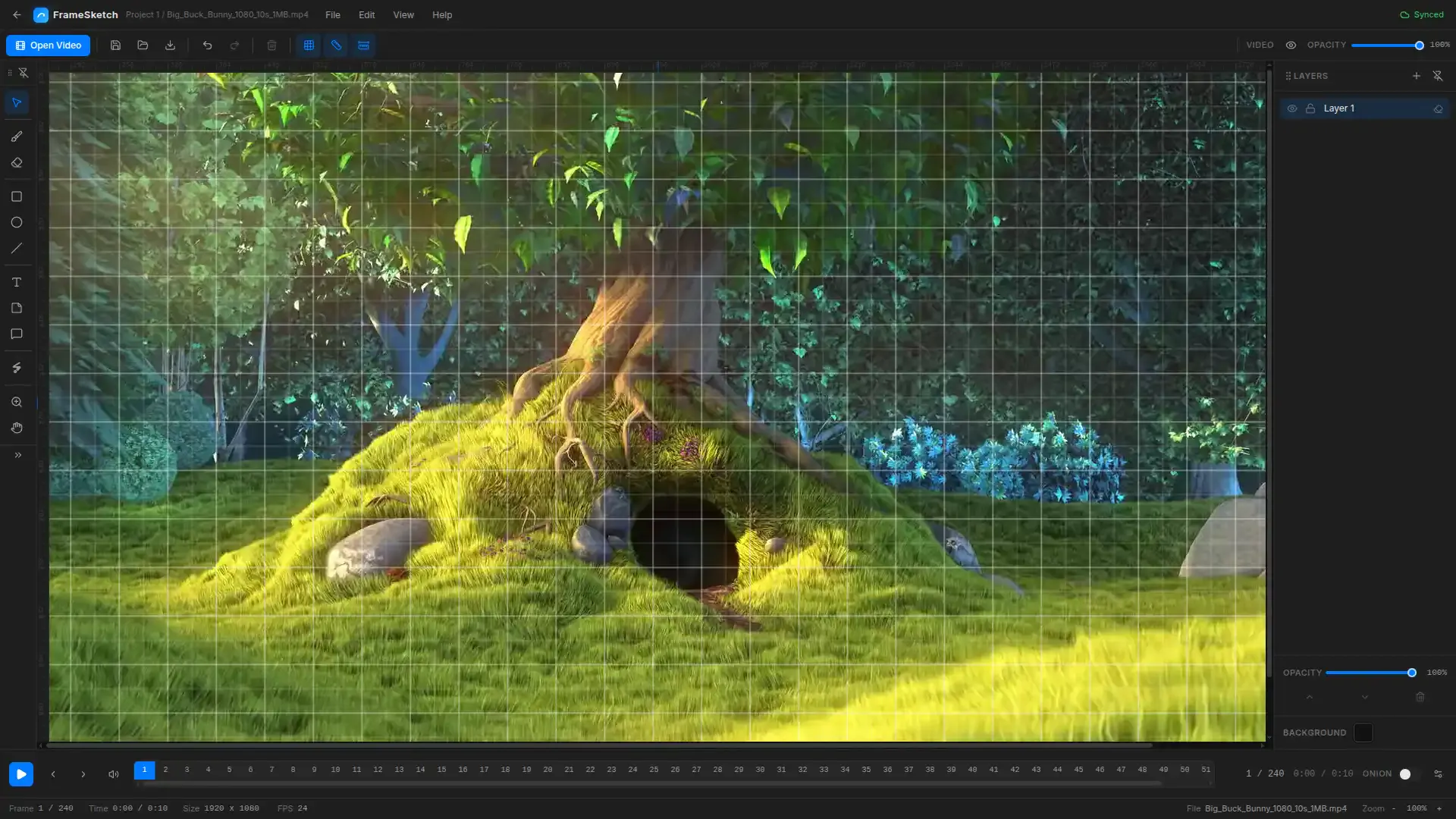
FrameSketch is a powerful, privacy-focused video editing tool tailored for animators, VFX artists, and motion designers. It allows users to import any video and scrub through each frame seamlessly, providing real-time, 60fps sketching directly over the video canvas. Its client-side architecture ensures zero cloud uploads, prioritizing user privacy and security. The intuitive interface makes it easy to draw, annotate, or plan frame-by-frame edits without complex setup or cloud dependencies. Designed to streamline workflows, FrameSketch helps creative professionals visualize ideas, create storyboards, or add annotations directly on their footage with precision and speed. Its high-performance, real-time sketching capabilities make it stand out as a lightweight yet robust tool for detailed frame analysis and creative annotations.
Screenshots
Pros
- ✓Zero cloud uploads ensuring maximum privacy and security
- ✓Smooth 60fps sketching for real-time editing
- ✓Intuitive, user-friendly interface tailored for creative professionals
- ✓Supports detailed frame-by-frame annotations and sketches
- ✓Lightweight and runs entirely on the client side
Cons
- ✗Limited information on advanced editing features
- ✗No integration with cloud storage or collaboration tools
- ✗Currently lacks extensive export options or post-processing features
Use Cases
Pricing
Pricing not verified
Quick Info
Topics
Makers

Ali Asgar Khawasawala
Alternatives
Similar Tools in AI Image & Design




Embed Badge
Add this badge to your website to show that FrameSketch is featured on Visalytica.
<a href="https://www.visalytica.com/tool/framesketch" target="_blank" rel="noopener noreferrer" style="display:inline-flex;align-items:center;gap:6px;padding:6px 14px;background:#7c3aed;color:#fff;border-radius:8px;font-family:-apple-system,system-ui,sans-serif;font-size:13px;font-weight:600;text-decoration:none;transition:background .2s" onmouseover="this.style.background='#6d28d9'" onmouseout="this.style.background='#7c3aed'"><svg width="14" height="14" viewBox="0 0 24 24" fill="none" stroke="currentColor" stroke-width="2.5" stroke-linecap="round" stroke-linejoin="round"><path d="M12 20V10"/><path d="M18 20V4"/><path d="M6 20v-4"/></svg>Featured on Visalytica</a>