
FrameOS
Record your iOS & Android screen from your Mac.
About FrameOS
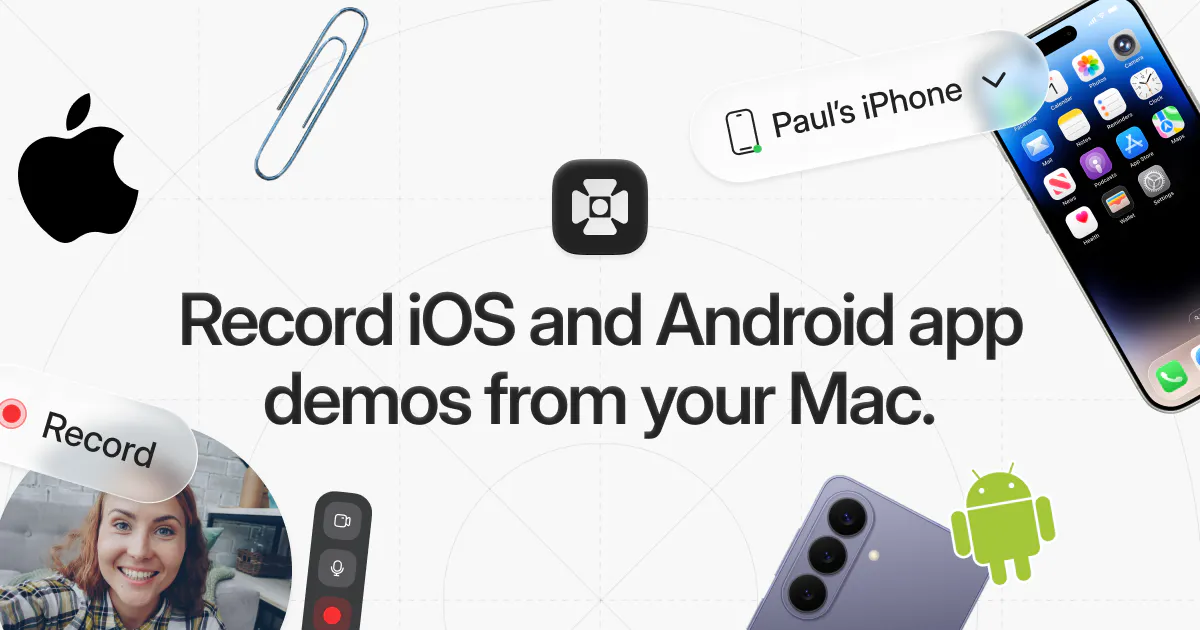
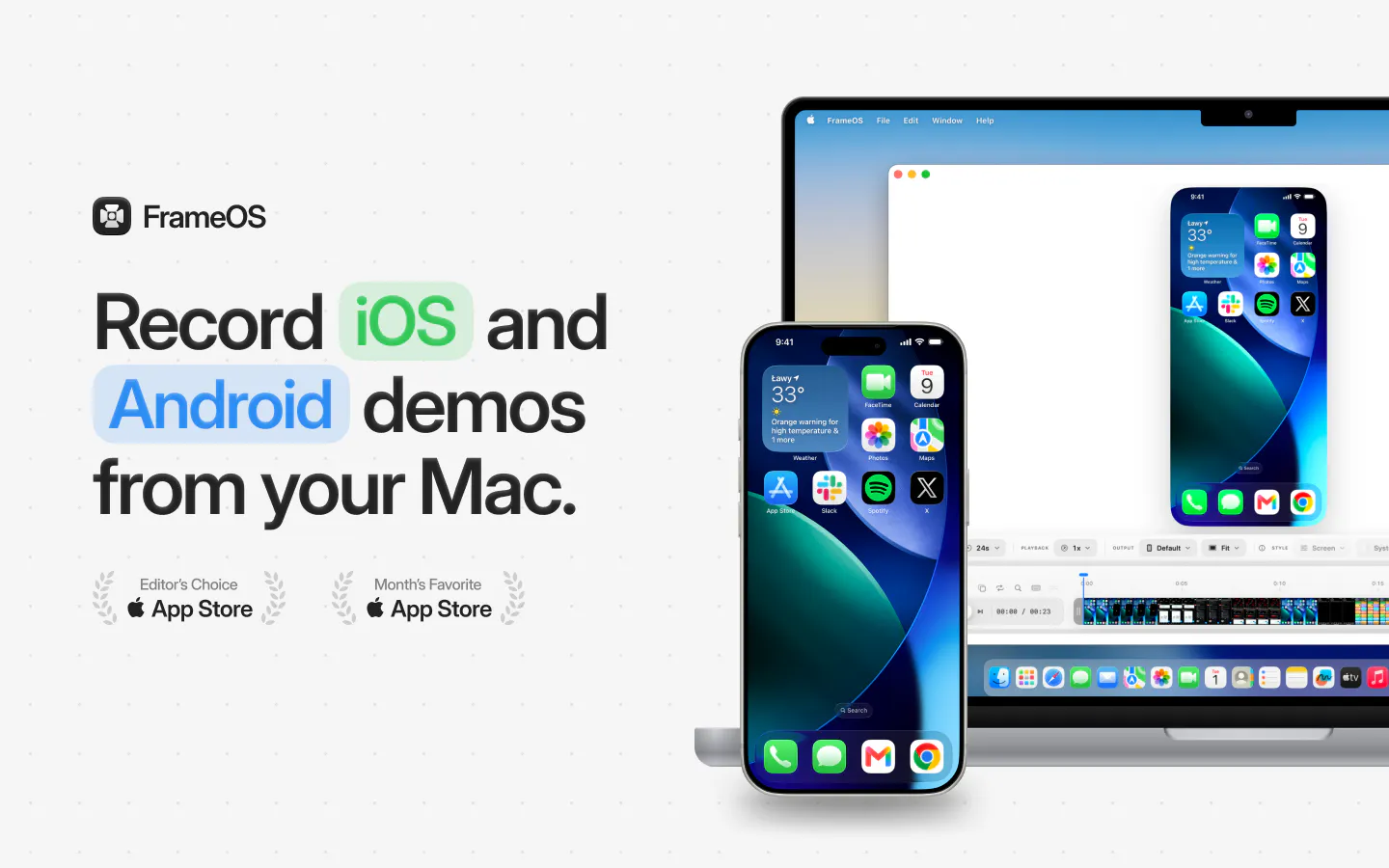
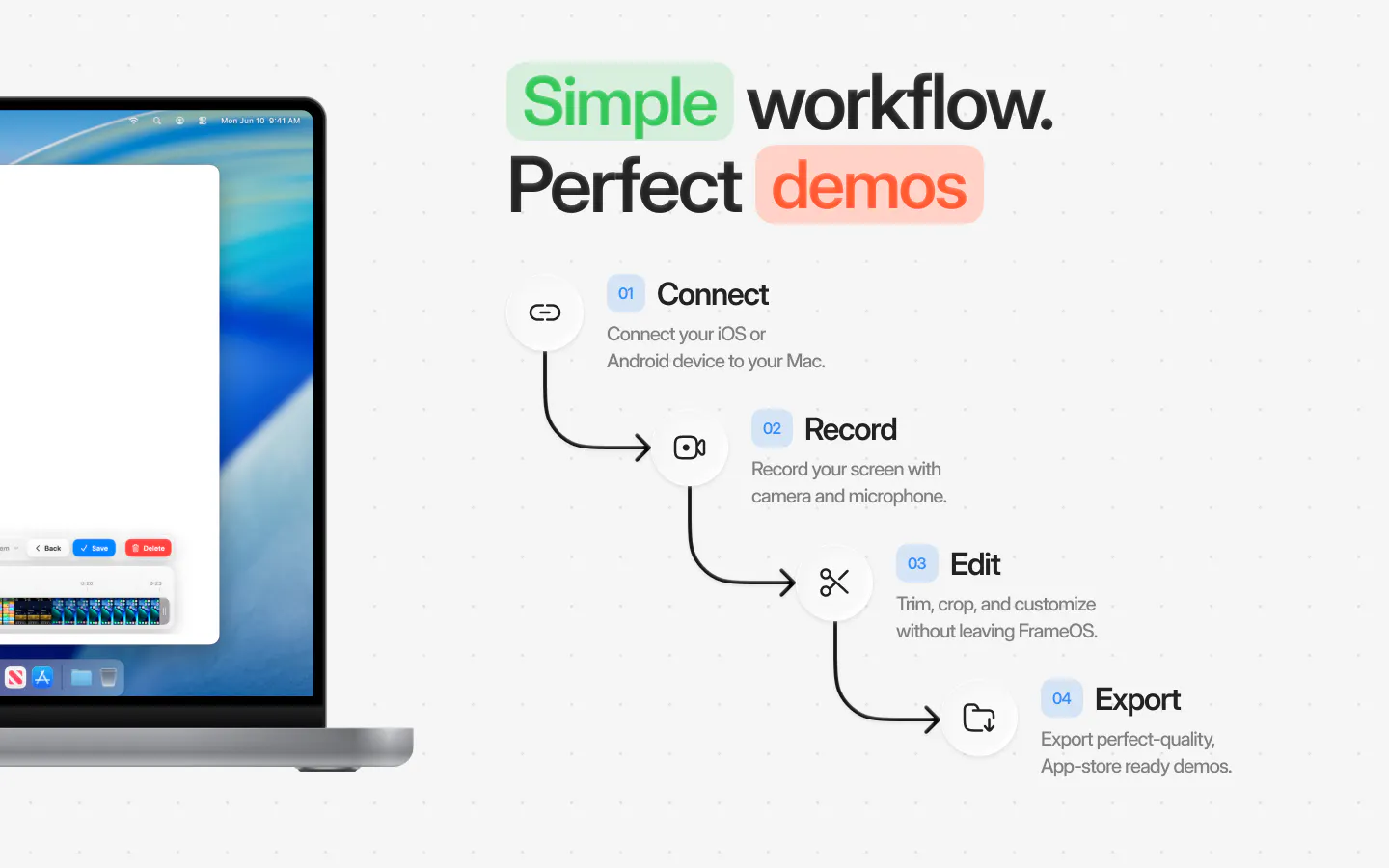
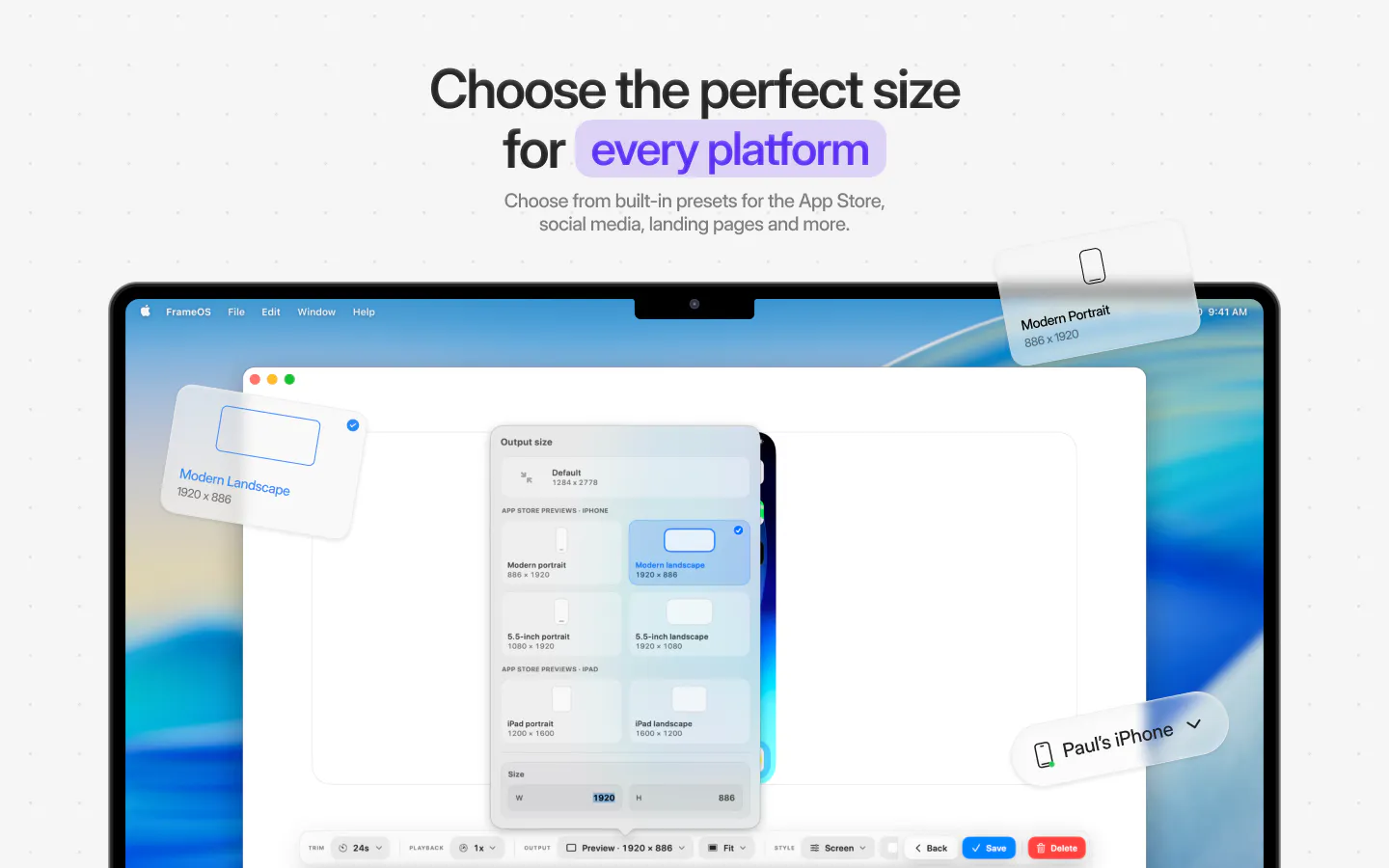
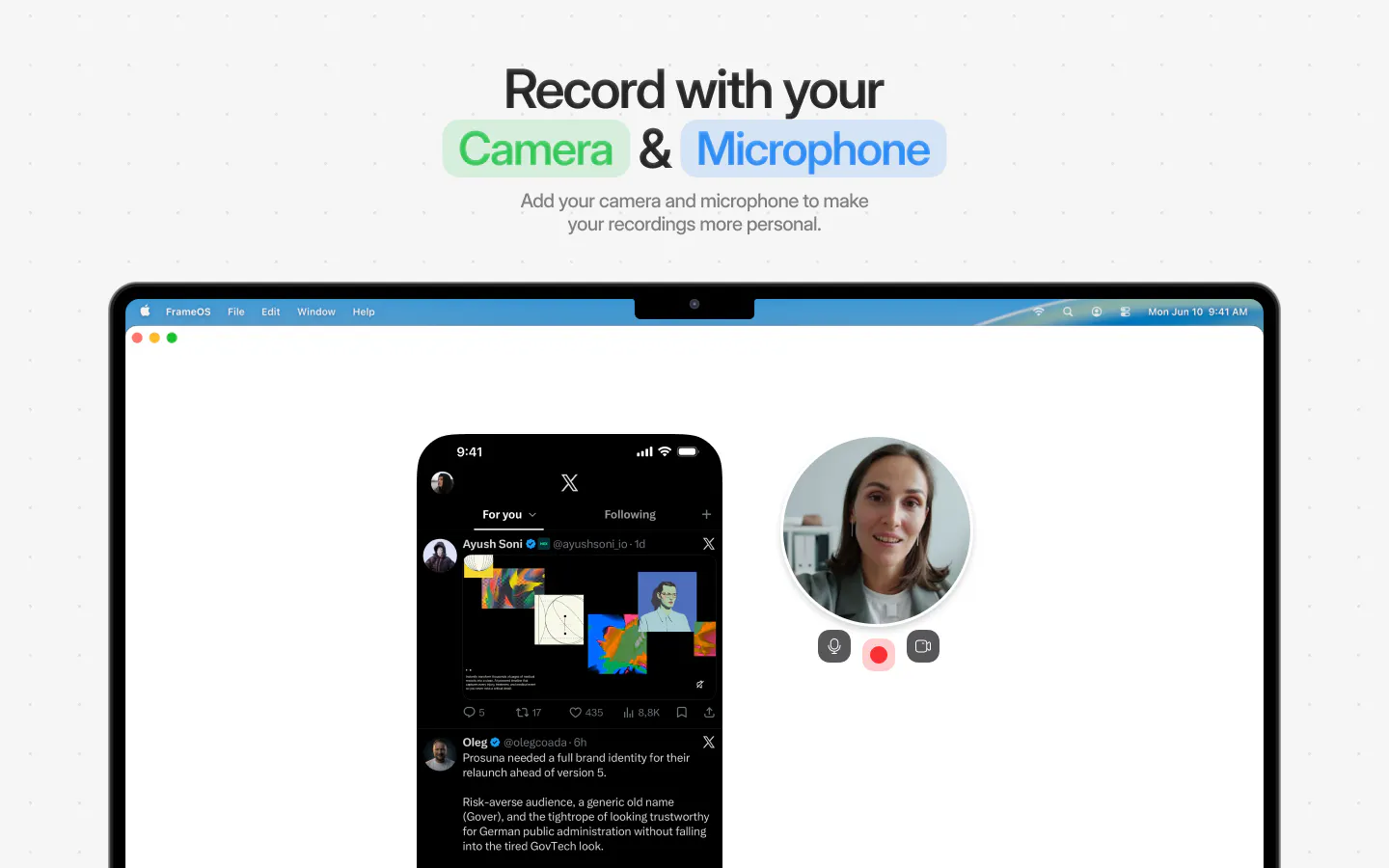
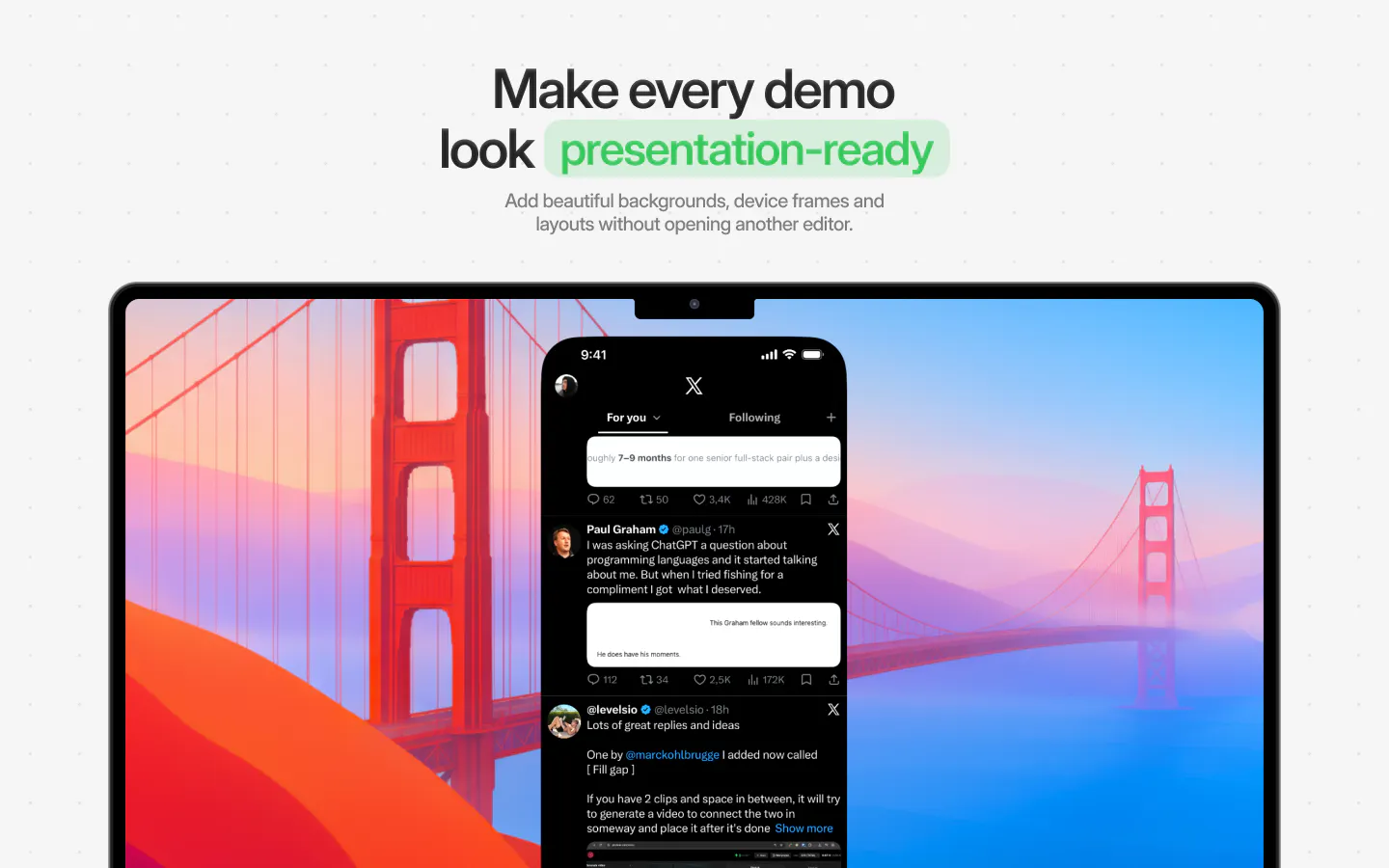
FrameOS is a versatile screen recording tool designed specifically for capturing iOS, iPadOS, and Android apps directly from a Mac. It enables users to create high-quality demos, tutorials, or marketing videos by recording their mobile device screens with ease. What sets FrameOS apart is its comprehensive editing suite, which allows users to add camera overlays, microphone input, smooth transitions, zoom effects, and masks, resulting in polished, professional-looking videos and screenshots. Ideal for app developers, marketers, and content creators, it simplifies the process of showcasing mobile applications without the need for complex setups or external recording hardware. With its user-friendly interface and robust feature set, FrameOS makes mobile app demonstration accessible and efficient for both novices and seasoned professionals.
Screenshots
Pros
- ✓Easy to record iOS, iPadOS, and Android screens directly from a Mac
- ✓Built-in editing tools for adding camera overlays, transitions, and effects
- ✓Produces professional-quality videos and screenshots
- ✓Streamlines mobile app demo creation without external hardware
- ✓User-friendly interface suitable for various skill levels
Cons
- ✗Limited information on pricing and subscription plans
- ✗Features and capabilities may be constrained compared to dedicated recording hardware
- ✗No details on supported Mac or OS versions
Use Cases
Pricing
Pricing not verified
Quick Info
Topics
Makers

Paul Waweru
Alternatives
Similar Tools in AI Image & Design




Embed Badge
Add this badge to your website to show that FrameOS is featured on Visalytica.
<a href="https://www.visalytica.com/tool/frameos" target="_blank" rel="noopener noreferrer" style="display:inline-flex;align-items:center;gap:6px;padding:6px 14px;background:#7c3aed;color:#fff;border-radius:8px;font-family:-apple-system,system-ui,sans-serif;font-size:13px;font-weight:600;text-decoration:none;transition:background .2s" onmouseover="this.style.background='#6d28d9'" onmouseout="this.style.background='#7c3aed'"><svg width="14" height="14" viewBox="0 0 24 24" fill="none" stroke="currentColor" stroke-width="2.5" stroke-linecap="round" stroke-linejoin="round"><path d="M12 20V10"/><path d="M18 20V4"/><path d="M6 20v-4"/></svg>Featured on Visalytica</a>