
Formalini
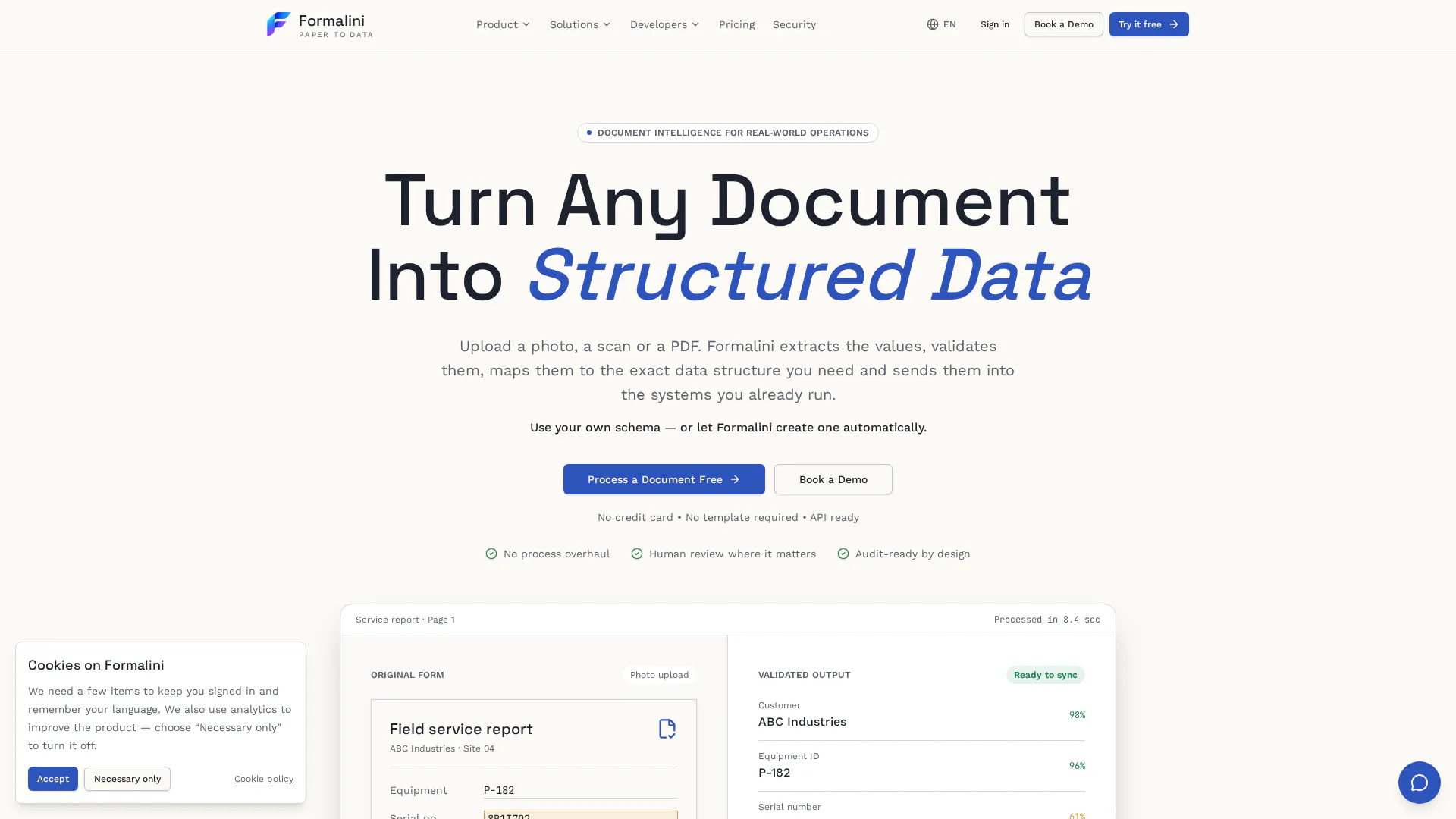
Turn Any Document Into Structured Data
About Formalini
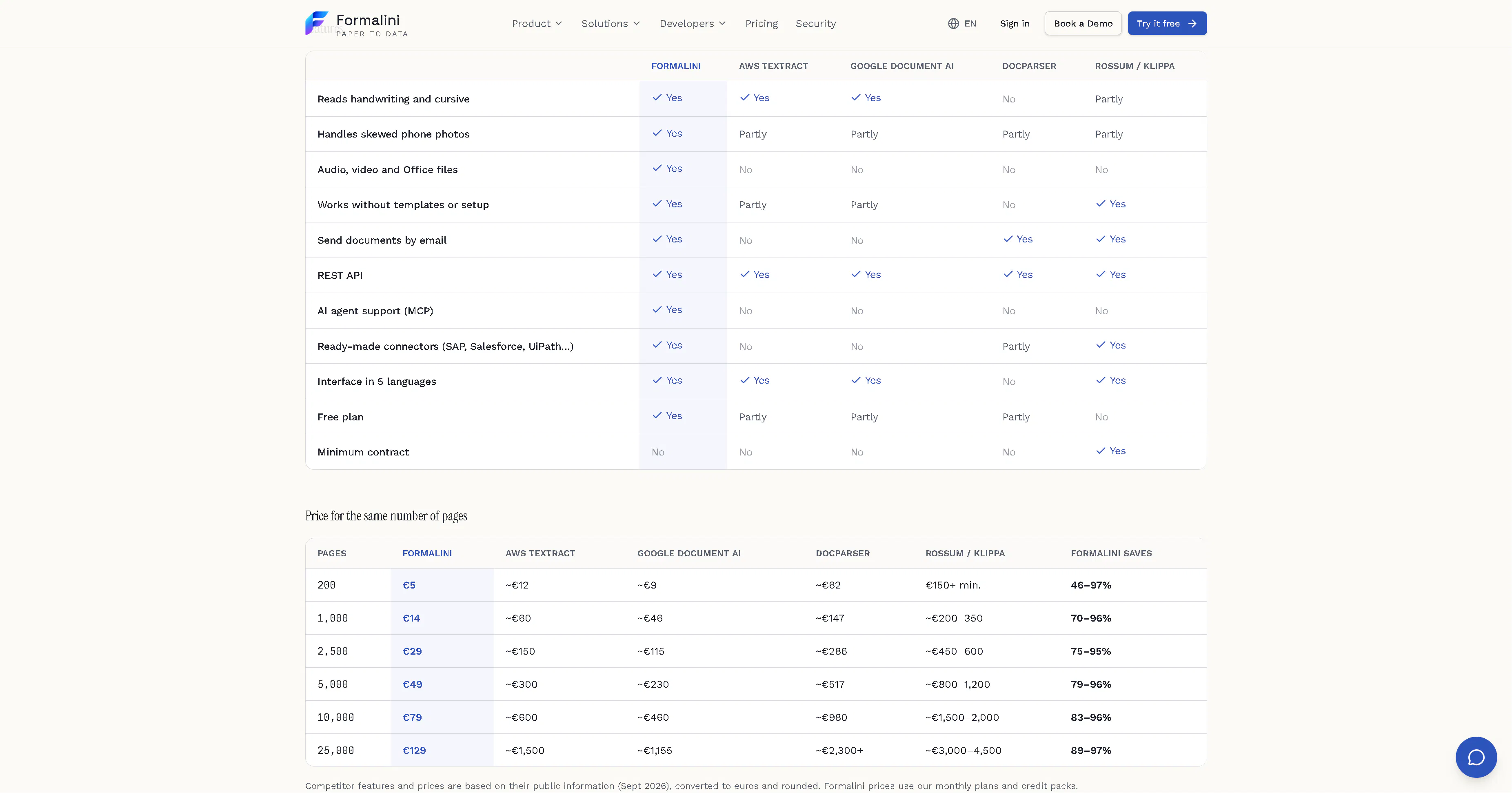
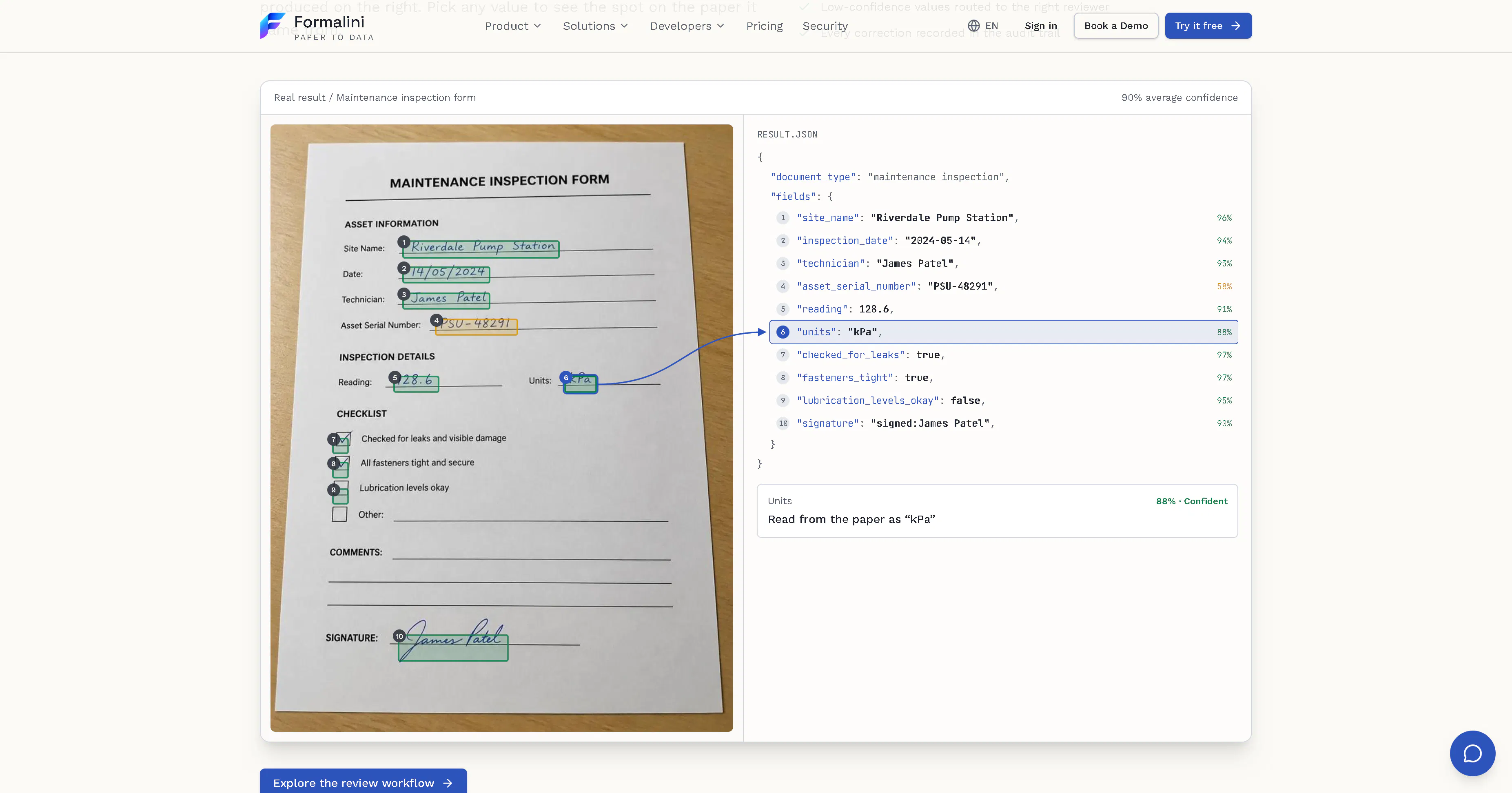
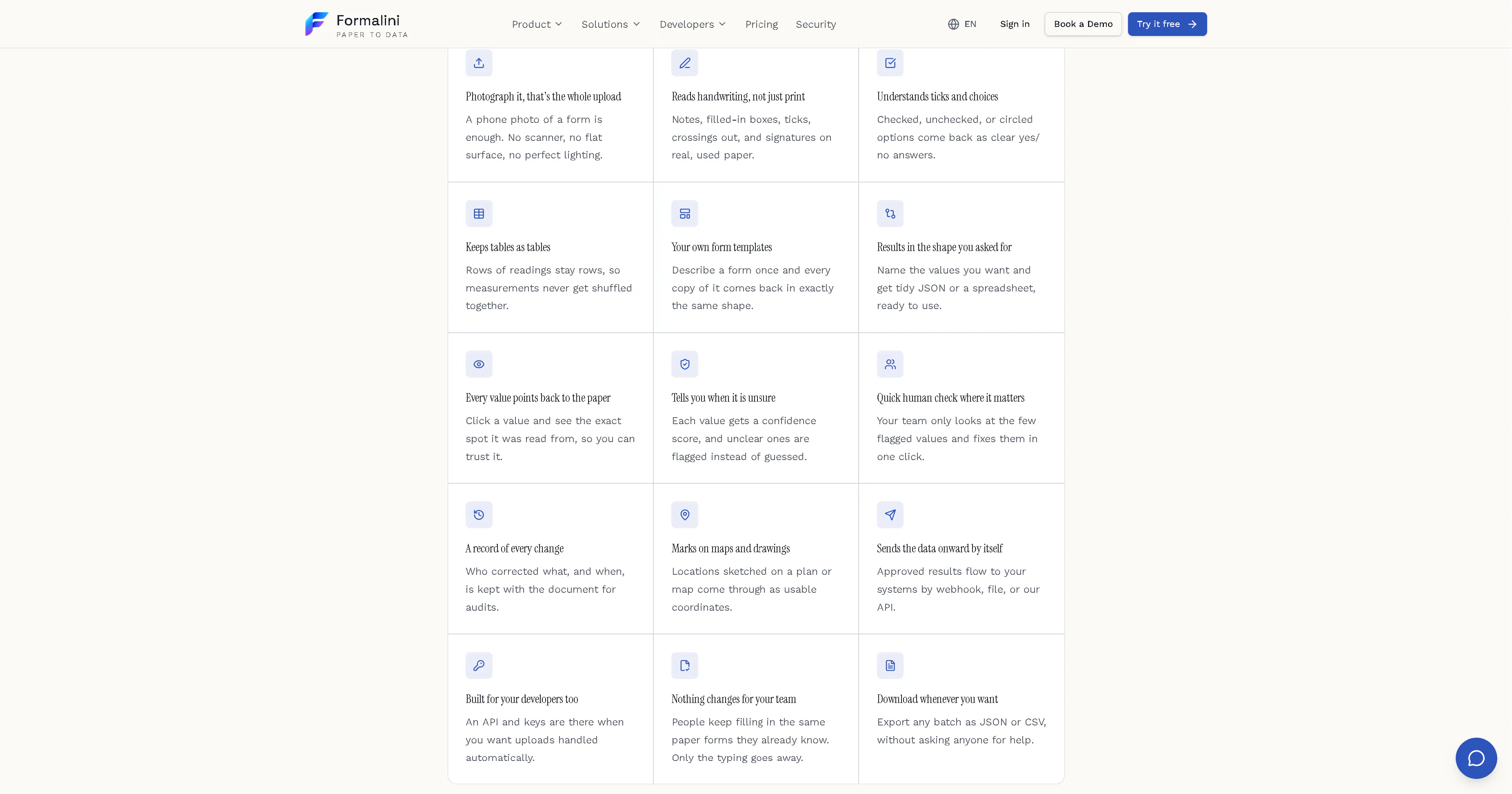
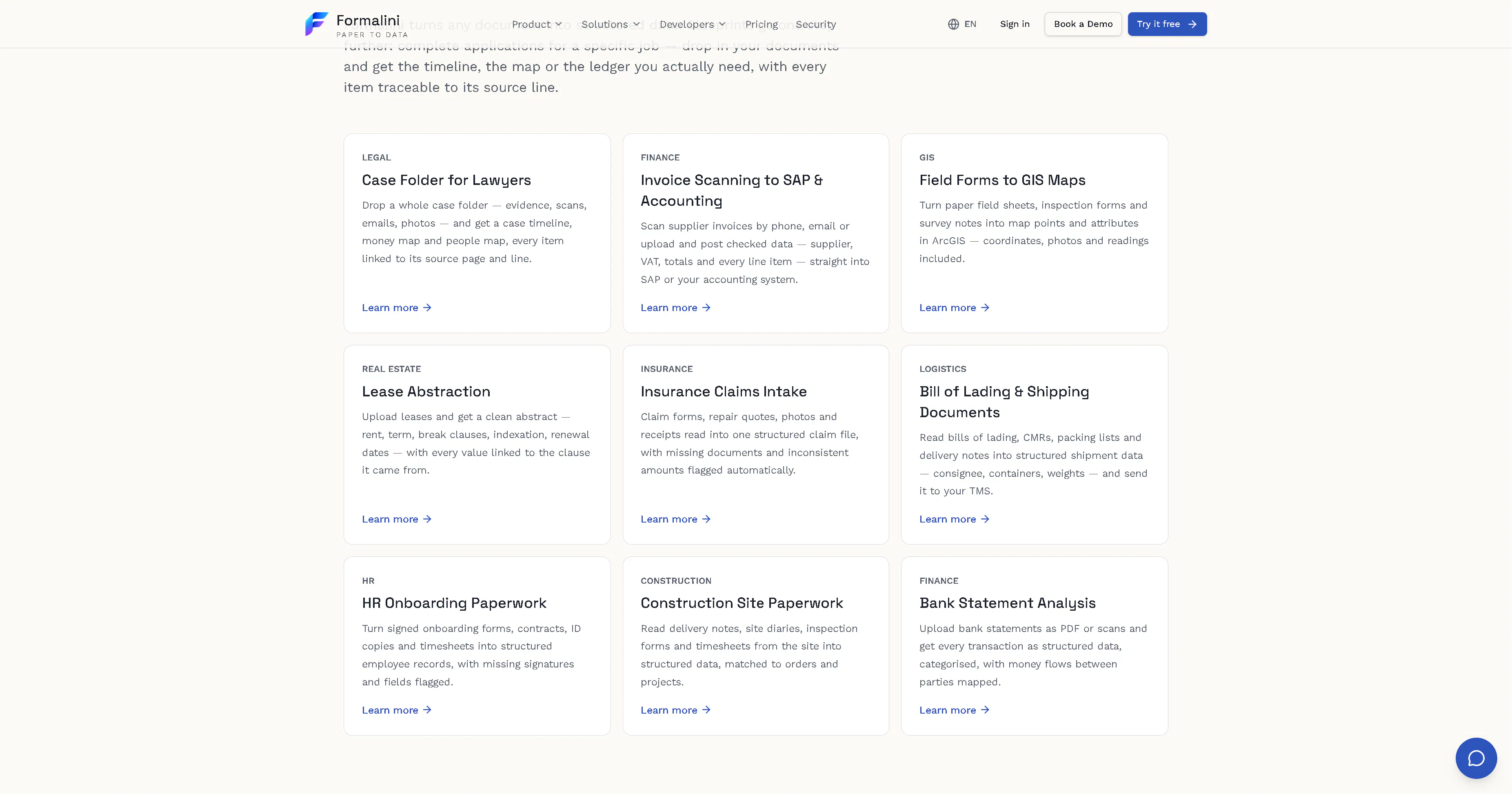
Formalini is an innovative AI-powered platform designed to transform unstructured documents, images, scans, and handwritten notes into clean, structured data formats such as JSON, Excel, and tables. Its versatility makes it ideal for individuals and businesses looking to automate data extraction and organization, saving time and reducing manual effort. The tool's Personal Vault feature offers a secure, centralized location for storing and automatically extracting information from personal documents and receipts, enhancing personal productivity. For enterprise users, Formalini seamlessly integrates with major workflow systems like UiPath, SAP, and Salesforce, enabling streamlined automation across various business processes. The addition of the MCP server allows AI agents to interact programmatically with documents and data, opening up advanced automation possibilities. Overall, Formalini stands out with its quick, accurate data conversion capabilities and enterprise connectivity, making it a valuable asset for data management and automation tasks.
Screenshots
Pros
- ✓Fast and accurate conversion of various document types into structured data
- ✓Supports multiple output formats including JSON, Excel, and tables
- ✓Secure Personal Vault for organized document storage
- ✓Enterprise integrations with UiPath, SAP, Salesforce, and more
- ✓Programmatic access via MCP server for advanced automation
Cons
- ✗Vague on specific pricing and subscription plans
- ✗Potential learning curve for non-technical users
- ✗Limited information on customization options or advanced features
Use Cases
Pricing
Pricing not verified
Quick Info
Topics
Makers

Marco Pascalini
Similar Tools in Data & Analytics




Embed Badge
Add this badge to your website to show that Formalini is featured on Visalytica.
<a href="https://www.visalytica.com/tool/formalini" target="_blank" rel="noopener noreferrer" style="display:inline-flex;align-items:center;gap:6px;padding:6px 14px;background:#7c3aed;color:#fff;border-radius:8px;font-family:-apple-system,system-ui,sans-serif;font-size:13px;font-weight:600;text-decoration:none;transition:background .2s" onmouseover="this.style.background='#6d28d9'" onmouseout="this.style.background='#7c3aed'"><svg width="14" height="14" viewBox="0 0 24 24" fill="none" stroke="currentColor" stroke-width="2.5" stroke-linecap="round" stroke-linejoin="round"><path d="M12 20V10"/><path d="M18 20V4"/><path d="M6 20v-4"/></svg>Featured on Visalytica</a>