
FocuSee 2.0
Record screen to get polished demos & tutorials
About FocuSee 2.0


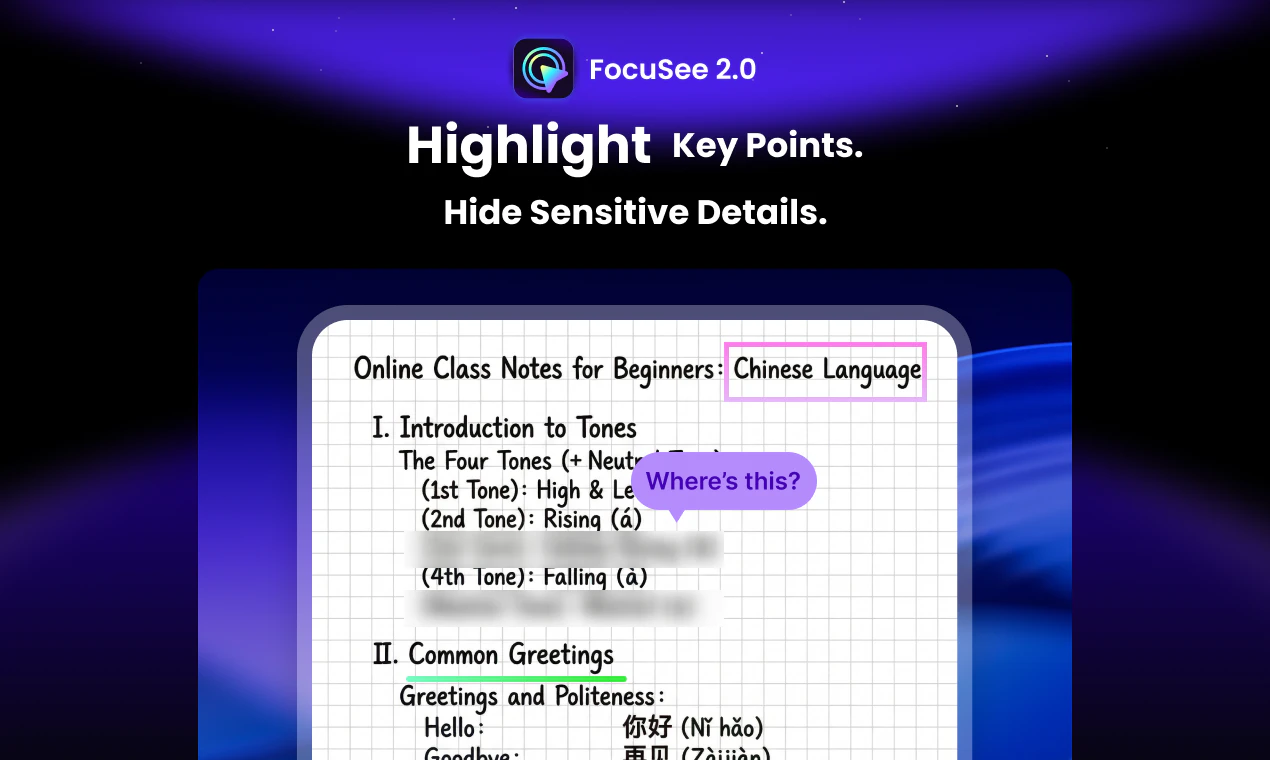
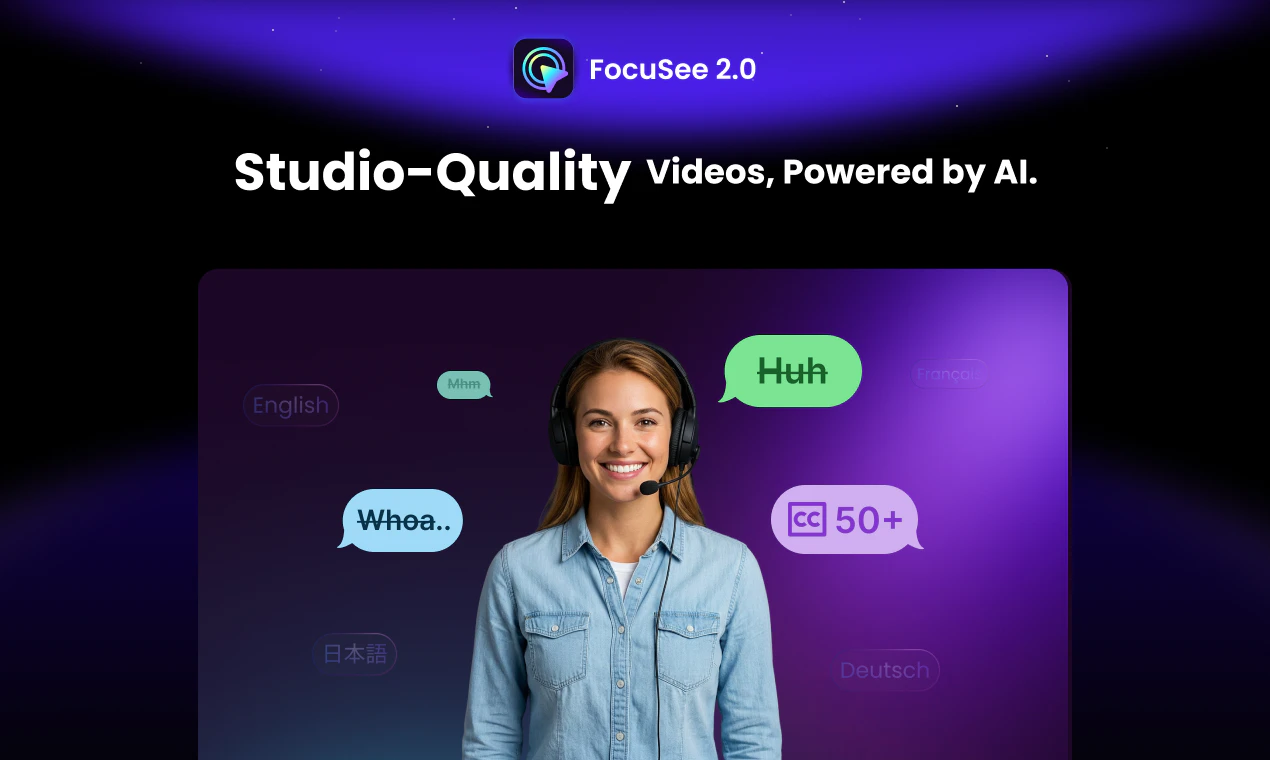
FocuSee 2.0 is a powerful screen recording and video editing tool designed for creators, product teams, and marketers aiming to produce polished demos and tutorials effortlessly. Leveraging AI-driven features, it simplifies the process of capturing high-quality videos on mobile or desktop, and enhances them with automated subtitles, background removal, voice enhancement, and noise reduction. Its ability to generate professional-looking content within minutes makes it ideal for those who want quick, share-ready videos without the hassle of manual editing. The inclusion of 3D Motion and annotation tools further empowers users to craft engaging, visually appealing content that stands out. What sets FocuSee 2.0 apart is its focus on streamlining the entire video production workflow, making professional video creation accessible even to non-experts.
Screenshots
Pros
- ✓AI-powered editing features including auto subtitles, background removal, and noise reduction
- ✓Quick turnaround, producing polished videos shortly after recording
- ✓User-friendly interface suitable for non-technical users
- ✓Versatile for creating demos, tutorials, and marketing videos
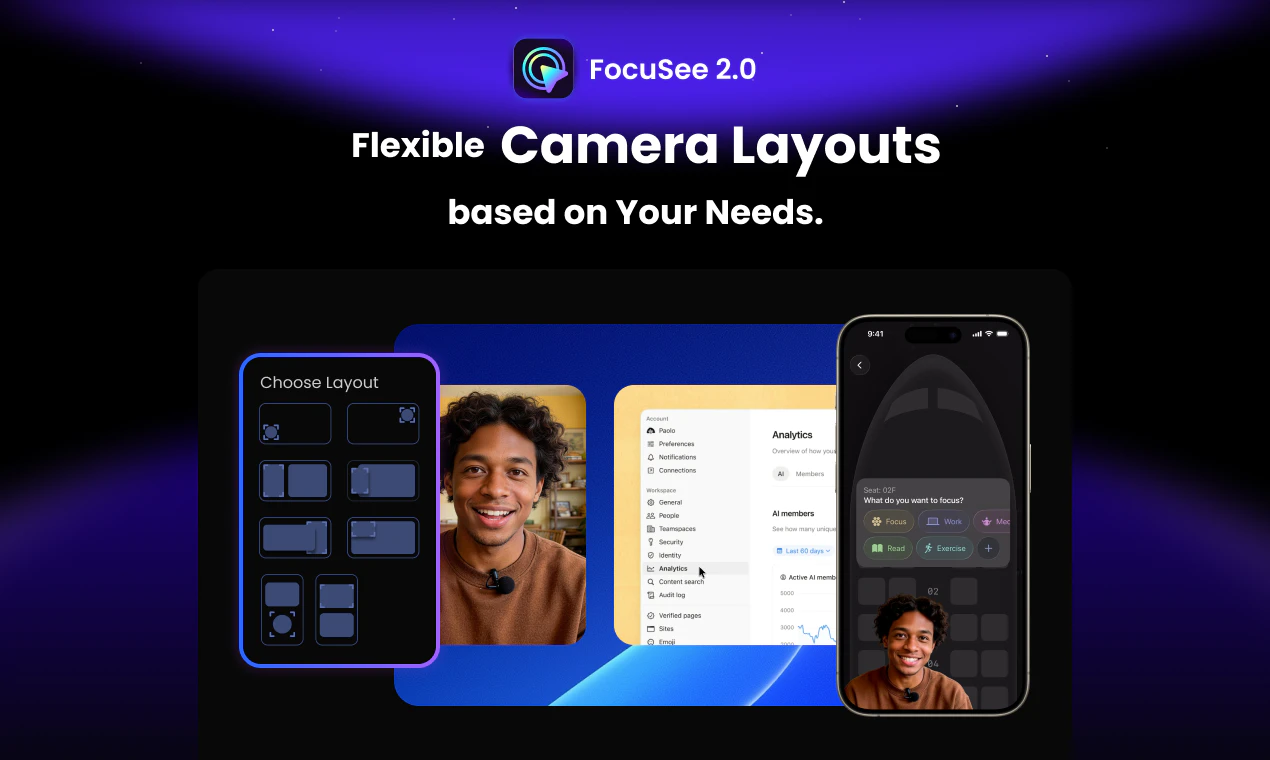
- ✓Supports mobile screen recording for on-the-go content creation
Cons
- ✗Limited information on pricing and subscription options
- ✗Potential learning curve for advanced features
- ✗May require a high-performance device for optimal operation
Use Cases
Pricing
Likely operates on a freemium model with free basic features; premium plans probably start at a moderate monthly fee offering access to advanced AI editing tools and higher video quality.
Quick Info
Topics
Similar Tools in Education & Learning




Embed Badge
Add this badge to your website to show that FocuSee 2.0 is featured on Visalytica.
<a href="https://www.visalytica.com/tool/focusee-2-0" target="_blank" rel="noopener noreferrer" style="display:inline-flex;align-items:center;gap:6px;padding:6px 14px;background:#7c3aed;color:#fff;border-radius:8px;font-family:-apple-system,system-ui,sans-serif;font-size:13px;font-weight:600;text-decoration:none;transition:background .2s" onmouseover="this.style.background='#6d28d9'" onmouseout="this.style.background='#7c3aed'"><svg width="14" height="14" viewBox="0 0 24 24" fill="none" stroke="currentColor" stroke-width="2.5" stroke-linecap="round" stroke-linejoin="round"><path d="M12 20V10"/><path d="M18 20V4"/><path d="M6 20v-4"/></svg>Featured on Visalytica</a>