
Focus Form
Workspace Memory for macOS
About Focus Form
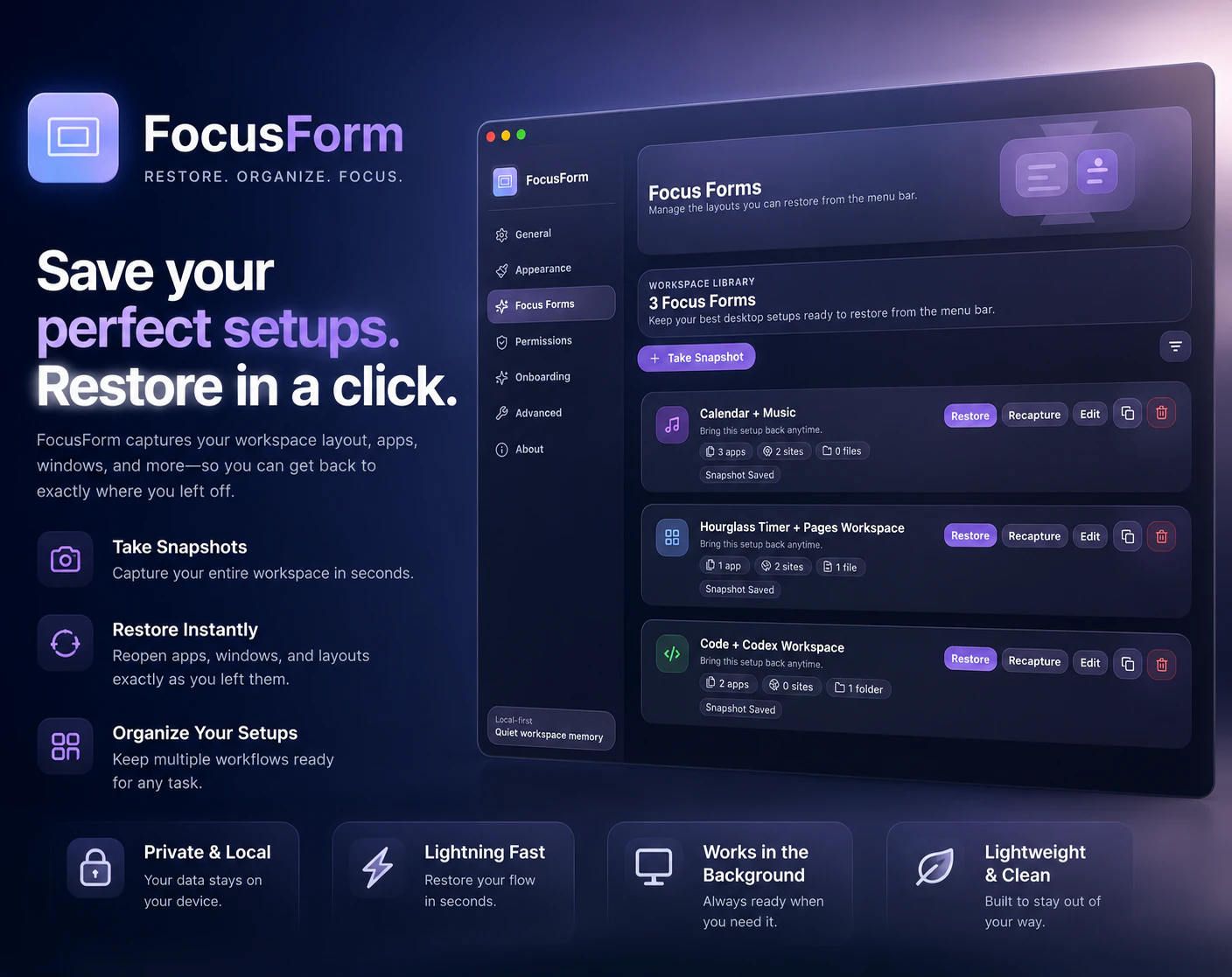
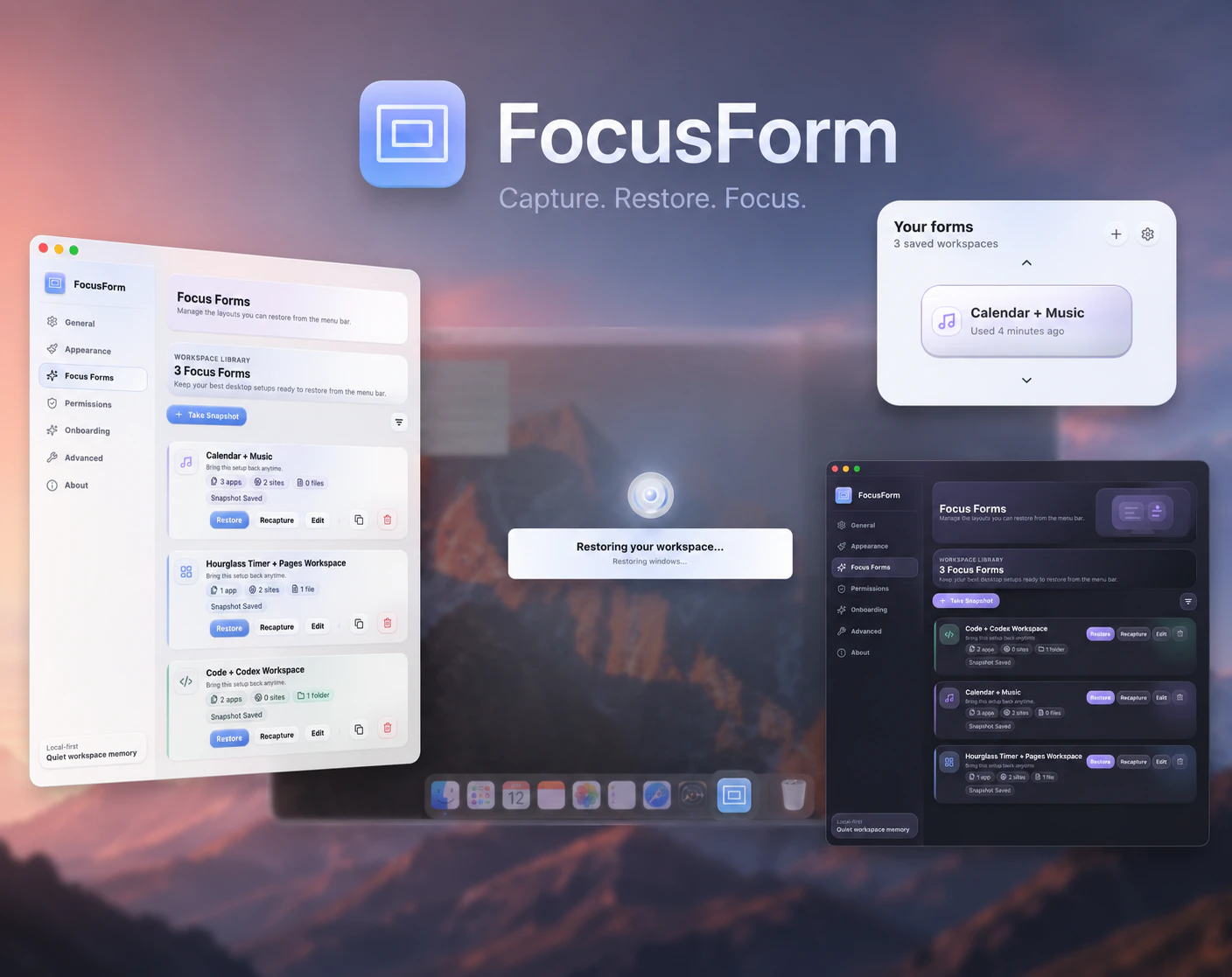
Focus Form is a macOS utility designed to streamline workspace management by saving and restoring your desktop environment with a single click. Ideal for professionals who juggle multiple projects or workflows, it allows users to set up specific app configurations, open files, websites, and window arrangements tailored to tasks like writing, coding, design, research, or client work. Its local-first approach ensures privacy and speed, leveraging native support for Apple Silicon and Intel Macs. By enabling quick transitions between different work setups, Focus Form enhances productivity and reduces the time spent on manual window management. Its simplicity and efficiency make it particularly appealing for power users who need to switch contexts frequently without losing their preferred workspace configurations.
Screenshots


Pros
- ✓Easy one-click workspace snapshots
- ✓Supports Apple Silicon and Intel Macs
- ✓Local-first privacy and speed
- ✓Customizable for different workflows
- ✓Enhances productivity by reducing setup time
Cons
- ✗Limited information on pricing and advanced features
- ✗No free tier or trial details available
- ✗May require manual setup for complex workspaces
Use Cases
Pricing
Likely follows a freemium model with core features available for free, and premium features or updates possibly offered via paid plans or one-time purchase; exact pricing details are not specified.
Quick Info
Topics
Makers

Michael B
Alternatives
Similar Tools in AI Writing




Embed Badge
Add this badge to your website to show that Focus Form is featured on Visalytica.
<a href="https://www.visalytica.com/tool/focus-form" target="_blank" rel="noopener noreferrer" style="display:inline-flex;align-items:center;gap:6px;padding:6px 14px;background:#7c3aed;color:#fff;border-radius:8px;font-family:-apple-system,system-ui,sans-serif;font-size:13px;font-weight:600;text-decoration:none;transition:background .2s" onmouseover="this.style.background='#6d28d9'" onmouseout="this.style.background='#7c3aed'"><svg width="14" height="14" viewBox="0 0 24 24" fill="none" stroke="currentColor" stroke-width="2.5" stroke-linecap="round" stroke-linejoin="round"><path d="M12 20V10"/><path d="M18 20V4"/><path d="M6 20v-4"/></svg>Featured on Visalytica</a>