FluidDocs CLI
Publish interactive docs that answer and report back
About FluidDocs CLI
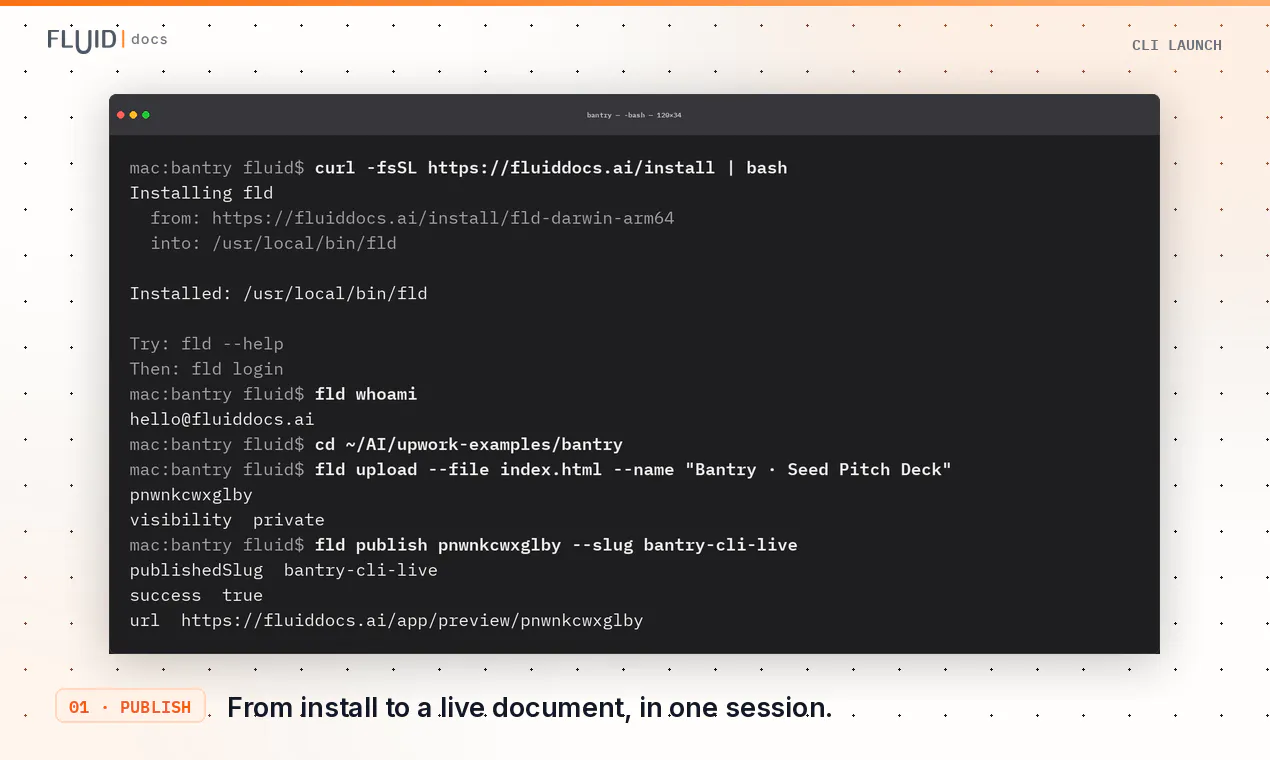
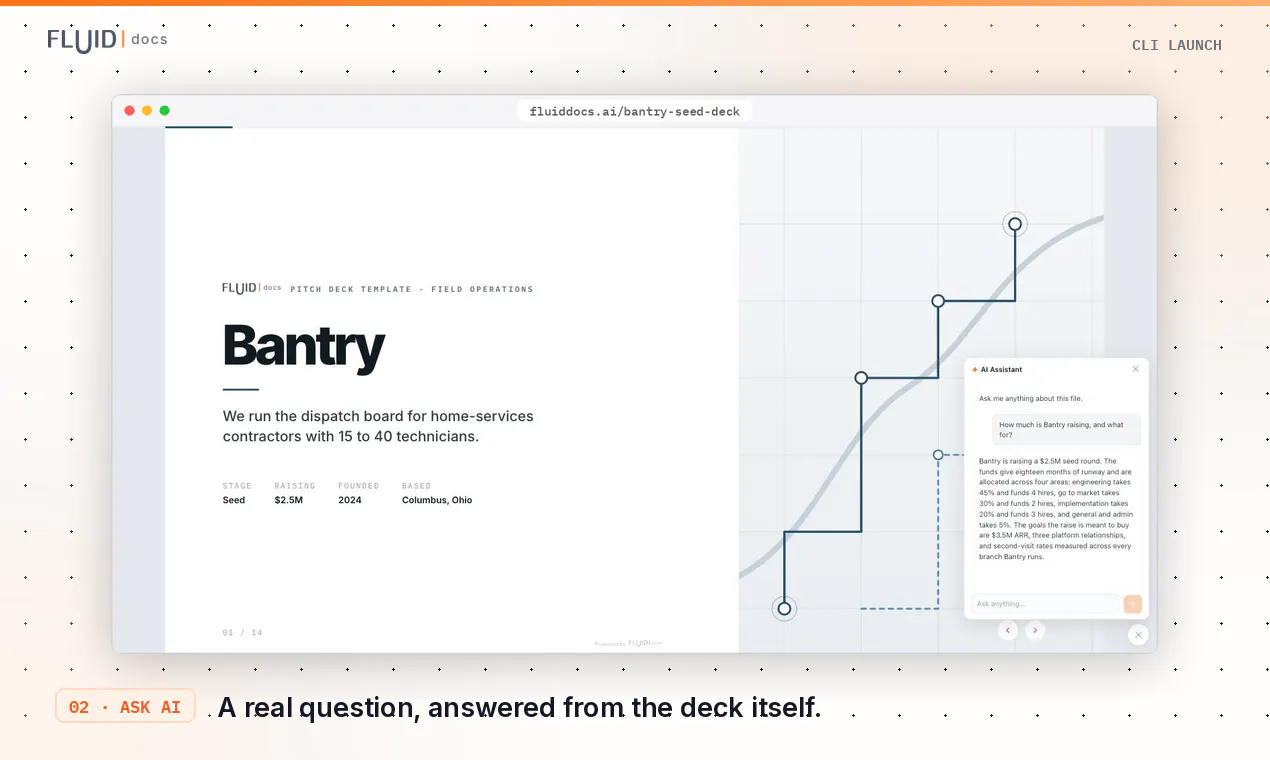
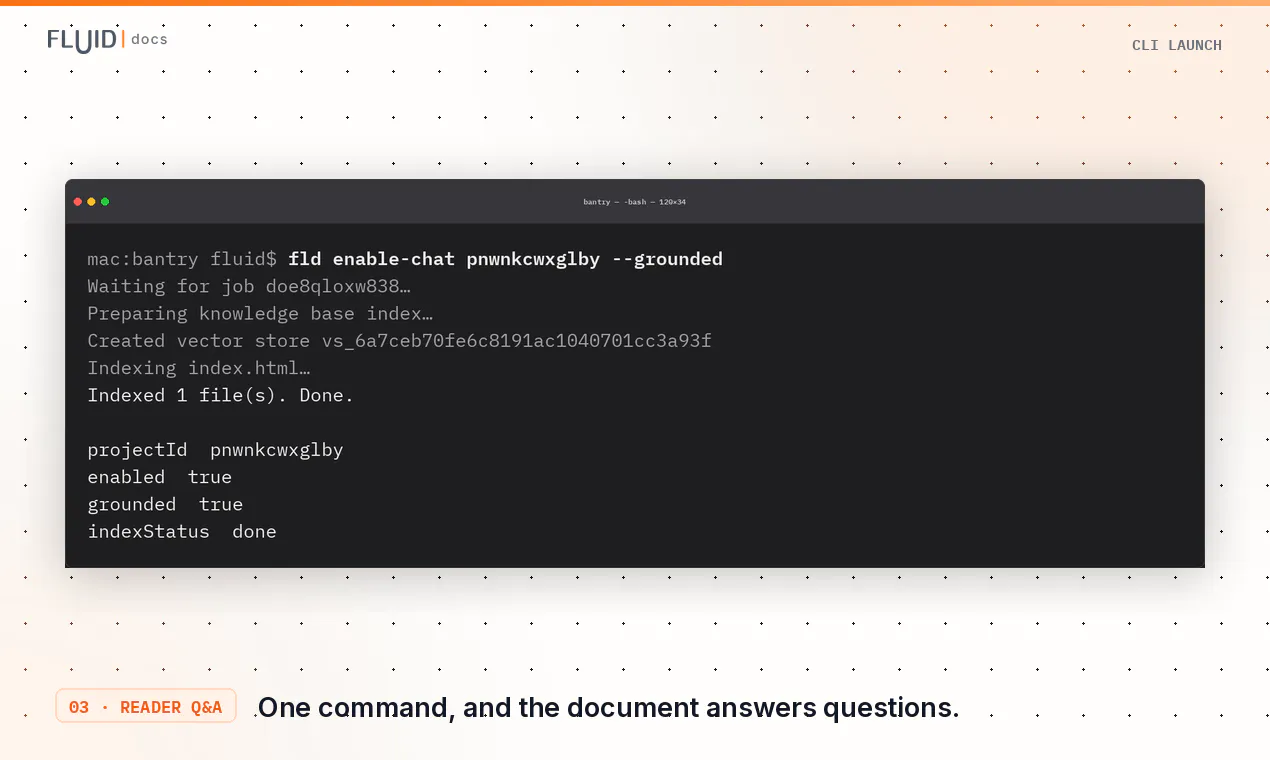
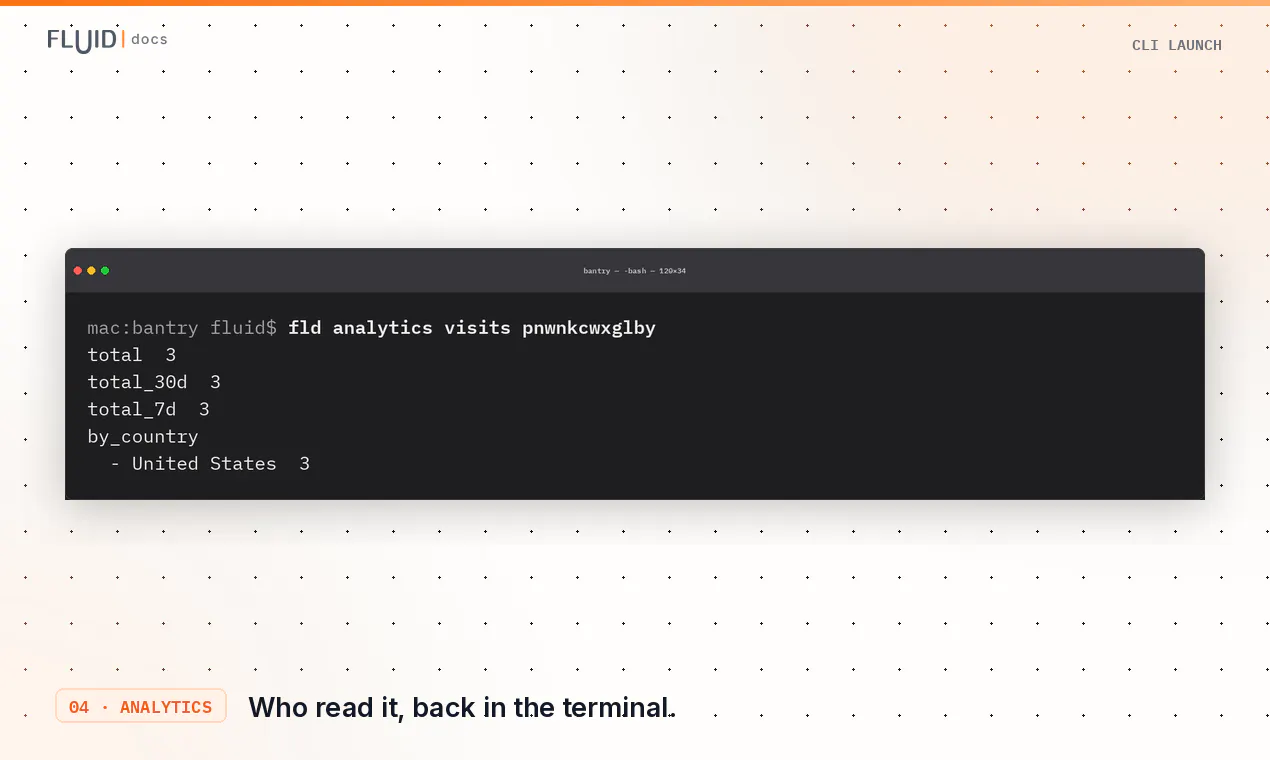
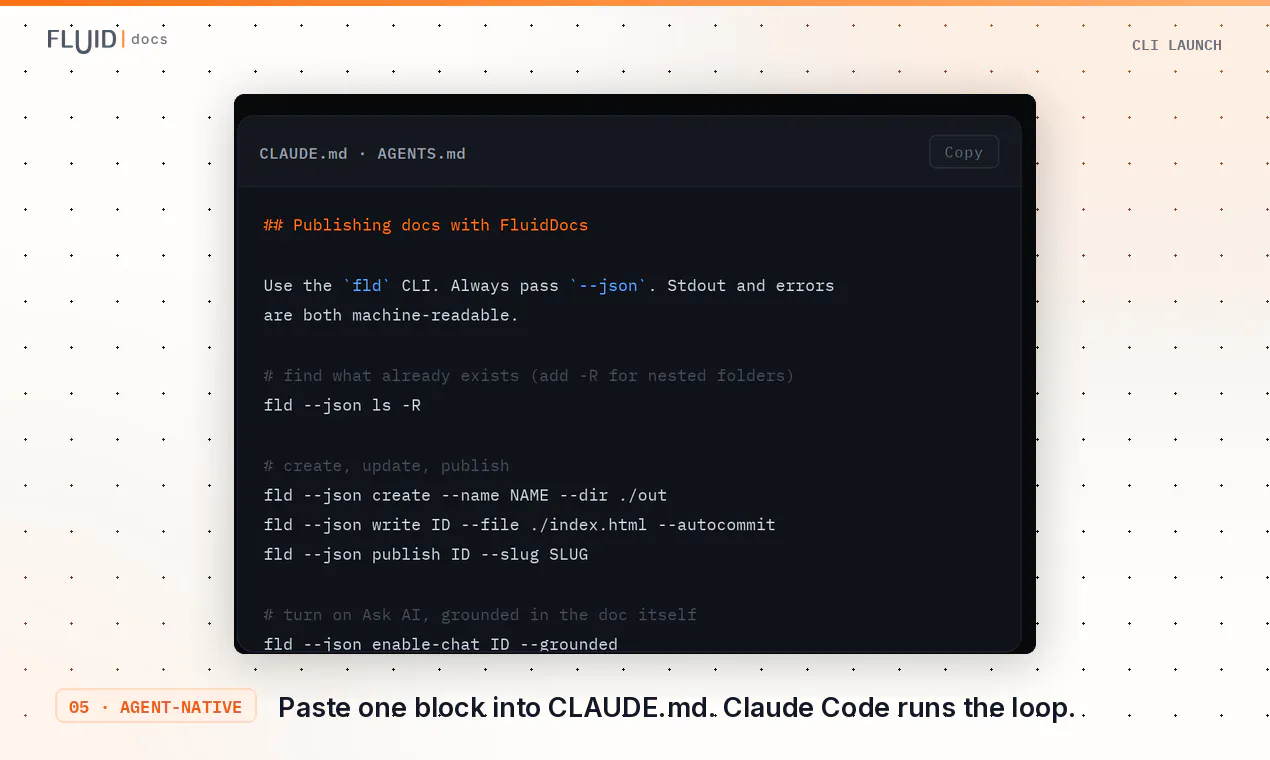
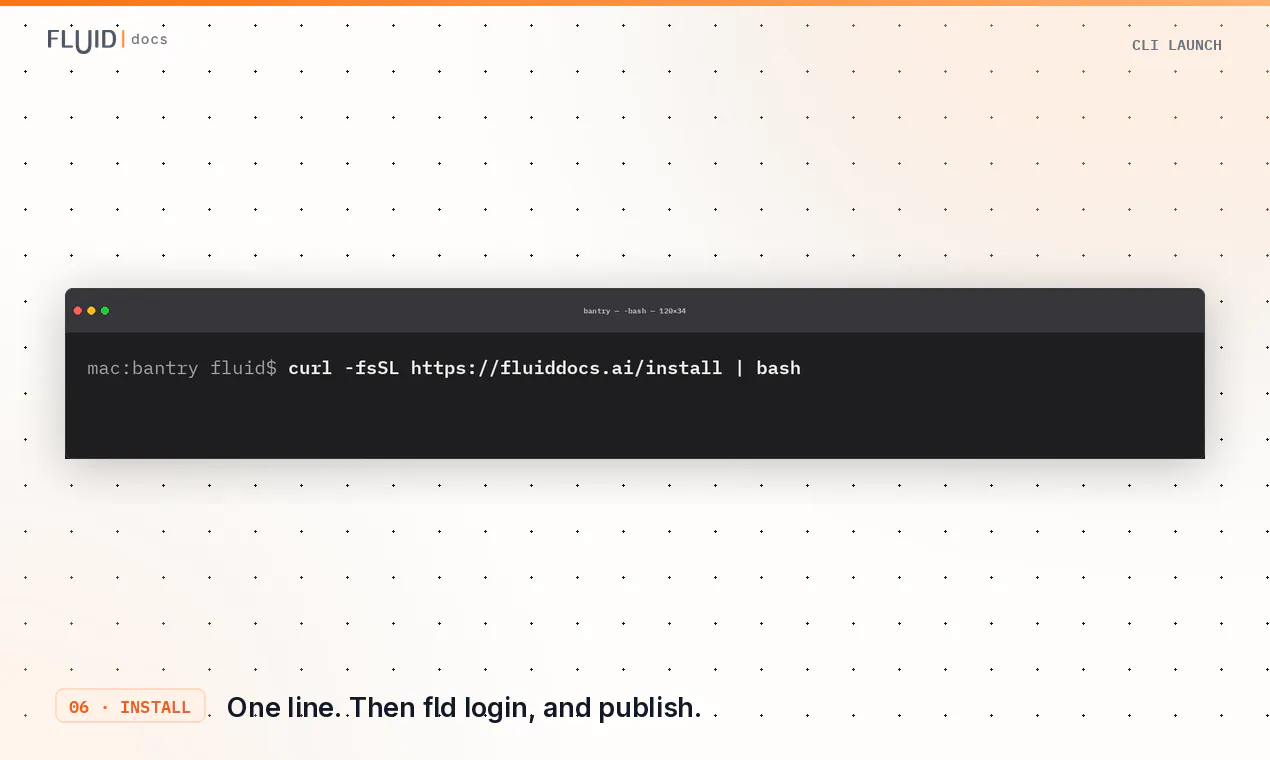
FluidDocs CLI is a powerful tool designed for creators and teams looking to produce interactive, data-rich documents with ease. With just a simple one-line install and a single command, users can publish dynamic documents such as pitch decks, proposals, reports, and board updates that are not only visually engaging but also embedded with AI-enabled Q&A and analytics. The platform allows for seamless editing via prompts, ensuring content stays current by simply updating the same link. Its viewer-side AI capabilities provide real-time insights into how audiences interact with the documents, including who opens them, how far they progress, and what questions they ask, making it ideal for data-driven decision-making and stakeholder engagement. The simplicity of deployment combined with interactive features makes FluidDocs CLI suitable for professionals across marketing, sales, consulting, and internal communications who want to elevate their documentation and presentations.
Screenshots
Pros
- ✓Easy one-command publishing process
- ✓Built-in viewer analytics and AI-powered Q&A
- ✓Supports dynamic updates through prompt-based editing
- ✓Ideal for creating engaging, interactive reports and proposals
- ✓Minimal setup required with a simple CLI installation
Cons
- ✗Limited information on pricing and subscription options
- ✗Potential learning curve for non-technical users
- ✗No mention of collaboration features or multi-user support
Use Cases
Pricing
Likely operates on a freemium model with core features available for free; advanced analytics and customization may require paid plans, but specific pricing details are not publicly available.
Quick Info
Topics
Makers

Ricardo David Pacheco
Alternatives
Similar Tools in Developer Tools




Embed Badge
Add this badge to your website to show that FluidDocs CLI is featured on Visalytica.
<a href="https://www.visalytica.com/tool/fluiddocs-cli" target="_blank" rel="noopener noreferrer" style="display:inline-flex;align-items:center;gap:6px;padding:6px 14px;background:#7c3aed;color:#fff;border-radius:8px;font-family:-apple-system,system-ui,sans-serif;font-size:13px;font-weight:600;text-decoration:none;transition:background .2s" onmouseover="this.style.background='#6d28d9'" onmouseout="this.style.background='#7c3aed'"><svg width="14" height="14" viewBox="0 0 24 24" fill="none" stroke="currentColor" stroke-width="2.5" stroke-linecap="round" stroke-linejoin="round"><path d="M12 20V10"/><path d="M18 20V4"/><path d="M6 20v-4"/></svg>Featured on Visalytica</a>