
Flowsnip
n8n extension to save and reuse workflow snippets in-canvas
About Flowsnip
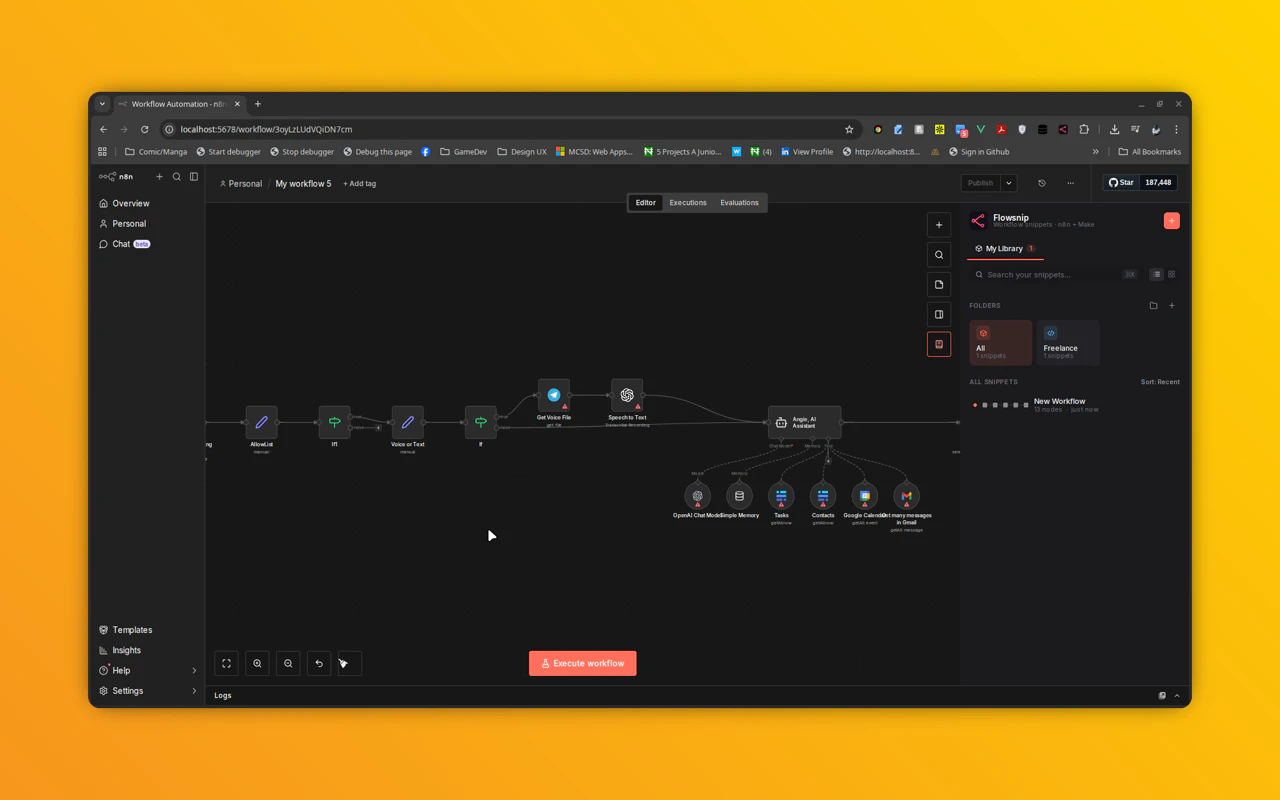
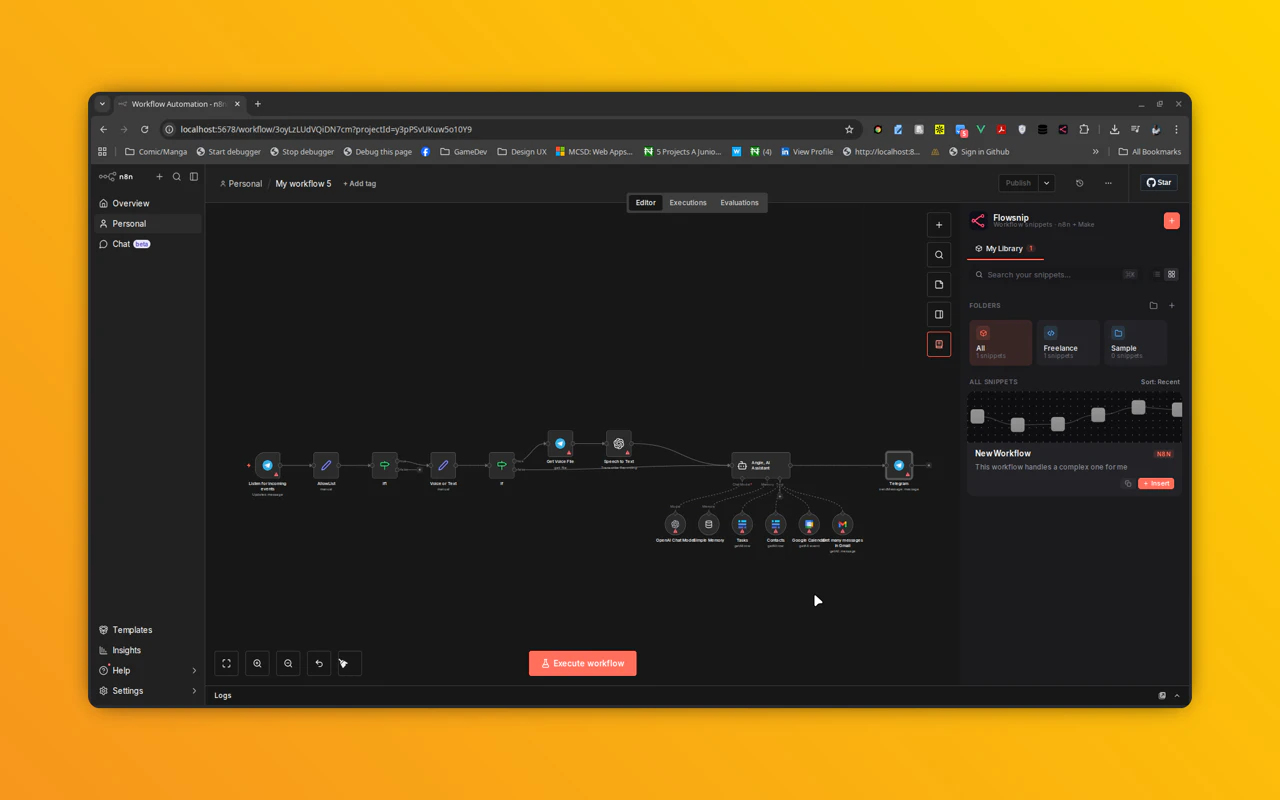
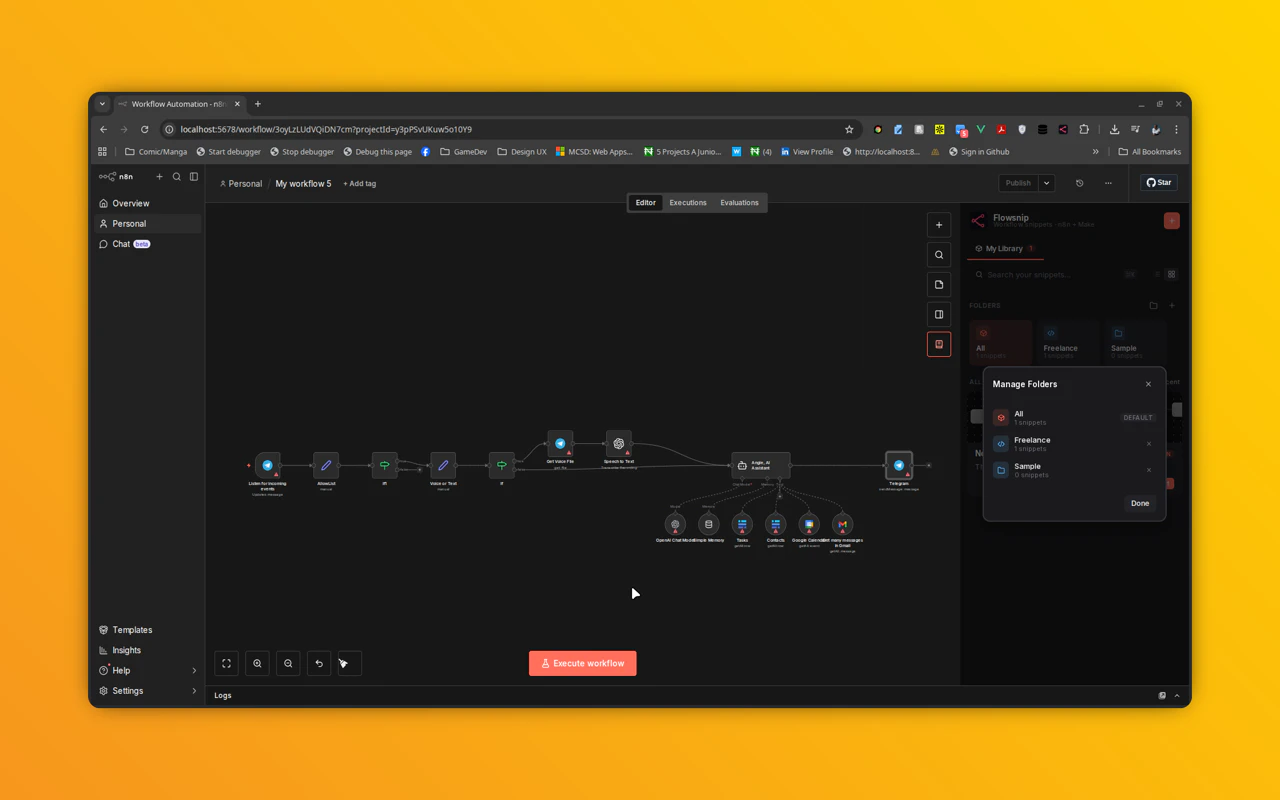
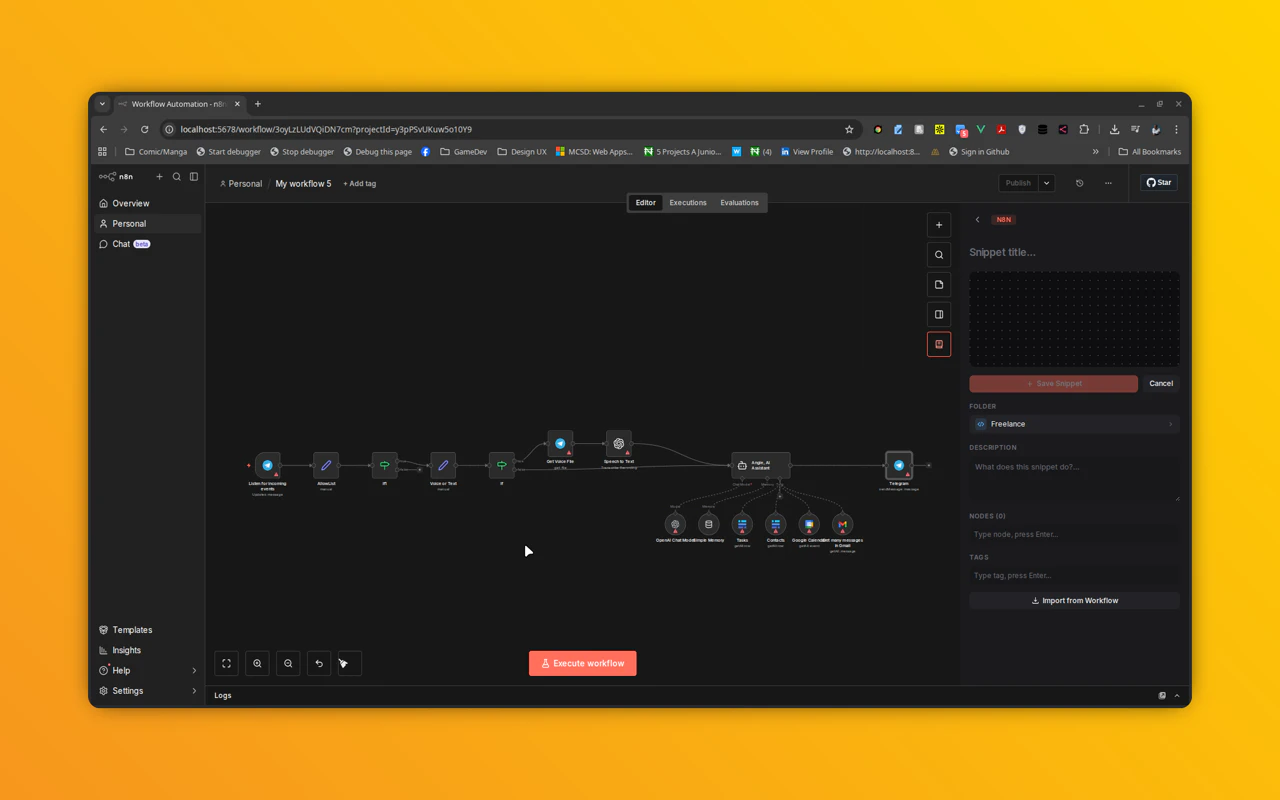
Flowsnip is a dedicated extension for n8n users aiming to boost their workflow efficiency. It introduces a personal snippet library directly within the n8n canvas, allowing users to effortlessly capture, organize, and reuse their most valuable workflows without leaving the editor environment. This seamless integration helps streamline repetitive tasks and accelerates development, making it ideal for power users who frequently build and iterate on complex automations. What sets Flowsnip apart is its focus on in-canvas accessibility, enabling quick retrieval and deployment of snippets, thereby reducing the need to search elsewhere or recreate workflows from scratch. With this extension, n8n enthusiasts can enhance their productivity and maintain a tidy, organized workflow library for faster, more consistent automation creation.
Screenshots
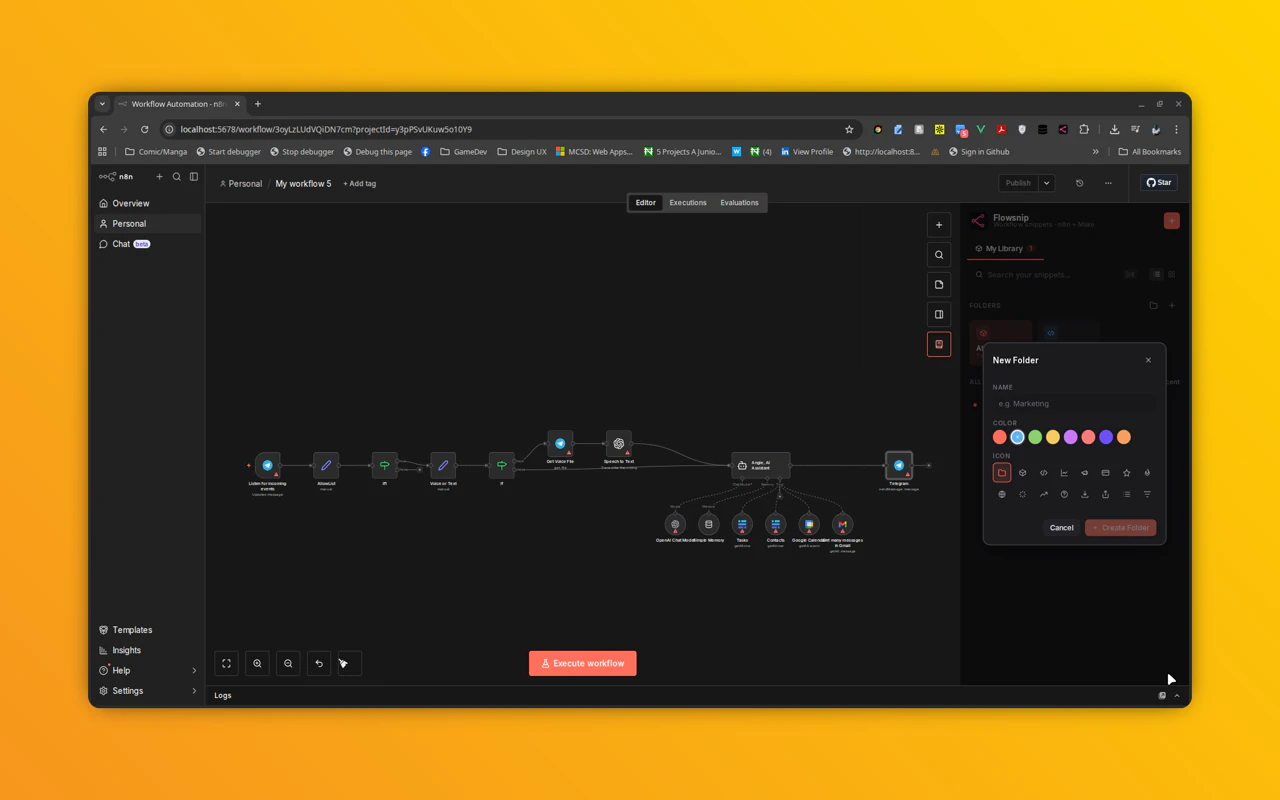
Pros
- ✓Integrates directly into the n8n canvas for quick access
- ✓Facilitates easy capture, organization, and reuse of workflow snippets
- ✓Enhances productivity by reducing workflow duplication
- ✓User-friendly for both beginners and advanced users
- ✓Helps maintain an organized workflow library
Cons
- ✗Limited to n8n platform, not usable outside of it
- ✗Features may be basic compared to dedicated snippet management tools
- ✗No information on advanced sharing or collaboration options
Use Cases
Pricing
Likely offers a freemium model with basic snippet management features free, and premium options for advanced organization or sharing capabilities. Specific pricing details are not provided, so users should check the official site for up-to-date plans.
Quick Info
Topics
Alternatives
Similar Tools in Productivity




Embed Badge
Add this badge to your website to show that Flowsnip is featured on Visalytica.
<a href="https://www.visalytica.com/tool/flowsnip" target="_blank" rel="noopener noreferrer" style="display:inline-flex;align-items:center;gap:6px;padding:6px 14px;background:#7c3aed;color:#fff;border-radius:8px;font-family:-apple-system,system-ui,sans-serif;font-size:13px;font-weight:600;text-decoration:none;transition:background .2s" onmouseover="this.style.background='#6d28d9'" onmouseout="this.style.background='#7c3aed'"><svg width="14" height="14" viewBox="0 0 24 24" fill="none" stroke="currentColor" stroke-width="2.5" stroke-linecap="round" stroke-linejoin="round"><path d="M12 20V10"/><path d="M18 20V4"/><path d="M6 20v-4"/></svg>Featured on Visalytica</a>