
Flixier Generate AI Video in Timeline
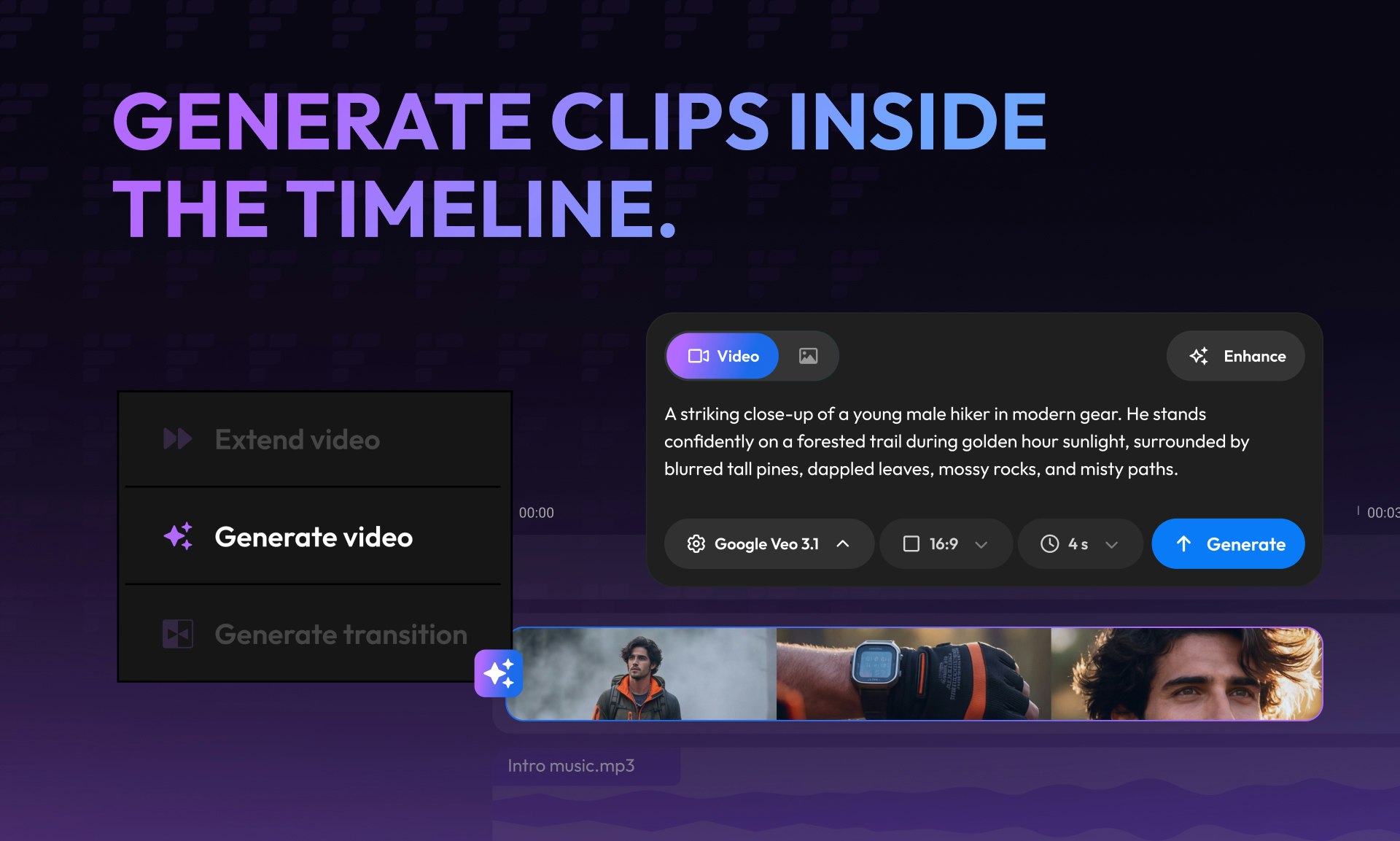
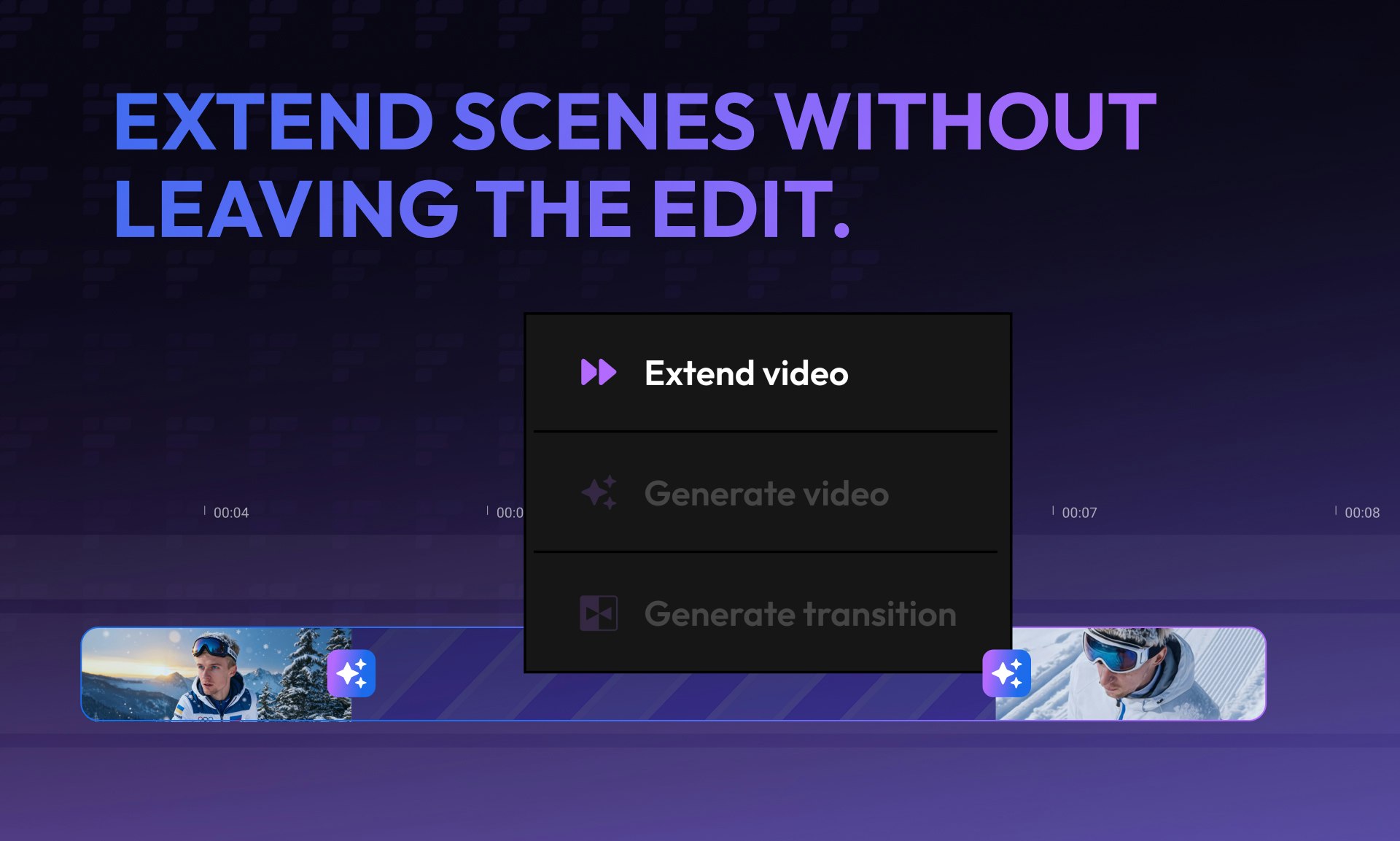
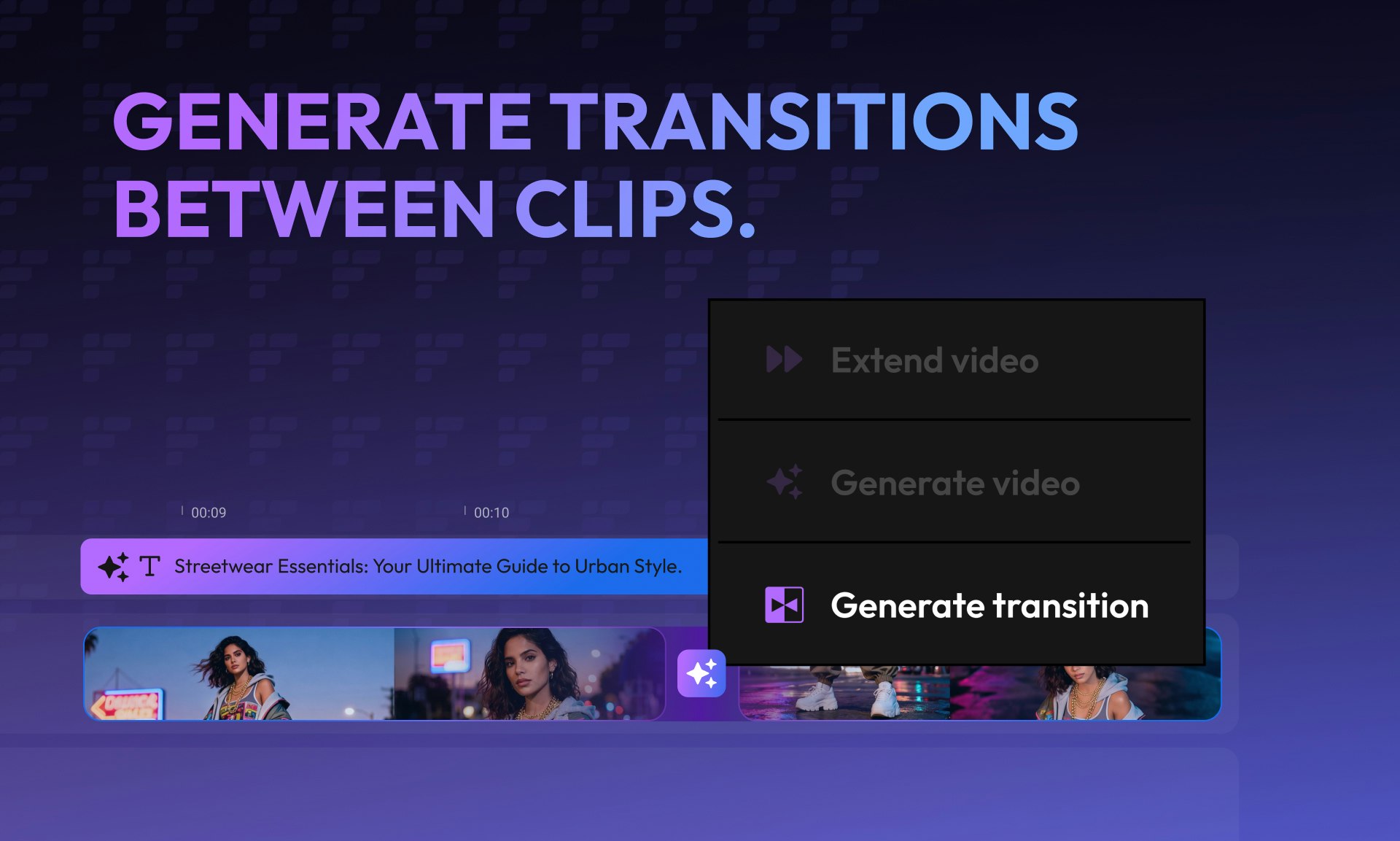
Extend shots, connect clips, generate from any frame
About Flixier Generate AI Video in Timeline
Flixier Generate AI Video in Timeline revolutionizes the way creators approach video editing by integrating AI directly into the editing timeline. Unlike traditional AI video tools that only generate or enhance clips outside the editing environment, Flixier allows users to extend shots, connect clips seamlessly, and generate content from any frame without the need for exporting or rebuilding. This integration streamlines the editing workflow, enabling users to polish, trim, and finish videos entirely within a single platform. Designed for content creators, marketers, and video editors seeking efficiency and creative flexibility, Flixier stands out for its intuitive interface and real-time AI capabilities. It empowers users to generate high-quality content quickly, bridging the gap between AI-assisted creation and professional editing, all in one place.
Screenshots
Pros
- ✓Seamless integration of AI into the editing timeline for a smooth workflow
- ✓Ability to extend shots and connect clips dynamically
- ✓Eliminates the need for exporting or switching between tools
- ✓User-friendly interface suitable for both amateurs and professionals
- ✓Enables quick content generation from any frame
Cons
- ✗Limited details on AI accuracy and quality control
- ✗Potential learning curve for new users unfamiliar with AI editing features
- ✗Pricing details are not explicitly specified, which may impact budget planning
Use Cases
Pricing
Likely based on a freemium model with free access to basic features and paid plans starting around $15-$30 per month, offering advanced AI tools and higher export limits. Exact pricing details are not publicly confirmed.
Quick Info
Topics
Alternatives
Similar Tools in Developer Tools




Embed Badge
Add this badge to your website to show that Flixier Generate AI Video in Timeline is featured on Visalytica.
<a href="https://www.visalytica.com/tool/flixier-generate-ai-video-in-timeline" target="_blank" rel="noopener noreferrer" style="display:inline-flex;align-items:center;gap:6px;padding:6px 14px;background:#7c3aed;color:#fff;border-radius:8px;font-family:-apple-system,system-ui,sans-serif;font-size:13px;font-weight:600;text-decoration:none;transition:background .2s" onmouseover="this.style.background='#6d28d9'" onmouseout="this.style.background='#7c3aed'"><svg width="14" height="14" viewBox="0 0 24 24" fill="none" stroke="currentColor" stroke-width="2.5" stroke-linecap="round" stroke-linejoin="round"><path d="M12 20V10"/><path d="M18 20V4"/><path d="M6 20v-4"/></svg>Featured on Visalytica</a>