
Fing Desktop 4.0
See, block & monitor every device on your network
About Fing Desktop 4.0
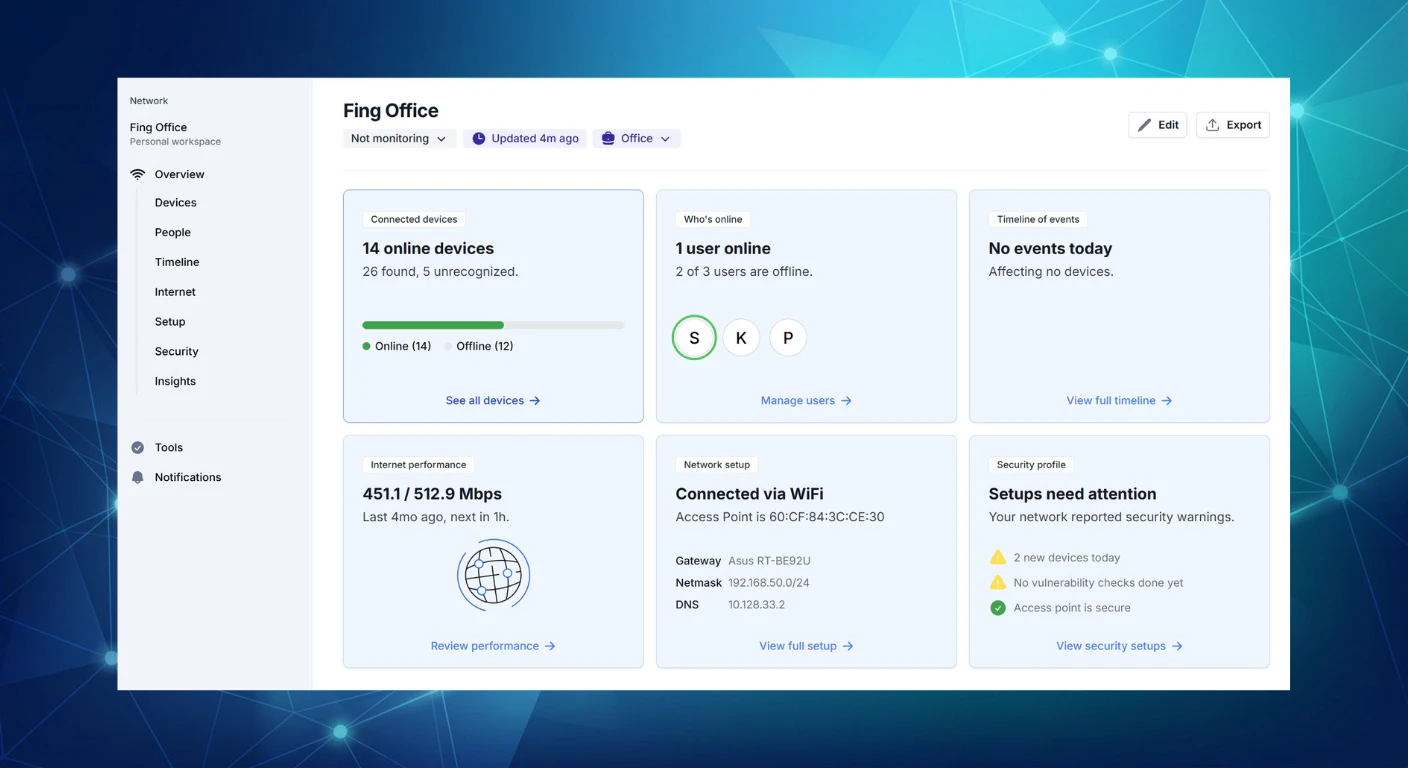
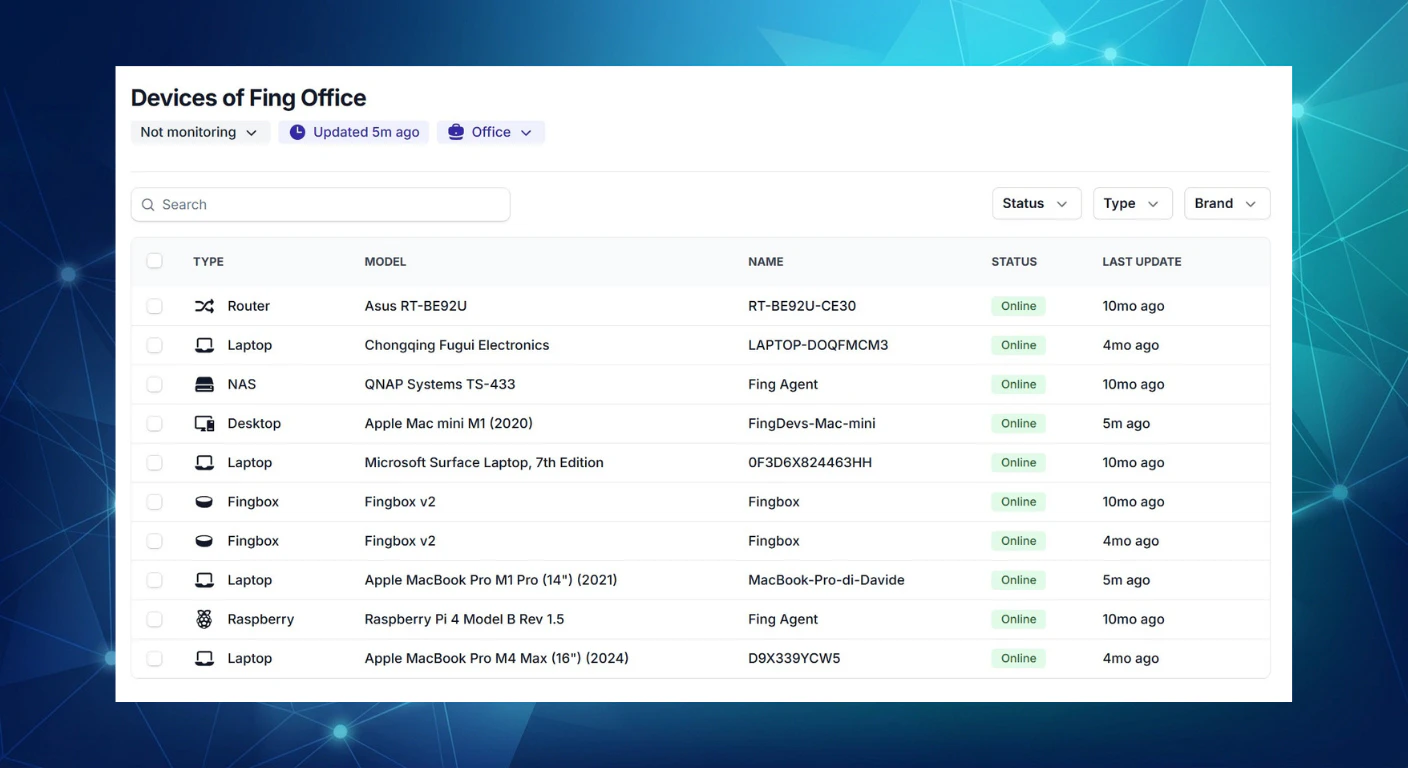
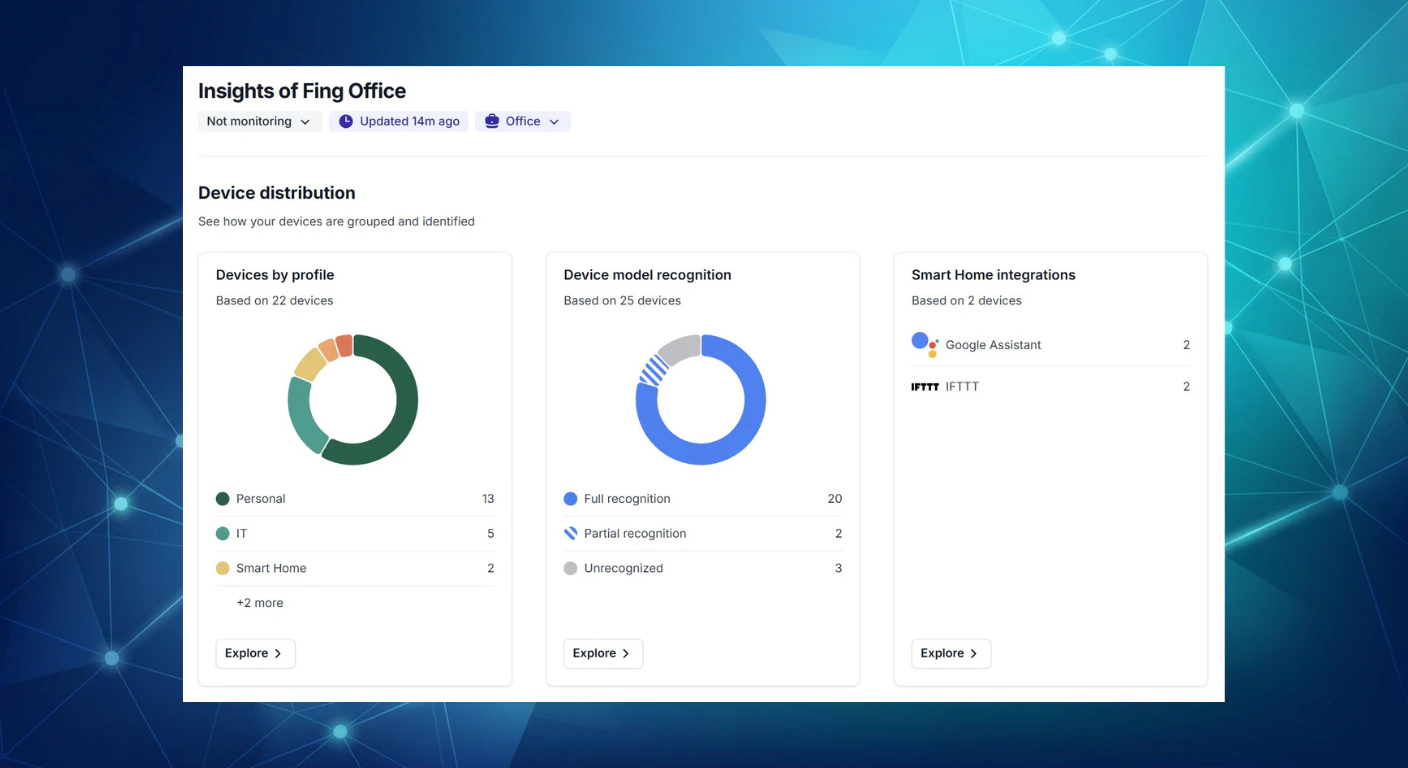
Fing Desktop 4.0 is a powerful network management tool designed for both home users and small businesses. It offers comprehensive network scanning, device identification, and security features in a sleek, user-friendly interface. What sets Fing Desktop 4.0 apart is its AI-powered device recognition, which leverages over a decade of real-world data to accurately identify and categorize connected devices. The latest version features a fully redesigned dark mode interface, an installer that's significantly smaller (80% less), and a suite of tools including real-time alerts, network speed tests, and device blocking capabilities. This makes it an essential utility for anyone looking to monitor and secure their network effectively, whether at home or in a small office environment.
Screenshots

Pros
- ✓AI-enhanced device recognition for accurate identification
- ✓User-friendly interface with modern dark mode design
- ✓Comprehensive network monitoring and security features
- ✓Lightweight installer reduces setup time and system impact
- ✓Free for Windows and Mac, making it accessible
Cons
- ✗Limited advanced features for enterprise-level networks
- ✗Some features may require a learning curve for new users
- ✗Lack of detailed reporting or analytics in the free version
Use Cases
Pricing
Fing Desktop 4.0 is offered as a free tool for Windows and Mac users, with core features available at no cost. Advanced features or professional use cases might require paid plans or subscriptions, though specific pricing details are not publicly specified.
Quick Info
Topics
Makers

Marco De Angelis
Alternatives
Similar Tools in AI Image & Design




Embed Badge
Add this badge to your website to show that Fing Desktop 4.0 is featured on Visalytica.
<a href="https://www.visalytica.com/tool/fing-desktop-4-0" target="_blank" rel="noopener noreferrer" style="display:inline-flex;align-items:center;gap:6px;padding:6px 14px;background:#7c3aed;color:#fff;border-radius:8px;font-family:-apple-system,system-ui,sans-serif;font-size:13px;font-weight:600;text-decoration:none;transition:background .2s" onmouseover="this.style.background='#6d28d9'" onmouseout="this.style.background='#7c3aed'"><svg width="14" height="14" viewBox="0 0 24 24" fill="none" stroke="currentColor" stroke-width="2.5" stroke-linecap="round" stroke-linejoin="round"><path d="M12 20V10"/><path d="M18 20V4"/><path d="M6 20v-4"/></svg>Featured on Visalytica</a>